

Vortex for Mac
Notch app with a focus timer, clipboard history, a file shelf that catches new builds, screen-to-task capture with OCR, and keys Claude Code can use without seeing them.
By OrtexIsArtem. Free and open source, MIT licence.
Vortex at a glance
- Version
- 0.1.2
- Released
- 6 November 2026
- Download size
- 7.3 MB
- Works on
- Apple silicon and Intel
- Licence
- MIT
- Category
- Menu Bar and Notch
- Developer
- OrtexIsArtem
- GitHub stars
- 13
About Vortex
Free, open-source notch app for Mac: a focus timer, clipboard history, a file shelf, screenshot-to-task with on-device OCR, and keys Claude Code can use without seeing them.
Screenshots
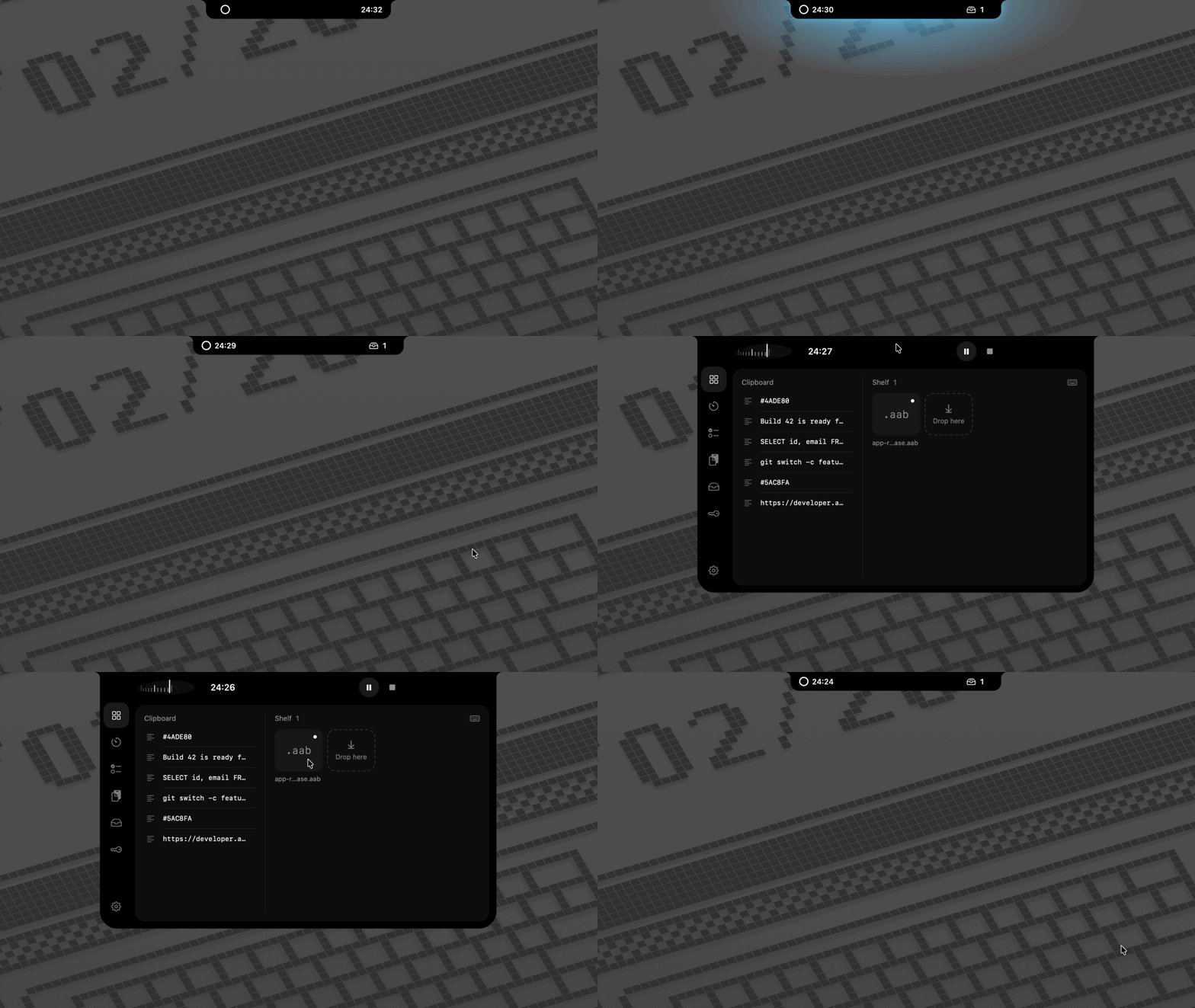
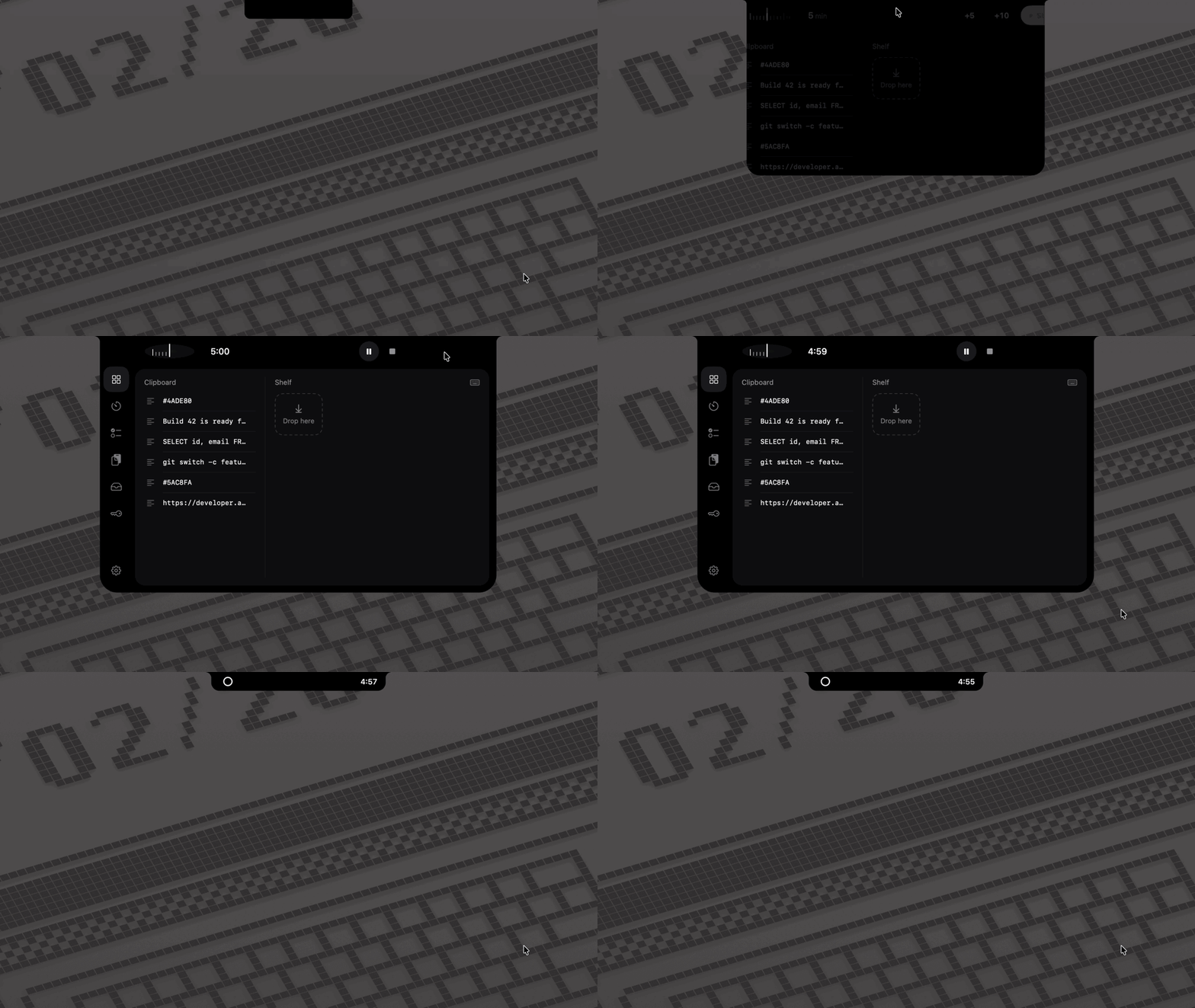
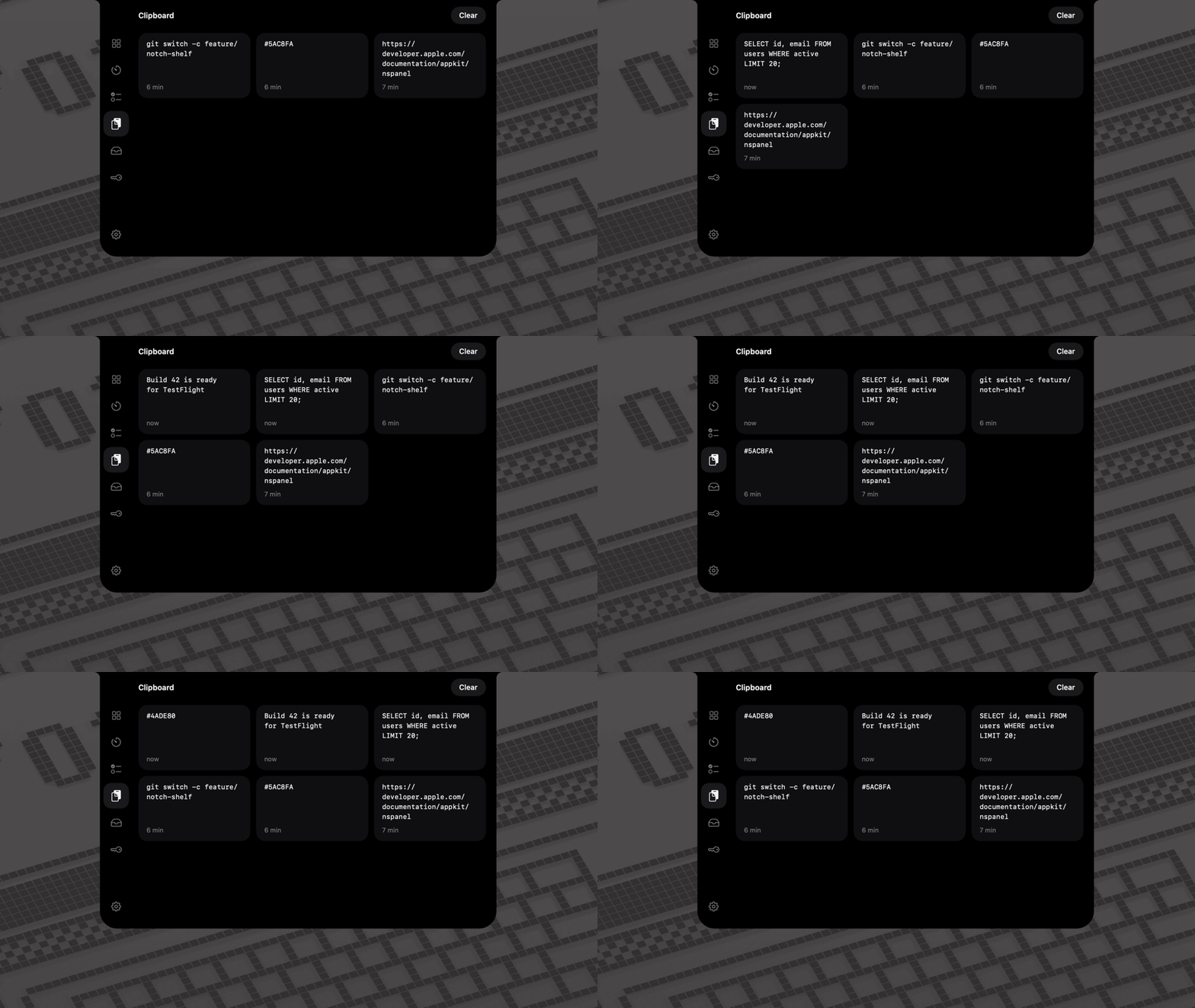
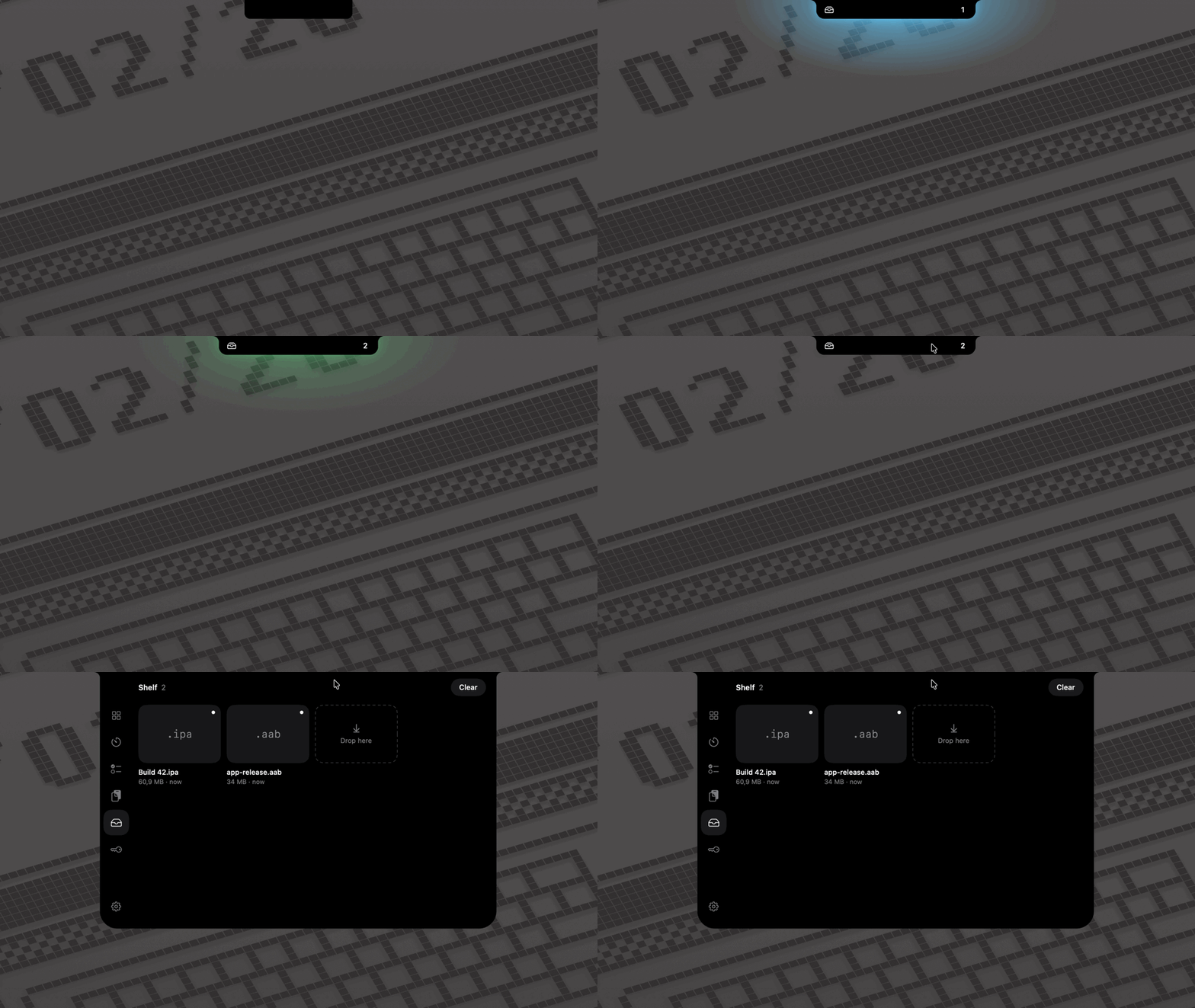
How to install Vortex on a Mac
- Get OpenDMG. It is a free app store for open source Mac apps. Download OpenDMG.
- Search for Vortex and press Get. OpenDMG downloads version 0.1.2 from OrtexIsArtem's own GitHub release.
- Open it. The download is checked against its SHA-256 fingerprint and its signature is checked on your Mac before it lands in Applications.
Updates to Vortex show up in OpenDMG and install with one button. No account is needed.
Prefer to do it by hand? The developer's file is on GitHub: Vortex-v0.1.2.zip (7.3 MB).
What is new in Vortex 0.1.2
## Updates keep your permissions
- Every release from now on is signed with the same certificate, so macOS keeps Vortex's Accessibility, Screen Recording and browser permissions when you update. Only the keychain asks again, once per key: click **Always Allow**.
- Updating from 0.1.0 or 0.1.1, macOS asks one last time for Screen Recording and Accessibility: switch Vortex off and on in System Settings. Vortex opens Screen Recording's page by itself; Accessibility's opens from Home's keyboard button.

## New
- **Install or update in one command**, with no "Open Anyway" step:
 ```sh
 curl -fsSL https://vortex-notch.web.app/install.sh | sh
 ```
 It installs only Vortex signed with its certificate. [Read the script](https://github.com/OrtexIsArtem/vortex/blob/main/site/public/install.sh).
- **Vortex offers to move itself to Applications** when you open it from anywhere else, such as Downloads; an older Vortex there goes to the Trash.
- **After an update, Vortex opens the page of a permission macOS dropped**, such as Screen Recording for tasks, instead of only showing a yellow warning.
- **Check for Updates** in Settings › General opens the latest release in your browser. Vortex itself still never goes online.
- **An app icon:** the Vortex spiral, white on black.

## Install or update
…
More Menu Bar and Notch apps
-
 StatsmacOS system monitor in your menu bar
-
 IcePowerful menu bar manager for macOS (upstream, temporarily inactive)
-
 Hidden BarAn ultra-light MacOS utility that helps hide menu bar icons
-
 ThawThe open-source menu bar manager: hide, organize, and take control of menu bar icons
-
 Boring NotchTurn your MacBook notch into a music and file control center
-
 FineTunePer-Application Audio Control for macOS