

Hidden Bar for Mac
An ultra-light MacOS utility that helps hide menu bar icons.
By dwarvesf. Free and open source, MIT licence.
Hidden Bar at a glance
- Version
- 1.11.1
- Released
- 18 September 2026
- Download size
- 761 KB
- Works on
- Apple silicon and Intel
- Licence
- MIT
- Category
- Menu Bar and Notch
- Developer
- dwarvesf
- GitHub stars
- 15K
Screenshots
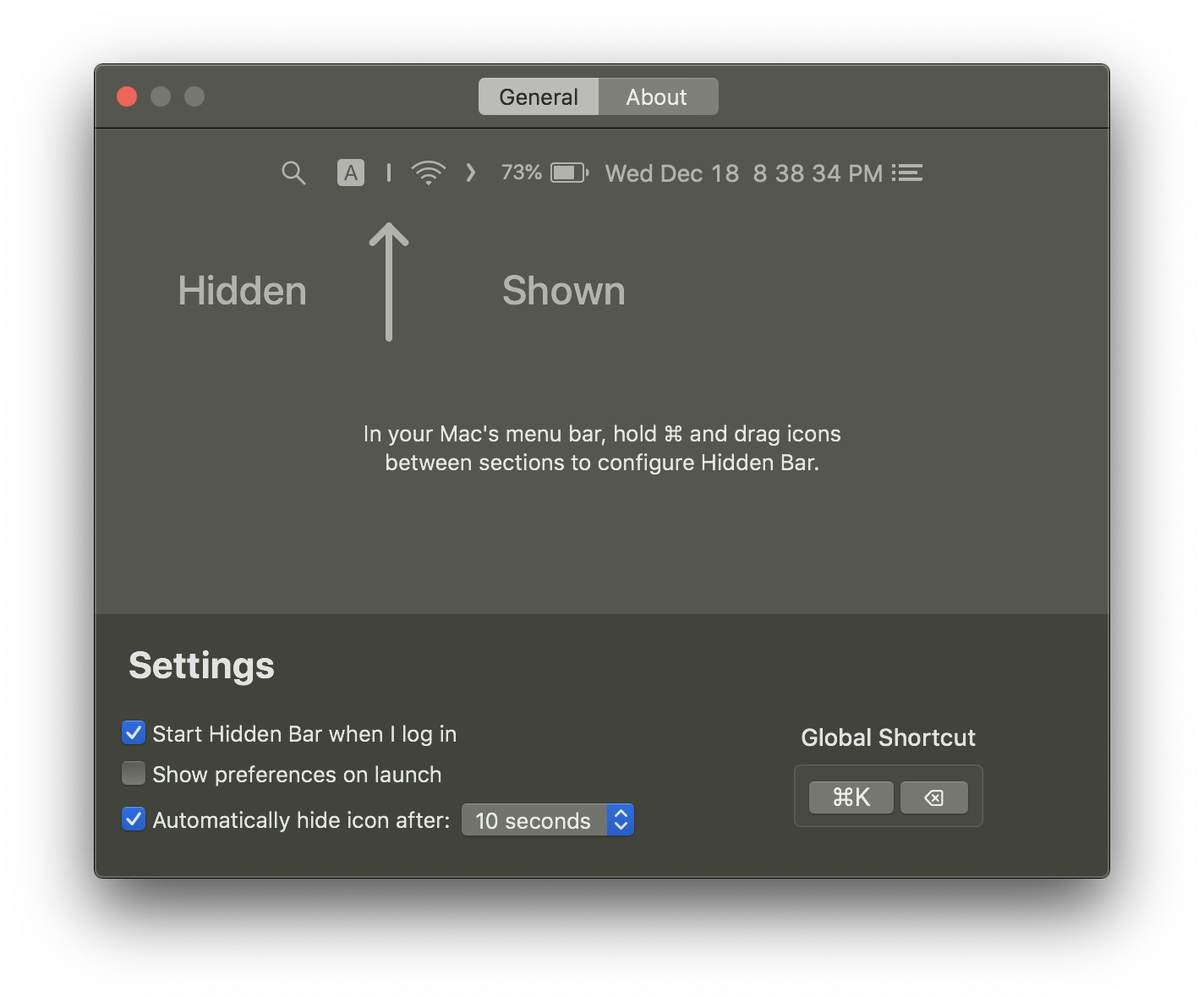
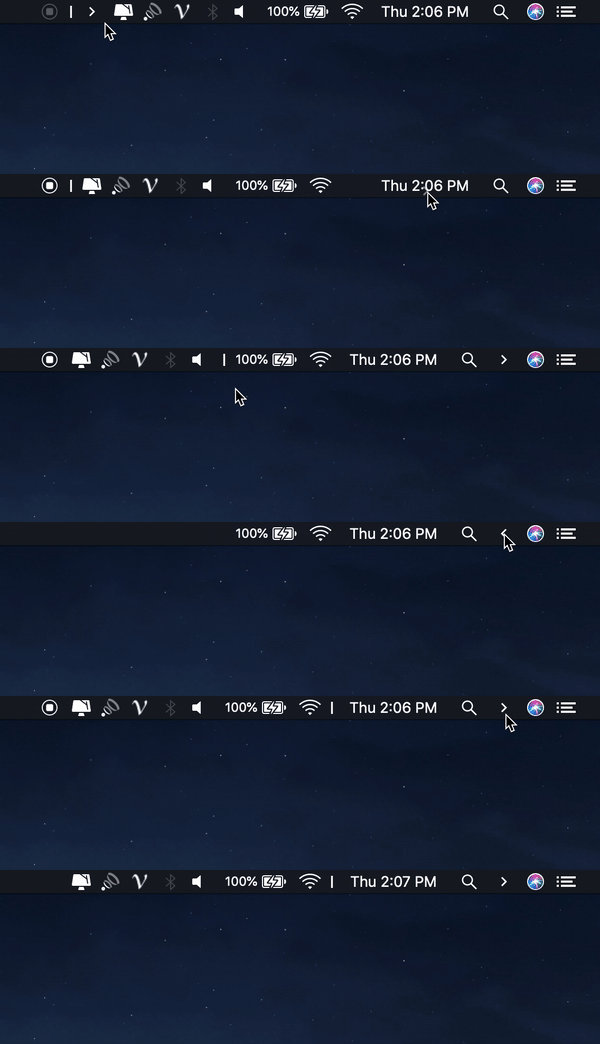

How to install Hidden Bar on a Mac
- Get OpenDMG. It is a free app store for open source Mac apps. Download OpenDMG.
- Search for Hidden Bar and press Get. OpenDMG downloads version 1.11.1 from dwarvesf's own GitHub release.
- Open it. The download is checked against its SHA-256 fingerprint and its signature is checked on your Mac before it lands in Applications.
Updates to Hidden Bar show up in OpenDMG and install with one button. No account is needed.
Prefer to do it by hand? The developer's file is on GitHub: Hidden-Bar-v1.11.1-macos.zip (761 KB).
What is new in Hidden Bar 1.11.1
Hiding works on macOS 27 in this download (#360).

The v1.11 zip was built as the App Store version by mistake. That version is sandboxed, so it can't use the new macOS 27 hiding, and it didn't hide anything on macOS 27. If you installed v1.11 on macOS 27, replace it with this one. Nothing changes on macOS 26 and earlier.

## What's new since v1.11

- **macOS 27 hiding is included.** The arrow is the divider: ⌘-drag an icon to the left of the arrow to hide it, or to the right to keep it visible.
- The Preferences window showed a "Custom View" placeholder where the General/About tabs should be, and the placeholder overlapped the window once clicked. Only the tabs show now (#406).

## Before you install on macOS 27

- Hidden Bar needs Accessibility permission to see where your icons are. Without it, the bar stays expanded.
- It relies on a private Apple framework, so a macOS update could break it. If that happens, Hidden Bar leaves the bar expanded rather than hiding the wrong things.
- Run it from /Applications. A copy anywhere else hides its own arrow.
- Hiding works per app, so an app with several icons hides or shows all of them together.
- The clock, Wi-Fi, Sound and Control Center always stay visible.
- The App Store version still can't hide on macOS 27. If you have it installed, quit and delete it before installing this one.

Requires macOS 13 or later.
…
More Menu Bar and Notch apps
-
 StatsmacOS system monitor in your menu bar
-
 IcePowerful menu bar manager for macOS (upstream, temporarily inactive)
-
 ThawThe open-source menu bar manager: hide, organize, and take control of menu bar icons
-
 Boring NotchTurn your MacBook notch into a music and file control center
-
 eulmacOS status monitoring app written in SwiftUI
-
 FineTunePer-Application Audio Control for macOS