

Swamp Converter for Mac
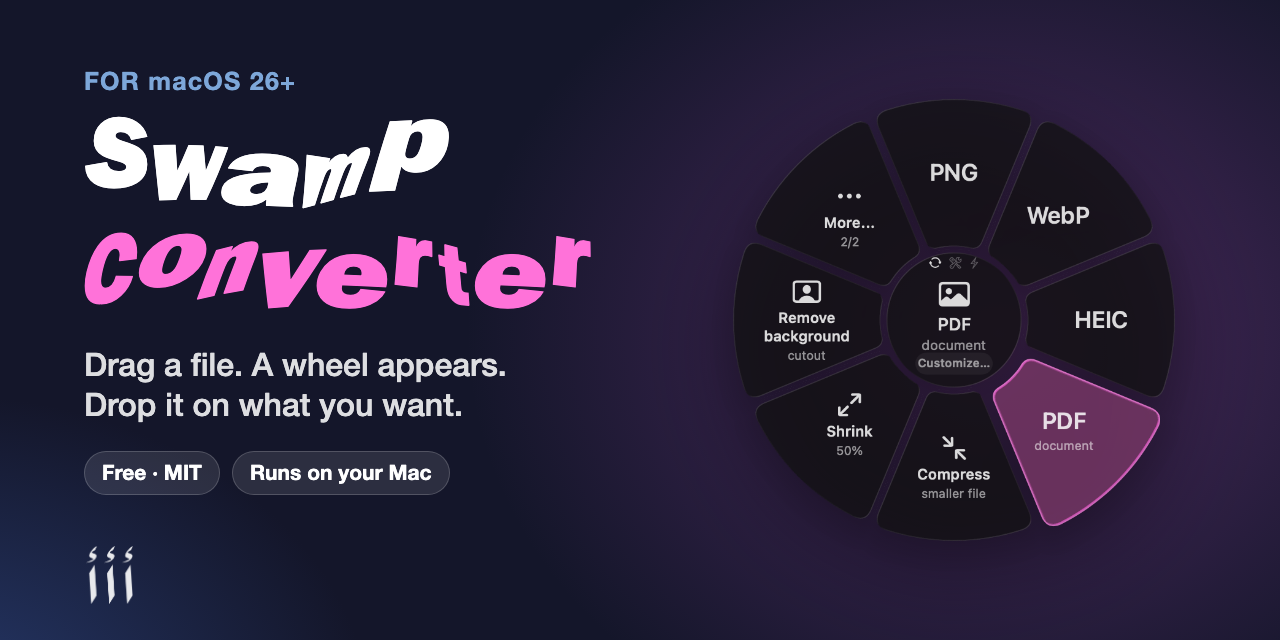
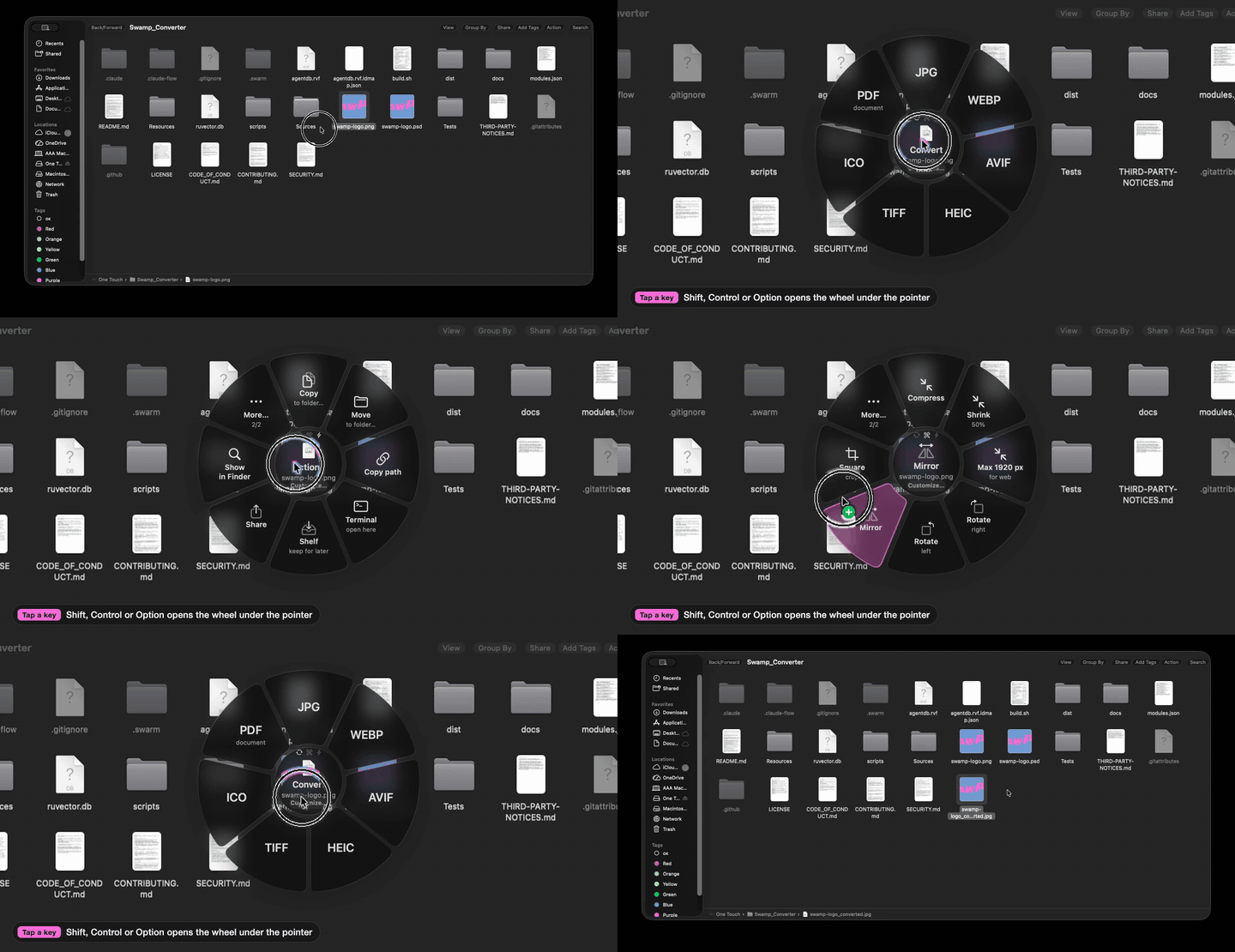
Menu bar file converter: drag a file, a wheel opens under the pointer, drop it on the format you want.
By aansonsa. Free and open source, MIT licence.
Swamp Converter at a glance
- Version
- 0.1.8
- Released
- 30 October 2026
- Download size
- 5.1 MB
- Works on
- Apple silicon and Intel
- Licence
- MIT
- Category
- Menu Bar and Notch
- Developer
- aansonsa
- GitHub stars
- 5
About Swamp Converter
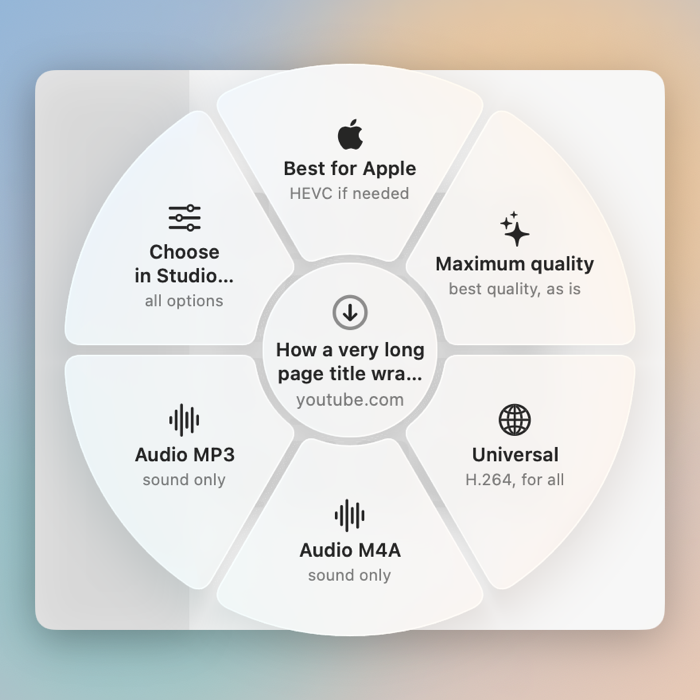
Menu-bar file converter for macOS 26+. Drag a file, a wheel appears, drop it on what you want: video, audio, images, PDFs and links.
Screenshots
How to install Swamp Converter on a Mac
- Get OpenDMG. It is a free app store for open source Mac apps. Download OpenDMG.
- Search for Swamp Converter and press Get. OpenDMG downloads version 0.1.8 from aansonsa's own GitHub release.
- Open it. The download is checked against its SHA-256 fingerprint and its signature is checked on your Mac before it lands in Applications.
Updates to Swamp Converter show up in OpenDMG and install with one button. No account is needed.
Prefer to do it by hand? The developer's file is on GitHub: SwampConverter.zip (5.1 MB).
What is new in Swamp Converter 0.1.8
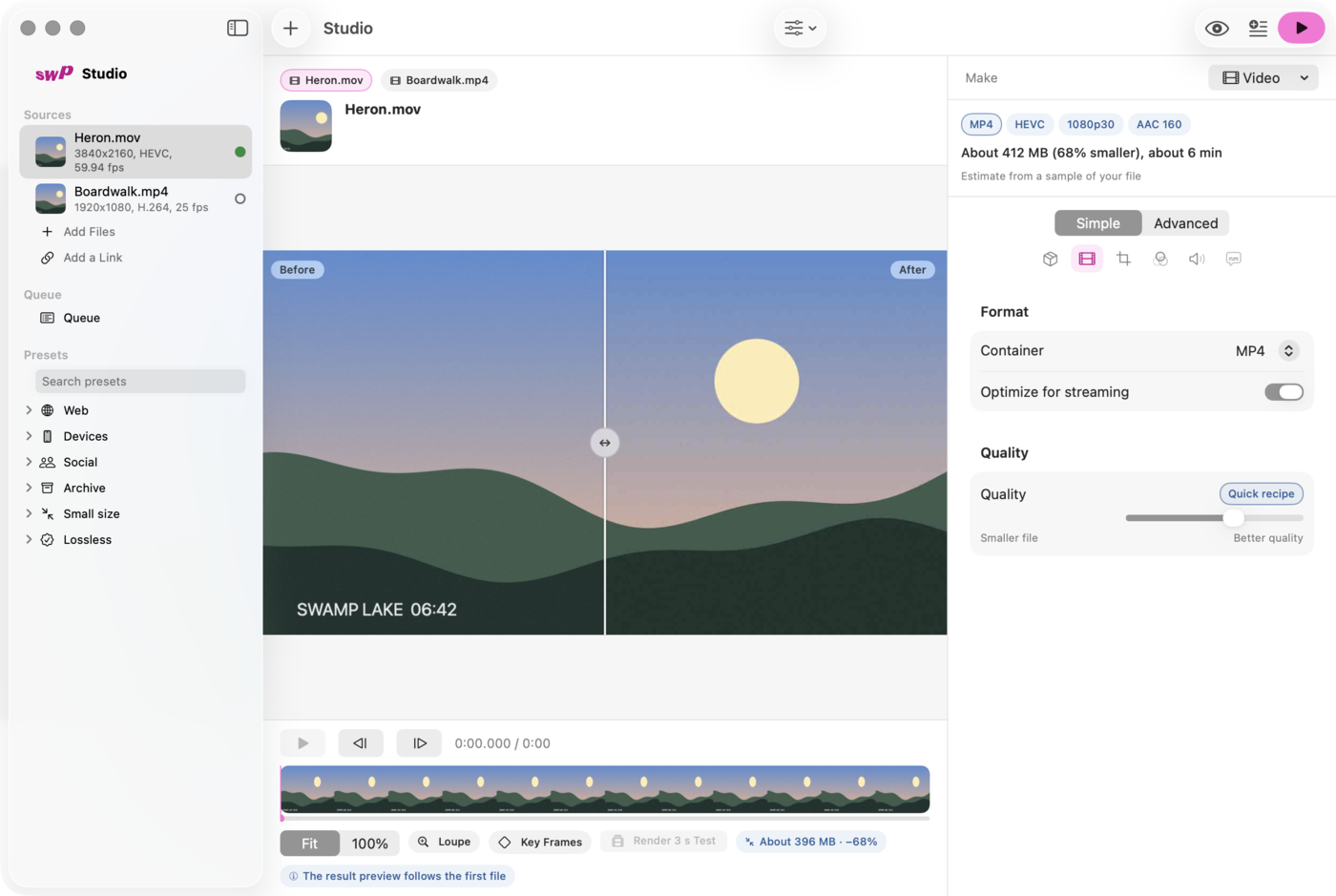
First public release of **Swamp Converter**: a menu-bar app for macOS that converts files from a wheel you open by dragging, with a shortcut, or from the Studio window, and downloads links through yt-dlp.

## Install

1. Download **SwampConverter.zip** below and unzip it.
2. Move **Swamp Converter.app** to *Applications* and open it.
3. macOS will say it cannot check the app. Open **System Settings > Privacy & Security**, scroll to *Security*, click **Open Anyway** and confirm. You only do this once: the app is signed ad hoc, without a paid Apple Developer ID.

Requires **macOS 26 (Tahoe) or newer** on an Apple silicon Mac. The guide is in [docs/GUIDE.md](https://github.com/aansonsa/swamp-converter/blob/main/docs/GUIDE.md).

## Good to know

- Video, document and download operations use optional tools (ffmpeg, yt-dlp, LibreOffice, pandoc). They are not bundled; *Settings > Tools* shows what was found.
- macOS may ask for permissions again after an update, because the app is ad-hoc signed.
- Dia and Firefox do not report the open page; select the link or copy the address first.

## Checksum

SHA-256 of `SwampConverter.zip`:

```
8777358ea59f8741dc28d6c5507ddd0bfa1b61227db3be6b54a13750f3c53f22
```
More Menu Bar and Notch apps
-
 StatsmacOS system monitor in your menu bar
-
 IcePowerful menu bar manager for macOS (upstream, temporarily inactive)
-
 Hidden BarAn ultra-light MacOS utility that helps hide menu bar icons
-
 ThawThe open-source menu bar manager: hide, organize, and take control of menu bar icons
-
 Boring NotchTurn your MacBook notch into a music and file control center
-
 FineTunePer-Application Audio Control for macOS