

Ring Stats for Mac
Oura ring scores and battery in the menu bar, fetched from Oura straight to your Mac with no server.
By PetriLahdelma. Free and open source, MIT licence.
Ring Stats at a glance
- Version
- 1.4.2
- Released
- 3 November 2026
- Download size
- 3.4 MB
- Works on
- Apple silicon and Intel
- Licence
- MIT
- Category
- Menu Bar and Notch
- Developer
- PetriLahdelma
- GitHub stars
- 3
About Ring Stats
Oura ring stats in your Mac menu bar. Native, open source, no server.
Screenshots

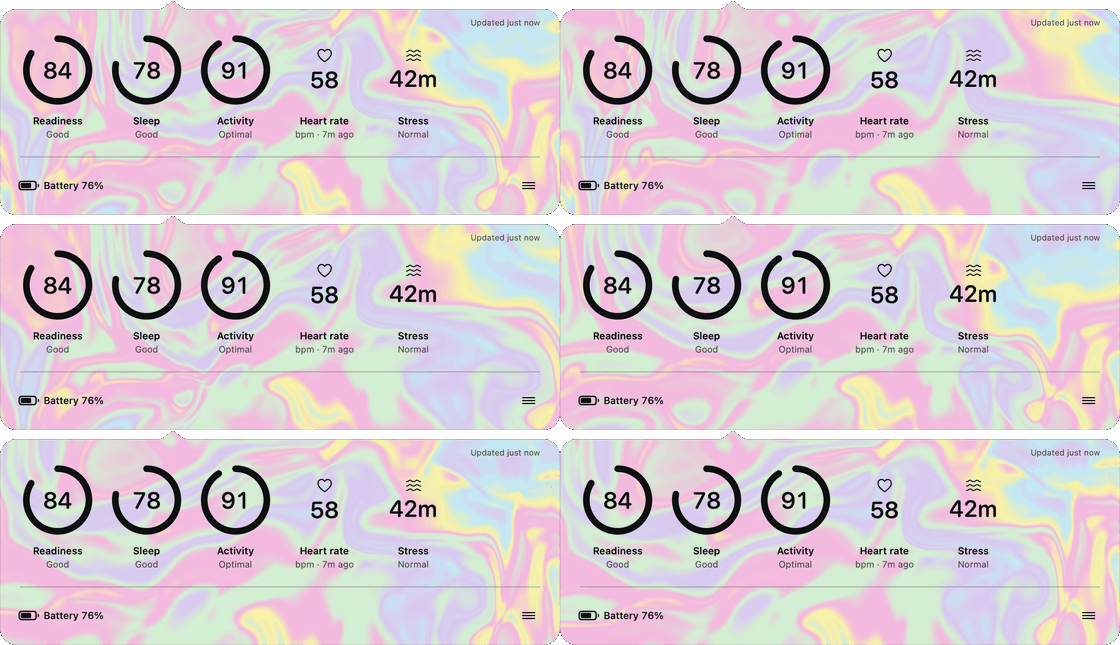
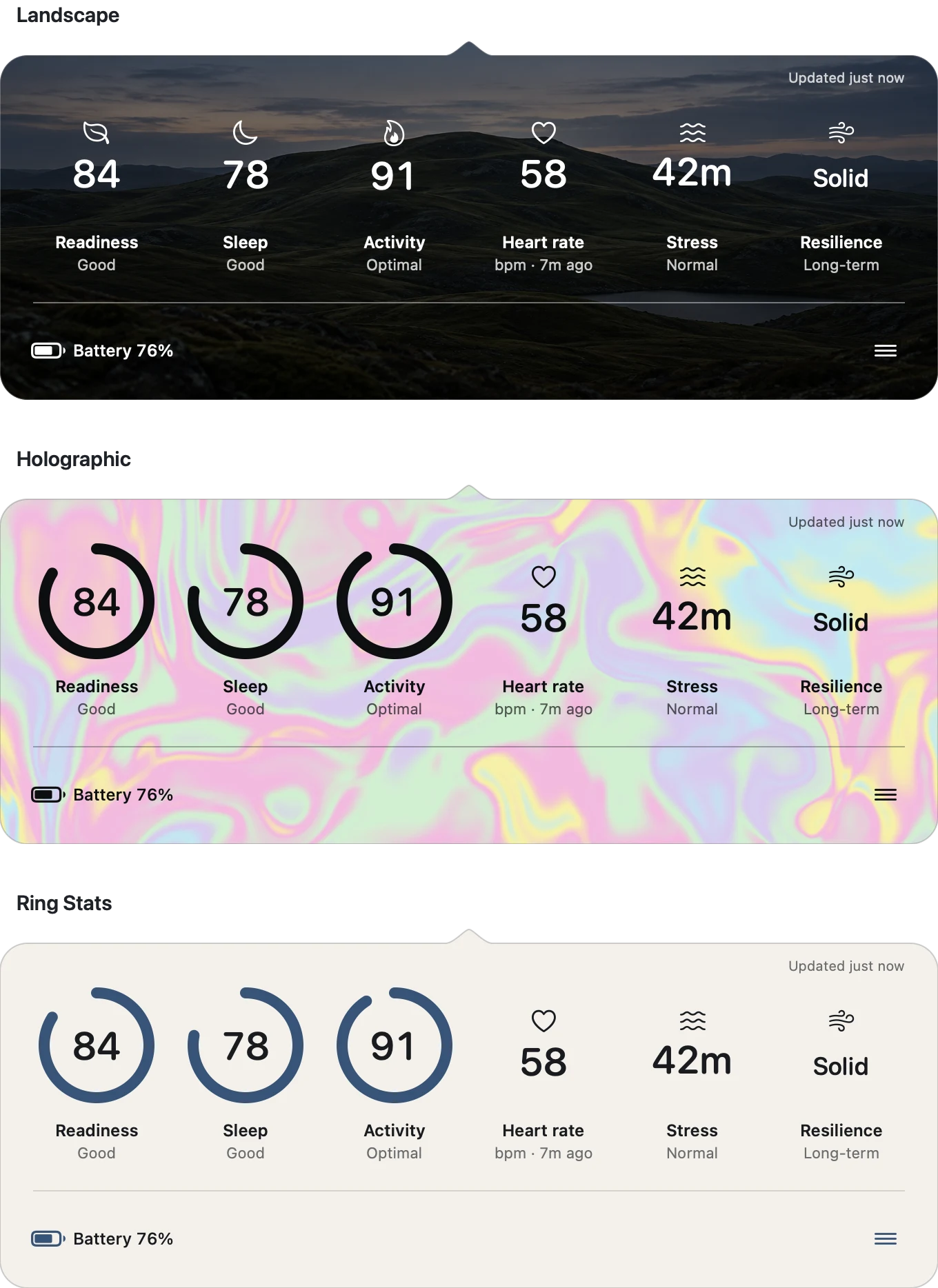
How to install Ring Stats on a Mac
- Get OpenDMG. It is a free app store for open source Mac apps. Download OpenDMG.
- Search for Ring Stats and press Get. OpenDMG downloads version 1.4.2 from PetriLahdelma's own GitHub release.
- Open it. The download is checked against its SHA-256 fingerprint and its signature is checked on your Mac before it lands in Applications.
Updates to Ring Stats show up in OpenDMG and install with one button. No account is needed.
Prefer to do it by hand? The developer's file is on GitHub: Ring-Stats-1.4.2.dmg (3.4 MB).
What is new in Ring Stats 1.4.2
### Added

- Notifications in Appearance, all off by default: the low battery level is
 yours to choose (10% to 30%); quiet hours hold notifications and announce a
 still-low ring afterwards; "Charge before bed" watches today's drain and
 suggests charging in the evening when the ring would be low by morning;
 "Today's scores are in" says so once a day when the morning sync lands,
 without naming a value.
- The Connected step links to a voluntary week-in check-in thread, the
 project's only measure of whether it earns its place, since it keeps no
 telemetry.

### Changed

- Appearance is three tabs, Look, Notifications, and Stats, so the window
 fits a 13-inch display; stacked, its last control scrolled below the fold.
 Each tab is as tall as its own content, the window resizes to the tab,
 and it reopens on the last tab used.
- Tile ages and the battery row's "Stale" age tick while the popover is
 open, as the status line already did.
- A stat that failed with nothing to show reads "Retry" instead of
 "Unavailable", and clicking the tile refreshes.
- Resizing the popover ends on a width that shows whole stat tiles, four at
 the narrowest and seven at the widest, instead of slicing a tile at 420
 points with no hint that more stats were there.

### Fixed

- "Updated just now" fades three seconds after a refresh again, as it did
…
More Menu Bar and Notch apps
-
 StatsmacOS system monitor in your menu bar
-
 IcePowerful menu bar manager for macOS (upstream, temporarily inactive)
-
 Hidden BarAn ultra-light MacOS utility that helps hide menu bar icons
-
 ThawThe open-source menu bar manager: hide, organize, and take control of menu bar icons
-
 Boring NotchTurn your MacBook notch into a music and file control center
-
 FineTunePer-Application Audio Control for macOS