
PowerLock for Mac
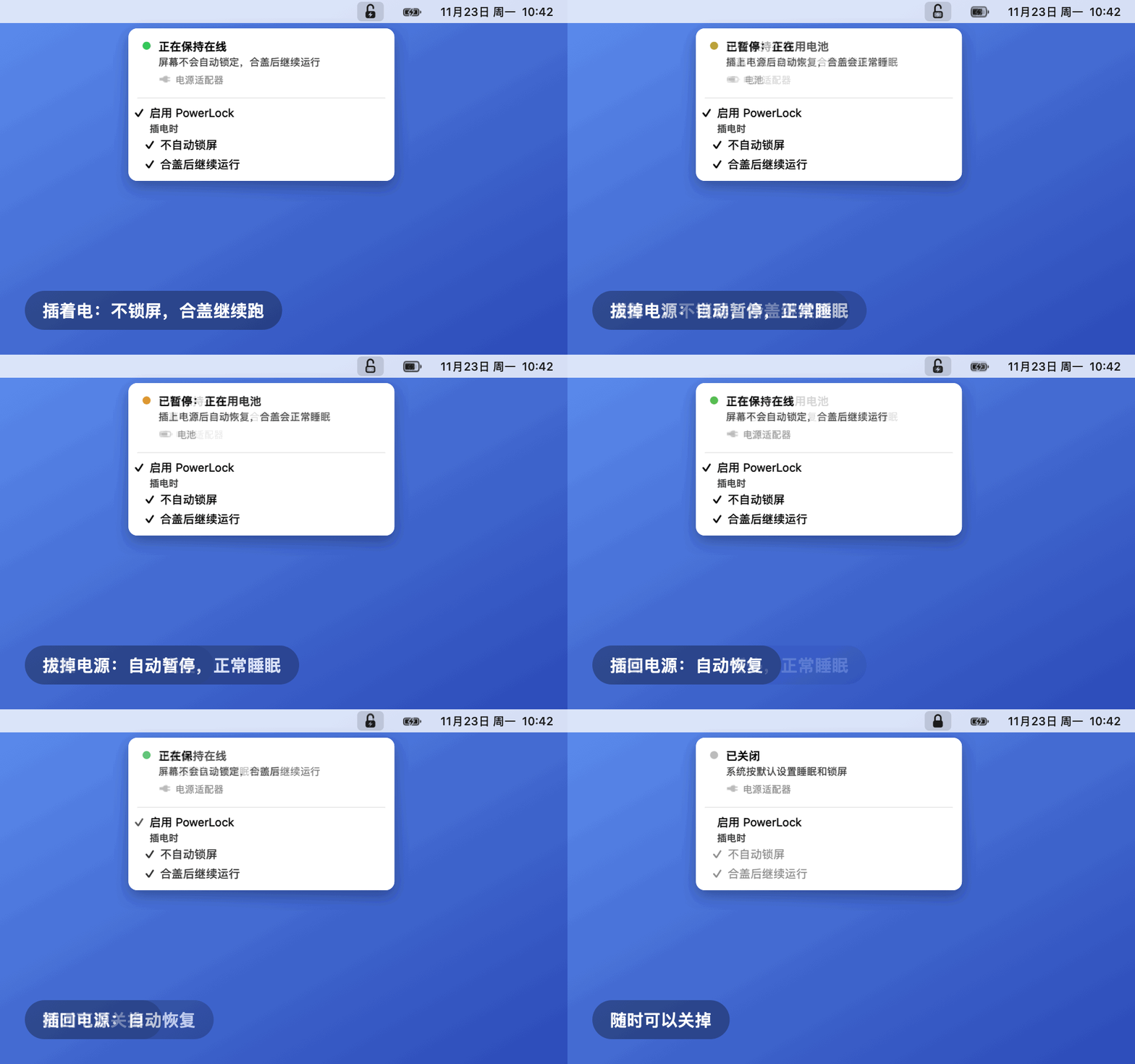
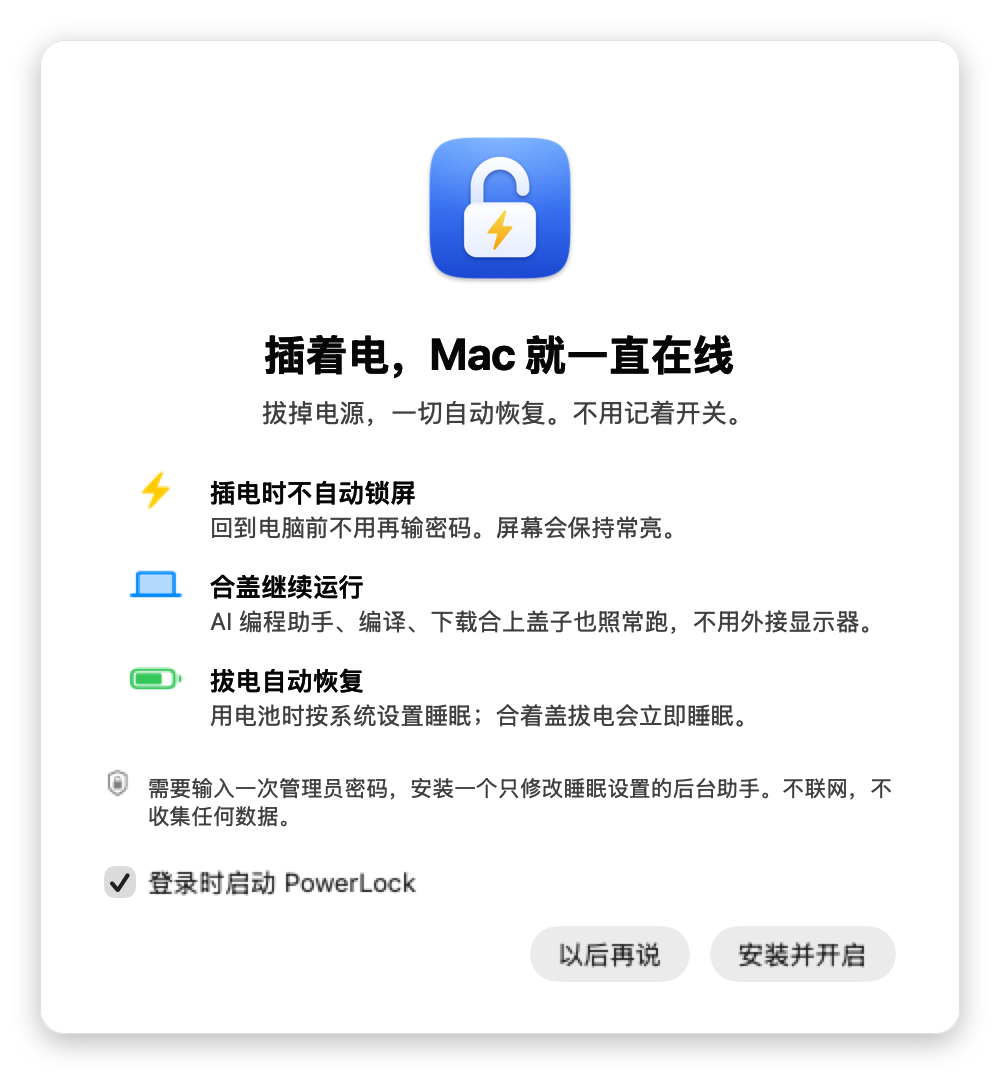
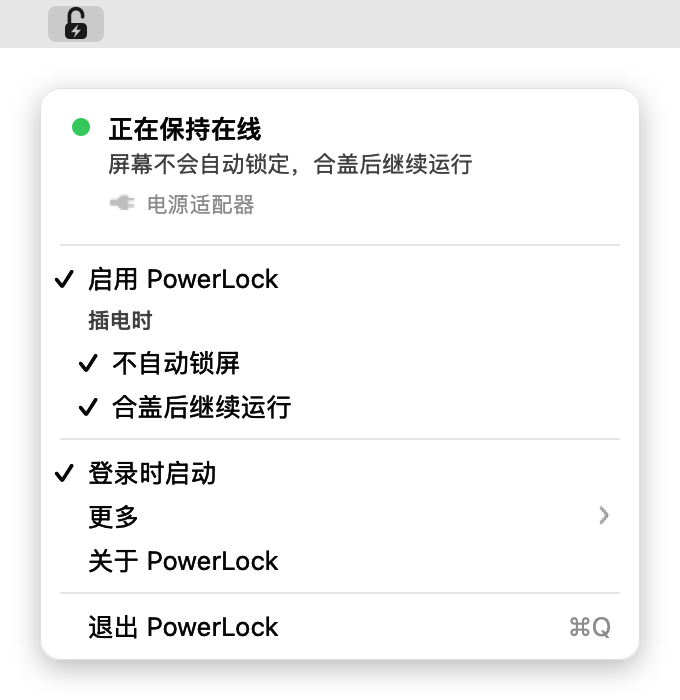
Keeps a plugged-in MacBook awake with its lid closed and restores sleep when unplugged.
By pandengyao. Free and open source, MIT licence.
PowerLock at a glance
- Version
- 1.3.1
- Released
- 25 November 2026
- Download size
- 1.4 MB
- Works on
- Apple silicon and Intel
- Licence
- MIT
- Category
- Menu Bar and Notch
- Developer
- pandengyao
- GitHub stars
- 16
About PowerLock
macOS 菜单栏工具:插电时不锁屏、合盖继续运行,拔电自动恢复睡眠。Keeps your MacBook unlocked and running lid-closed on AC power, and lets it sleep again when unplugged.
Screenshots
How to install PowerLock on a Mac
- Get OpenDMG. It is a free app store for open source Mac apps. Download OpenDMG.
- Search for PowerLock and press Get. OpenDMG downloads version 1.3.1 from pandengyao's own GitHub release.
- Open it. The download is checked against its SHA-256 fingerprint and its signature is checked on your Mac before it lands in Applications.
Updates to PowerLock show up in OpenDMG and install with one button. No account is needed.
Prefer to do it by hand? The developer's file is on GitHub: PowerLock-1.3.1.dmg (1.4 MB).
What is new in PowerLock 1.3.1
## 电量下限可以自己选

「用电池时 → 电量低于多少时停止」的子菜单:

- 多了 **80%** 一档
- 下面加了一个**滑块**,可以在 5%~90% 之间按 5% 一格自己选。直接在菜单里拖,松手就保存,不弹窗

另外修了一个小问题:设了定时以后,定时子菜单里现在会勾上当前选的那一项。

## 从 1.3.0 升级

后台助手没有变化(仍为版本 3),升级**不需要**重新输入管理员密码。

- Homebrew:`brew upgrade --cask powerlock`
- 下载:下面的 `PowerLock-1.3.1.dmg`,拖进「应用程序」覆盖旧版

从 1.2 或更早的版本升级,会提示更新后台助手,需要输入一次管理员密码。

## 新安装

- Homebrew:`brew install --cask pandengyao/tap/powerlock`
- 下载 `PowerLock-1.3.1.dmg`

还没做苹果公证,第一次打开会提示"Apple 无法验证",用 Homebrew 装的也一样。去「系统设置 → 隐私与安全性」点「仍要打开」,之后不会再提示。

## 校验

```bash
shasum -a 256 -c SHA256SUMS.txt
gh attestation verify PowerLock-1.3.1.dmg -R pandengyao/PowerLock
```

---

**English:** The battery floor submenu (On battery → Stop below) gets an 80% option and a slider for any value from 5% to 90% in 5% steps, right in the menu with no dialog. The timer submenu now checks the timer you picked. The helper is unchanged, so upgrading from 1.3.0 doesn't ask for your password. PowerLock isn't notarized yet, so the first launch needs "Open Anyway" in System Settings → Privacy & Security, including Homebrew installs.
More Menu Bar and Notch apps
-
 StatsmacOS system monitor in your menu bar
-
 IcePowerful menu bar manager for macOS (upstream, temporarily inactive)
-
 Hidden BarAn ultra-light MacOS utility that helps hide menu bar icons
-
 ThawThe open-source menu bar manager: hide, organize, and take control of menu bar icons
-
 Boring NotchTurn your MacBook notch into a music and file control center
-
 FineTunePer-Application Audio Control for macOS