
Perry for Mac
Ask how to do something in any app, and Perry points at the button from the notch, or clicks it for you.
By hridaya423. Free and open source, AGPL-3.0 licence.
Perry at a glance
- Version
- 0.1.0
- Released
- 4 November 2026
- Download size
- 132 MB
- Works on
- Apple silicon and Intel
- Licence
- AGPL-3.0
- Category
- Menu Bar and Notch
- Developer
- hridaya423
- GitHub stars
- 6
About Perry
Ask how to do anything on your Mac. Perry points at the button in any app, or clicks it for you.
Screenshots
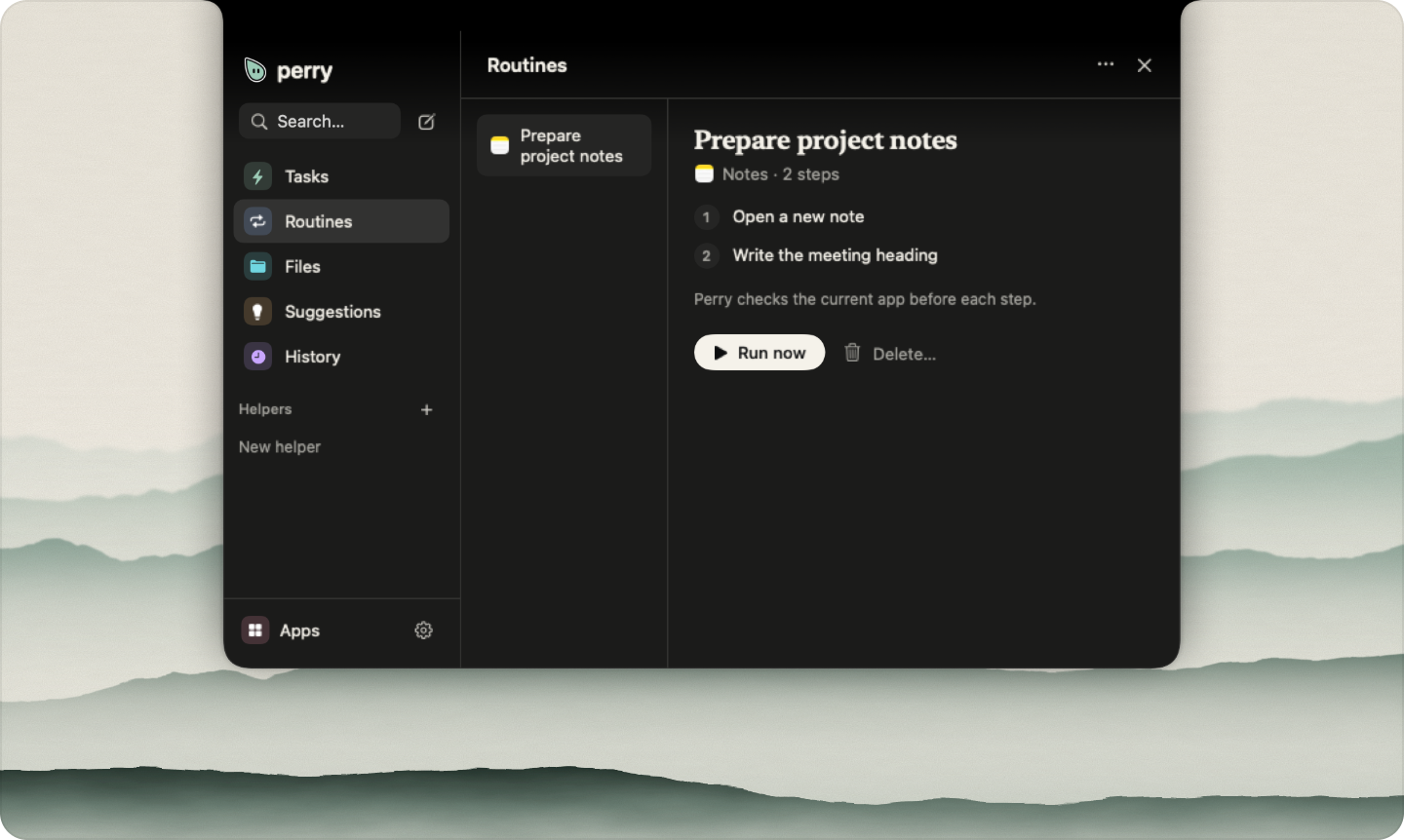
How to install Perry on a Mac
- Get OpenDMG. It is a free app store for open source Mac apps. Download OpenDMG.
- Search for Perry and press Get. OpenDMG downloads version 0.1.0 from hridaya423's own GitHub release.
- Open it. The download is checked against its SHA-256 fingerprint and its signature is checked on your Mac before it lands in Applications.
Updates to Perry show up in OpenDMG and install with one button. No account is needed.
Prefer to do it by hand? The developer's file is on GitHub: Perry-0.1.0.dmg (132 MB).
What is new in Perry 0.1.0
<p align="center"><img alt="Perry: hello. I am Perry. I live in your notch." src="https://raw.githubusercontent.com/hridaya423/perry/main/.github/assets/banner-light.svg" width="100%"></p>

The first public beta of Perry, a companion that lives in your Mac's notch. Ask how to do something, and Perry points at each control in the app you have open. Ask Perry to do the task, and it does the work while you watch.

## Install

1. Download **Perry-0.1.0.dmg** below.
2. Open it and drag Perry to Applications.
3. Open Perry. It explains Accessibility, Screen Recording and Microphone access before macOS asks for each one.

Requires a Mac with Apple Silicon and macOS 14 or later. The app is signed with a Developer ID and notarized by Apple. Later versions arrive through the built-in updater.

## What's in 0.1

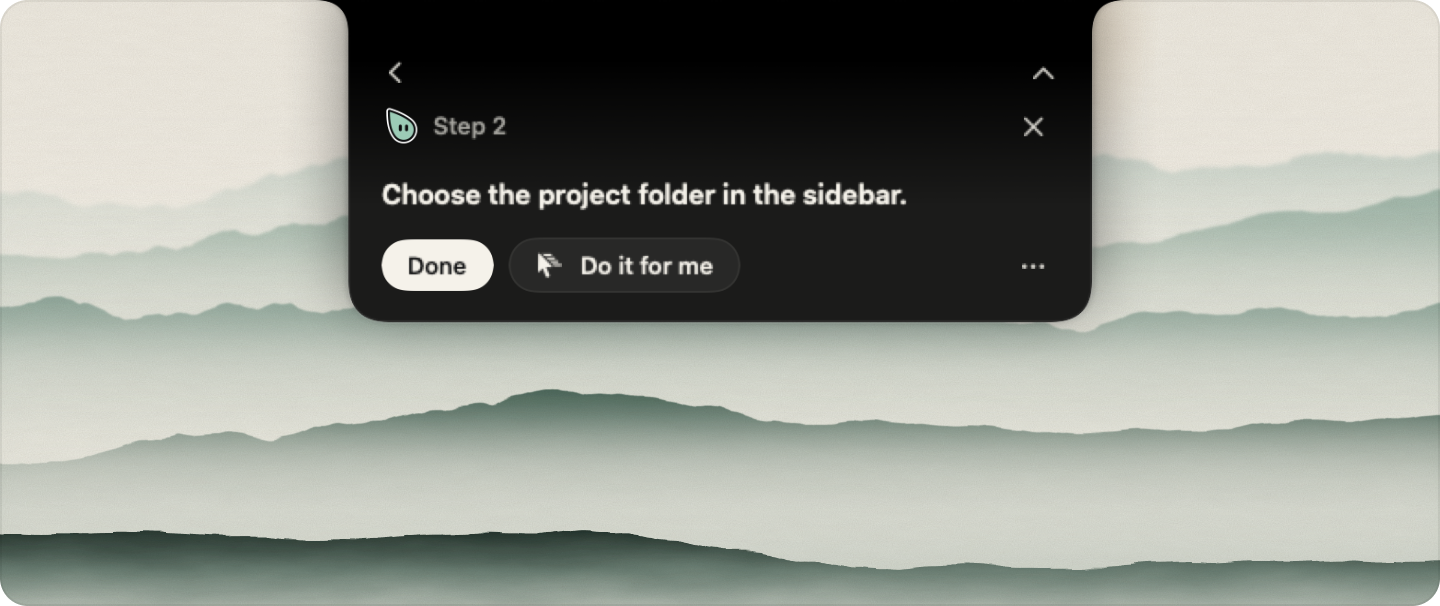
- **Show me how.** Perry points at one control, waits for your click, then points at the next one.
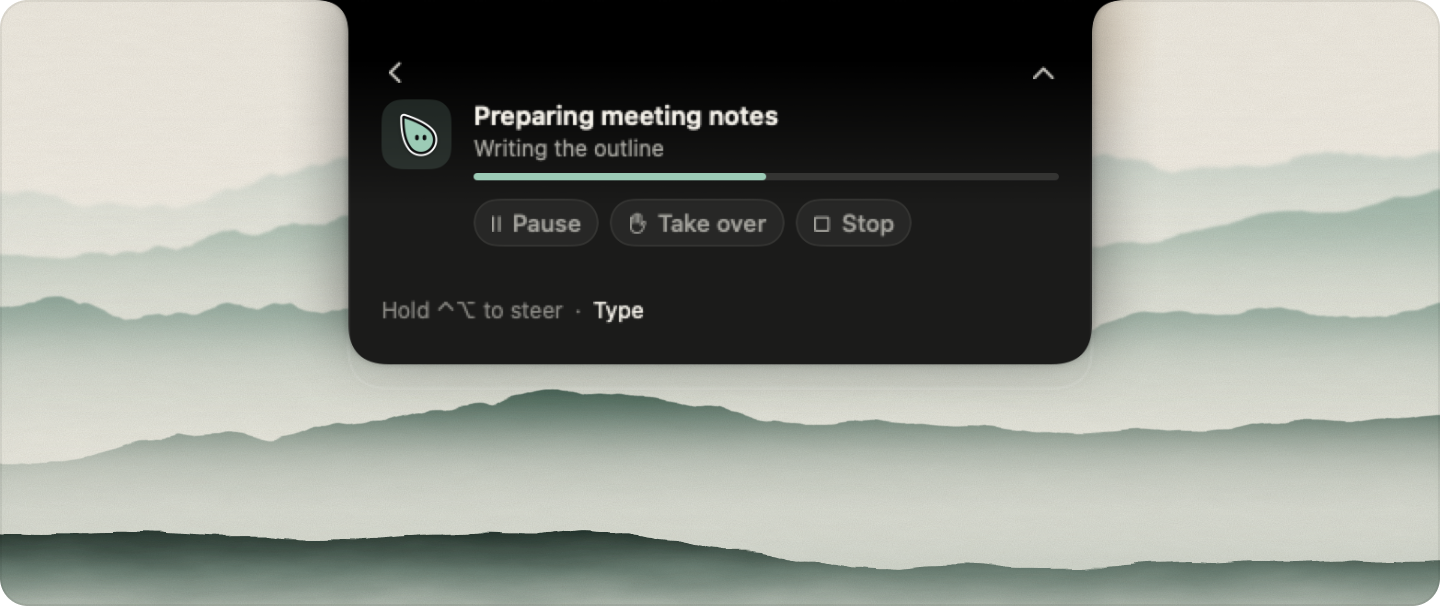
- **Do it for me.** Perry works in the background with pause, take over and stop, and asks once before anything you cannot undo.
- **Talk or type.** Hold <kbd>⌃</kbd><kbd>⌥</kbd> to talk from any app. Partial transcripts show as you speak.
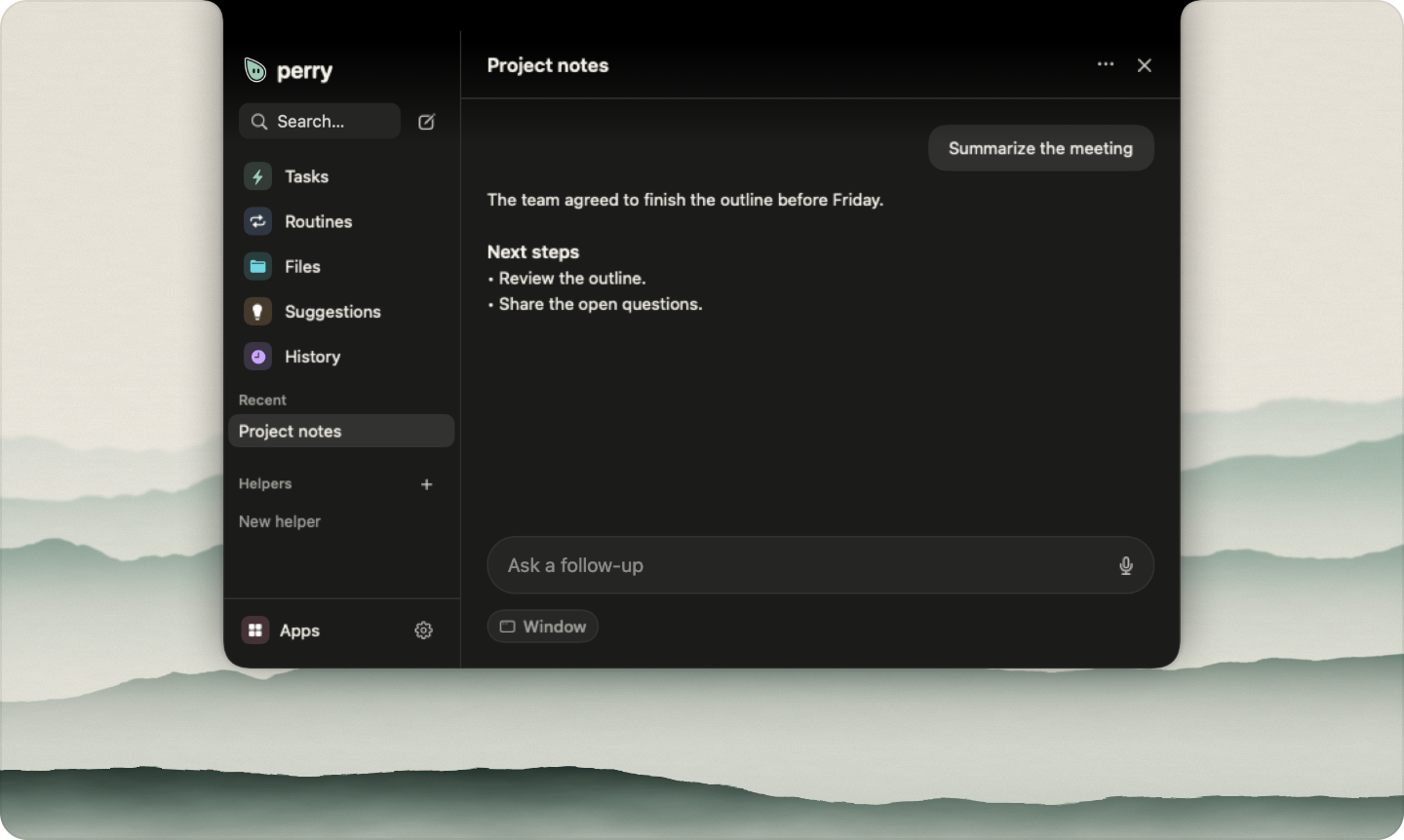
- **Routines and helpers.** Show Perry a task once to save it, or schedule a helper to run a job.
- **Bring your own brain.** ChatGPT, Claude Code, an API key for eleven providers, a local model, or an ACP agent. No account and no subscription.
…
More Menu Bar and Notch apps
-
 StatsmacOS system monitor in your menu bar
-
 IcePowerful menu bar manager for macOS (upstream, temporarily inactive)
-
 Hidden BarAn ultra-light MacOS utility that helps hide menu bar icons
-
 ThawThe open-source menu bar manager: hide, organize, and take control of menu bar icons
-
 Boring NotchTurn your MacBook notch into a music and file control center
-
 FineTunePer-Application Audio Control for macOS