

NotchFlow for Mac
Notch workspace for AI agent and build activity, with alerts when action is needed.
By argahv. Free and open source, MIT licence.
NotchFlow at a glance
- Version
- 0.3.0
- Released
- 23 October 2026
- Download size
- 4.9 MB
- Works on
- Apple silicon and Intel
- Licence
- MIT
- Category
- Menu Bar and Notch
- Developer
- argahv
- GitHub stars
- 7
About NotchFlow
A native macOS notch workspace for developer activity, music, files and small tools.
Screenshots


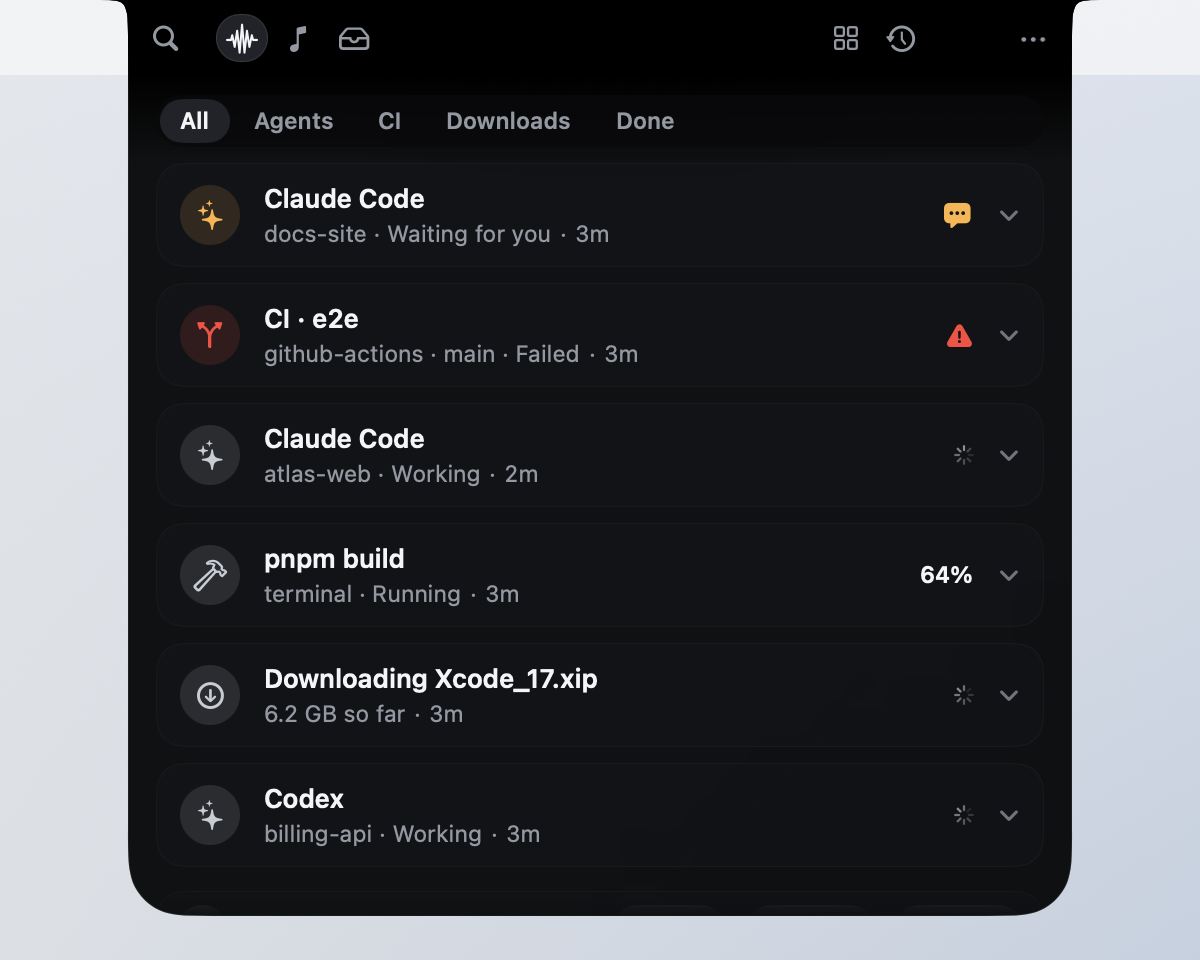
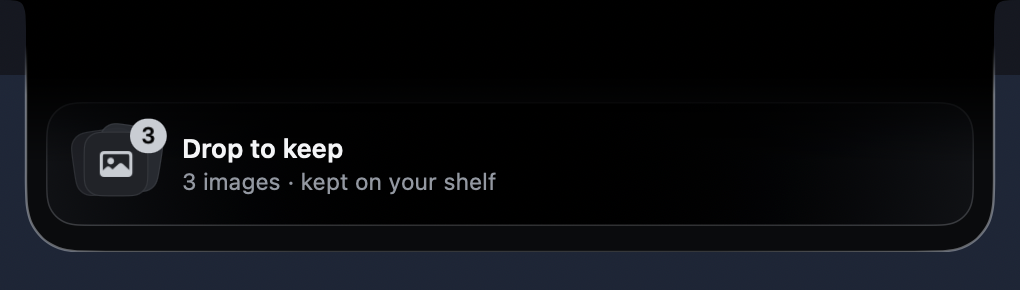
How to install NotchFlow on a Mac
- Get OpenDMG. It is a free app store for open source Mac apps. Download OpenDMG.
- Search for NotchFlow and press Get. OpenDMG downloads version 0.3.0 from argahv's own GitHub release.
- Open it. The download is checked against its SHA-256 fingerprint and its signature is checked on your Mac before it lands in Applications.
Updates to NotchFlow show up in OpenDMG and install with one button. No account is needed.
Prefer to do it by hand? The developer's file is on GitHub: NotchFlow-0.3.0.zip (4.9 MB).
What is new in NotchFlow 0.3.0
**Download `NotchFlow-0.3.0.zip`**, unzip, and drag **NotchFlow** to Applications. It's signed with a
Developer ID and notarized by Apple, so it opens without warnings.

Requires macOS 14.6 or later; runs natively on Apple silicon and Intel. NotchFlow lives at the top of your
screen and in the menu bar (no Dock icon). Hover the notch or press ⌃⌥Space.

SHA-256 checksum: `NotchFlow-0.3.0.zip.sha256`

## What's new since 0.2.0: the first of the Sixth Sense

- **A next step for what you copy** (opt-in, Settings › Suggestions). Copy a link, a color, JSON, an
 address, a date, an email address or phone number, a path or a long passage, and the notch offers the
 obvious next step, once: Copy Clean Link, a swatch with RGB, hex and HSL, Copy Formatted, Open in Maps,
 Remind Me and more. Rules on your Mac decide: no AI service, no network, and nothing you copied is kept.
 Password managers, apps you exclude and text that looks like a key are skipped. **Why?** gives the
 reason, and copies come with **Undo**.
- **Finished downloads** offer their next step too: Extract an archive (the archive is kept), or Extract
 Text and the other actions for a PDF, image, video or audio file.
- **It learns, on this Mac.** Each dismissal makes that kind wait longer, and five in a row turn it off.
 Choose Fewer, Balanced or More, switch kinds off, and set quiet hours.
…
More Menu Bar and Notch apps
-
 StatsmacOS system monitor in your menu bar
-
 IcePowerful menu bar manager for macOS (upstream, temporarily inactive)
-
 Hidden BarAn ultra-light MacOS utility that helps hide menu bar icons
-
 ThawThe open-source menu bar manager: hide, organize, and take control of menu bar icons
-
 Boring NotchTurn your MacBook notch into a music and file control center
-
 FineTunePer-Application Audio Control for macOS