

Hop (sercanatalik) for Mac
Menu bar launcher for connecting to remote Mac, Windows, and Linux computers.
By sercanatalik. Free and open source, MIT licence.
Hop (sercanatalik) at a glance
- Version
- 1.6.0
- Released
- 24 November 2026
- Download size
- 1.6 MB
- Works on
- Apple silicon and Intel
- Licence
- MIT
- Category
- Menu Bar and Notch
- Developer
- sercanatalik
- GitHub stars
- 1
About Hop (sercanatalik)
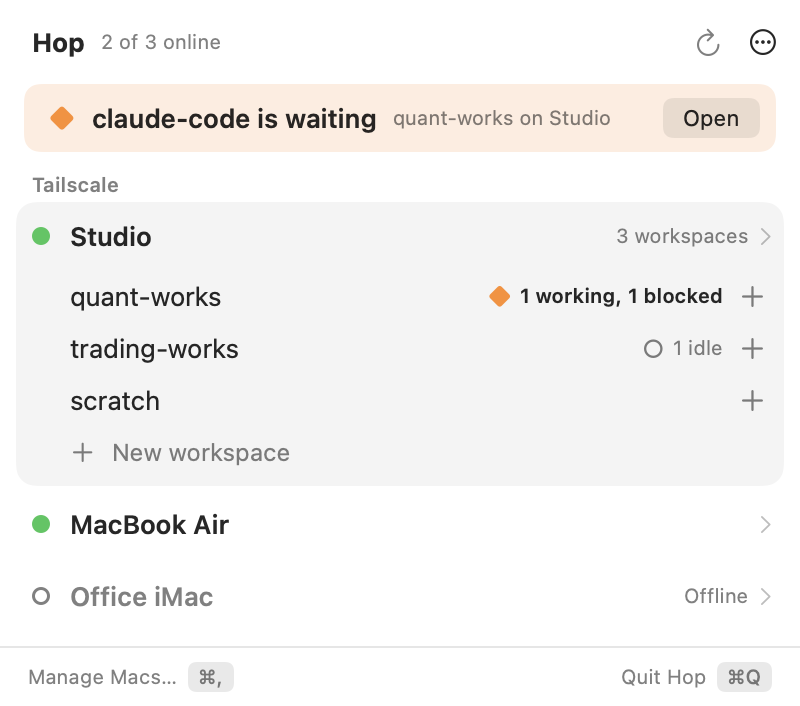
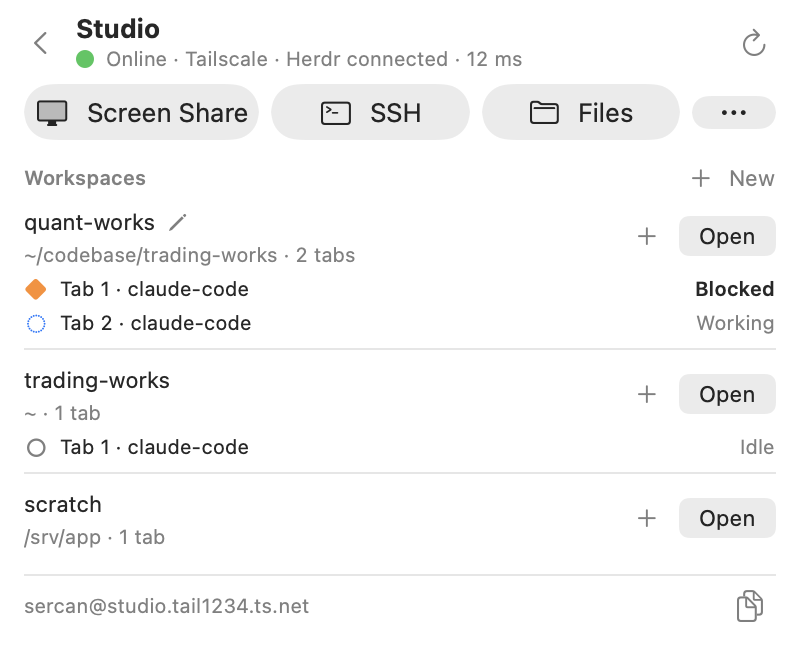
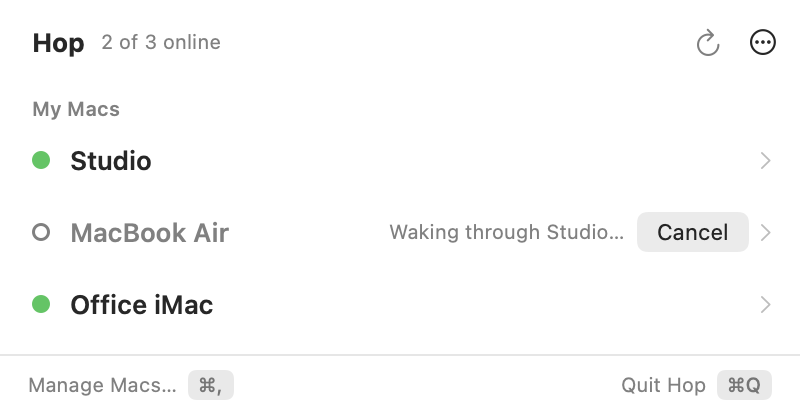
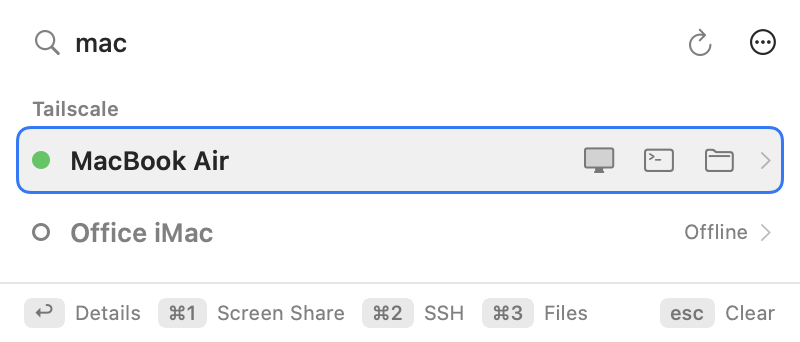
Hop: a tiny macOS menu-bar app that puts every remote Mac, Windows PC and Linux machine one click away. Screen Share, Remote Desktop, SSH and Files, with Tailscale discovery, a global shortcut, offline alerts, SSH config import and Herdr workspaces.
Screenshots
How to install Hop (sercanatalik) on a Mac
- Get OpenDMG. It is a free app store for open source Mac apps. Download OpenDMG.
- Search for Hop (sercanatalik) and press Get. OpenDMG downloads version 1.6.0 from sercanatalik's own GitHub release.
- Open it. The download is checked against its SHA-256 fingerprint and its signature is checked on your Mac before it lands in Applications.
Updates to Hop (sercanatalik) show up in OpenDMG and install with one button. No account is needed.
Prefer to do it by hand? The developer's file is on GitHub: Hop.zip (1.6 MB).
What is new in Hop (sercanatalik) 1.6.0
Hop now says why a computer cannot be reached, can put one to sleep, and takes your own links.

## New

- **Why it is offline.** Click a computer that cannot be reached, or that has a dimmed button, and Hop lists what it knows: what Tailscale says, whether the computer is on your local network, which services answer, and whether it can be woken. It ends with the most likely reason, such as "Tailscale is not running on it. It may have restarted and be waiting for someone to log in."
- **Asleep, not just offline.** A computer is marked Asleep when Hop has evidence for it: you put it to sleep from Hop, or another device on your network, usually an Apple TV or HomePod, is answering for it.
- **Sleep.** The **…** menu of a Mac or Linux computer that is online with SSH on now offers Sleep. Hop asks over SSH and never shows a prompt, so it needs SSH that works without a question; test with `ssh <name>` in Terminal. If Hop would have no way to wake the computer again, it asks you first.
- **Links.** Add up to eight named links to a saved computer in Manage Macs, for a NAS's web page or anything else with an address. Write `{host}` where the computer's address goes, as in `http://{host}:5000`. A link with `{host}` wakes a sleeping computer first, like the other buttons.

## Changed
…
More Menu Bar and Notch apps
-
 StatsmacOS system monitor in your menu bar
-
 IcePowerful menu bar manager for macOS (upstream, temporarily inactive)
-
 Hidden BarAn ultra-light MacOS utility that helps hide menu bar icons
-
 ThawThe open-source menu bar manager: hide, organize, and take control of menu bar icons
-
 Boring NotchTurn your MacBook notch into a music and file control center
-
 FineTunePer-Application Audio Control for macOS