

Glance for Mac
Notch-based hub for music, weather, calendar, focus, clipboard, files, and notifications.
By glanceformac. Free and open source, MIT licence.
Glance at a glance
- Version
- 1.1.0
- Released
- 22 October 2026
- Download size
- 9.9 MB
- Works on
- Apple silicon and Intel
- Licence
- MIT
- Category
- Menu Bar and Notch
- Developer
- glanceformac
- GitHub stars
- 17
About Glance
A free, open source Dynamic Island for your Mac notch.
Screenshots

How to install Glance on a Mac
- Get OpenDMG. It is a free app store for open source Mac apps. Download OpenDMG.
- Search for Glance and press Get. OpenDMG downloads version 1.1.0 from glanceformac's own GitHub release.
- Open it. The download is checked against its SHA-256 fingerprint and its signature is checked on your Mac before it lands in Applications.
Updates to Glance show up in OpenDMG and install with one button. No account is needed.
Prefer to do it by hand? The developer's file is on GitHub: Glance.zip (9.9 MB).
What is new in Glance 1.1.0
## Updating from 1.0.0

Glance 1.0.0 has no built-in updater, so update once by hand. With Homebrew: brew upgrade --cask glance. With the install script: run the same install command again. From 1.1.0 on, Glance updates itself.

## New

- Updates inside the app: Glance checks for a new version once a day, and you can check any time from the menu bar icon, Settings or the command palette. Updates are signed, so only real Glance releases install.
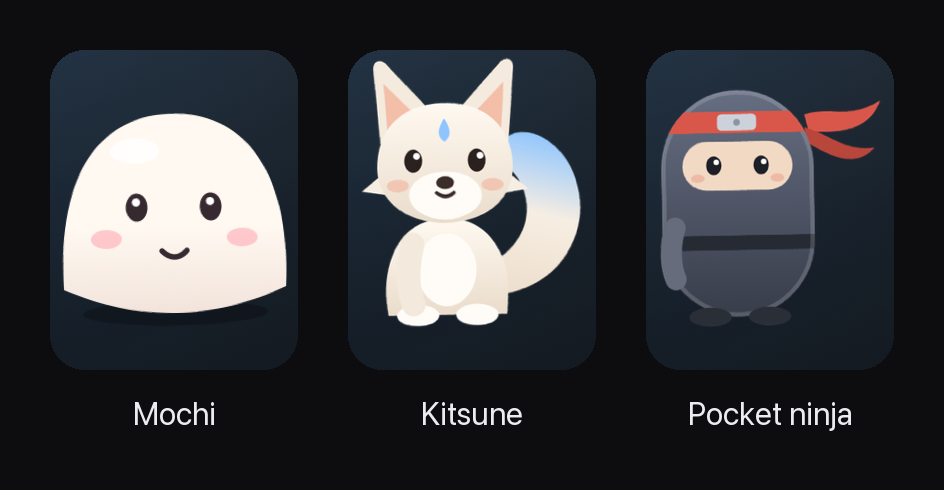
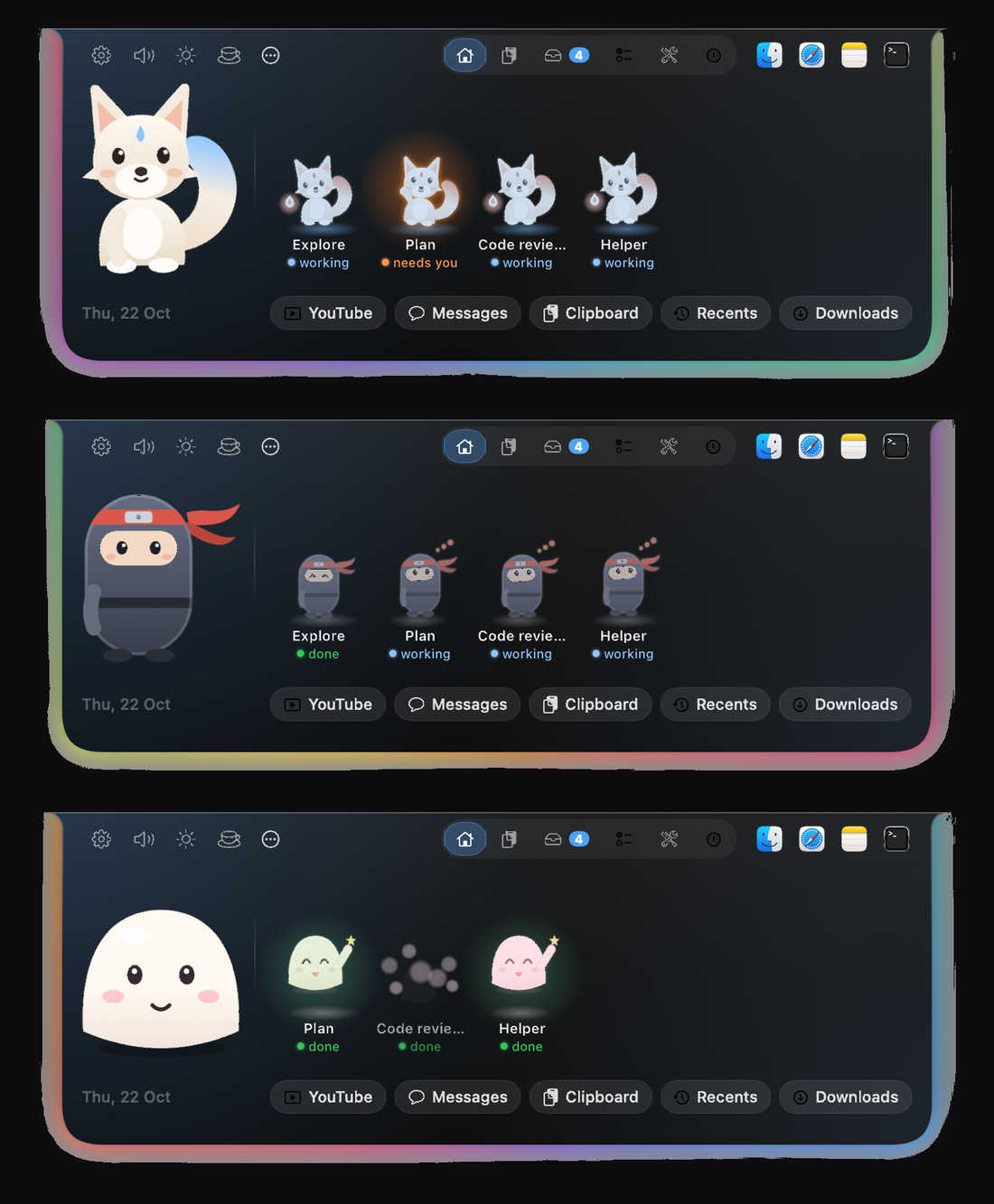
- A character in your notch: pick Mochi, Kitsune or Pocket ninja in Settings, Character. It naps when you are away, moves to your music, slips away when a video goes full screen, catches files you drop on the Shelf, and waits beside Claude Code when it needs your OK. You can also add your own character packs.
- Shadow Clones: while Claude Code runs helper agents, a small clone appears for each one with its name and status, waves when that helper needs your OK, and vanishes in a puff when it finishes.
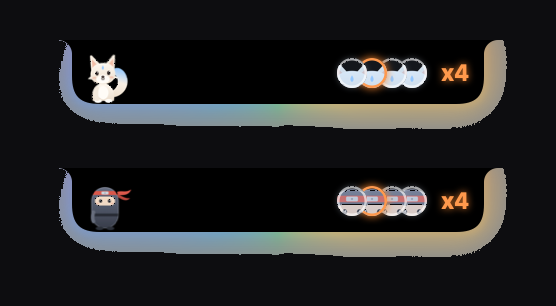
- Touch Bar strip: on Macs with a Touch Bar, the character, Claude's status, the clones and Approve and Deny buttons show there too.
- Settings sidebar: every Settings page is one click away.
- New app icon.

## Better
…
More Menu Bar and Notch apps
-
 StatsmacOS system monitor in your menu bar
-
 IcePowerful menu bar manager for macOS (upstream, temporarily inactive)
-
 Hidden BarAn ultra-light MacOS utility that helps hide menu bar icons
-
 ThawThe open-source menu bar manager: hide, organize, and take control of menu bar icons
-
 Boring NotchTurn your MacBook notch into a music and file control center
-
 FineTunePer-Application Audio Control for macOS