
Cumba for Mac
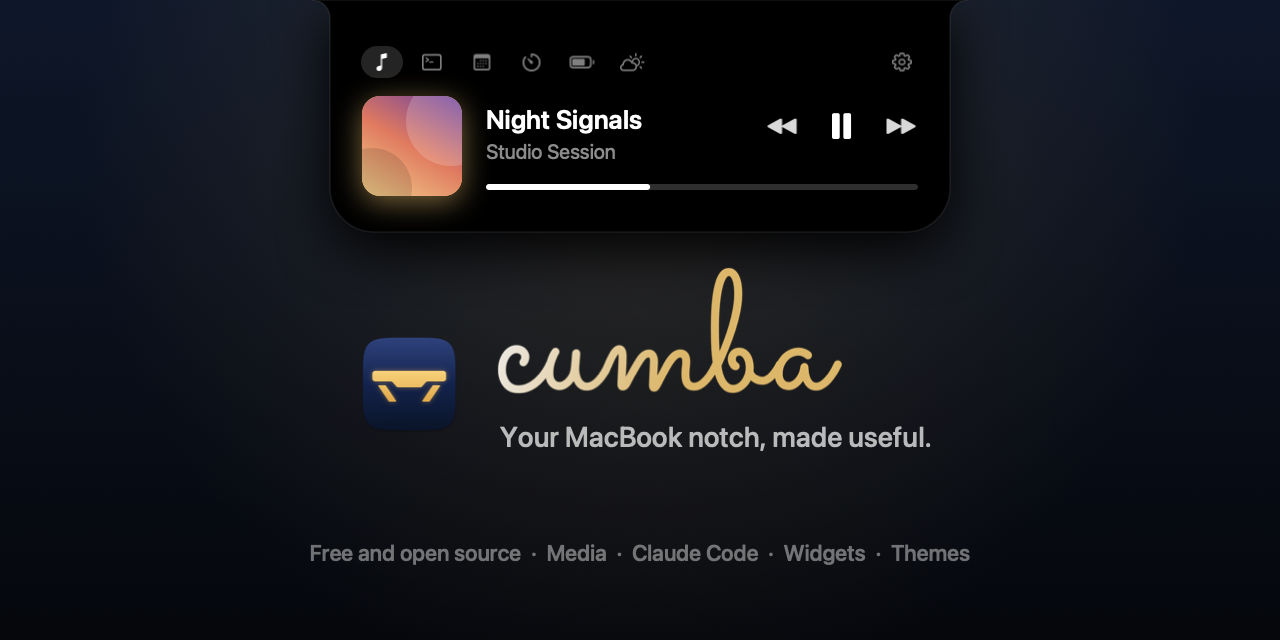
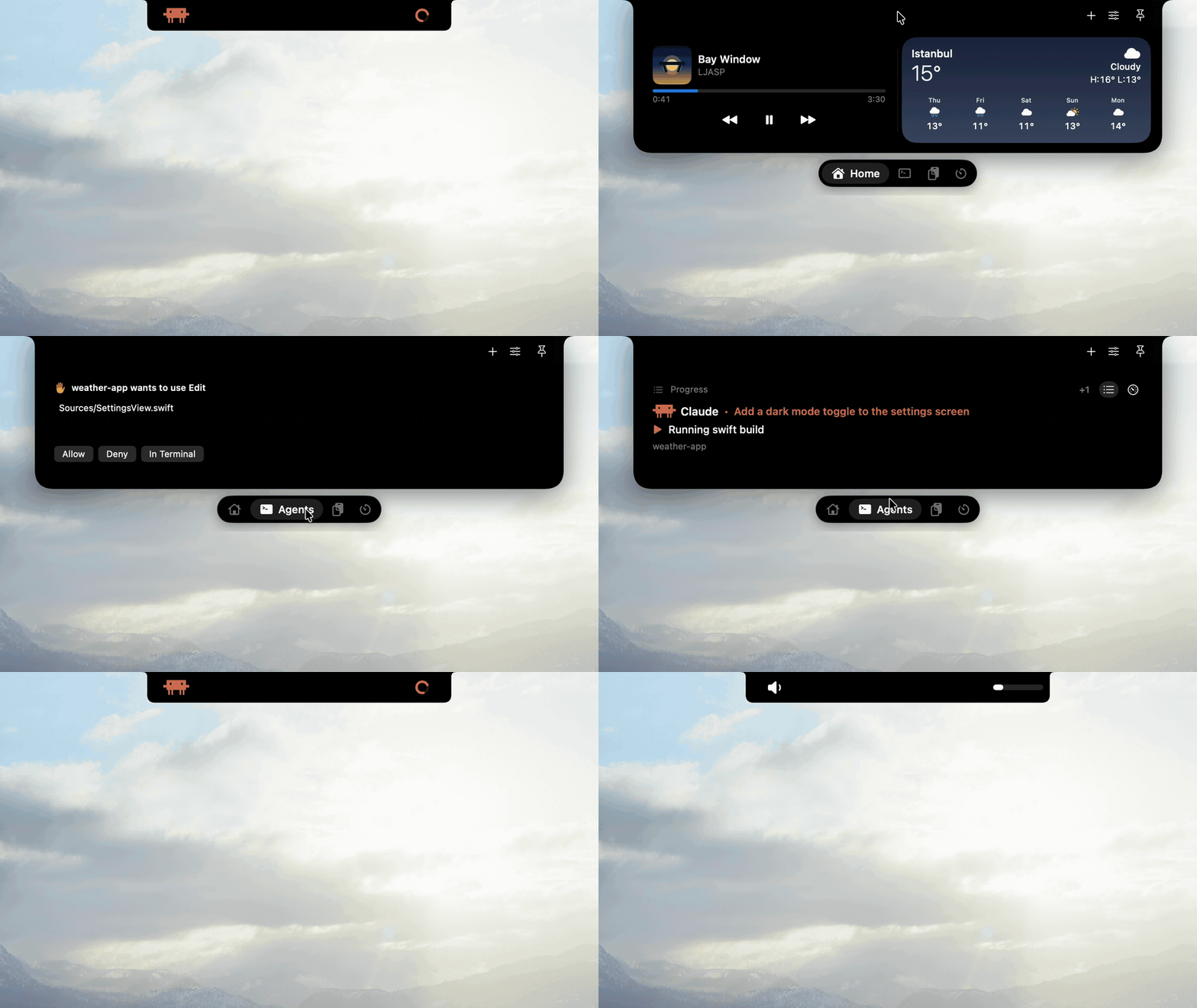
Turns the MacBook notch into a themeable panel for what's playing, Claude Code and Codex activity, and widgets like calendar, weather and clipboard history.
By LJASP-studio. Free and open source, MIT licence.
Cumba at a glance
- Version
- 1.3.0
- Released
- 3 November 2026
- Download size
- 7.3 MB
- Works on
- Apple silicon and Intel
- Licence
- MIT
- Category
- Menu Bar and Notch
- Developer
- LJASP-studio
- GitHub stars
- 6
About Cumba
Free, open source macOS notch app: a mini player for whatever plays, Claude Code and Codex progress and approvals, widgets in tabs, and themes.
Screenshots
How to install Cumba on a Mac
- Get OpenDMG. It is a free app store for open source Mac apps. Download OpenDMG.
- Search for Cumba and press Get. OpenDMG downloads version 1.3.0 from LJASP-studio's own GitHub release.
- Open it. The download is checked against its SHA-256 fingerprint and its signature is checked on your Mac before it lands in Applications.
Updates to Cumba show up in OpenDMG and install with one button. No account is needed.
Prefer to do it by hand? The developer's file is on GitHub: Cumba-v1.3.0.dmg (7.3 MB).
What is new in Cumba 1.3.0
### Added

- Spanish and French. Spanish comes in two versions, for Spain and for Latin America, each using the words macOS uses there (Ajustes del Sistema or Configuración del Sistema).
- The Chrome extension's options page speaks the same languages.

### Changed

- The README links the website, cumbanotch.com.
- English counts read right in the singular ("1 File", "1 more request waiting").
- Turkish reads more naturally and uses the words Chrome and macOS use in Turkish (uzantı, ekran resmi, izleme dörtgeni, Oturum Açma Öğeleri).
- Short texts beside the notch and in notifications stay short in every language.

### Installing

Open `Cumba-v1.3.0.dmg` and drag Cumba to Applications (or unzip the .zip and move the app there).

The app is ad-hoc signed and not notarized, so macOS warns on first launch.
Open it once, then allow it in System Settings > Privacy & Security > Open Anyway, or run:

```bash
xattr -dr com.apple.quarantine /Applications/Cumba.app
```

### Verifying

Check that a download was built by this repository's release workflow:

```bash
gh attestation verify Cumba-v1.3.0.dmg --repo LJASP-studio/Cumba
```

### SHA-256

```
15b59f35e2718383f755a0d6780dabea9b6de594edb8514135923d5405da0b0e Cumba-v1.3.0.dmg
4c8383f84641976c89f1e5b1ad4d77da79dcf0b872c845520b2013e72c8f7dd5 Cumba-chrome-extension-v1.3.0.zip
…
More Menu Bar and Notch apps
-
 StatsmacOS system monitor in your menu bar
-
 IcePowerful menu bar manager for macOS (upstream, temporarily inactive)
-
 Hidden BarAn ultra-light MacOS utility that helps hide menu bar icons
-
 ThawThe open-source menu bar manager: hide, organize, and take control of menu bar icons
-
 Boring NotchTurn your MacBook notch into a music and file control center
-
 FineTunePer-Application Audio Control for macOS