

YapToText for Mac
Free, open-source dictation that runs entirely on-device, combining Whisper transcription with local AI cleanup and typing wherever your cursor is.
By ryleighnewman. Free and open source, GPL-3.0 licence.
YapToText at a glance
- Version
- 1.5.3-21
- Released
- 7 October 2026
- Download size
- 12 MB
- Works on
- Apple silicon and Intel
- Licence
- GPL-3.0
- Category
- Audio and Music
- Developer
- ryleighnewman
- GitHub stars
- 25
About YapToText
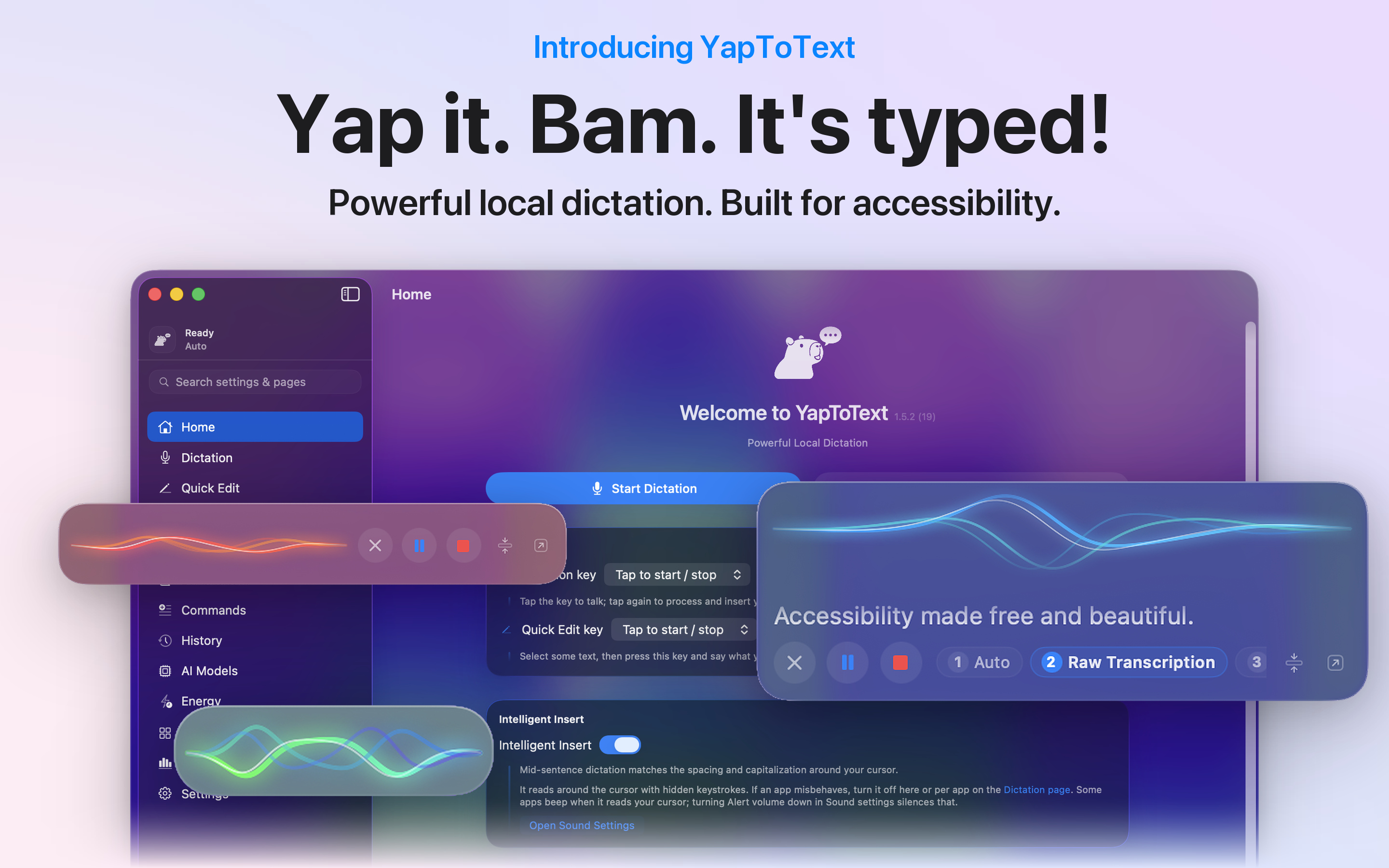
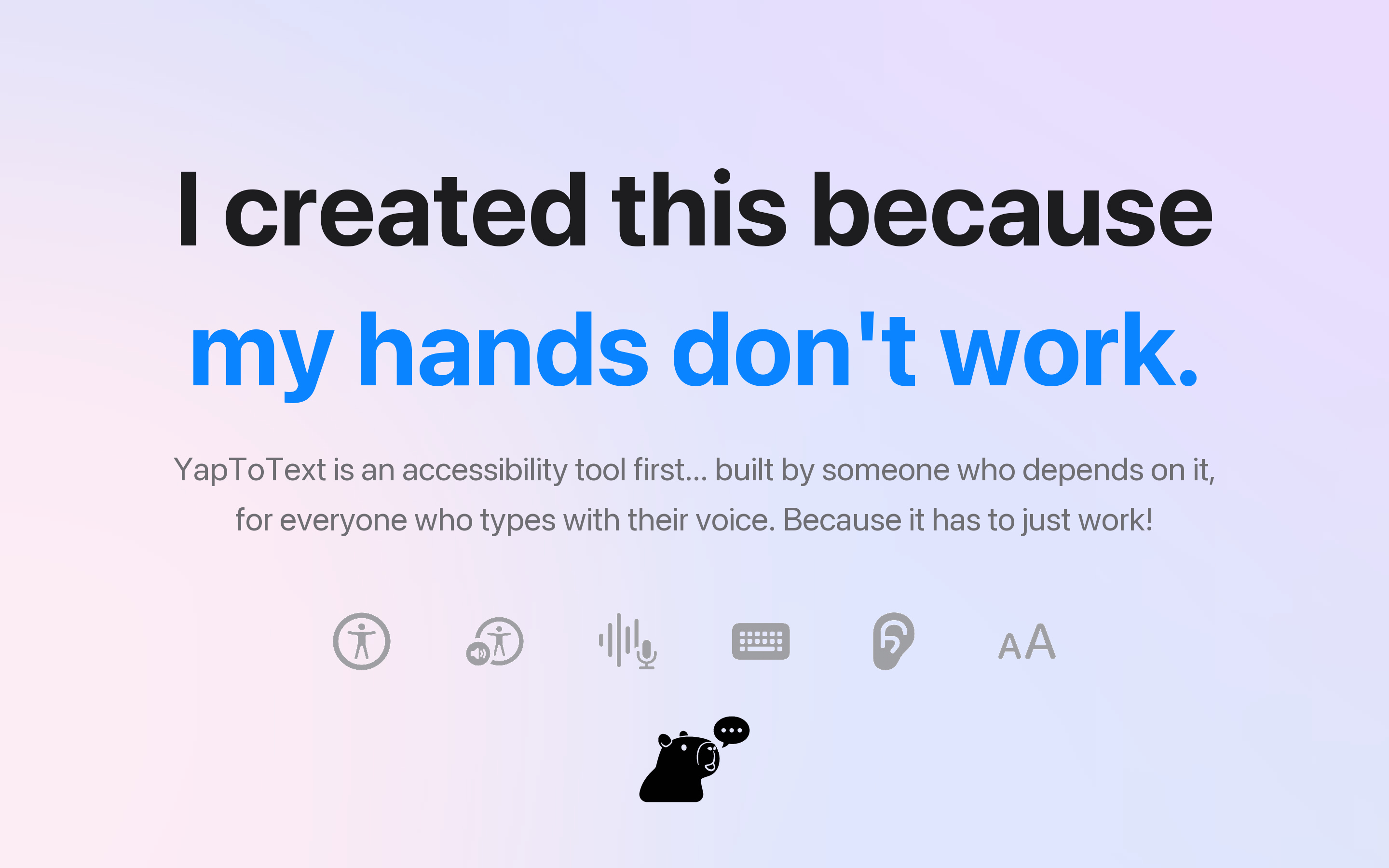
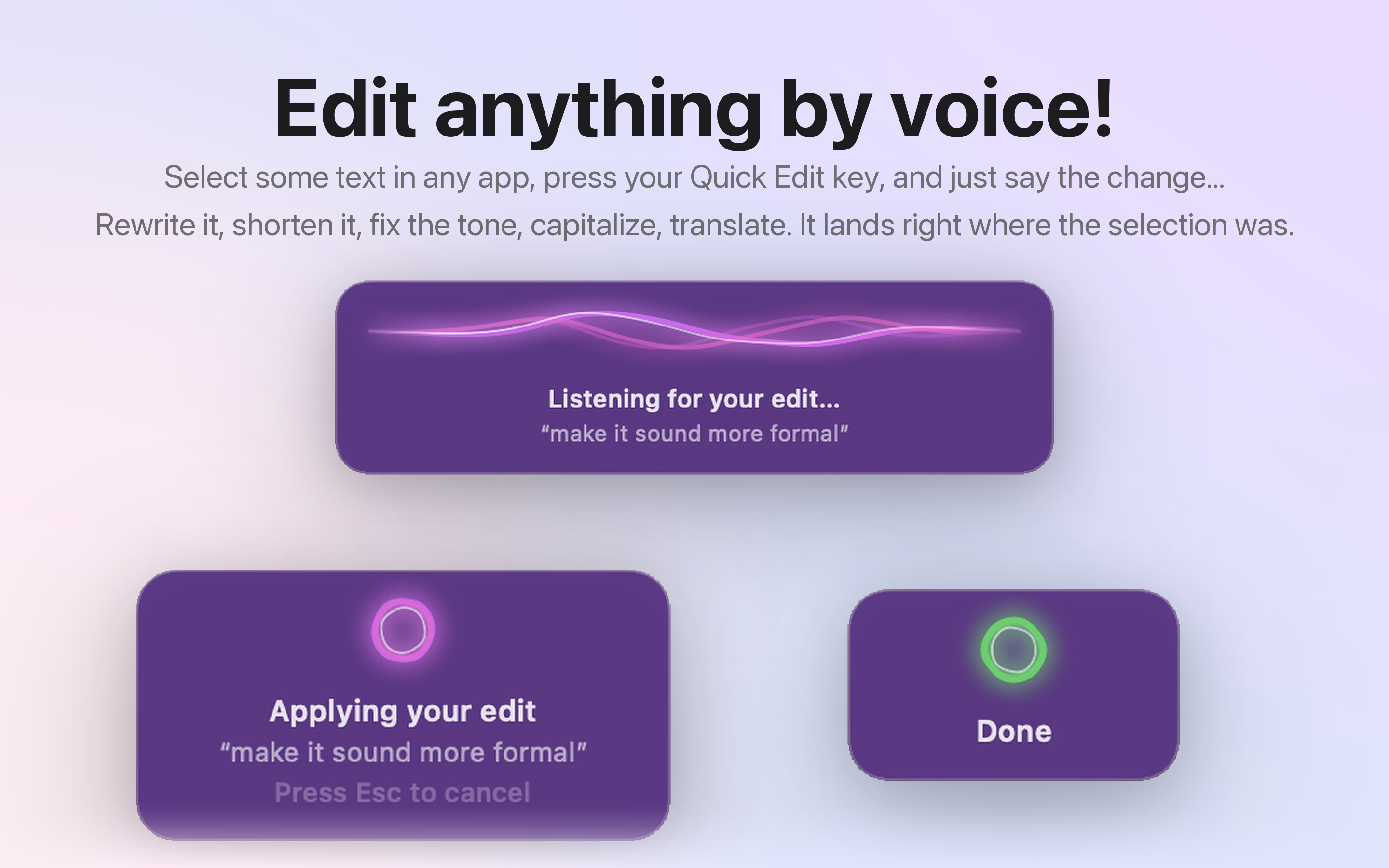
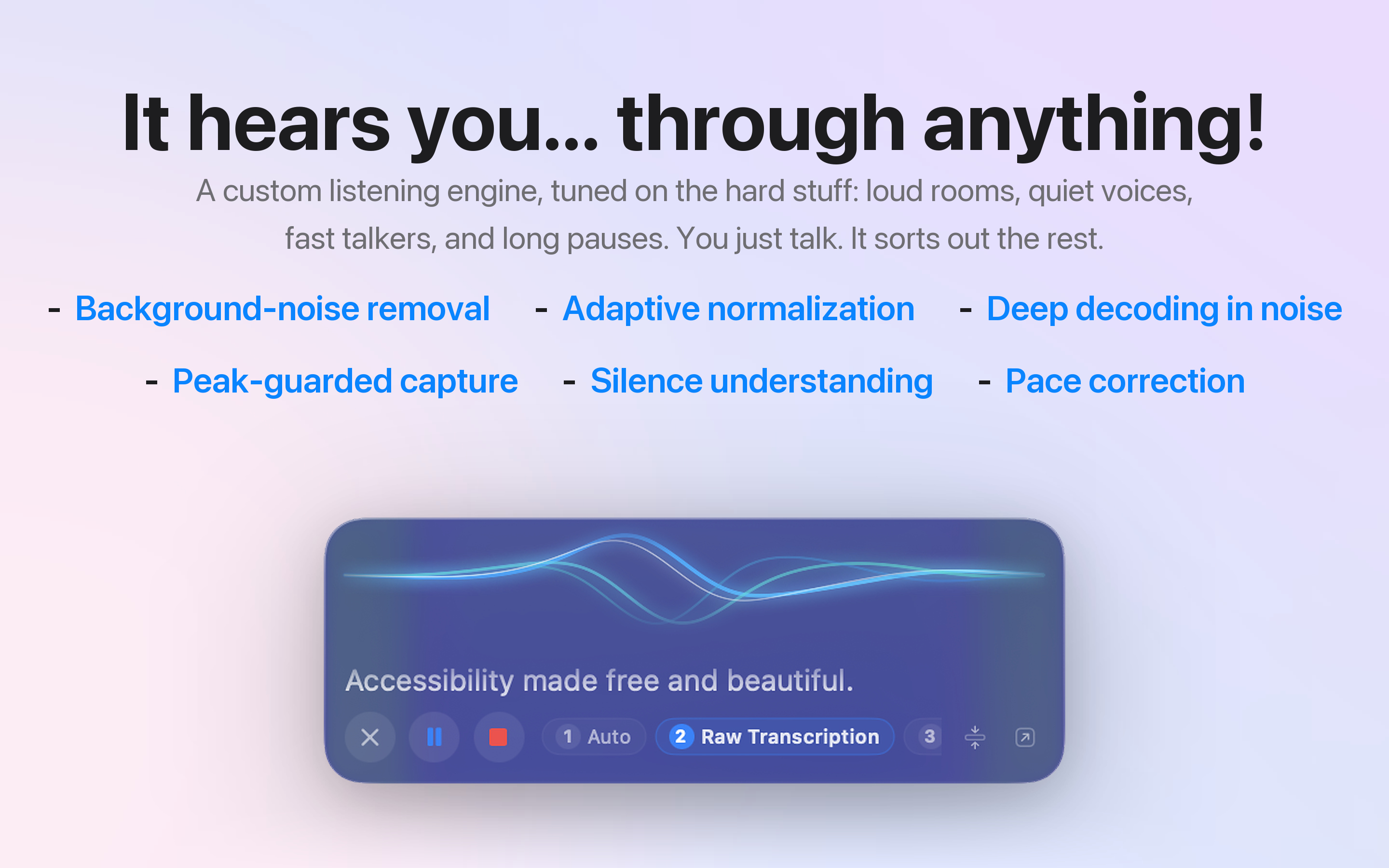
Free, open-source Mac dictation built for accessibility. Press a key, speak, and it types in any app. Whisper and AI cleanup run fully on your Mac. No account, no subscription. A free alternative to Wispr Flow, superwhisper, and MacWhisper.
Screenshots
How to install YapToText on a Mac
- Get OpenDMG. It is a free app store for open source Mac apps. Download OpenDMG.
- Search for YapToText and press Get. OpenDMG downloads version 1.5.3-21 from ryleighnewman's own GitHub release.
- Open it. The download is checked against its SHA-256 fingerprint and its signature is checked on your Mac before it lands in Applications.
Updates to YapToText show up in OpenDMG and install with one button. No account is needed.
Prefer to do it by hand? The developer's file is on GitHub: YapToText-1.5.3.zip (12 MB).
What is new in YapToText 1.5.3-21
- The dictation pop-up and the Quick Edit pop-up can be dragged again on macOS 27
- Rebuilt media pausing: a paused video stays paused when you dictate, and videos in Safari and web-based apps now pause and resume too

Release notes for every version: https://yaptotext.com/whats-new
Install and help: https://yaptotext.com/install and https://yaptotext.com/help/
More Audio and Music apps
-
 MonitorControlAdjust external monitor settings
-
 FluidVoiceVoice-to-text app with AI enhancement
-
 eqMacSystem-wide audio equalizer and volume mixer
-
 VoiceInkReal-time speech-to-text app
-
 LyricsXDisplay lyrics for iTunes/Spotify
-
 FreeFlowPush-to-talk speech-to-text tool that inserts polished transcripts into any app