

VolEq for Mac
Automatic voice-volume leveling that boosts quiet speakers and keeps loud ones controlled, all processed locally.
By DPatrikI. Free and open source, MPL-2.0 licence.
VolEq at a glance
- Version
- 0.1.1
- Released
- 2 September 2026
- Download size
- 14 MB
- Works on
- Apple silicon
- Licence
- MPL-2.0
- Category
- Audio and Music
- Developer
- DPatrikI
- GitHub stars
- 12
About VolEq
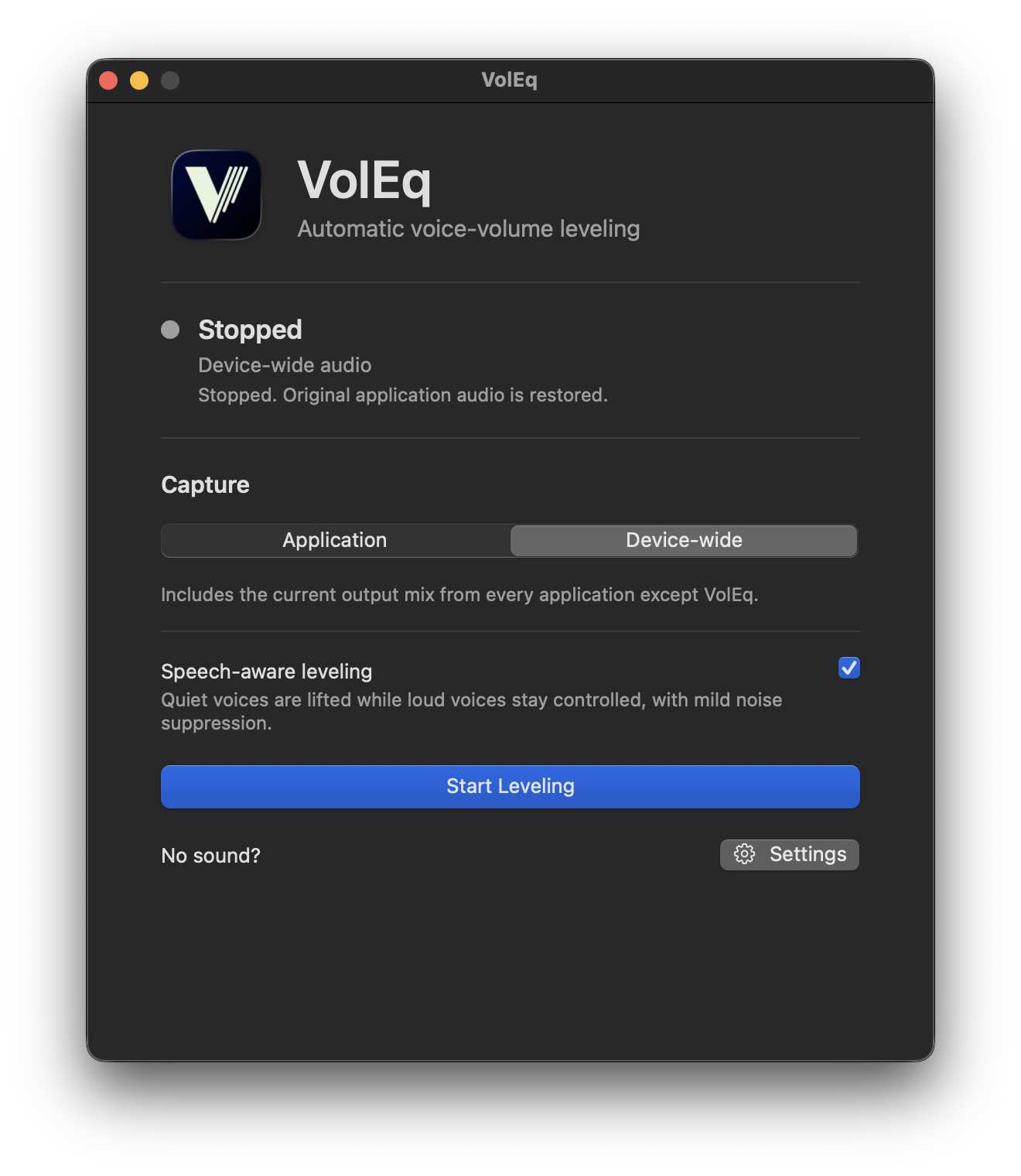
VolEq — Volume Equilibrium. Lightweight automatic voice-volume leveling for online meetings. Open source, macOS first.
Screenshots
How to install VolEq on a Mac
- Get OpenDMG. It is a free app store for open source Mac apps. Download OpenDMG.
- Search for VolEq and press Get. OpenDMG downloads version 0.1.1 from DPatrikI's own GitHub release.
- Open it. The download is checked against its SHA-256 fingerprint and its signature is checked on your Mac before it lands in Applications.
Updates to VolEq show up in OpenDMG and install with one button. No account is needed.
Prefer to do it by hand? The developer's file is on GitHub: VolEq-Community-0.1.1-macOS-arm64.dmg (14 MB).
What is new in VolEq 0.1.1
VolEq 0.1.1 improves long-session device-wide audio reliability, Core Audio lifecycle safety, and update visibility.

## Highlights

- Automatically reconstructs device-wide audio when an independent playback check confirms that playback has resumed while the active capture path remains stale.
- Improves Bluetooth and output-route transitions with complete watcher teardown before a replacement audio graph starts.
- Adds proactive system-sleep teardown and bounded wake reconstruction while preserving capture mode and leveling settings.
- Requires real callback progress before reporting Leveling as active and restores the original audio path safely when startup or cleanup cannot complete.
- Adds optional, consent-based GitHub update checks with accessible update status in the application menu, menu-bar popover, utility window, and Settings.
- Adds a first-use System Audio Recording explanation and an always-visible **No sound?** help action.
- Installs as **VolEq**, with a separate **VolEq Dev** identity for contributor builds.

## Install or upgrade

1. When upgrading from 0.1.0, remove `VolEq Community.app` from Applications.
2. Download `VolEq-Community-0.1.1-macOS-arm64.dmg`.
3. Open the DMG and drag **VolEq** to **Applications**.
4. Launch **VolEq** and follow the macOS System Audio Recording prompt.

## Requirements

- Apple Silicon Mac
- macOS 14.2 or newer

## Privacy
…
More Audio and Music apps
-
 MonitorControlAdjust external monitor settings
-
 FluidVoiceVoice-to-text app with AI enhancement
-
 eqMacSystem-wide audio equalizer and volume mixer
-
 VoiceInkReal-time speech-to-text app
-
 LyricsXDisplay lyrics for iTunes/Spotify
-
 FreeFlowPush-to-talk speech-to-text tool that inserts polished transcripts into any app