
TetherShot for Mac
Captures the actual iPhone display over USB or Wi-Fi and saves pixel-perfect PNGs locally.
By apoorvdarshan. Free and open source, MIT licence.
TetherShot at a glance
- Version
- 1.0.21
- Released
- 2 October 2026
- Download size
- 3.0 MB
- Works on
- Apple silicon and Intel
- Licence
- MIT
- Category
- Video and Screen Capture
- Developer
- apoorvdarshan
- GitHub stars
- 19
About TetherShot
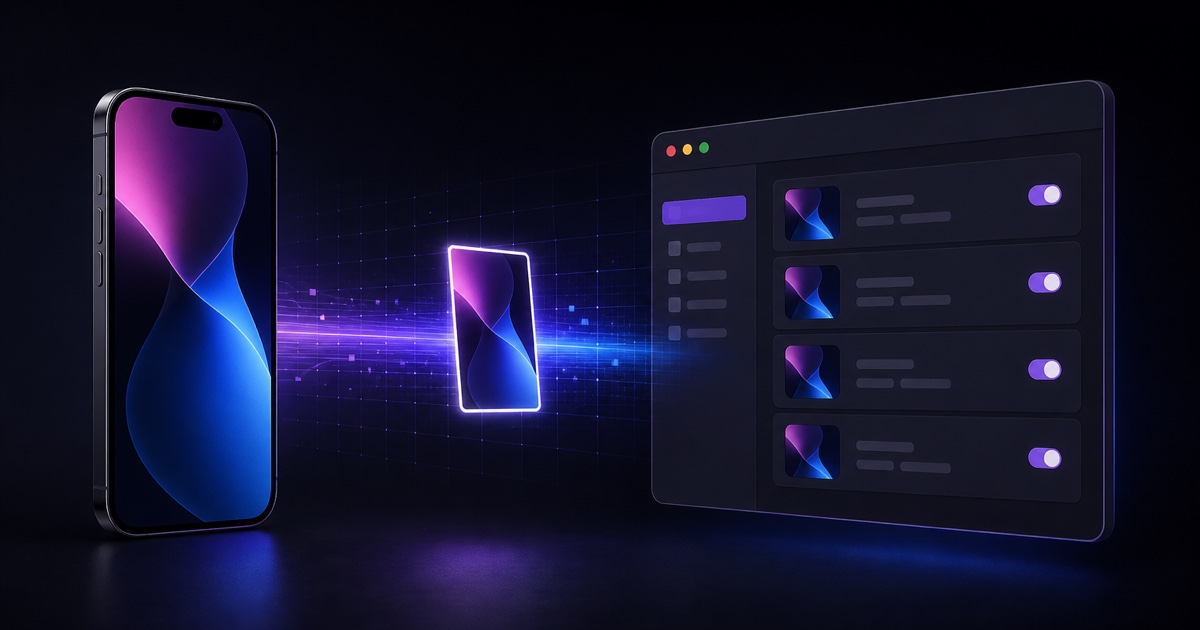
macOS menu-bar app that screenshots your iPhone over USB or Wi-Fi — straight into a folder you choose and onto your clipboard. Native Swift + AVFoundation. Install via npm.
Screenshots
How to install TetherShot on a Mac
- Get OpenDMG. It is a free app store for open source Mac apps. Download OpenDMG.
- Search for TetherShot and press Get. OpenDMG downloads version 1.0.21 from apoorvdarshan's own GitHub release.
- Open it. The download is checked against its SHA-256 fingerprint and its signature is checked on your Mac before it lands in Applications.
Updates to TetherShot show up in OpenDMG and install with one button. No account is needed.
Prefer to do it by hand? The developer's file is on GitHub: TetherShot-1.0.21-universal.dmg (3.0 MB).
What is new in TetherShot 1.0.21
Refresh devices without losing your place in the menu bar panel, and see your iPhone’s actual name over Wi-Fi.

- The menu bar panel stays open while devices refresh and shows refresh progress.
- A compact native interface adds a clear Capture button, aligned switches, and expandable preferences.
- Wi-Fi device discovery resolves friendly phone names through the active tunnel when USB discovery has no entry.
- Local source installs update the canonical app location and verify that the correct copy launched.

Includes a signed, notarized universal DMG for Apple silicon and Intel Macs.

**Full Changelog**: https://github.com/apoorvdarshan/TetherShot/compare/v1.0.20...v1.0.21
More Video and Screen Capture apps
-
 IINAThe modern video player for macOS
-
 Palmier ProOpen source video editor where you and AI agents generate and edit videos together in the…
-
 macshotScreenshot and screen recording tool with annotation, OCR, and scroll capture
-
 SnapzyOpen-source tool for screenshots, screen recording, annotation, and editing
-
 ScreendropBeautiful screenshot and screen recording tool — a native, self-hostable, and free Loom…
-
 BetterCaptureFree and open source screen recorder with professional encoding support