

Takes for Mac
Talking-head video studio with a voice-following teleprompter, recording, and AI-assisted editing.
By marvtub. Free and open source, MIT licence.
Takes at a glance
- Version
- 2026.11.11
- Released
- 12 November 2026
- Download size
- 95 MB
- Works on
- Apple silicon and Intel
- Licence
- MIT
- Category
- Video and Screen Capture
- Developer
- marvtub
- GitHub stars
- 38
About Takes
Takes for Mac (gettakes.app): a free, open-source Mac app for talking-head videos. A teleprompter that follows your voice, camera and screen recording, and your agent (Claude Code, Codex or pi) writes the script, cuts the edit and drafts the posts through the takes MCP server. Apple silicon, macOS 15+. Shared as is.
How to install Takes on a Mac
- Get OpenDMG. It is a free app store for open source Mac apps. Download OpenDMG.
- Search for Takes and press Get. OpenDMG downloads version 2026.11.11 from marvtub's own GitHub release.
- Open it. The download is checked against its SHA-256 fingerprint and its signature is checked on your Mac before it lands in Applications.
Updates to Takes show up in OpenDMG and install with one button. No account is needed.
Prefer to do it by hand? The developer's file is on GitHub: Takes.dmg (95 MB).
What is new in Takes 2026.11.11
### Screen takes  - Takes logs your pointer and clicks beside the screen file, and draws the pointer back in its real shape - Ask for Screen zoom and the edit zooms in on each click and follows the pointer - Zooms also come in when you type, and the view follows the text cursor - Pick a cursor look: eight animated pointers with move, hover, text, drag and wait - A click ring and a real click sound on each click, if you want them - A keystrokes button on the record bar - Screen and camera together: the camera steps aside in pauses, and the crop follows your face ### Effects 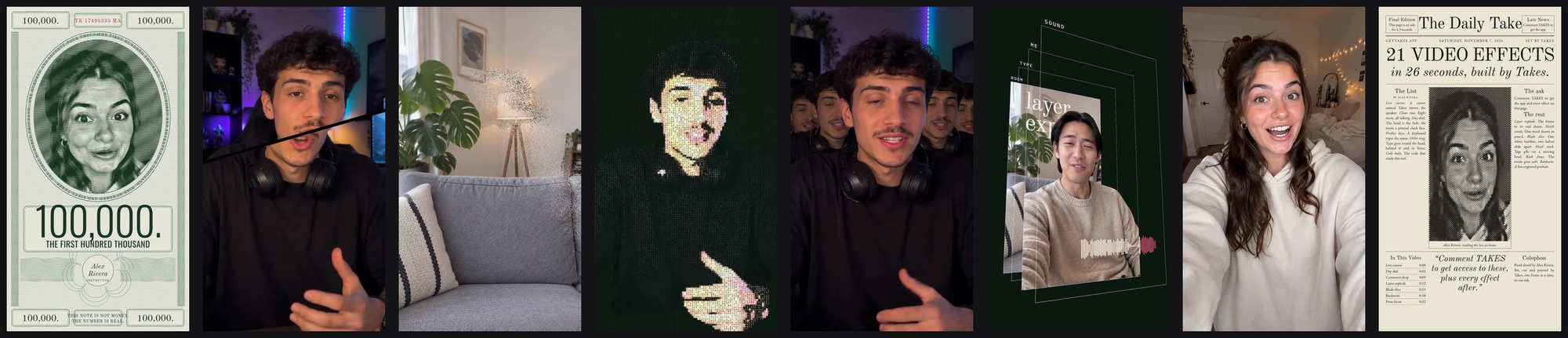 - 21 new effects, 35 in all, each in 9:16, 4:5, 1:1 and 16:9 - Effects stay off until you ask for one ### Sound 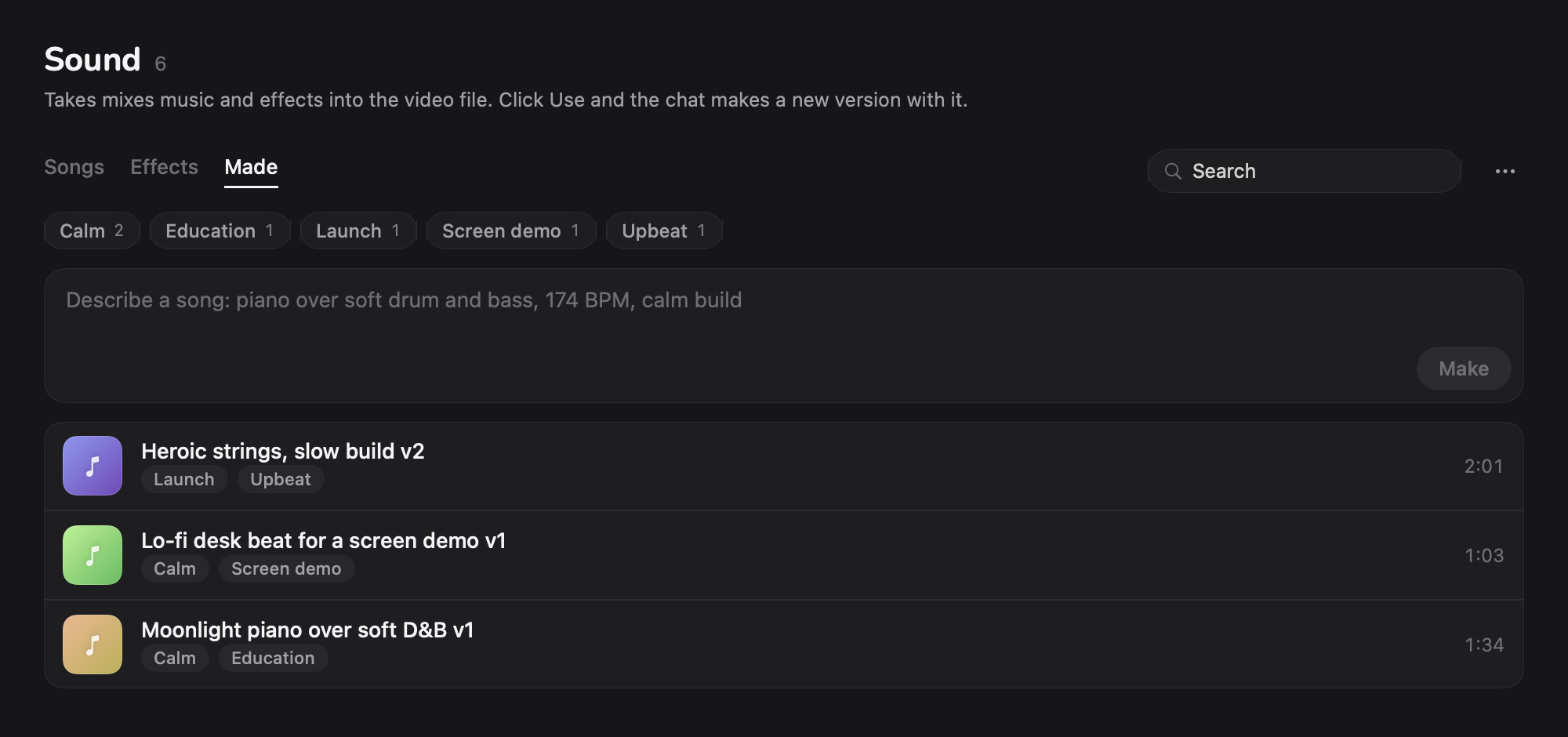 - Make a song with your own ElevenLabs key. It goes to a new Made tab - Tag songs and sound effects, then filter by tag …
More Video and Screen Capture apps
-
 IINAThe modern video player for macOS
-
 Palmier ProOpen source video editor where you and AI agents generate and edit videos together in the…
-
 Quick RecorderA lightweight and high-performance screen recorder for macOS
-
 macshotScreenshot and screen recording tool with annotation, OCR, and scroll capture
-
 SnapzyOpen-source tool for screenshots, screen recording, annotation, and editing
-
 ScreendropBeautiful screenshot and screen recording tool — a native, self-hostable, and free Loom…