
SystemEQ for Mac
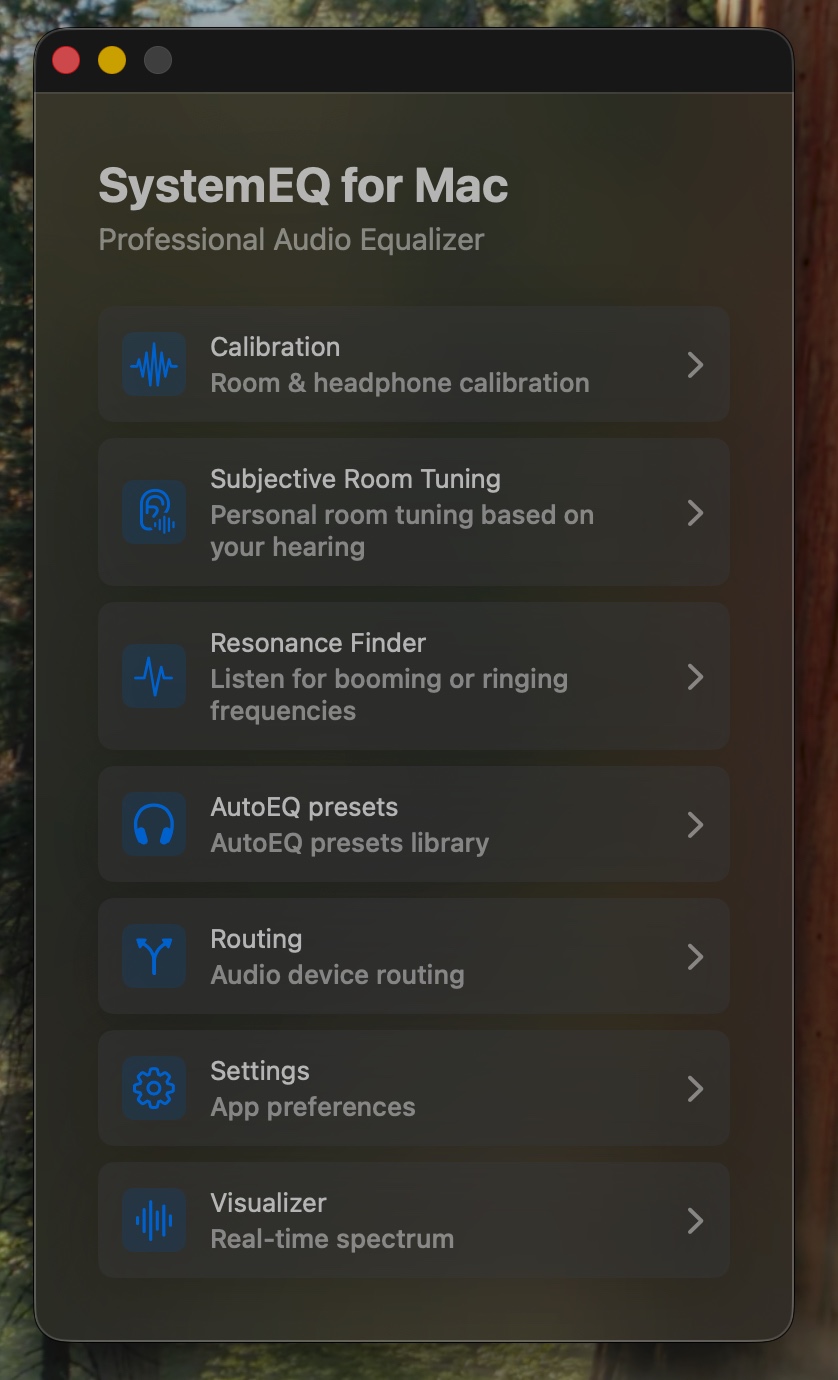
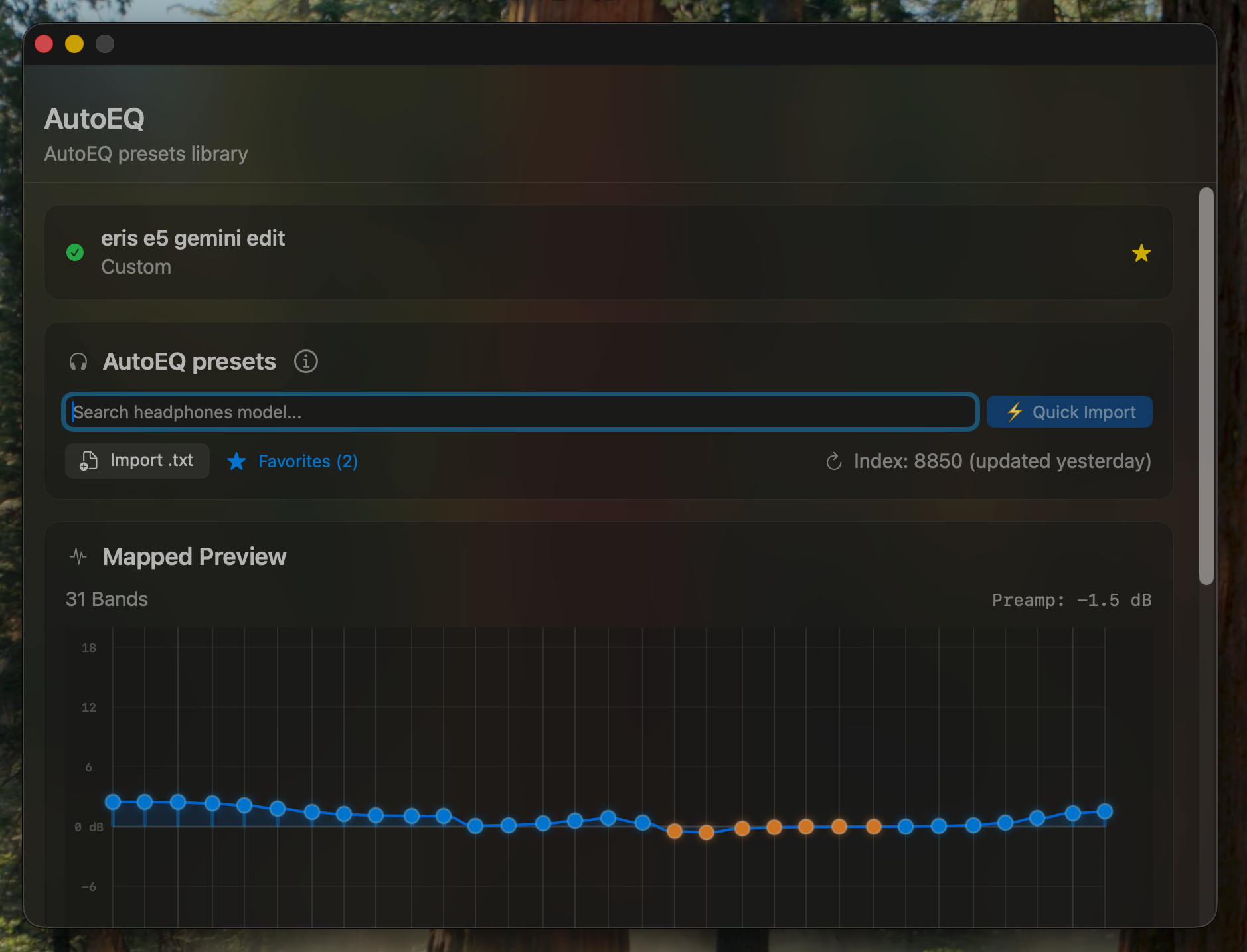
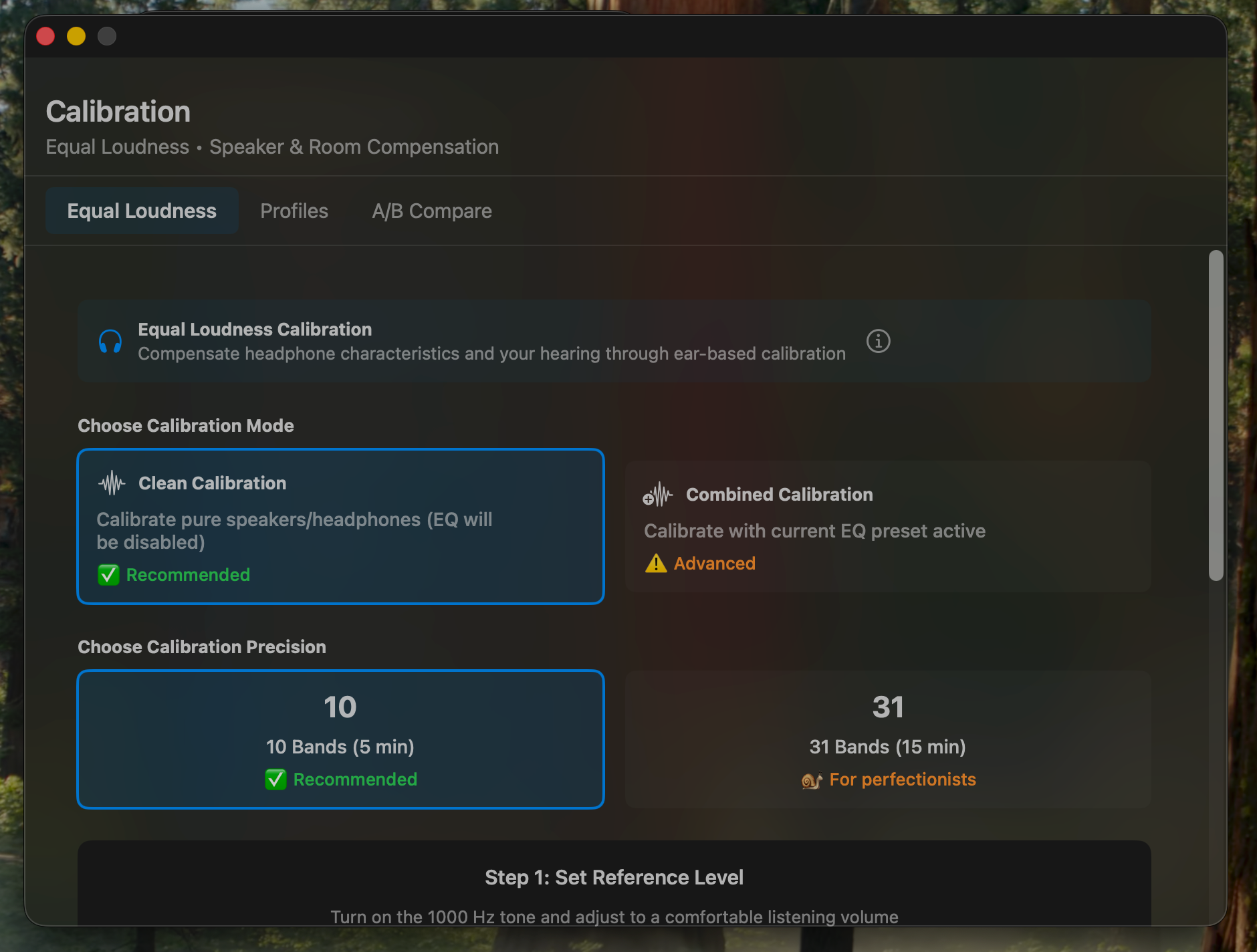
System-wide parametric equalizer with 10/31-band EQ, AutoEQ headphone presets, hearing calibration, and a real-time visualizer.
By denzam. Free and open source, GPL-3.0 licence.
SystemEQ at a glance
- Version
- 1.4.3
- Released
- 27 September 2026
- Download size
- 11 MB
- Works on
- Apple silicon and Intel
- Licence
- GPL-3.0
- Category
- Audio and Music
- Developer
- denzam
- GitHub stars
- 36
About SystemEQ
System-wide parametric equalizer for macOS 13+ — free, open source, GPLv3
Screenshots
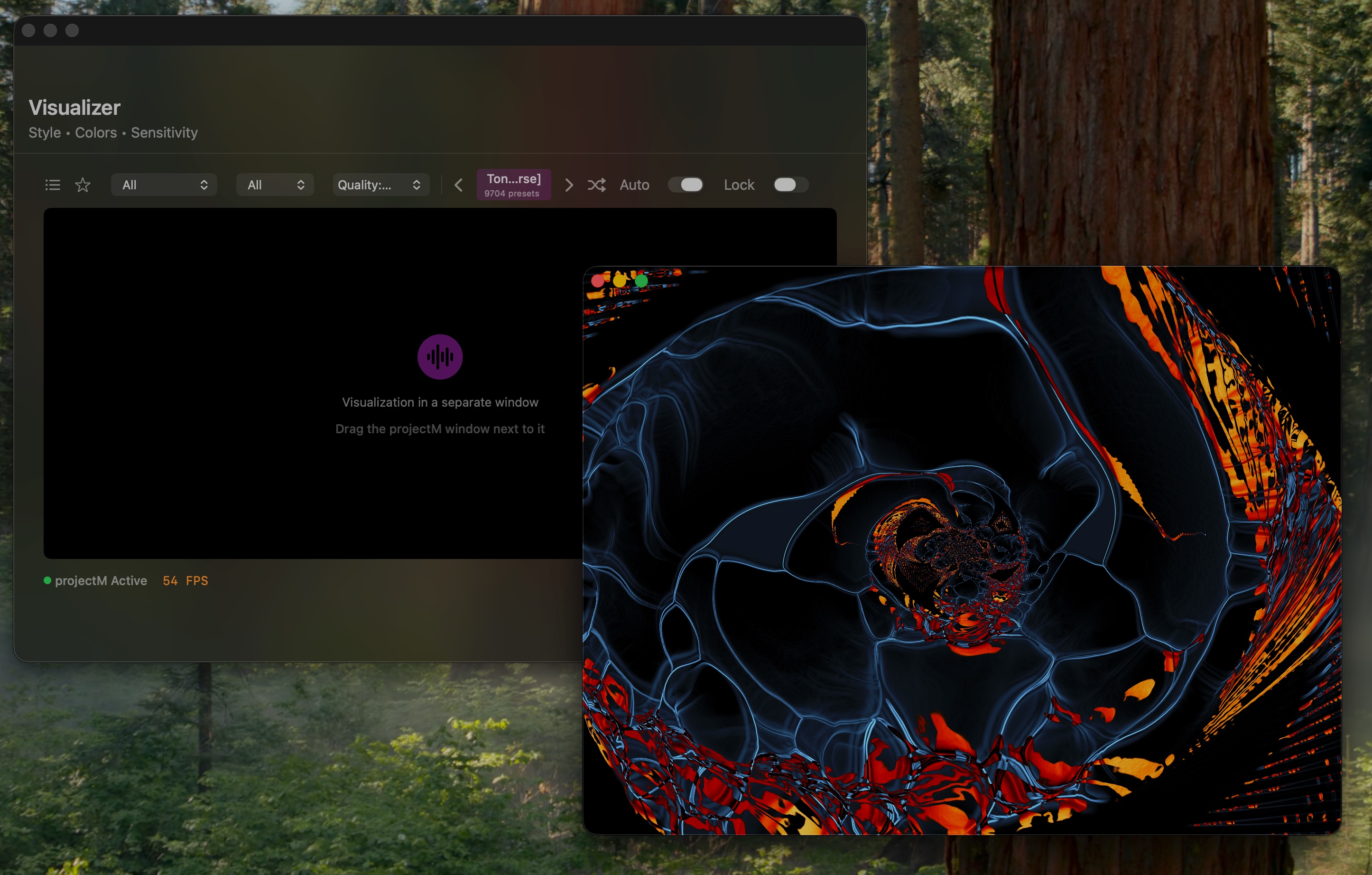
How to install SystemEQ on a Mac
- Get OpenDMG. It is a free app store for open source Mac apps. Download OpenDMG.
- Search for SystemEQ and press Get. OpenDMG downloads version 1.4.3 from denzam's own GitHub release.
- Open it. The download is checked against its SHA-256 fingerprint and its signature is checked on your Mac before it lands in Applications.
Updates to SystemEQ show up in OpenDMG and install with one button. No account is needed.
Prefer to do it by hand? The developer's file is on GitHub: SystemEQ-v1.4.3.dmg (11 MB).
What is new in SystemEQ 1.4.3
## SystemEQ for Mac v1.4.3

### Downloads
| Format | Size | Description |
|--------|------|-------------|
| 💿 `.dmg` | 11 MB | Recommended — drag to Applications |
| 📦 `.zip` | 11 MB | Alternative — unzip and move to Applications |

### Installation
1. Download `.dmg` file below
2. Open the DMG and drag **SystemEQ for Mac** to **Applications**
3. **First launch:** right-click the app → **Open** → confirm the Gatekeeper dialog
 (the app is ad-hoc signed but not notarized — Apple Developer ID is not used by this project)
4. Alternative: open Terminal and run
 `xattr -dr com.apple.quarantine "/Applications/SystemEQ for Mac.app"`
5. Or via Homebrew (quarantine flag handled automatically):
 ```
 brew trust denzam/systemeq
 brew install --cask denzam/systemeq/systemeq
 ```
 Homebrew 6.0+ refuses to load third-party taps until you trust them
 once per machine; on Homebrew 5 and older, skip the first line.

### Requirements
- macOS 13 (Ventura) or later (including macOS 14 Sonoma, macOS 15 Sequoia, and macOS 27)
- Apple Silicon or Intel Mac

---

## What's Changed in v1.4.3

Audio engine stability, device buffer adaptation, resampler boundary safety, and onboarding improvements.

### 🔊 Audio Engine & Stability
…
More Audio and Music apps
-
 MonitorControlAdjust external monitor settings
-
 FluidVoiceVoice-to-text app with AI enhancement
-
 eqMacSystem-wide audio equalizer and volume mixer
-
 VoiceInkReal-time speech-to-text app
-
 LyricsXDisplay lyrics for iTunes/Spotify
-
 FreeFlowPush-to-talk speech-to-text tool that inserts polished transcripts into any app