
Status Trio for Mac
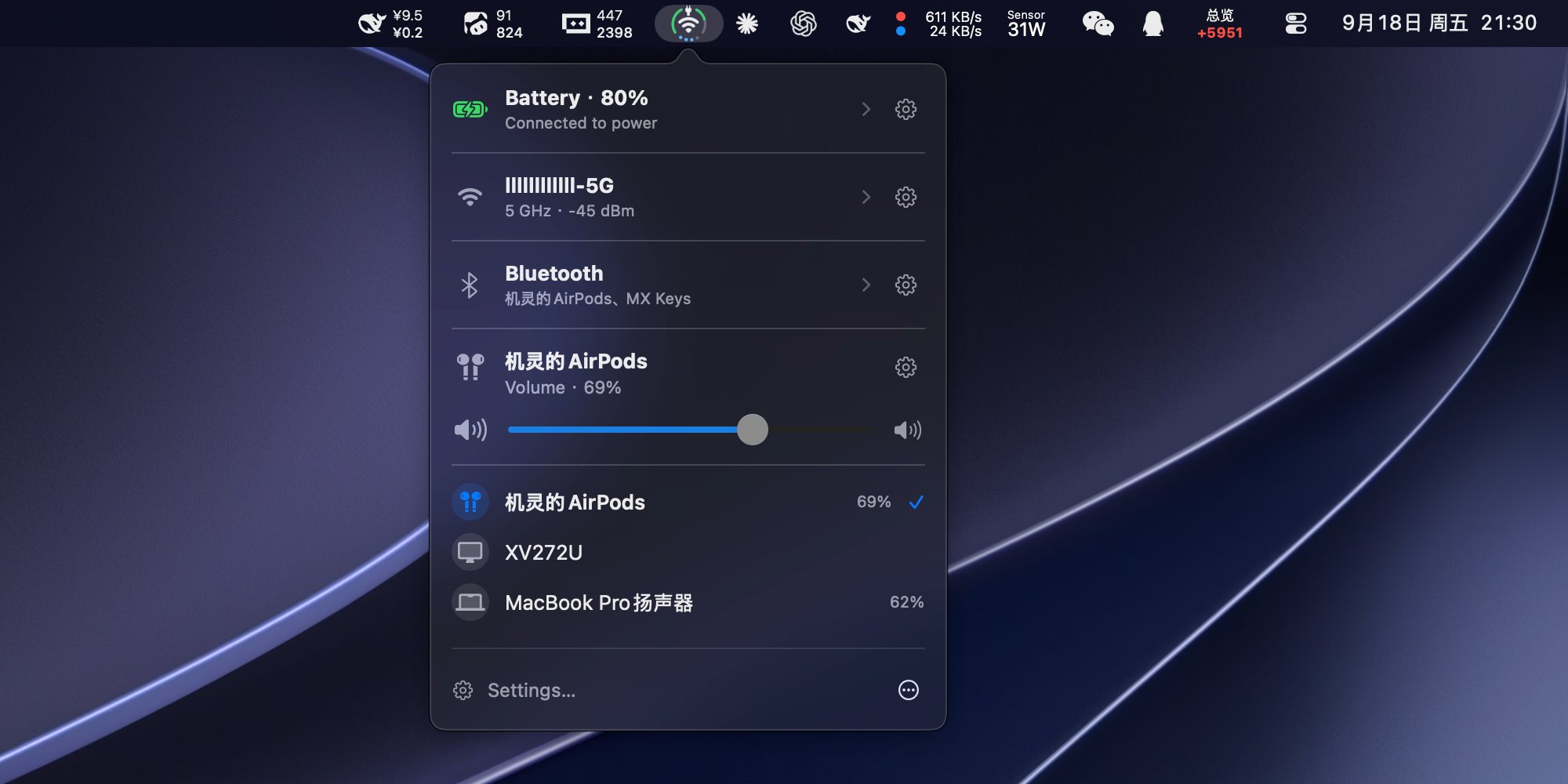
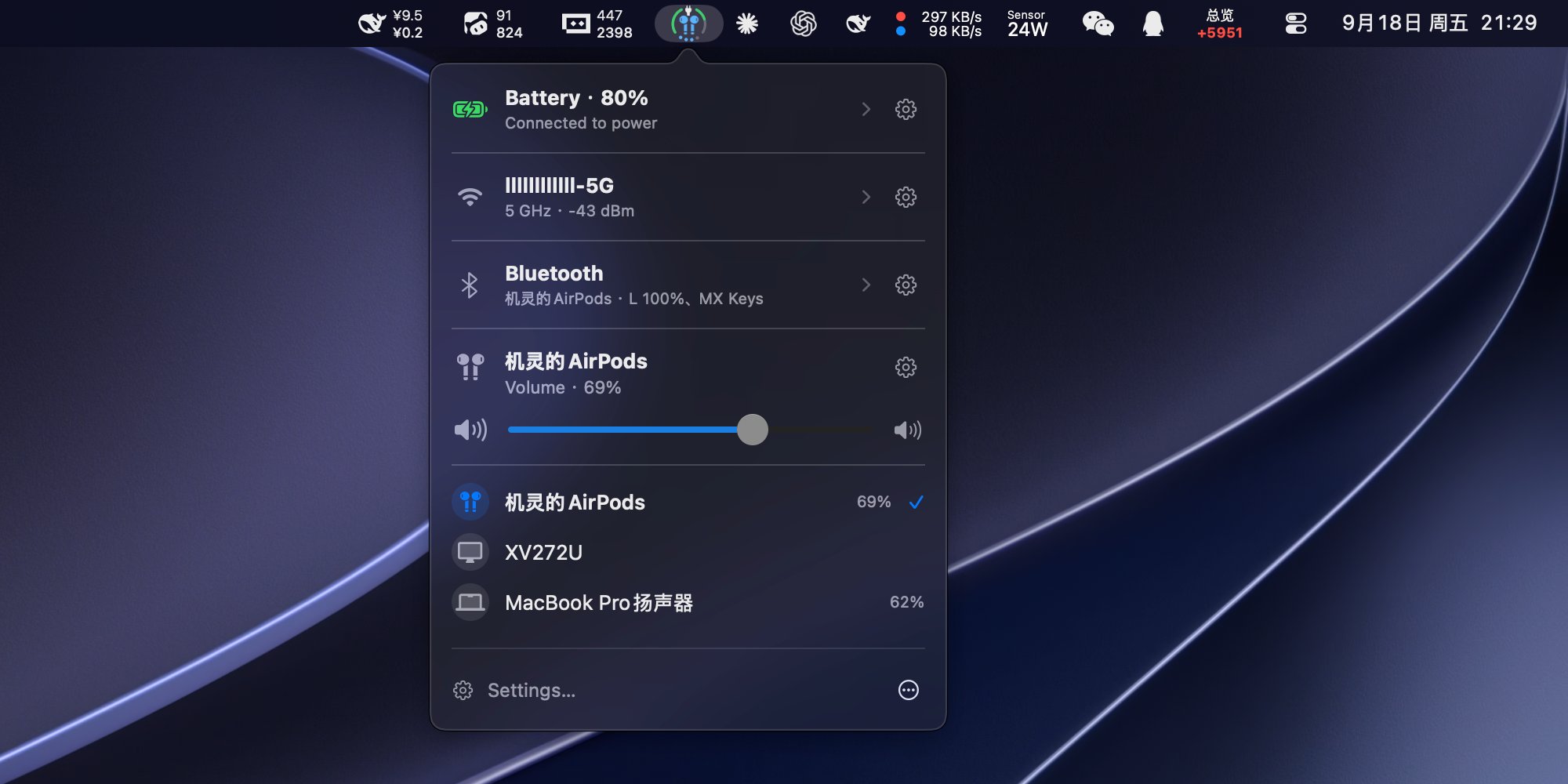
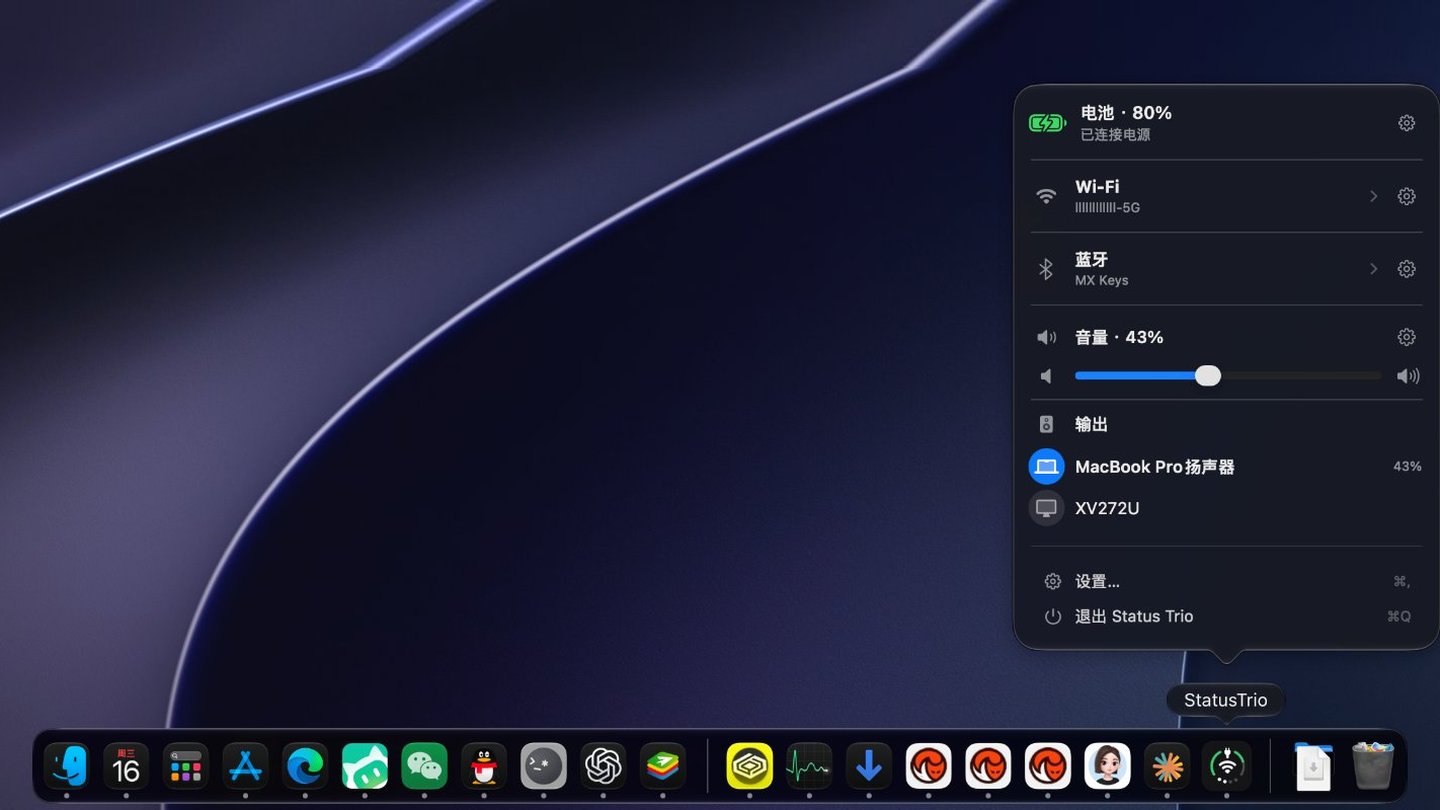
Menu bar app that merges Wi-Fi, battery, and volume into a single compact, configurable status icon.
By lingyired. Free and open source, Apache-2.0 licence.
Status Trio at a glance
- Version
- 1.5.1
- Released
- 9 October 2026
- Download size
- 13 MB
- Works on
- Apple silicon and Intel
- Licence
- Apache-2.0
- Category
- Menu Bar and Notch
- Developer
- lingyired
- GitHub stars
- 622
About Status Trio
Status Trio — a native macOS app that combines Wi-Fi, battery, and volume into one compact, configurable status icon for the menu bar, the Dock, or both, inspired by the iPhone Duo combined status bar.
Screenshots

How to install Status Trio on a Mac
- Get OpenDMG. It is a free app store for open source Mac apps. Download OpenDMG.
- Search for Status Trio and press Get. OpenDMG downloads version 1.5.1 from lingyired's own GitHub release.
- Open it. The download is checked against its SHA-256 fingerprint and its signature is checked on your Mac before it lands in Applications.
Updates to Status Trio show up in OpenDMG and install with one button. No account is needed.
Prefer to do it by hand? The developer's file is on GitHub: StatusTrio-1.5.1.dmg (13 MB).
What is new in Status Trio 1.5.1
# Version 1.5.1 (English + 中文, 中文在下方)

## English

### New Features

- Now supports macOS 13 and later.
- Added optional anonymous usage statistics, off by default; turn it on yourself in Settings.
- Apple device battery: read a paired Apple Watch's battery through a connected iPhone, and show trusted Apple devices as unified rows in the Bluetooth list. Adds background battery refresh with a configurable interval, and battery is read only for selected devices that are visible in the panel.
- You can now customize the Bluetooth audio icon.

### Improvements

- Improved the icon and status panel update logic.

### Fixes

- Icon rendering: restored fidelity of cached bitmaps, steady animation resizing, the charging-bolt heartbeat tint, and menu bar and Dock alignment.
- The first Bluetooth refresh no longer opens Settings unexpectedly.

### Privacy

- Explains the optional anonymous usage statistics, what a heartbeat contains, and that no third-party analytics SDK is included. See [telemetry and privacy](https://github.com/lingyired/status-trio/blob/main/docs/privacy-telemetry.md) for the full details.

## 中文

### 新功能

- 现在兼容至 macOS 13。
- 新增可选的「匿名使用情况」统计,默认关闭,需要自己开启。
- 苹果设备电量:可通过已连接的 iPhone 读取配对 Apple Watch 的电量,并把已信任的 Apple 设备显示为蓝牙列表中的统一设备行;新增后台更新电量及刷新间隔设置。电量读取仅针对面板中可见的已选设备。
- 现在允许自定义蓝牙音频图标。

### 改进

- 优化了图标和状态面板的更新逻辑。

### 修复

- 图标渲染:修复缓存位图保真、稳定动画缩放、充电闪电心跳着色以及菜单栏与程序坞的对齐。
…
More Menu Bar and Notch apps
-
 StatsmacOS system monitor in your menu bar
-
 IcePowerful menu bar manager for macOS (upstream, temporarily inactive)
-
 Hidden BarAn ultra-light MacOS utility that helps hide menu bar icons
-
 ThawThe open-source menu bar manager: hide, organize, and take control of menu bar icons
-
 Boring NotchTurn your MacBook notch into a music and file control center
-
 eulmacOS status monitoring app written in SwiftUI