
Stanza for Mac
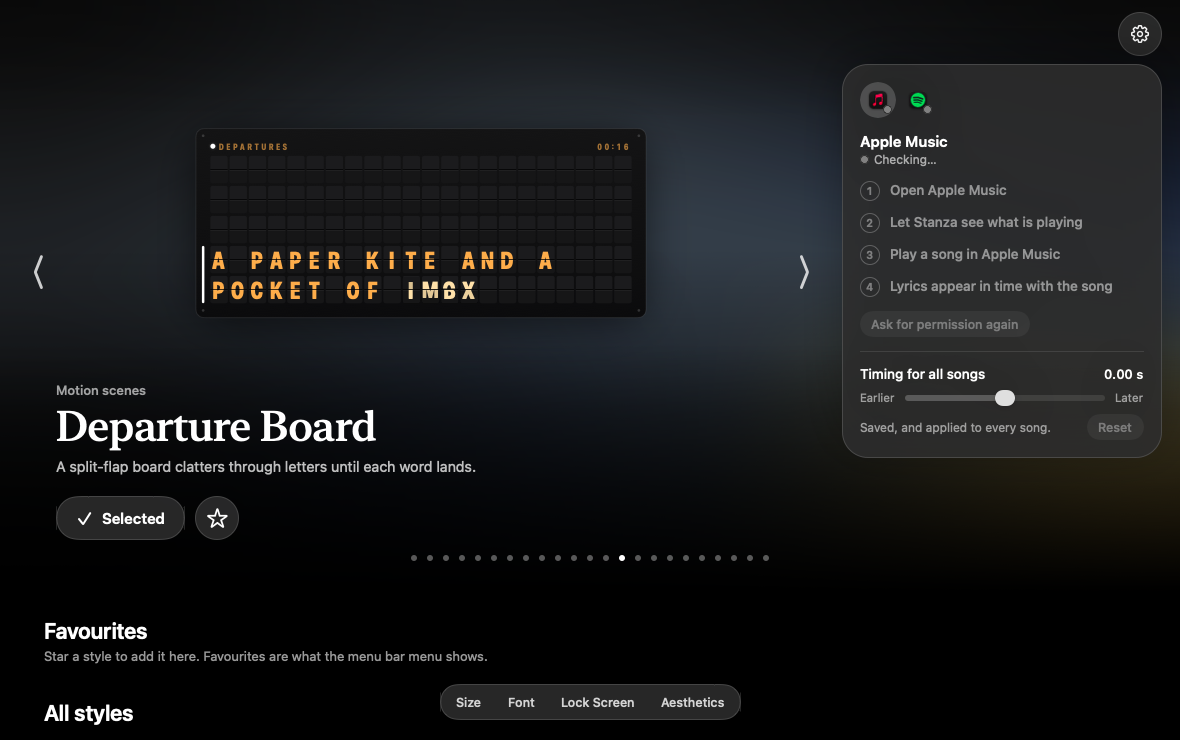
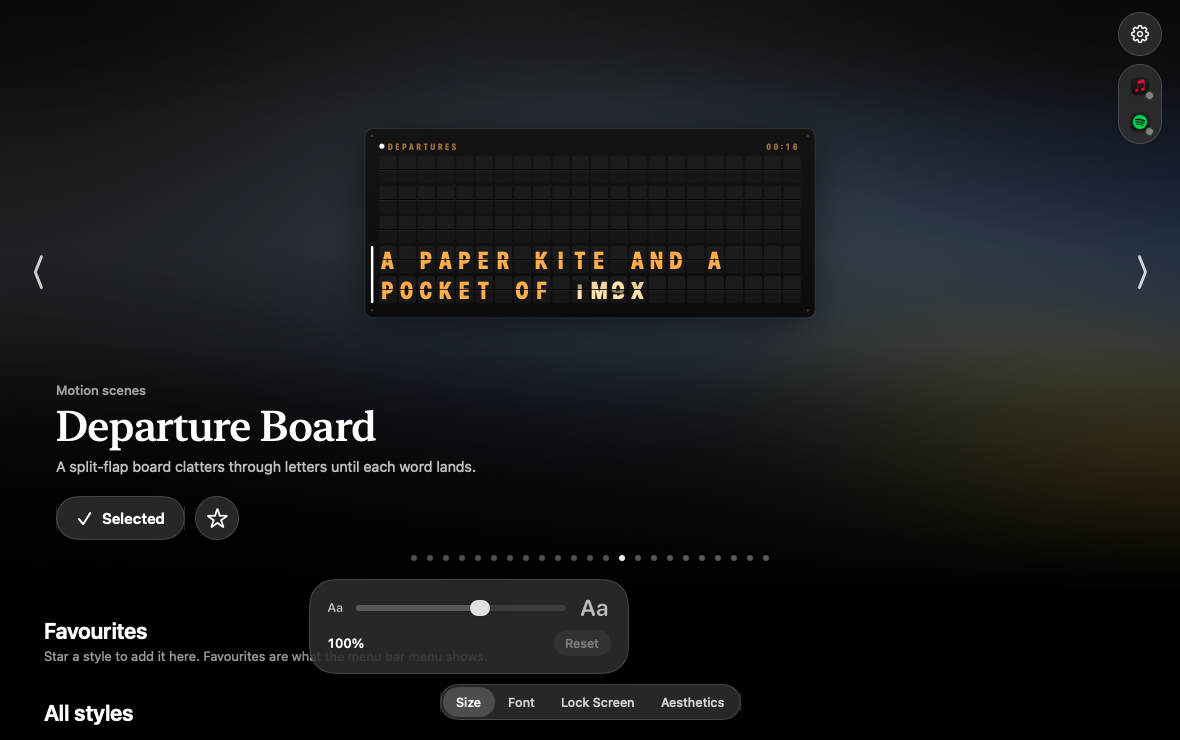
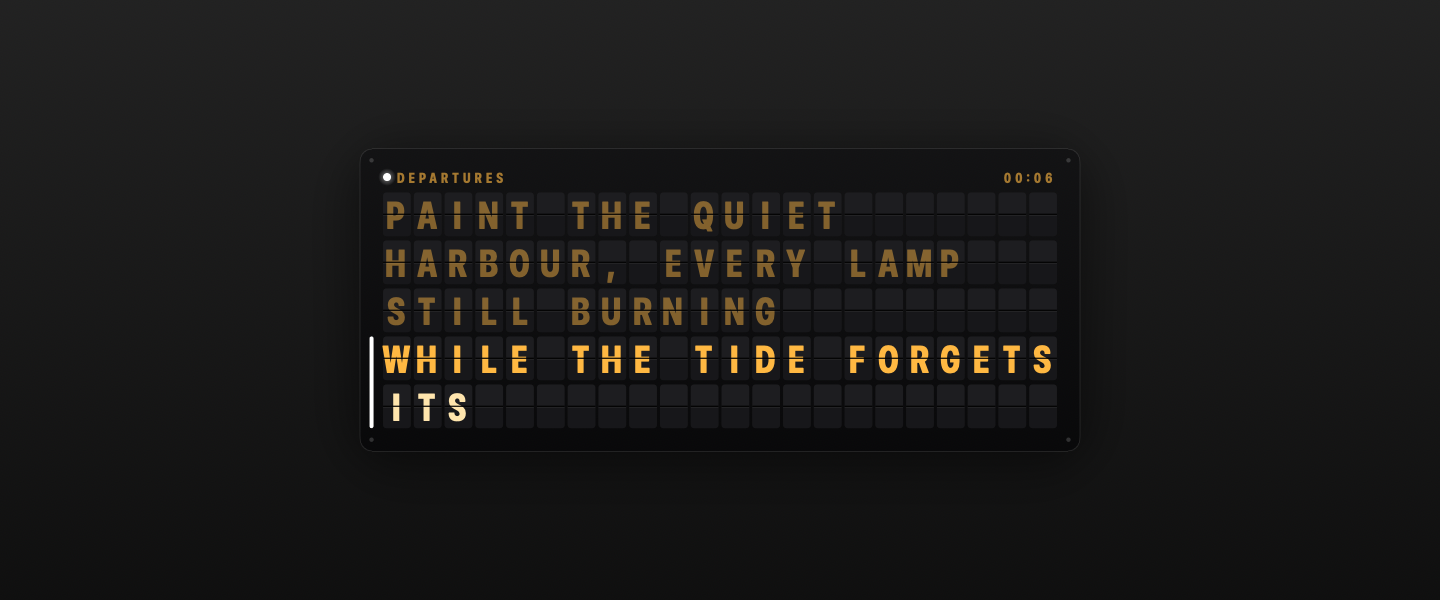
Shows word-synced Spotify and Apple Music lyrics on the desktop and lock screen.
By Rayhanson-Git. Free and open source, MIT licence.
Stanza at a glance
- Version
- 0.4.9
- Released
- 18 November 2026
- Download size
- 3.7 MB
- Works on
- Apple silicon and Intel
- Licence
- MIT
- Category
- Audio and Music
- Developer
- Rayhanson-Git
- GitHub stars
- 10
About Stanza
Time-synced lyrics, word by word, on your Mac's desktop and lock screen, in 23 styles. A self-updating macOS menu-bar app for Spotify and Apple Music.
Screenshots
How to install Stanza on a Mac
- Get OpenDMG. It is a free app store for open source Mac apps. Download OpenDMG.
- Search for Stanza and press Get. OpenDMG downloads version 0.4.9 from Rayhanson-Git's own GitHub release.
- Open it. The download is checked against its SHA-256 fingerprint and its signature is checked on your Mac before it lands in Applications.
Updates to Stanza show up in OpenDMG and install with one button. No account is needed.
Prefer to do it by hand? The developer's file is on GitHub: Stanza-0.4.9.dmg (3.7 MB).
What is new in Stanza 0.4.9
- **What's New** now pops up in the middle of the window, so it is hard to miss; close it with OK. The 0.4.8 notes below are shown again for anyone who missed them in the small panel.

### Install

1. Download **Stanza-0.4.9.dmg** below and open it.
2. Drag **Stanza** into **Applications**, then open it from there.
3. The first time, macOS says it cannot check Stanza for malicious software, because Stanza is not notarised by Apple. Click **Done**, then open **System Settings → Privacy & Security**, scroll down and click **Open Anyway** next to Stanza.

From then on Stanza updates itself. Needs a Mac with Apple silicon and macOS 15 or later.
More Audio and Music apps
-
 MonitorControlAdjust external monitor settings
-
 FluidVoiceVoice-to-text app with AI enhancement
-
 VoiceInkReal-time speech-to-text app
-
 eqMacSystem-wide audio equalizer and volume mixer
-
 LyricsXDisplay lyrics for iTunes/Spotify
-
 FreeFlowPush-to-talk speech-to-text tool that inserts polished transcripts into any app