
StandLock for Mac
Menu bar break timer that locks the screen until you stand up, skipping breaks during meetings and calls.
By yagizdo. Free and open source, MIT licence.
StandLock at a glance
- Version
- 0.7.1
- Released
- 26 September 2026
- Download size
- 3.8 MB
- Works on
- Apple silicon and Intel
- Licence
- MIT
- Category
- Menu Bar and Notch
- Developer
- yagizdo
- GitHub stars
- 16
About StandLock
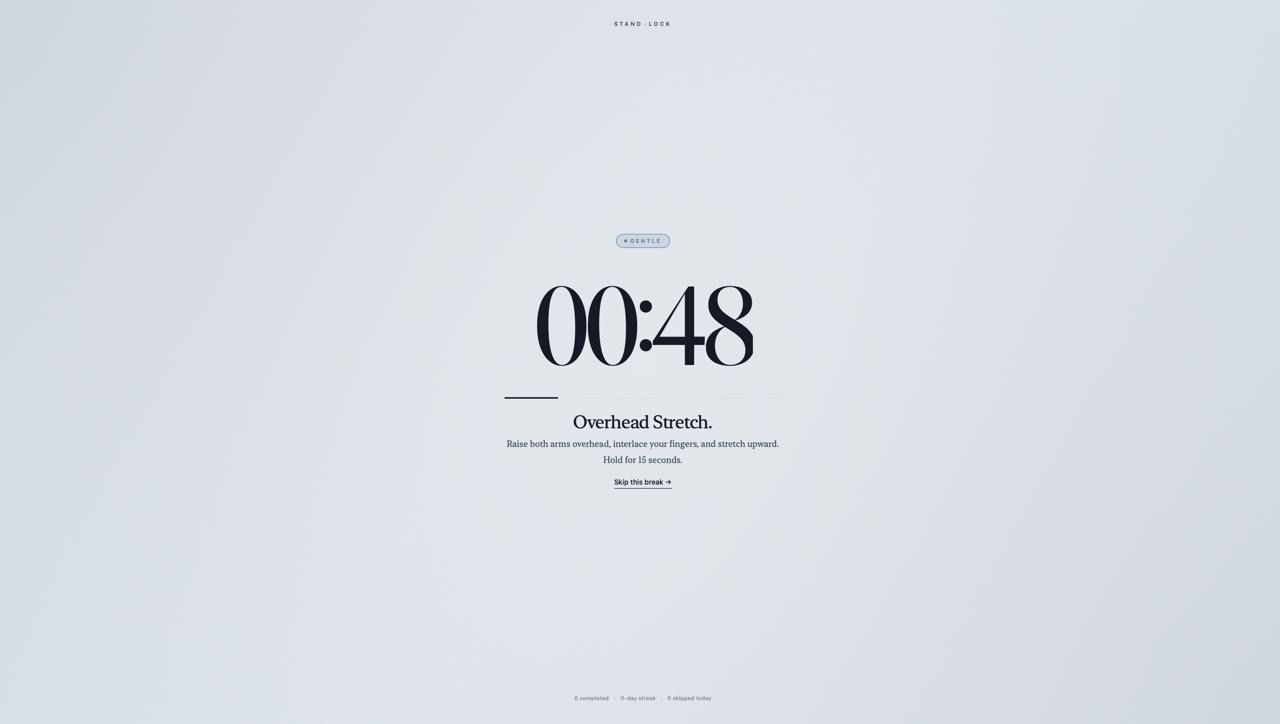
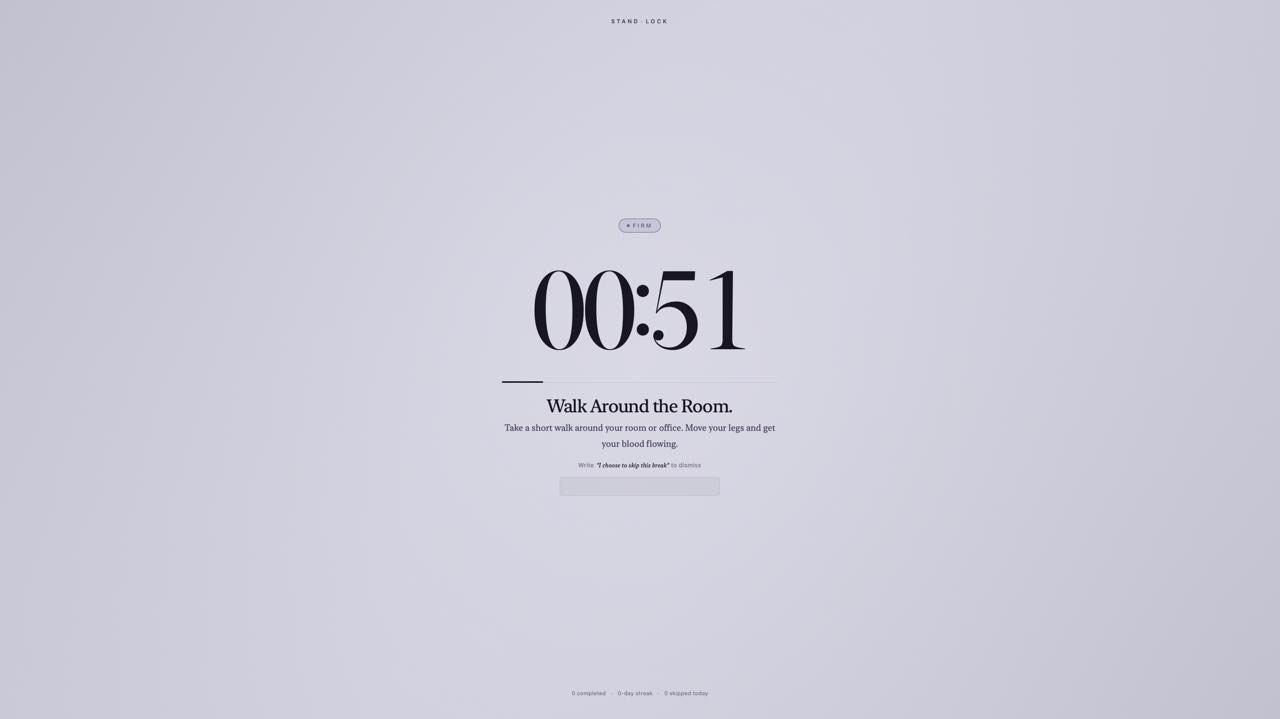
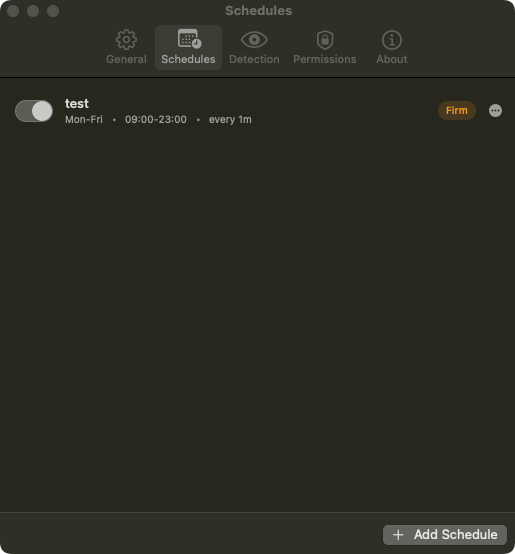
A macOS menu bar app that blocks your screen when it's time to stand up. Three enforcement levels: skip freely, type to dismiss, or full input lock.
Screenshots
How to install StandLock on a Mac
- Get OpenDMG. It is a free app store for open source Mac apps. Download OpenDMG.
- Search for StandLock and press Get. OpenDMG downloads version 0.7.1 from yagizdo's own GitHub release.
- Open it. The download is checked against its SHA-256 fingerprint and its signature is checked on your Mac before it lands in Applications.
Updates to StandLock show up in OpenDMG and install with one button. No account is needed.
Prefer to do it by hand? The developer's file is on GitHub: StandLock-0.7.1.dmg (3.8 MB).
What is new in StandLock 0.7.1
## StandLock v0.7.1

**Bug Fixes**
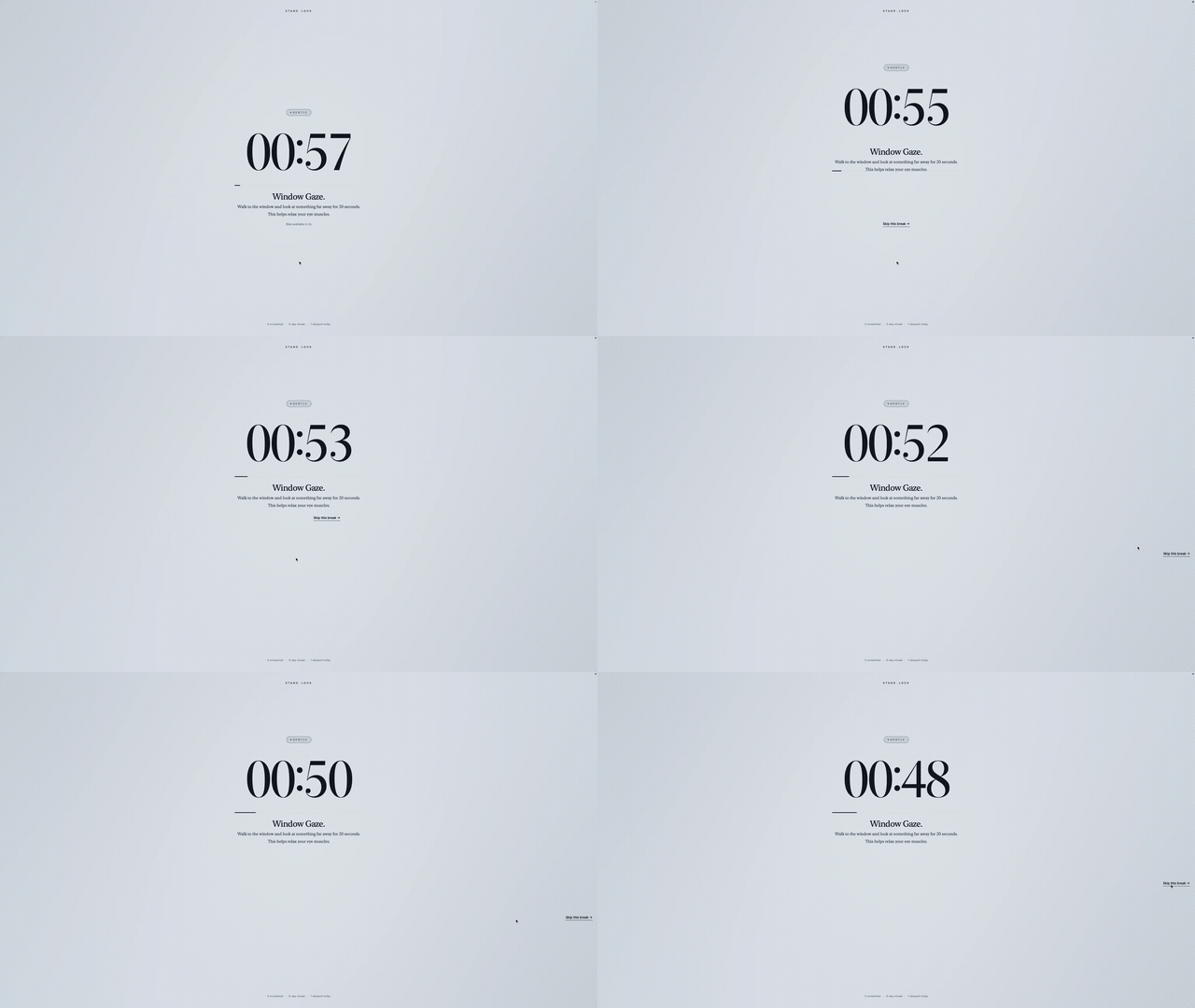
- A break no longer runs past its length when your Mac is busy. The countdown took a second off each time it woke up, so every late wake-up made the lock longer; it now counts down to a fixed end time (#63, 8aa4229)
- The escape phrase field gets your typing without a click first. Keys typed during a break used to go to the app behind the break screen; StandLock now comes to the front when a break starts (#63, 8aa4229)

**Notes**
- StandLock shows up in the app switcher (Cmd-Tab) while a break is on screen and leaves it when the break ends.

**Full Changelog:** https://github.com/yagizdo/StandLock/compare/v0.7.0...v0.7.1
More Menu Bar and Notch apps
-
 StatsmacOS system monitor in your menu bar
-
 IcePowerful menu bar manager for macOS (upstream, temporarily inactive)
-
 Hidden BarAn ultra-light MacOS utility that helps hide menu bar icons
-
 ThawThe open-source menu bar manager: hide, organize, and take control of menu bar icons
-
 Boring NotchTurn your MacBook notch into a music and file control center
-
 eulmacOS status monitoring app written in SwiftUI