

Spotifly for Mac
Lightweight Spotify player with fast, minimal playback controls.
By ralph. Free and open source, MIT licence.
Spotifly at a glance
- Released
- 21 November 2026
- Download size
- 3.3 MB
- Works on
- Apple silicon and Intel
- Licence
- MIT
- Category
- Audio and Music
- Developer
- ralph
- GitHub stars
- 183
About Spotifly
Native Spotify client
Screenshots
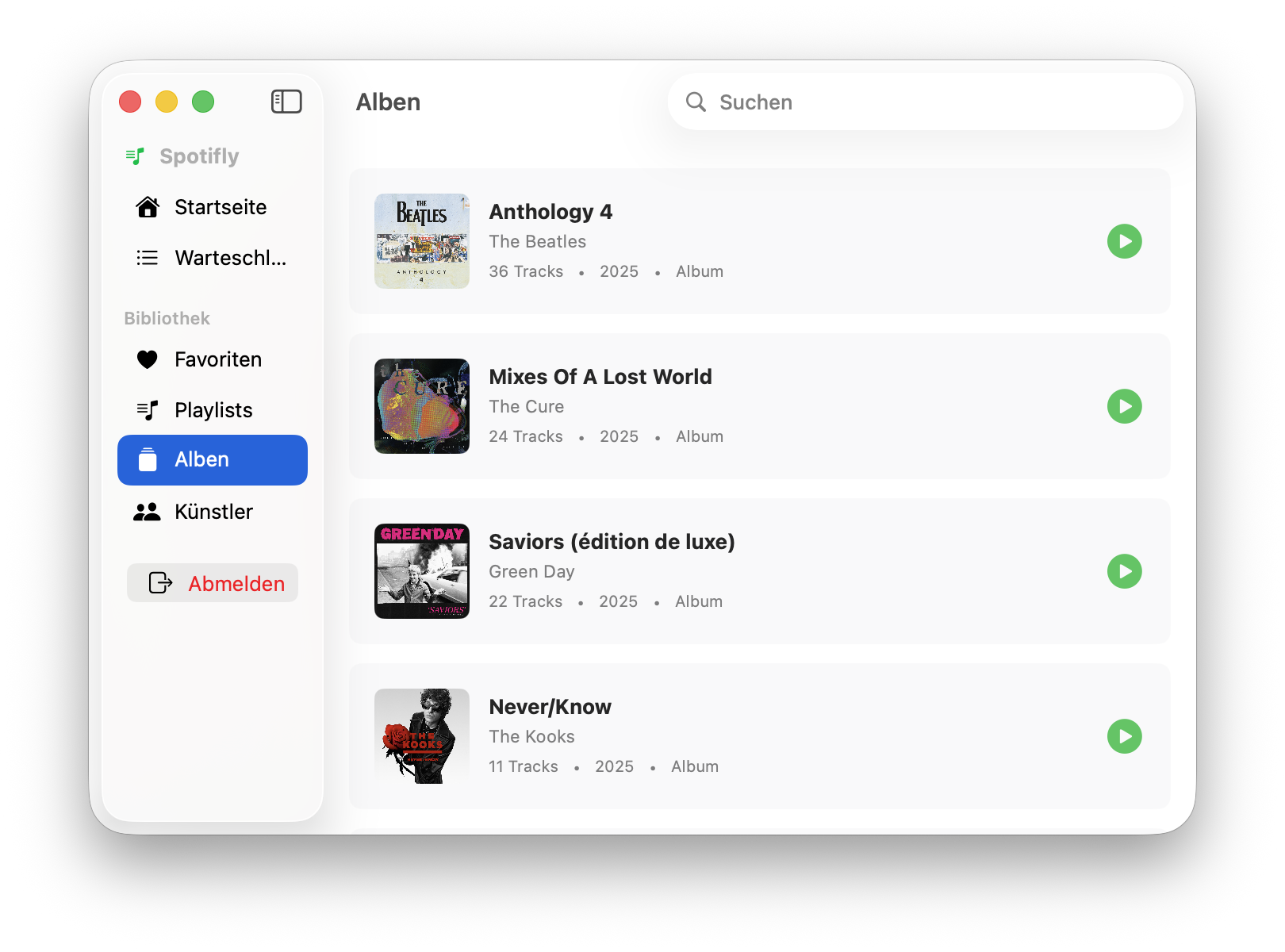
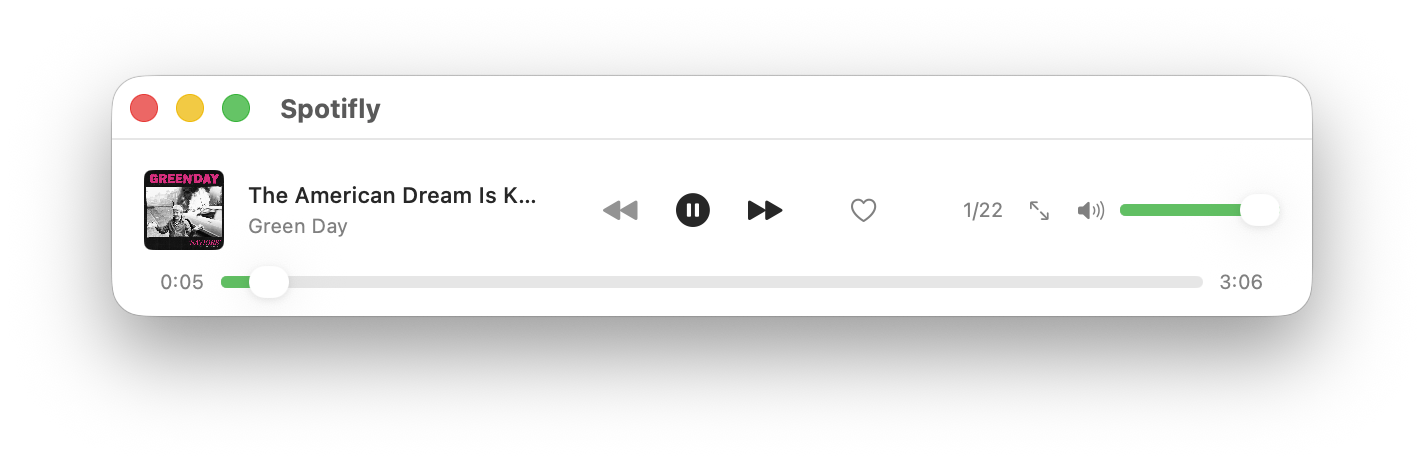
How to install Spotifly on a Mac
- Get OpenDMG. It is a free app store for open source Mac apps. Download OpenDMG.
- Search for Spotifly and press Get. OpenDMG downloads version from ralph's own GitHub release.
- Open it. The download is checked against its SHA-256 fingerprint and its signature is checked on your Mac before it lands in Applications.
Updates to Spotifly show up in OpenDMG and install with one button. No account is needed.
Prefer to do it by hand? The developer's file is on GitHub: Spotifly-2.0.0.zip (3.3 MB).
What is new in Spotifly
Latest stable release of Spotifly (v2.0.0)

Spotifly now plays through [Spotify Soloist](https://developer.spotify.com/documentation/soloist), Spotify's own player for third-party apps. Set it up in Settings → Playback with a key from Spotify's [Soloist dashboard](https://developer.spotify.com/dashboard/soloist), then pick "Spotifly" once in the Spotify app on your phone to pair it.

## What's New

The lead of each changelog entry. The full 2.0.0 section, with what is behind each line, is in [CHANGELOG.md](https://github.com/ralph/Spotifly/blob/v2.0.0/CHANGELOG.md#200---2026-11-21).

### Added
- Spotify Soloist can be this Mac's player.
- A saved Soloist key shows as saved, with Change.
- Settings → Playback shows Soloist's version and how long it has left, and downloads it again.
- The mouse's back and forward buttons step through the history, as in Safari.

### Changed
- Speakers leaves out hidden devices, as Spotify's own apps do.
- Spotifly no longer runs in the App Sandbox.

### Fixed
- Logging out makes Soloist forget the account.
- The sidebar's icons no longer flicker in Exposé.

### Removed
- The built-in player.
- AirPlay for Spotifly alone.

## Download and Install

- **Homebrew**: `brew install ralph/spotifly/spotifly`
- **Manual**: Download Spotifly-latest.zip, extract, and move to Applications
…
More Audio and Music apps
-
 MonitorControlAdjust external monitor settings
-
 FluidVoiceVoice-to-text app with AI enhancement
-
 VoiceInkReal-time speech-to-text app
-
 eqMacSystem-wide audio equalizer and volume mixer
-
 LyricsXDisplay lyrics for iTunes/Spotify
-
 FreeFlowPush-to-talk speech-to-text tool that inserts polished transcripts into any app