

Sound Guard for Mac
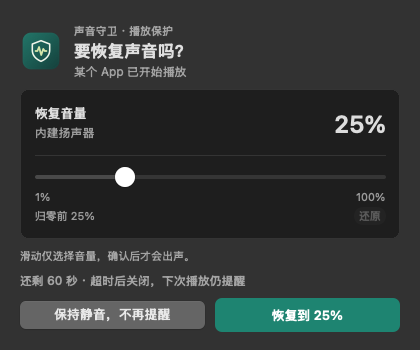
One-way output-volume guard that mutes the system after long inactivity and never restores it without a click.
By wlzh. Free and open source, MIT licence.
Sound Guard at a glance
- Version
- 0.3.7 (pre-release)
- Released
- 18 September 2026
- Download size
- 6.0 MB
- Works on
- Apple silicon and Intel
- Licence
- MIT
- Category
- Audio and Music
- Developer
- wlzh
- GitHub stars
- 2
About Sound Guard
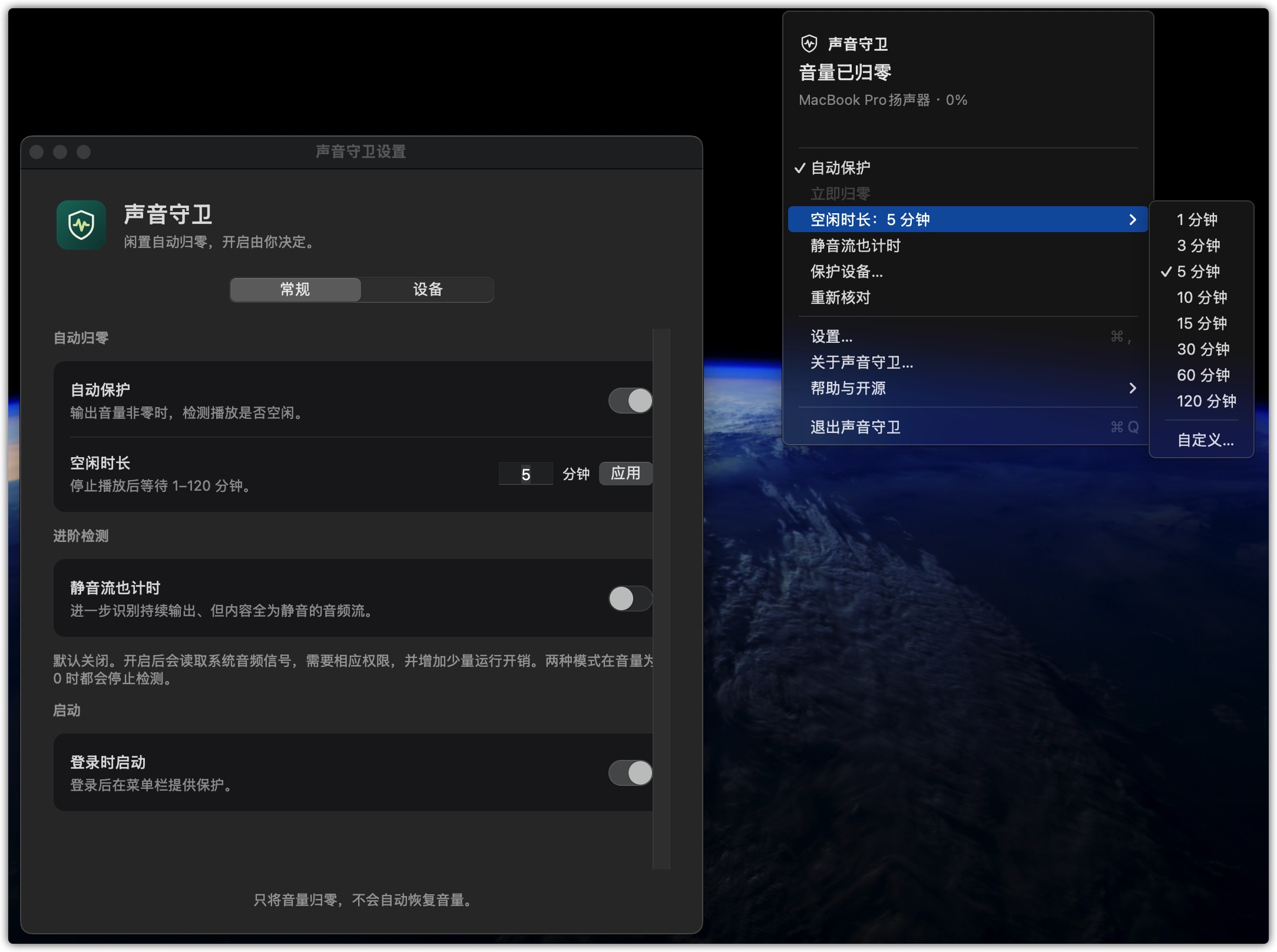
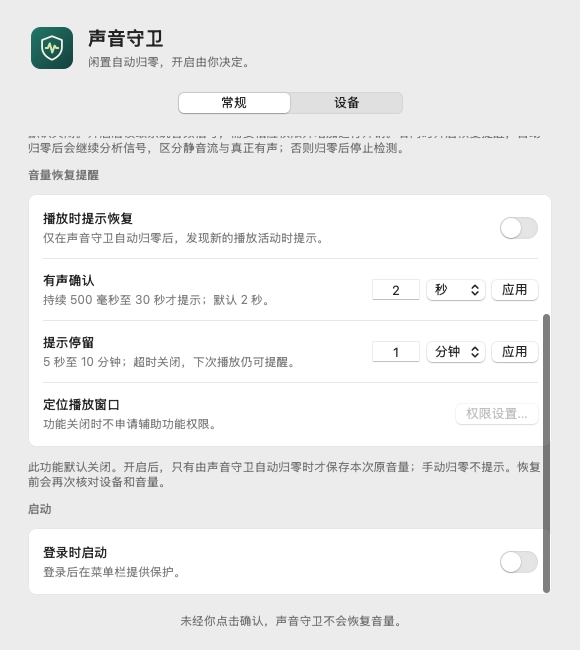
Sound Guard for macOS: native, low-overhead, one-way output volume protection. Open source under MIT.
Screenshots

How to install Sound Guard on a Mac
- Get OpenDMG. It is a free app store for open source Mac apps. Download OpenDMG.
- Search for Sound Guard and press Get. OpenDMG downloads version 0.3.7 from wlzh's own GitHub release.
- Open it. The download is checked against its SHA-256 fingerprint and its signature is checked on your Mac before it lands in Applications.
Updates to Sound Guard show up in OpenDMG and install with one button. No account is needed.
Prefer to do it by hand? The developer's file is on GitHub: SoundGuard-v0.3.7-macos-universal.zip (6.0 MB).
What is new in Sound Guard 0.3.7
自动归零后重新核对保留原音量及有效恢复记录,重建后安全复核;未完成确认重新计时,同段已提示播放不重复提醒。启动暂无样本不再冒充有声。包含 v0.3.6 无播放启动配置修正。

验证:86 项回归、373 个断言、50 项原生 UI 检查、Universal 构建、签名和本机安装核验通过。CI:https://github.com/wlzh/sound-guard-mac/actions/runs/35359413285 。

限制:新版真实自动归零后重新核对再播放链路待用户操作验收;三轮命令行 Signal Tap 探针在系统回调注册处阻塞,未通过。完整设备、权限、睡眠与长期性能矩阵未完成。不是全部实机验收通过的稳定版。

macOS 14.2+;MIT;ad-hoc 签名,未公证。详细说明见仓库 docs/TESTING.md 与 docs/prd/v0.3.7/。
More Audio and Music apps
-
 MonitorControlAdjust external monitor settings
-
 FluidVoiceVoice-to-text app with AI enhancement
-
 eqMacSystem-wide audio equalizer and volume mixer
-
 VoiceInkReal-time speech-to-text app
-
 LyricsXDisplay lyrics for iTunes/Spotify
-
 FreeFlowPush-to-talk speech-to-text tool that inserts polished transcripts into any app