

SmartPause for Mac
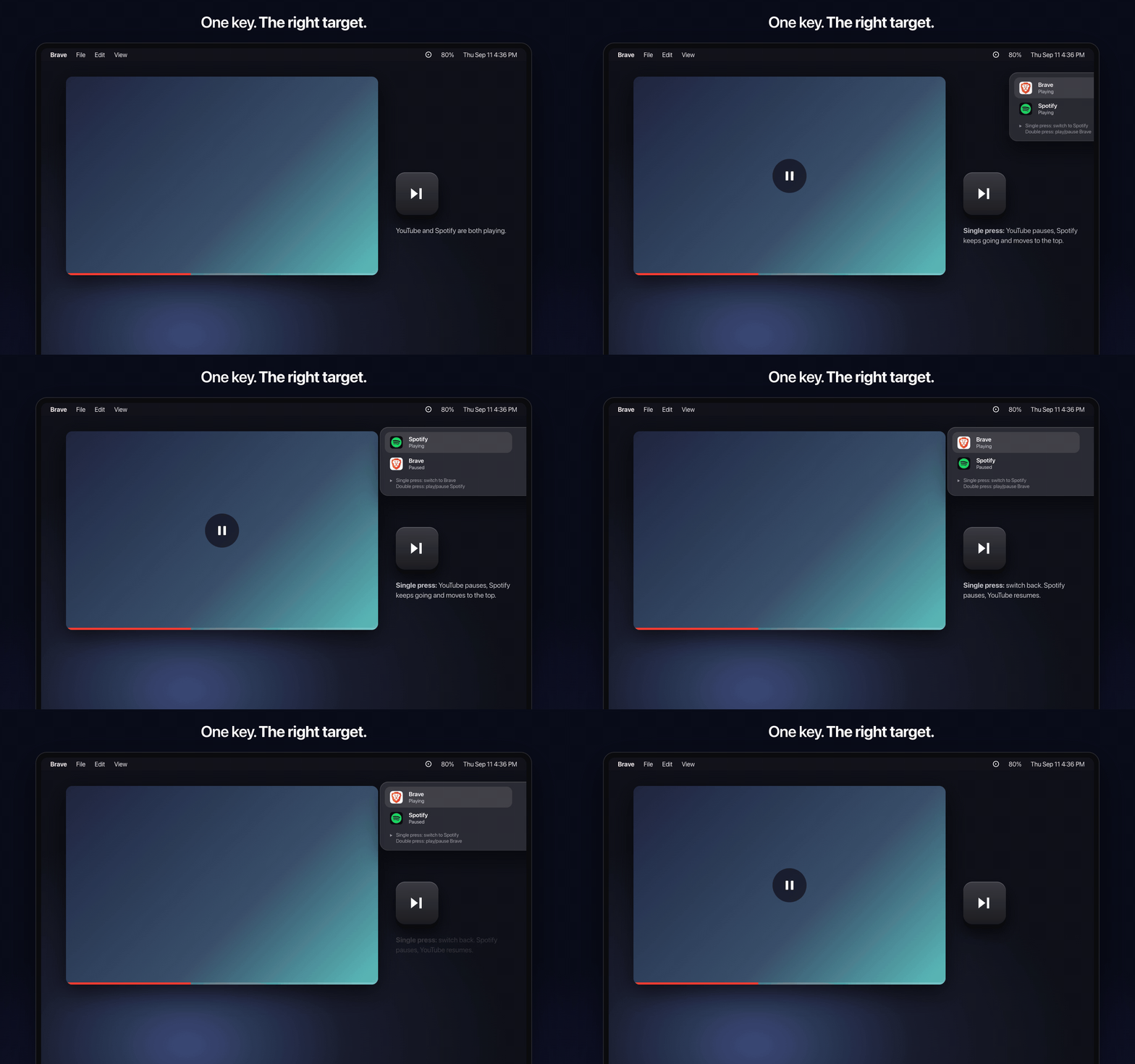
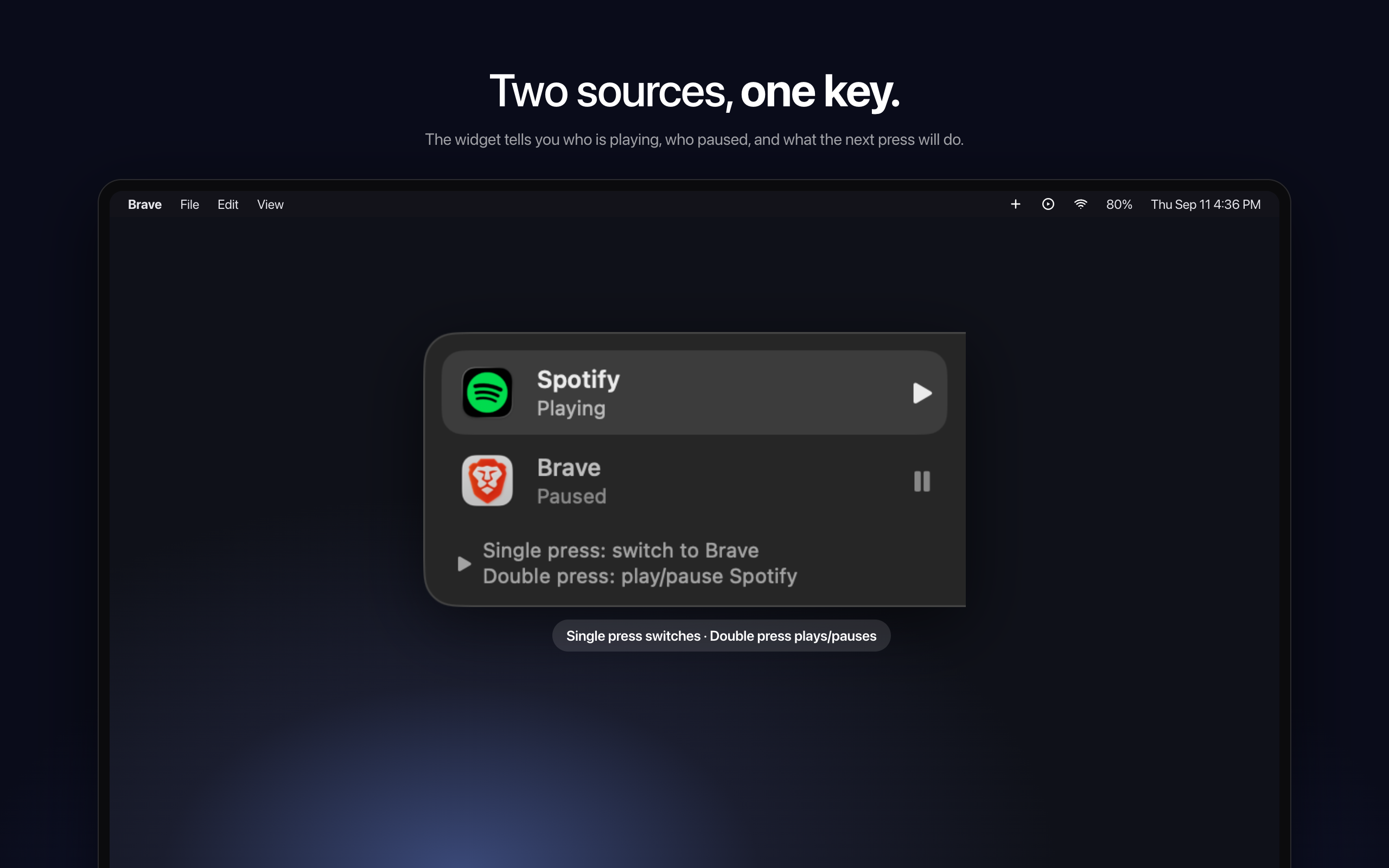
Routes the play/pause media key to whichever app is actually playing sound.
By yasinozmeen. Free and open source, MIT licence.
SmartPause at a glance
- Version
- 0.2.3
- Released
- 20 September 2026
- Download size
- 1.2 MB
- Works on
- Apple silicon and Intel
- Licence
- MIT
- Category
- Audio and Music
- Developer
- yasinozmeen
- GitHub stars
- 8
About SmartPause
Routes the macOS play/pause key to the app that is actually playing. Menu bar, Swift, no Apple Music surprises.
Screenshots
How to install SmartPause on a Mac
- Get OpenDMG. It is a free app store for open source Mac apps. Download OpenDMG.
- Search for SmartPause and press Get. OpenDMG downloads version 0.2.3 from yasinozmeen's own GitHub release.
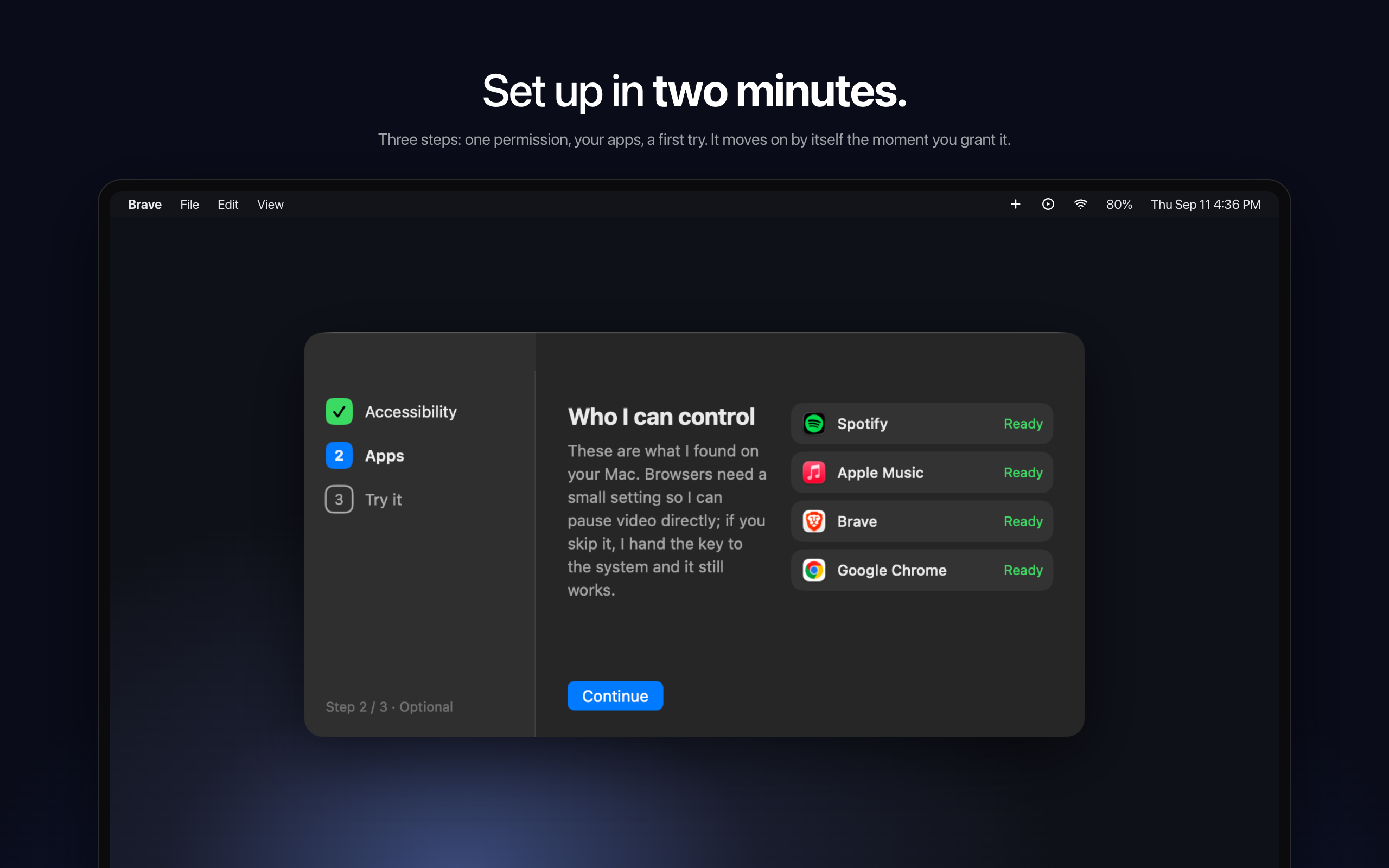
- Open it. The download is checked against its SHA-256 fingerprint and its signature is checked on your Mac before it lands in Applications.
Updates to SmartPause show up in OpenDMG and install with one button. No account is needed.
Prefer to do it by hand? The developer's file is on GitHub: SmartPause-0.2.3.zip (1.2 MB).
What is new in SmartPause 0.2.3
## What's new

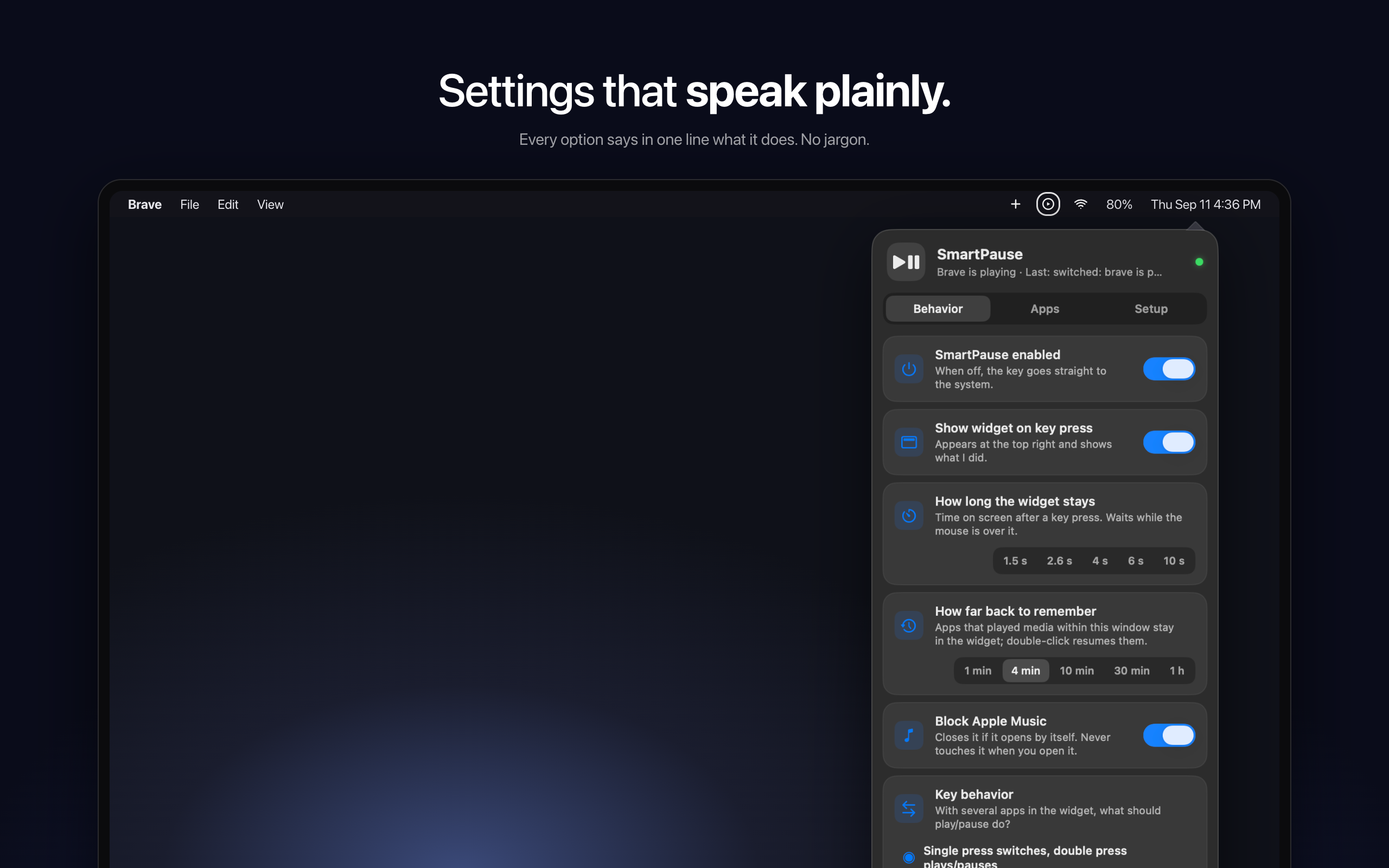
**Multiple displays.** The widget and the settings panel now open on the screen your mouse is on. While the widget is visible it follows you: move the pointer to another display and the widget slides out and comes back in on that one.

**Double press with one app.** When the widget shows a single app that isn't your music player, a double press plays Spotify instead of repeating what a single press does. If Spotify is closed it opens in the background and starts playing; if it is already open it just resumes.

**Pausing from somewhere else.** Pausing a video with the spacebar or a click is noticed, so the next media key press does what you expect instead of acting on a stale state.

**Fixes.** The widget no longer drifts to a neighbouring display when it closes. In "press pauses, quick second press switches" mode the second press now switches targets correctly.

## Install
```
brew install --cask yasinozmeen/smartpause/smartpause
```
Already installed: `brew upgrade --cask smartpause`. Or download the zip below. macOS 14.2+, ad-hoc signed (right-click › Open once). If media keys stop working after the update, toggle SmartPause off and on in System Settings › Privacy & Security › Accessibility.
More Audio and Music apps
-
 MonitorControlAdjust external monitor settings
-
 FluidVoiceVoice-to-text app with AI enhancement
-
 eqMacSystem-wide audio equalizer and volume mixer
-
 VoiceInkReal-time speech-to-text app
-
 LyricsXDisplay lyrics for iTunes/Spotify
-
 FreeFlowPush-to-talk speech-to-text tool that inserts polished transcripts into any app