

SidebarFavorites for Mac
Add custom folders to macOS Finder Favorites and set icons.
By ivg-design. Free and open source, MIT licence.
SidebarFavorites at a glance
- Version
- 1.3.0
- Released
- 8 October 2026
- Download size
- 13 MB
- Works on
- Apple silicon and Intel
- Licence
- MIT
- Category
- System Tools
- Developer
- ivg-design
- GitHub stars
- 197
About SidebarFavorites
Add custom folders to macOS Finder sidebar Favorites with custom SF Symbol icons
Screenshots
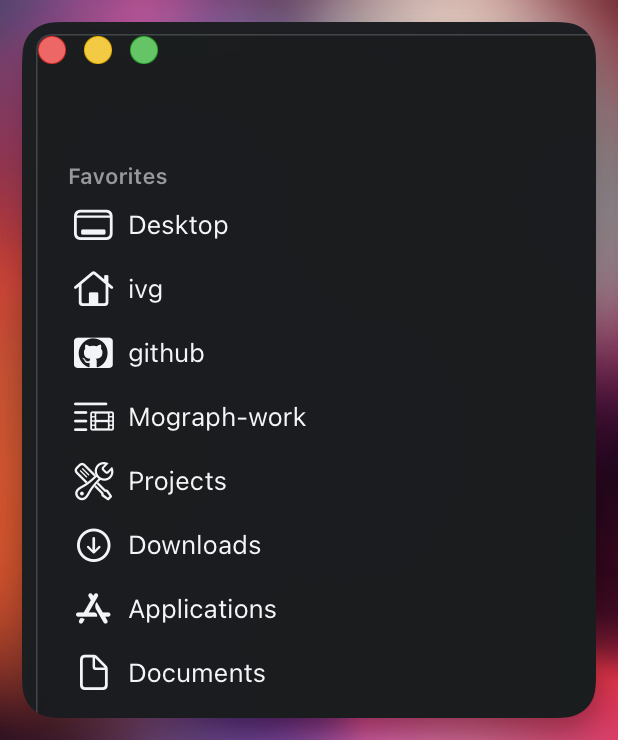
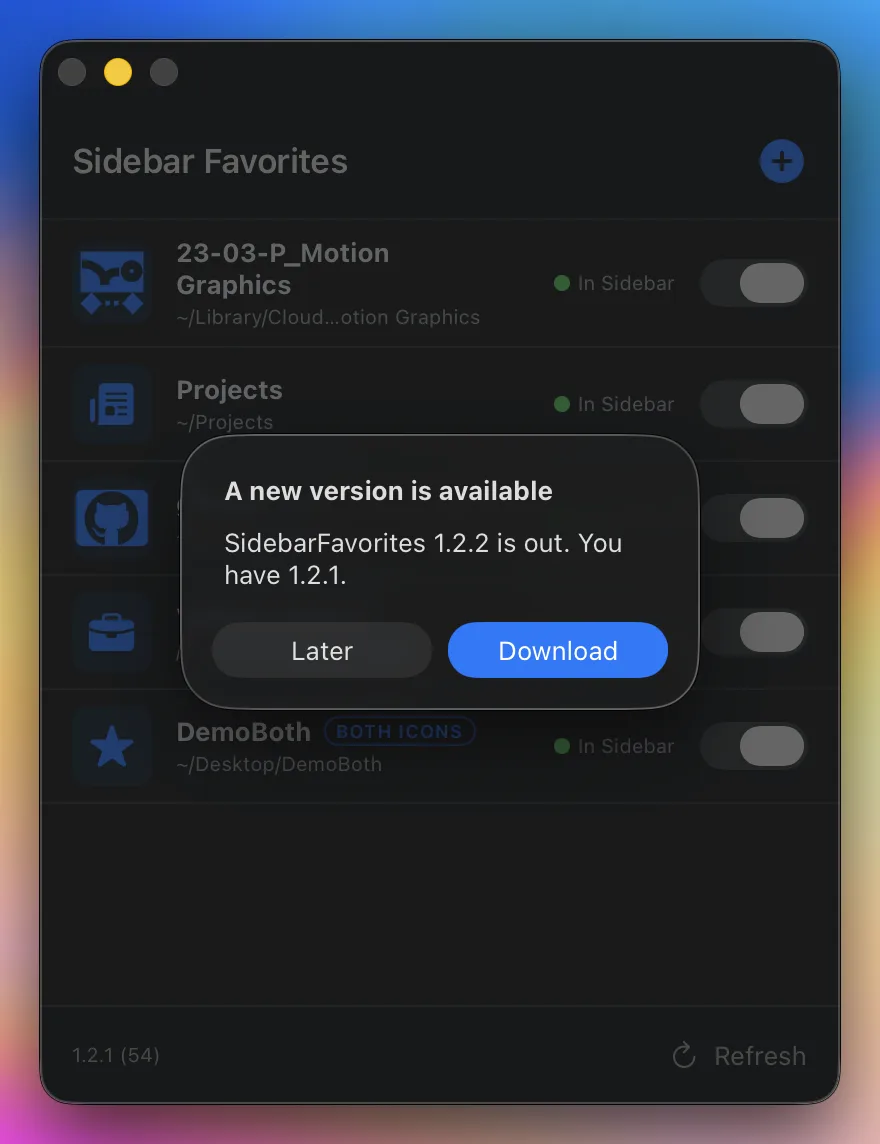
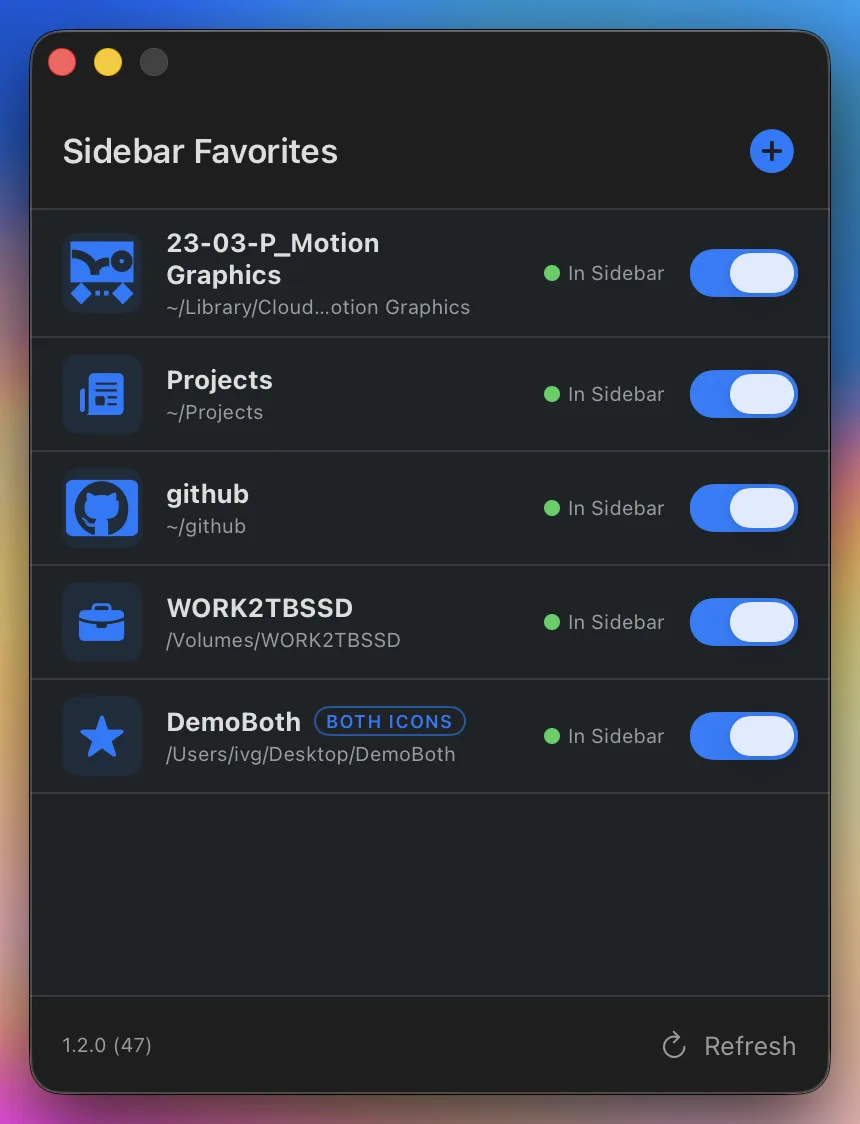
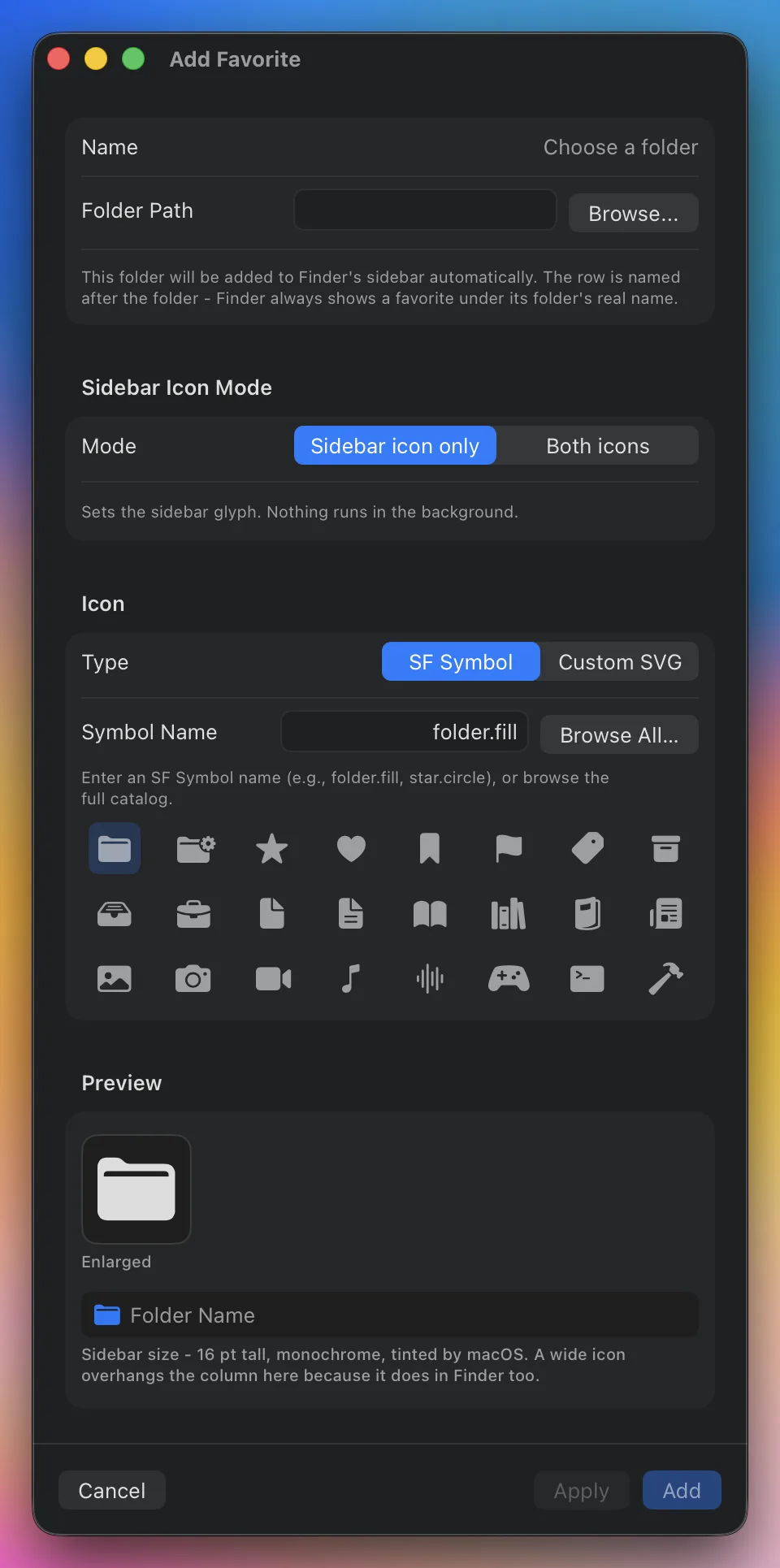
How to install SidebarFavorites on a Mac
- Get OpenDMG. It is a free app store for open source Mac apps. Download OpenDMG.
- Search for SidebarFavorites and press Get. OpenDMG downloads version 1.3.0 from ivg-design's own GitHub release.
- Open it. The download is checked against its SHA-256 fingerprint and its signature is checked on your Mac before it lands in Applications.
Updates to SidebarFavorites show up in OpenDMG and install with one button. No account is needed.
Prefer to do it by hand? The developer's file is on GitHub: SidebarFavorites-1.3.0.dmg (13 MB).
What is new in SidebarFavorites 1.3.0
## [1.3.0] - 2026-10-07

### Added

- **Spacers** ([#23](https://github.com/ivg-design/SidebarFavorites/issues/23)).
 The new dashed-rectangle button next to **+** adds a blank row to Finder's
 sidebar - no icon, no name - and arrows on the spacer's row in the app move it
 up or down (Finder can't drag a row with nothing to show). Clicking a spacer
 does nothing: each one is an empty, blank-named file of a private type that
 only a small do-nothing helper app opens. The app says so before the first
 spacer is made, creates, ad-hoc signs and registers the helper in its own
 support directory, and deletes it with the last spacer. The menu bar menu
 shows a spacer as a divider.
- **Copy Diagnostics** in Settings: a plain-text report of every favorite and
 every Favorites row - its code, where it points, and what that code resolves
 to - for pasting into a GitHub issue. It reads; it changes nothing.

### Fixed

- **A sidebar row could jump to the bottom of the list**
 ([#24](https://github.com/ivg-design/SidebarFavorites/issues/24)). When the app
 couldn't resolve a row's location for a moment - a disk still mounting, a
 cloud account still starting - it treated the row as gone, unlinked it, and on
 the next pass added the folder again; Finder's list keeps one row per folder,
 so that "add" moved the row you had placed to the bottom. Rows are now matched
…
More System Tools apps
-
 PearcleanerApp Cleaner and Uninstaller Tool
-
 OpenInTerminalFinder toolbar tool for opening the current folder in a terminal
-
 PureMacFree open-source system cleaner with privacy protection
-
 DockDoorWindow peeking for macOS
-
 LatestApp update checker that notifies you of available updates for installed applications
-
 DorsoPosture reminder that progressively blurs your screen when you slouch