

Dorso for Mac
Posture reminder that progressively blurs your screen when you slouch.
By tldev. Free and open source, MIT licence.
Dorso at a glance
- Version
- 1.15.1
- Released
- 19 July 2026
- Download size
- 8.9 MB
- Works on
- Apple silicon and Intel
- Licence
- MIT
- Category
- System Tools
- Developer
- tldev
- GitHub stars
- 2.6K
About Dorso
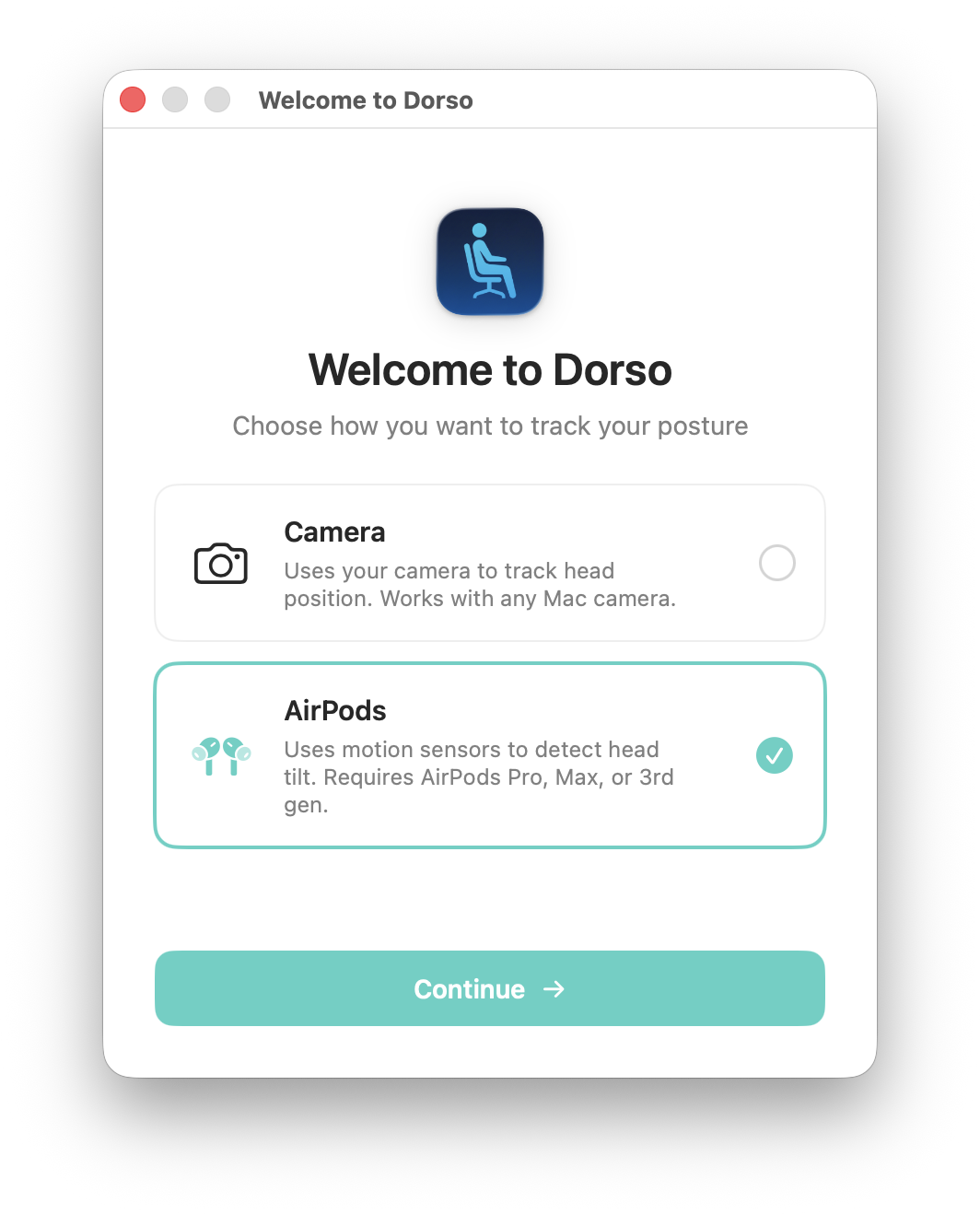
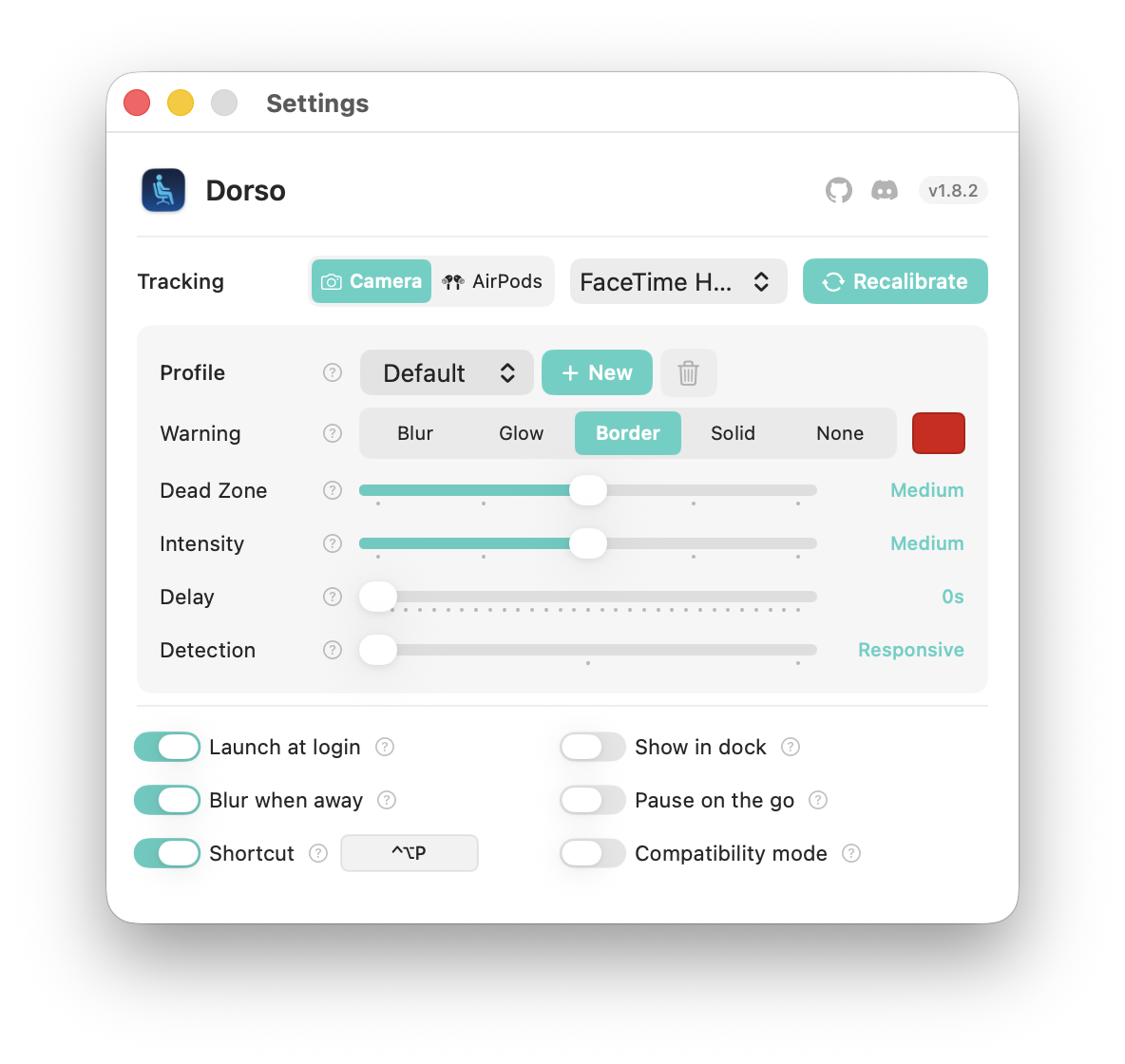
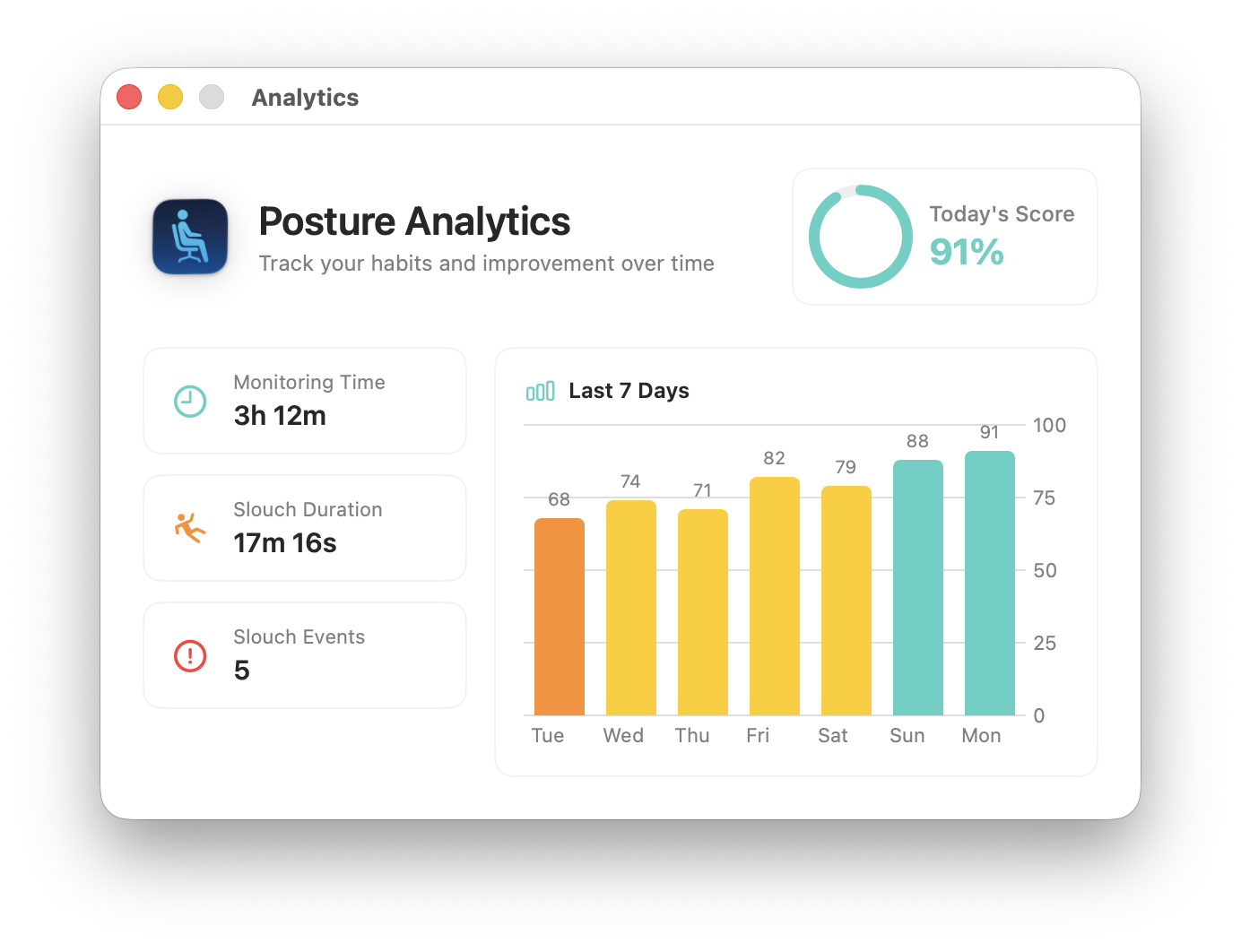
A macOS app that blurs your screen when you slouch.
Screenshots
How to install Dorso on a Mac
- Get OpenDMG. It is a free app store for open source Mac apps. Download OpenDMG.
- Search for Dorso and press Get. OpenDMG downloads version 1.15.1 from tldev's own GitHub release.
- Open it. The download is checked against its SHA-256 fingerprint and its signature is checked on your Mac before it lands in Applications.
Updates to Dorso show up in OpenDMG and install with one button. No account is needed.
Prefer to do it by hand? The developer's file is on GitHub: Dorso-v1.15.1.dmg (8.9 MB).
What is new in Dorso 1.15.1
## What's New

### Bug Fixes
- **Appearance selection always sticks** - Choosing Auto, Light, or Dark in Settings now applies immediately and stays applied after a relaunch.
- **No more color flicker** - Toggles keep Dorso's colors when switching appearance instead of briefly flashing your system accent color.

## Installation

1. Download `Dorso-v1.15.1.dmg` or `Dorso-v1.15.1.zip`
2. Drag `Dorso.app` to Applications
3. Launch normally - no warnings!
4. Grant camera permission and complete calibration

Already on 1.14.0 or later? Dorso will offer this update itself, or use "Check for Updates" in the menu bar.

## Requirements
- macOS 13.0 (Ventura) or later
More System Tools apps
-
 PearcleanerApp Cleaner and Uninstaller Tool
-
 OpenInTerminalFinder toolbar tool for opening the current folder in a terminal
-
 PureMacFree open-source system cleaner with privacy protection
-
 DockDoorWindow peeking for macOS
-
 LatestApp update checker that notifies you of available updates for installed applications
-
 Clean-MeSmall macOS app that acts as a system cleaner (logs, cache, ...)