
ShotTessera for Mac
Pick key frames from a video and stitch them into one clean contact sheet, fully offline.
By ixiehao. Free and open source, MIT licence.
ShotTessera at a glance
- Version
- 0.2.10
- Released
- 29 September 2026
- Download size
- 18 MB
- Works on
- Apple silicon and Intel
- Licence
- MIT
- Category
- Video and Screen Capture
- Developer
- ixiehao
- GitHub stars
- 4
About ShotTessera
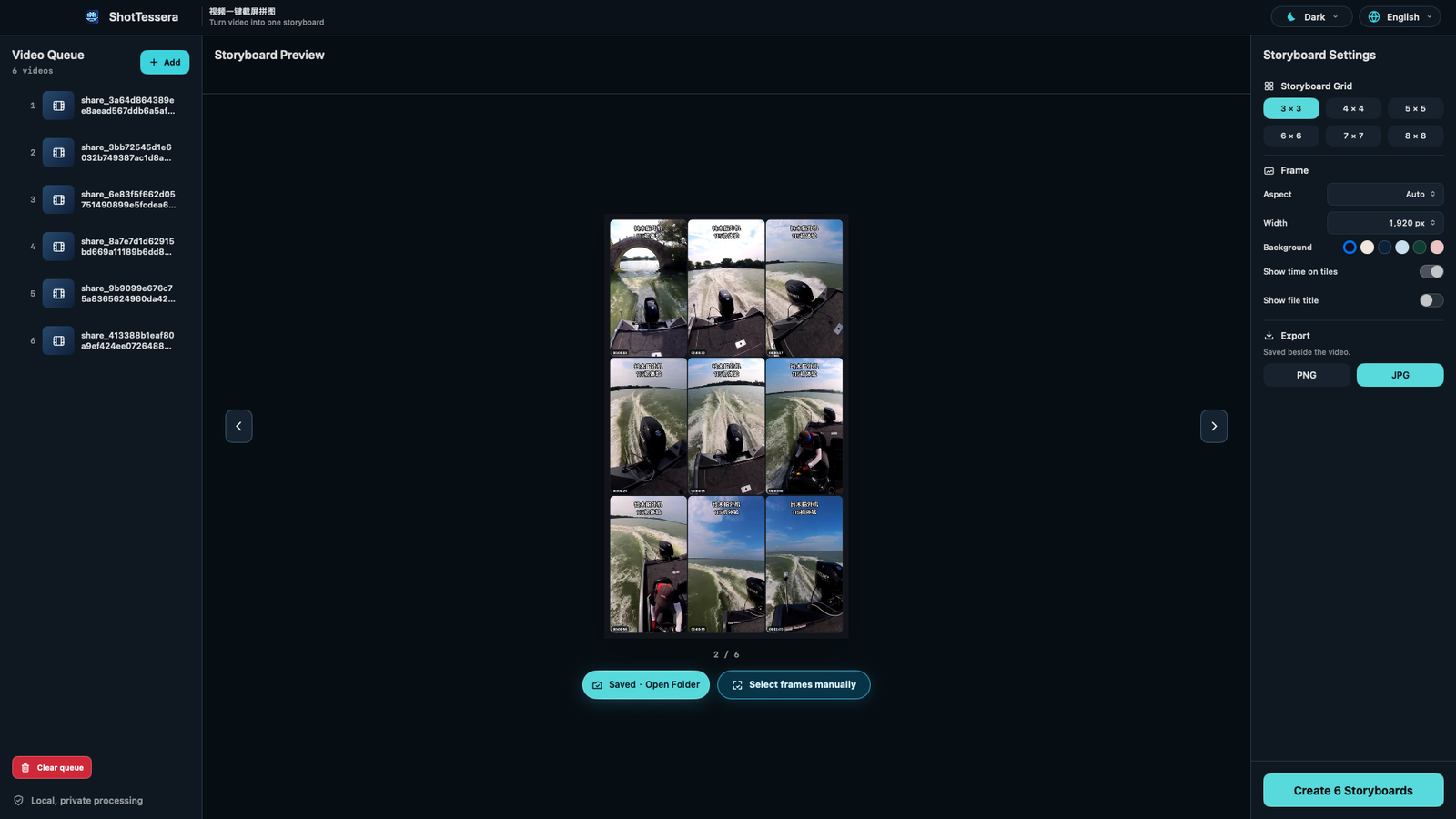
ShotTessera(视频一键截屏拼图)— Native macOS video screenshot collage and storyboard generator. Local, fast, private, and open source.
Screenshots
How to install ShotTessera on a Mac
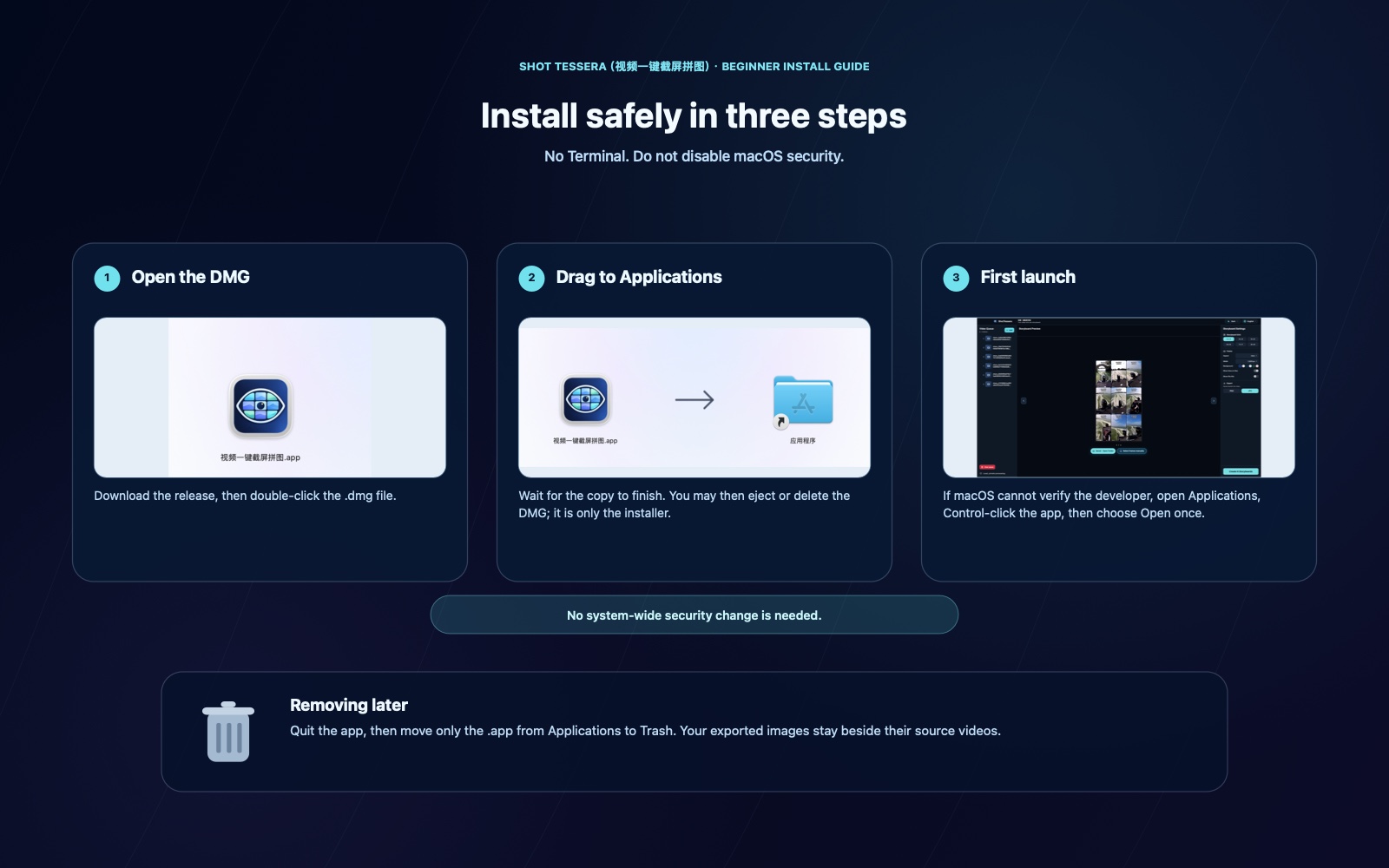
- Get OpenDMG. It is a free app store for open source Mac apps. Download OpenDMG.
- Search for ShotTessera and press Get. OpenDMG downloads version 0.2.10 from ixiehao's own GitHub release.
- Open it. The download is checked against its SHA-256 fingerprint and its signature is checked on your Mac before it lands in Applications.
Updates to ShotTessera show up in OpenDMG and install with one button. No account is needed.
Prefer to do it by hand? The developer's file is on GitHub: ShotTessera-0.2.10.dmg (18 MB).
What is new in ShotTessera 0.2.10
## English

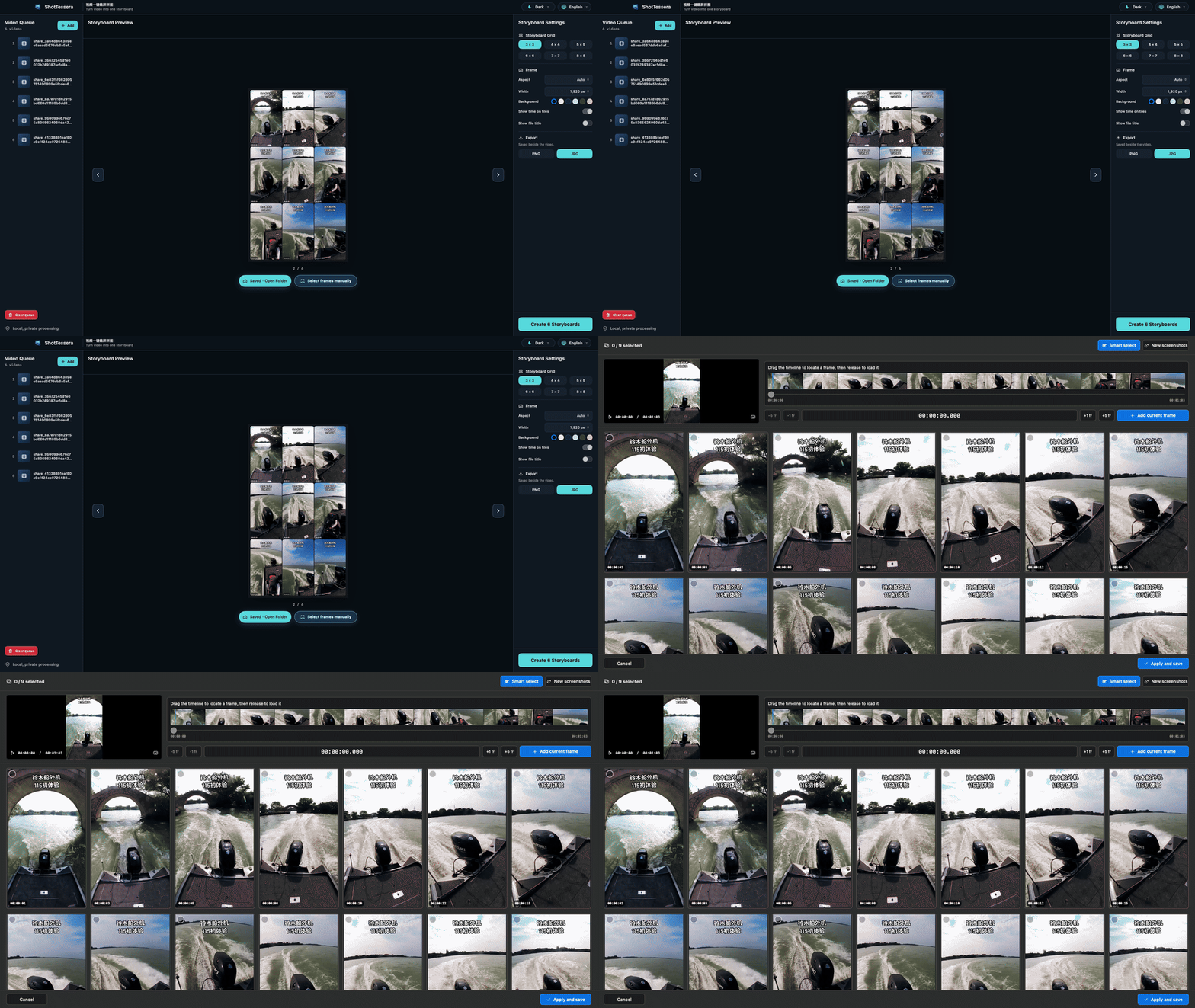
- Storyboards now appear progressively: a stable grid is visible immediately, representative frames arrive in order, and sharper captures replace them in place.
- Manual Frame Editor is faster for clear footage while retaining full neighbourhood recovery for motion blur, dissolves, and action-heavy shots.
- Improved editor reliability, accessibility, media-error guidance, and universal-build verification.

## 中文

- 分镜图现在会渐进显示:网格立即出现,代表性画面按顺序填入,再在原位置替换为更清晰的精修画面。
- 手动选帧对清晰素材更快;遇到运动模糊、转场和动作画面时,仍会保留完整的邻域恢复。
- 改进手动窗口可靠性、辅助功能、媒体错误提示与通用构建验证。

## 日本語

- 絵コンテを段階的に表示します。グリッドをすぐに表示し、代表フレームを順に配置した後、より鮮明なフレームへその場で置き換えます。
- 手動フレーム選択は鮮明な素材で高速化しつつ、モーションブラー、ディゾルブ、動きの多い場面では近傍フレームの回復処理を維持します。
- 手動選択ウインドウの信頼性、アクセシビリティ、メディアエラー案内、Universal Build の検証を改善しました。
More Video and Screen Capture apps
-
 IINAThe modern video player for macOS
-
 Palmier ProOpen source video editor where you and AI agents generate and edit videos together in the…
-
 macshotScreenshot and screen recording tool with annotation, OCR, and scroll capture
-
 SnapzyOpen-source tool for screenshots, screen recording, annotation, and editing
-
 ScreendropBeautiful screenshot and screen recording tool — a native, self-hostable, and free Loom…
-
 BetterCaptureFree and open source screen recorder with professional encoding support