

Sevoflurane for Mac
Native app that runs the Windows Steam client in a hidden Wine bottle to play Steam games on Apple Silicon.
By kageroumado. Free and open source, MIT licence.
Sevoflurane at a glance
- Version
- 1.1.0-beta.2 (pre-release)
- Released
- 10 October 2026
- Download size
- 238 MB
- Works on
- Apple silicon and Intel
- Licence
- MIT
- Category
- Games
- Developer
- kageroumado
- GitHub stars
- 21
About Sevoflurane
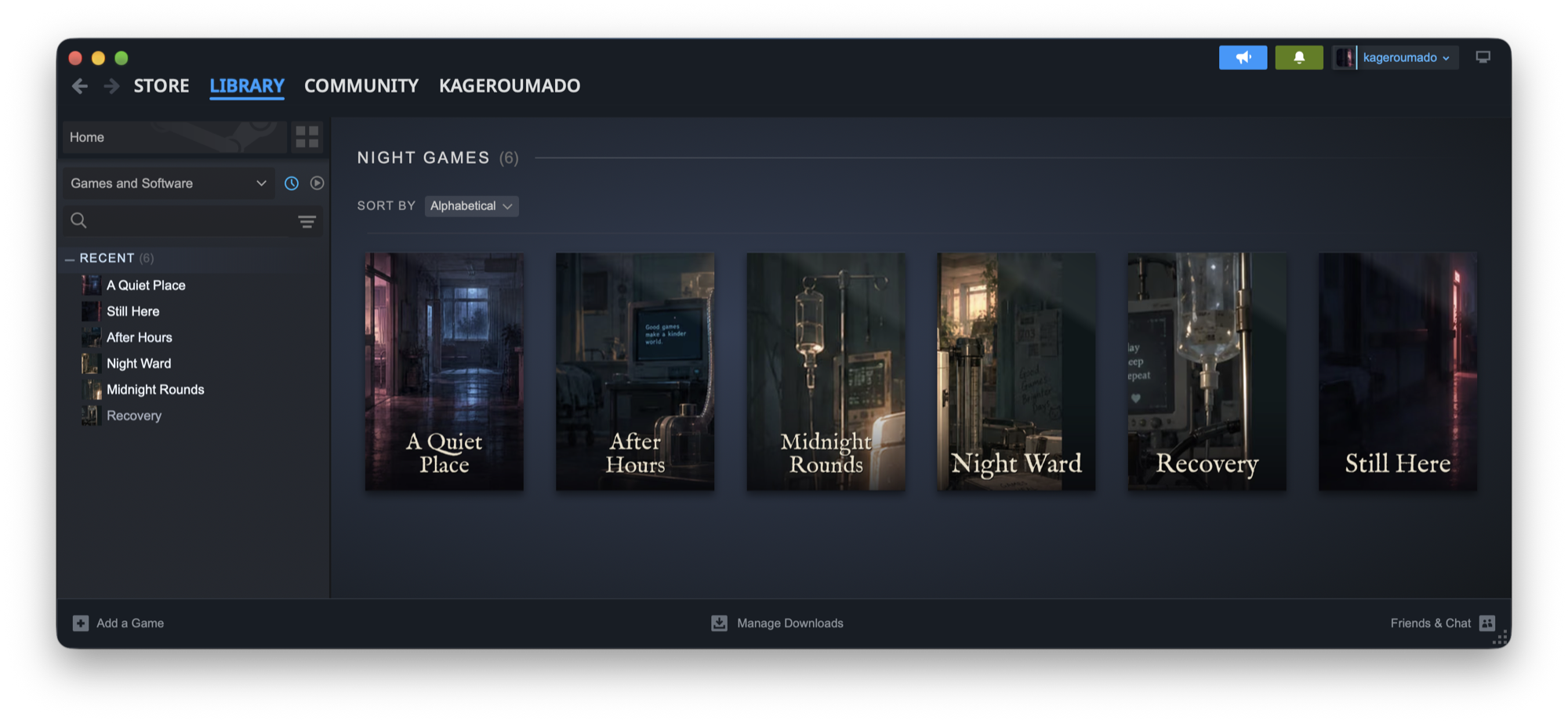
Steam for macOS, as a real Mac app: the Windows Steam client runs hidden in a Wine bottle; everything you see and touch is native
Screenshots
How to install Sevoflurane on a Mac
- Get OpenDMG. It is a free app store for open source Mac apps. Download OpenDMG.
- Search for Sevoflurane and press Get. OpenDMG downloads version 1.1.0-beta.2 from kageroumado's own GitHub release.
- Open it. The download is checked against its SHA-256 fingerprint and its signature is checked on your Mac before it lands in Applications.
Updates to Sevoflurane show up in OpenDMG and install with one button. No account is needed.
Prefer to do it by hand? The developer's file is on GitHub: Sevoflurane-1.1.0-beta.2.dmg (238 MB).
What is new in Sevoflurane 1.1.0-beta.2
**Download:** [Sevoflurane-1.1.0-beta.2.dmg](https://github.com/kageroumado/sevoflurane/releases/download/v1.1.0-beta.2/Sevoflurane-1.1.0-beta.2.dmg)

The second beta of Sevoflurane 1.1, with Dormison b3.

**Native macOS versions, in Sevoflurane's own Steam**
- A game Steam sells for macOS can install and play its macOS version right here. Install asks which version you want, with each download's size and its compatibility rating, and recommends the one that runs better.
- The game page's Version button switches an installed game between its macOS and Windows versions, and says how much Steam will download first.
- macOS versions reach Steam through Sevoflurane: achievements, stats, cloud saves and your Steam identity work with no second sign-in.
- Properties › Compatibility is there for these games, as on Steam for Linux, and the library marks games set to their macOS version with .
- Valve's Steam for Mac stays available as an option, off by default: Settings › General › Steam for Mac. Anyone who already plays a game through it keeps it.

**Updates**
- Update checks run every four hours, and an update installs while Steam's window is open once the Mac has been idle five minutes with no game up.
- After a day of waiting, Sevoflurane asks to restart, once, and only when no game is running.
- Sevoflurane › Check for Updates finds an update and asks before installing it.
…
More Games apps
-
 OpenEmuRetro video game emulation for macOS
-
 PlayCoverTool for running iOS apps and games on Apple Silicon with desktop controls
-
 HighballWindows game launcher and compatibility manager that configures Wine, DXMT, D3DMetal, and…
-
 Dynamic Dark ModeDark mode automation tool
-
 Stop StutterAutomatic boost that makes game streaming smoother and lower latency in Moonlight…
-
 AdaEngineA cross-platform 2D and 3D game engine written in Swift