

Seahelm for Mac
Workspace for coding agents, git worktrees, and parallel development.
By BetaYao. Free and open source, MIT licence.
Seahelm at a glance
- Version
- 2.0.99
- Released
- 24 November 2026
- Download size
- 23 MB
- Works on
- Apple silicon and Intel
- Licence
- MIT
- Category
- Developer Tools
- Developer
- BetaYao
- GitHub stars
- 21
About Seahelm
A native macOS workspace for coding agents — every git worktree a row on one roster, one agent to a split pane. Built on Ghostty, sessions persist through zmx.
Screenshots
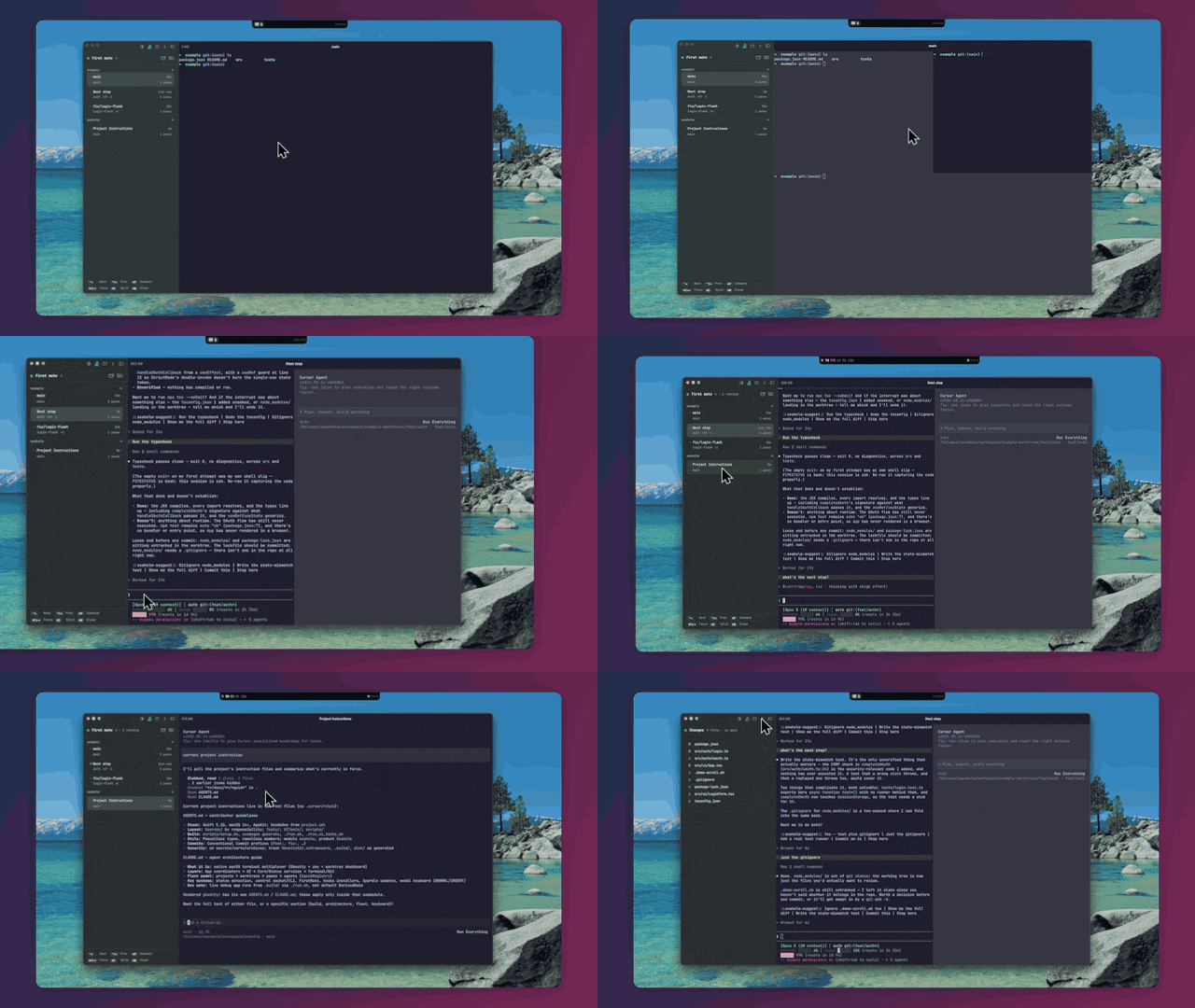
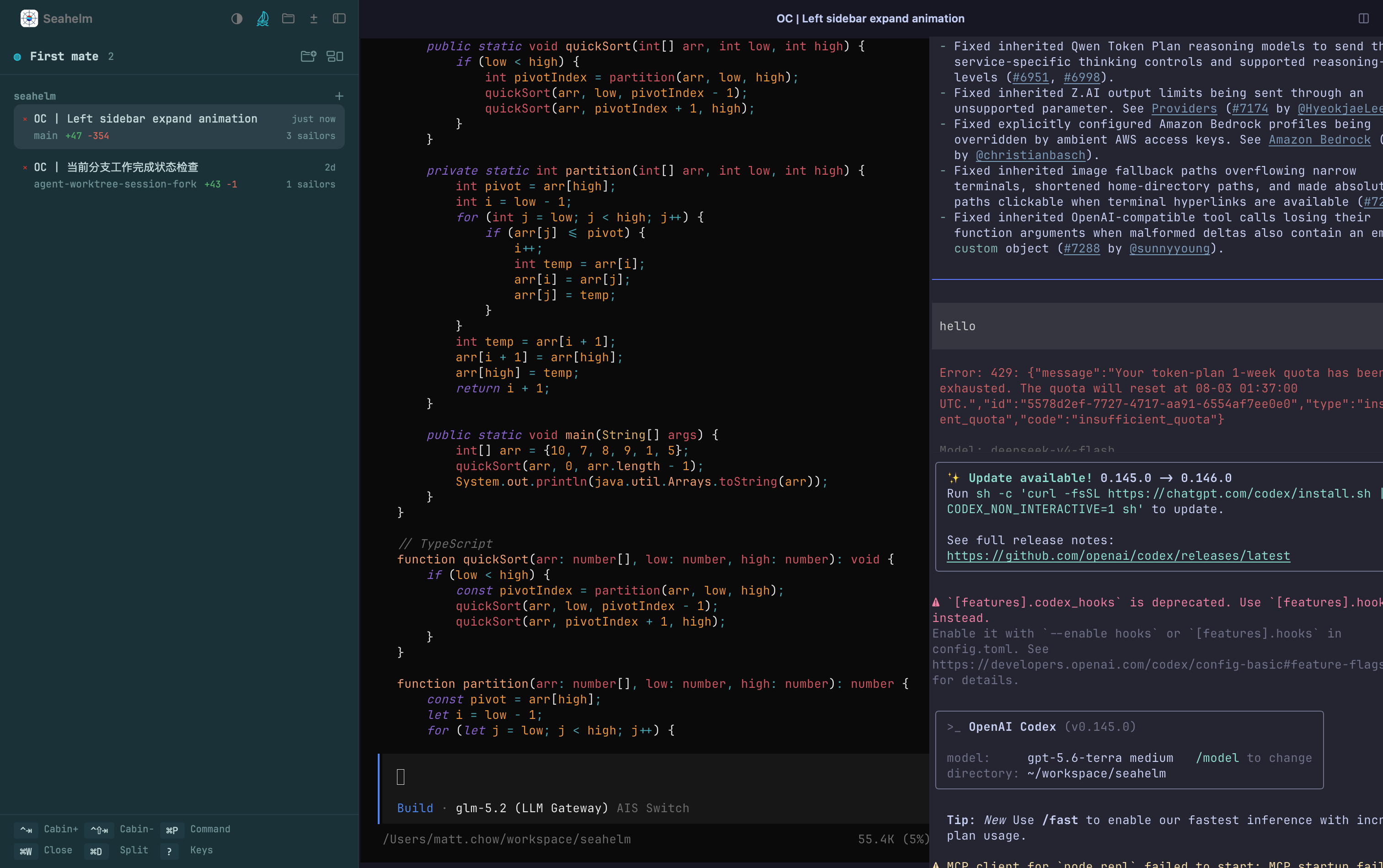
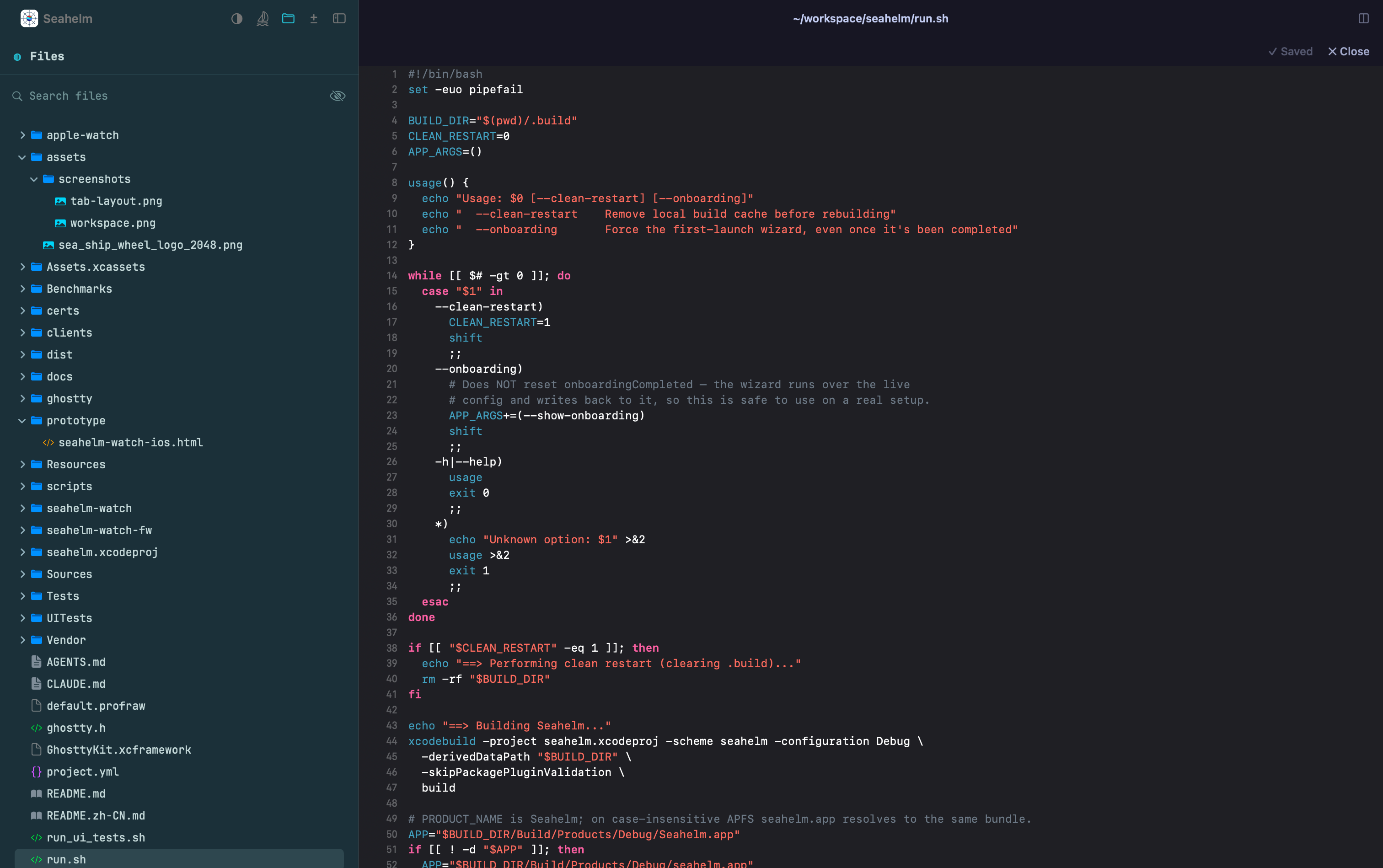
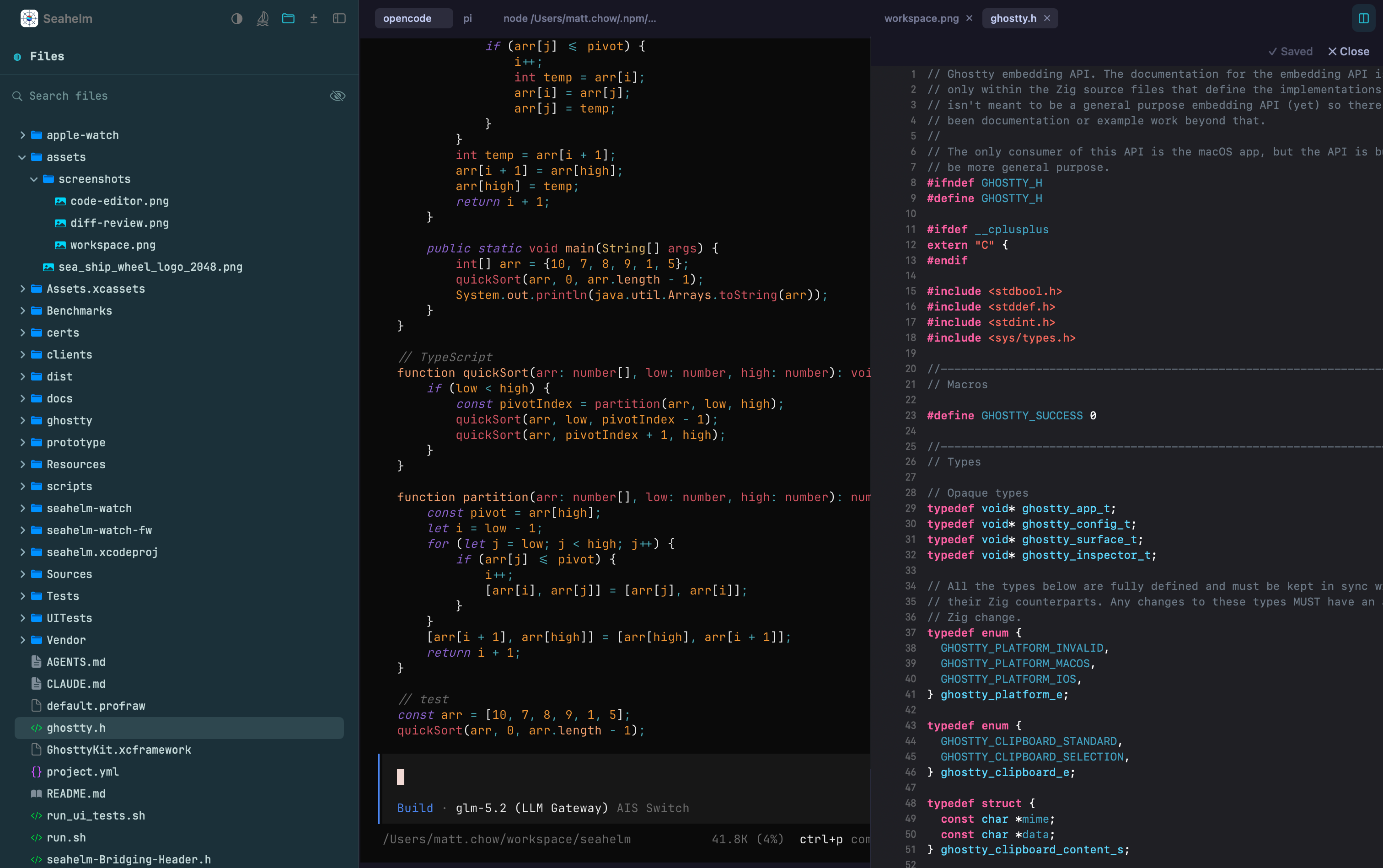
How to install Seahelm on a Mac
- Get OpenDMG. It is a free app store for open source Mac apps. Download OpenDMG.
- Search for Seahelm and press Get. OpenDMG downloads version 2.0.99 from BetaYao's own GitHub release.
- Open it. The download is checked against its SHA-256 fingerprint and its signature is checked on your Mac before it lands in Applications.
Updates to Seahelm show up in OpenDMG and install with one button. No account is needed.
Prefer to do it by hand? The developer's files are on GitHub: seahelm-macos-arm64.zip (23 MB), seahelm-macos-x86_64.zip (25 MB).
What is new in Seahelm 2.0.99
## Install

### macOS (one-line install)

```bash
curl -fsSL https://seahelm.dev/install.sh | sh
```

### macOS (manual)

1. Download the zip for your Mac below and unpack it
 - `seahelm-macos-arm64.zip`: Apple Silicon
 - `seahelm-macos-x86_64.zip`: Intel
2. Drag `Seahelm.app` into `/Applications`
3. If macOS blocks the app on first launch, run:
 ```bash
 xattr -dr com.apple.quarantine /Applications/Seahelm.app
 ```
4. Launch Seahelm

### GPUI client (macOS, Windows, Linux) — preview

- macOS: `seahelm-gpui-macos-arm64.zip` holds `Seahelm GPUI.app`. Unpack it,
 drag it into Applications, open it.
- Windows: run `seahelm-gpui-windows-x86_64-setup.exe` (installs for you only,
 no administrator rights; Start menu entry and uninstaller). Unsigned, so
 SmartScreen asks once ("More info" → "Run anyway"). The `.zip` beside it is
 the same files without an installer.
- Linux: `seahelm-gpui-linux-x86_64.tar.gz` is a folder with the GPUI client and
 the daemons it starts (seahelmd, seahelm-core, seahelm-gateway, seahelm,
 seahelm-hook). Unpack it and run `seahelm-gpui` from that folder.

Artifacts are notarized when the required Apple signing secrets are configured in this repository; the quarantine step is only needed for un-notarized builds.

## What's Changed
* seahelm-web: open a shared pane on the timeline by @BetaYao in https://github.com/BetaYao/seahelm/pull/389
…
More Developer Tools apps
-
 UTMVirtual machines for iOS and macOS
-
 vphone-cliCLI to boot a virtual iPhone (iOS 26) with Apple Virtualization.framework and PCC…
-
 VirtualBuddyVirtual machine manager for running recent macOS versions on Apple Silicon
-
 WWDCUnofficial WWDC app for macOS
-
 Xcodes.appThe easiest way to install and switch between multiple versions of Xcode
-
 Postgres.appThe easiest way to get started with PostgreSQL on the Mac