

VirtualBuddy for Mac
Virtual machine manager for running recent macOS versions on Apple Silicon.
By insidegui. Free and open source, BSD-2-Clause licence.
VirtualBuddy at a glance
- Version
- 2.1
- Released
- 14 September 2025
- Download size
- 17 MB
- Works on
- Apple silicon and Intel
- Licence
- BSD-2-Clause
- Category
- Developer Tools
- Developer
- insidegui
- GitHub stars
- 8.8K
About VirtualBuddy
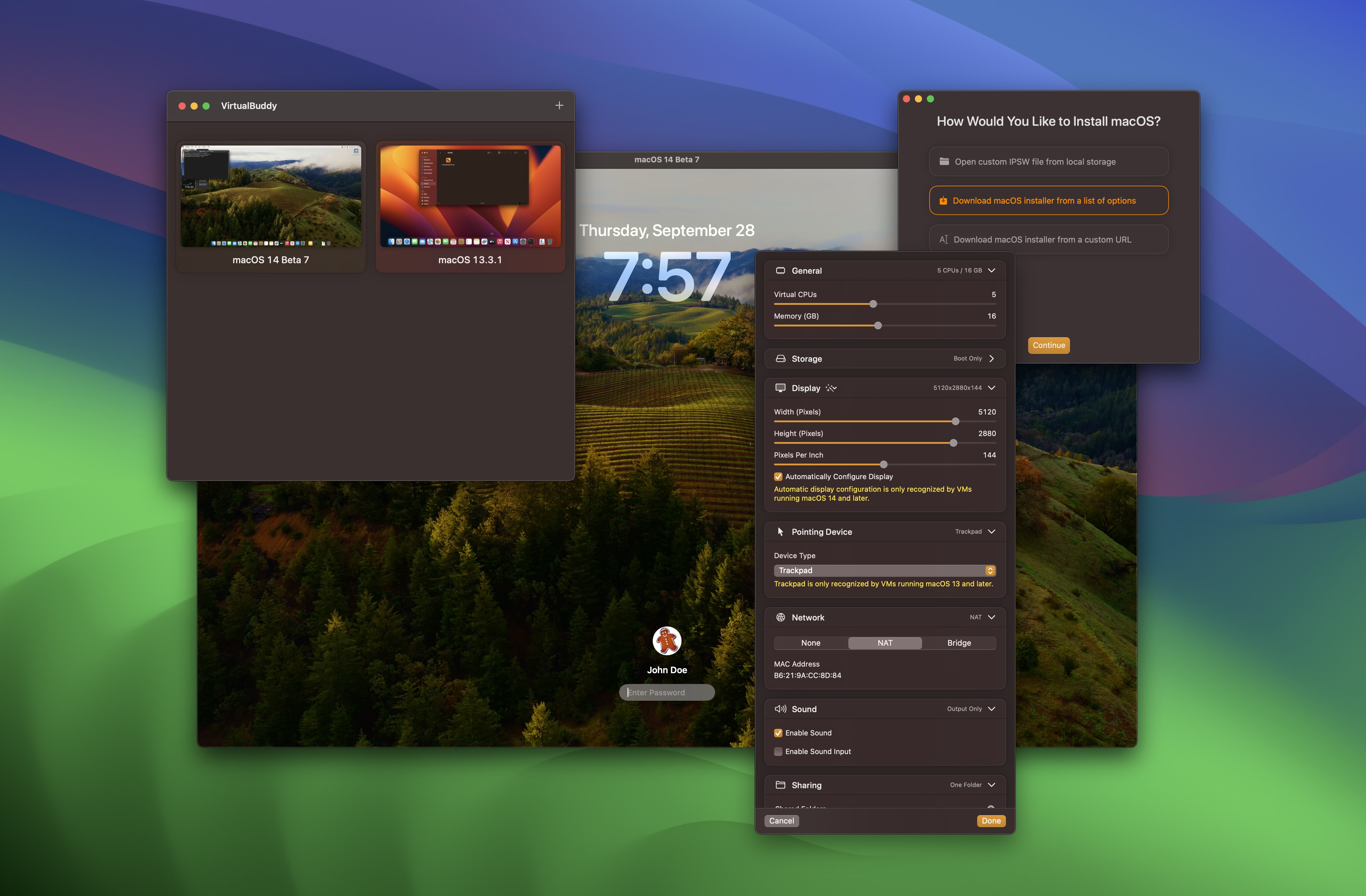
Virtualize macOS 12 and later on Apple Silicon, VirtualBuddy is a virtual machine GUI for macOS M1, M2, M3, M4
Screenshots
How to install VirtualBuddy on a Mac
- Get OpenDMG. It is a free app store for open source Mac apps. Download OpenDMG.
- Search for VirtualBuddy and press Get. OpenDMG downloads version 2.1 from insidegui's own GitHub release.
- Open it. The download is checked against its SHA-256 fingerprint and its signature is checked on your Mac before it lands in Applications.
Updates to VirtualBuddy show up in OpenDMG and install with one button. No account is needed.
Prefer to do it by hand? The developer's file is on GitHub: VirtualBuddy_v2.1-325.dmg (17 MB).
What is new in VirtualBuddy 2.1
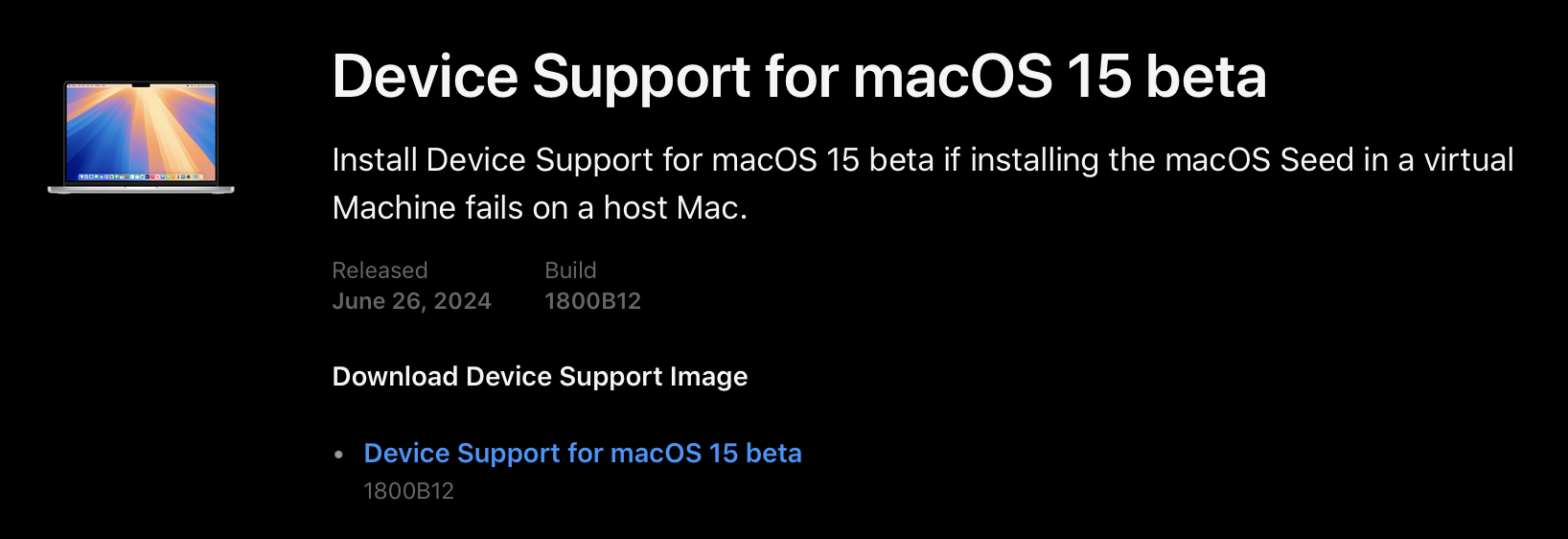
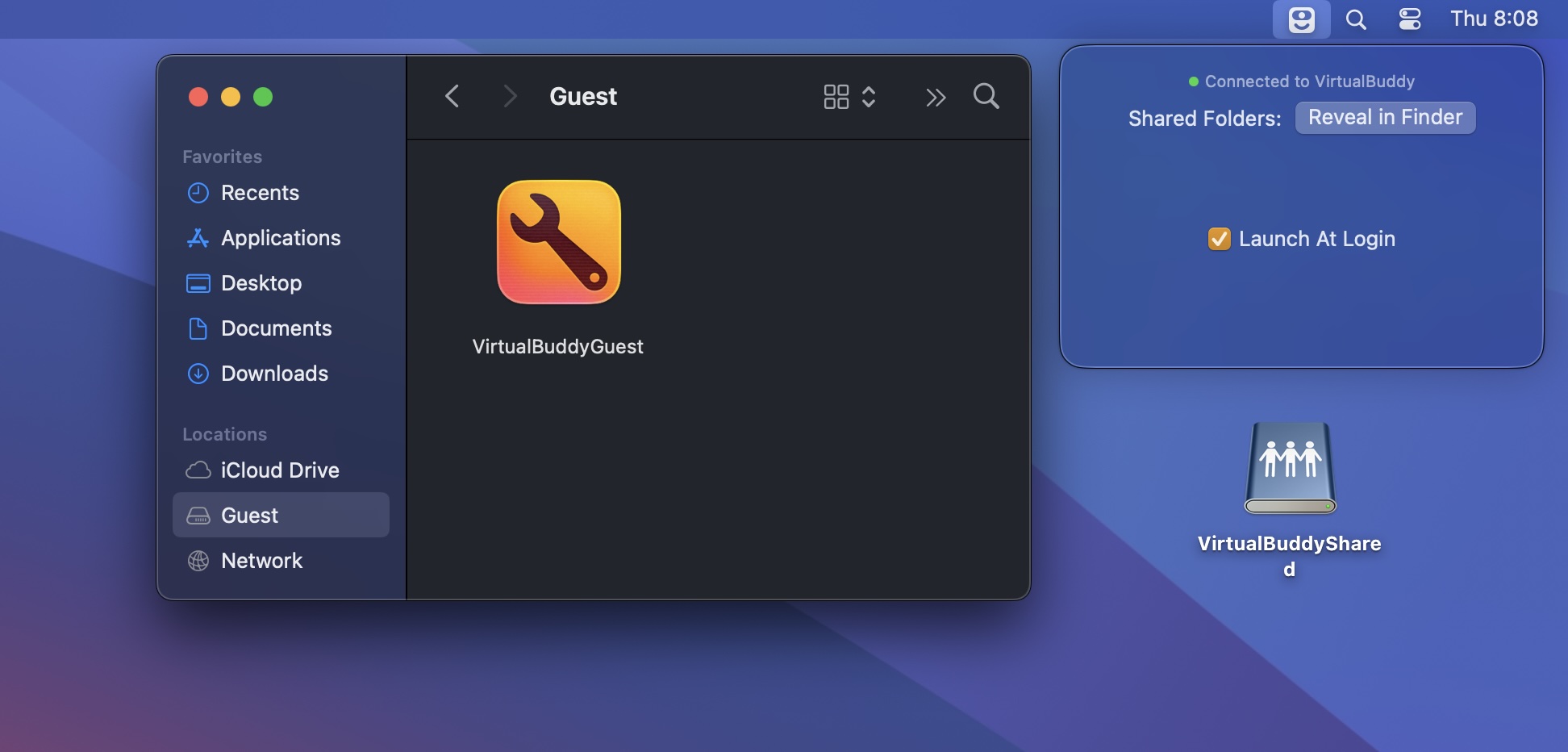
<h2>New in VirtualBuddy 2.1</h2> <h3>New Features</h3> <ul> <li>VirtualBuddy can now import macOS virtual machines from UTM; drag a UTM virtual machine file into the VirtualBuddy icon in the Dock or right click a UTM virtual machine file and choose “Open With > VirtualBuddy” ¹</li> <li>A new option in macOS virtual machine settings allows enabling or disabling the VirtualBuddyGuest app disk image which is automatically mounted by default</li> <li>VirtualBuddy now ensures that the guest app disk image is up to date before starting a virtual machine</li> <li>Refresh catalog: use Command+R or the toolbar refresh button to reload the OS version catalog without caching; this is handy for viewing the latest OS releases right after a new build becomes available</li> <li>Redesigned app settings screen</li> <li>If you try to quit VirtualBuddy while virtual machines are running, a confirmation dialog will appear. This allows you to shut down your machines properly before exiting</li> <li>For macOS installations requiring updated device support files, a clearer warning is now shown, along with improved instructions for updating</li> <li>Enhanced user interface for empty or deleted libraries</li> <li>Updated background for the library view</li> <li>New Linux virtual machines now default to a 1080p display resolution to simplify setup with live installers</li> …
More Developer Tools apps
-
 UTMVirtual machines for iOS and macOS
-
 vphone-cliCLI to boot a virtual iPhone (iOS 26) with Apple Virtualization.framework and PCC…
-
 WWDCUnofficial WWDC app for macOS
-
 Xcodes.appThe easiest way to install and switch between multiple versions of Xcode
-
 Postgres.appThe easiest way to get started with PostgreSQL on the Mac
-
 TableProMulti-database client with SQL autocomplete, inline editing, and built-in AI assistance