

Xcodes.app for Mac
The easiest way to install and switch between multiple versions of Xcode.
By XcodesOrg. Free and open source, MIT licence.
Xcodes.app at a glance
- Version
- 4.2.1-b43
- Released
- 24 November 2026
- Download size
- 26 MB
- Works on
- Apple silicon and Intel
- Licence
- MIT
- Category
- Developer Tools
- Developer
- XcodesOrg
- GitHub stars
- 8.7K
About Xcodes.app
The easiest way to install and switch between multiple versions of Xcode - with a mouse click.
Screenshots
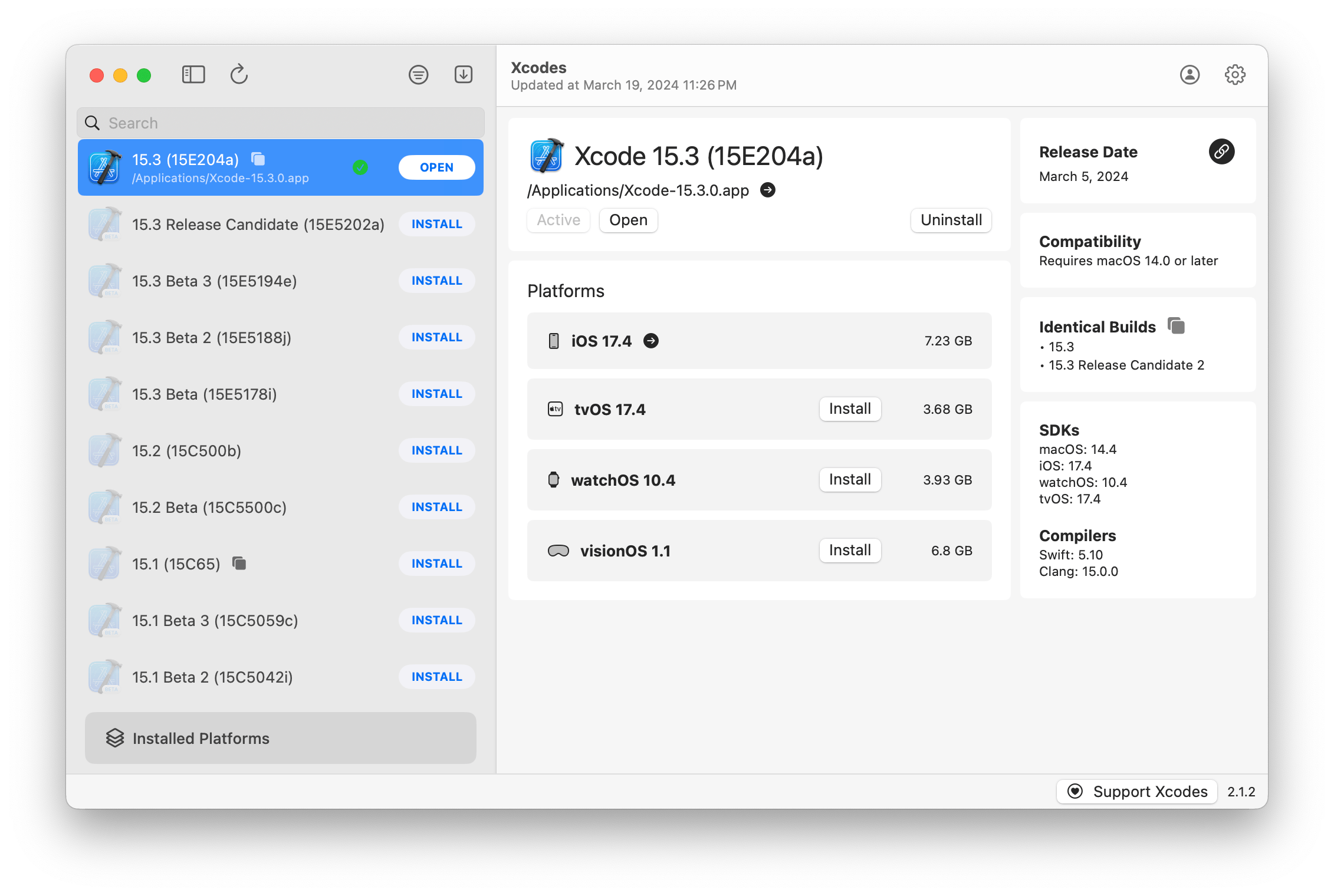
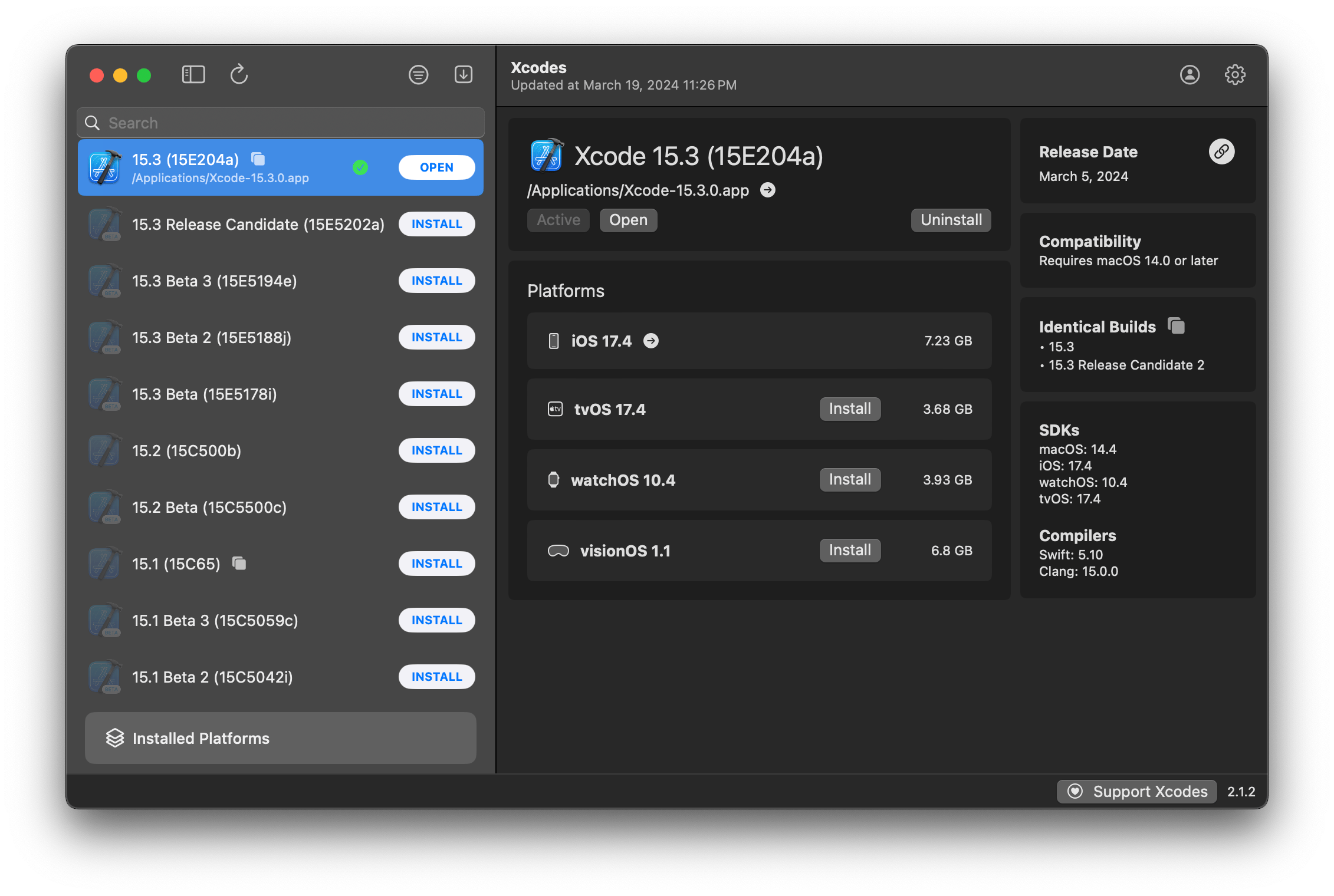
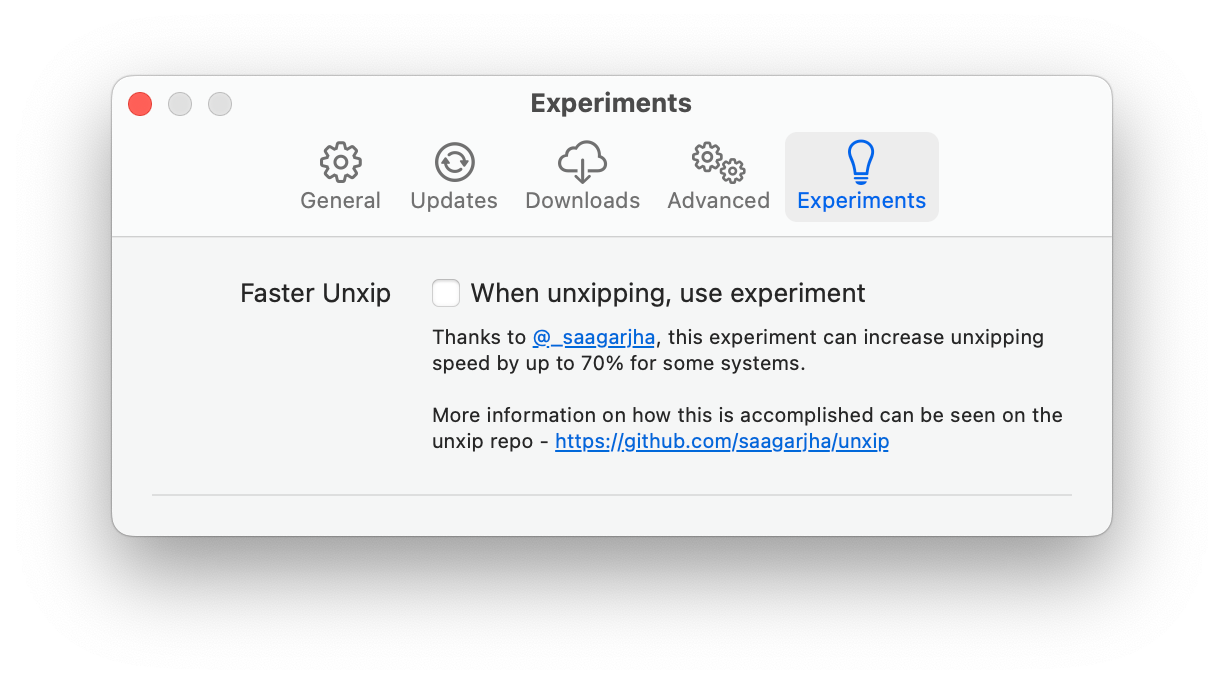
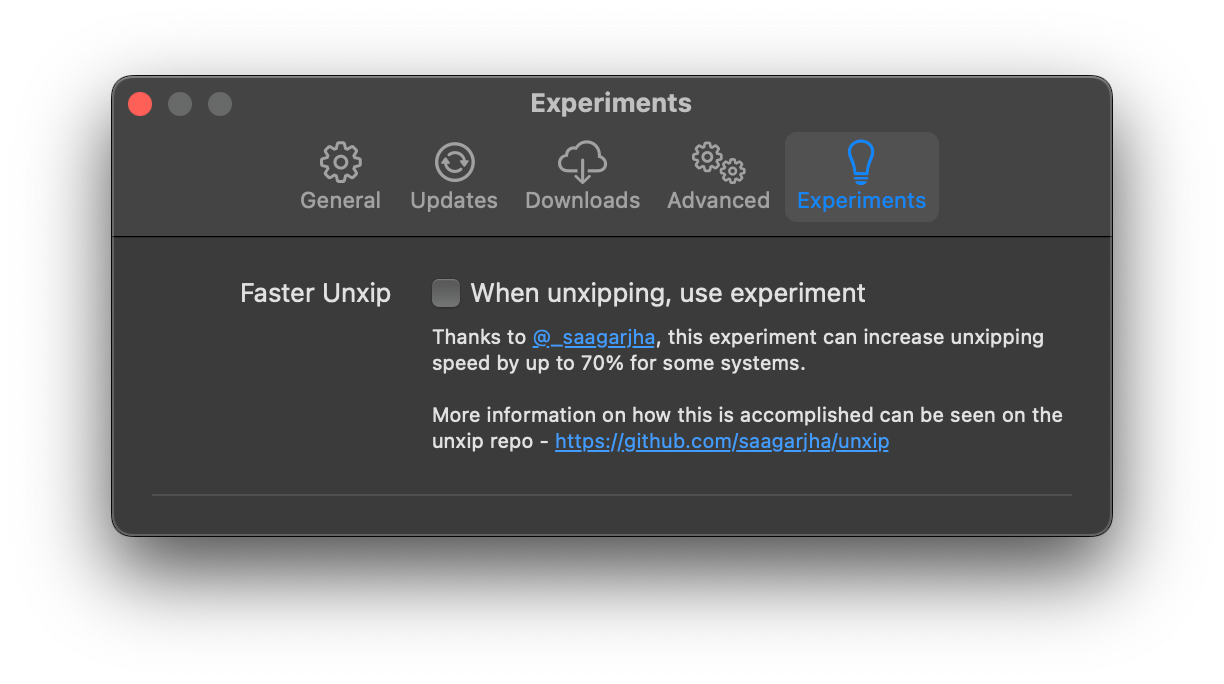
How to install Xcodes.app on a Mac
- Get OpenDMG. It is a free app store for open source Mac apps. Download OpenDMG.
- Search for Xcodes.app and press Get. OpenDMG downloads version 4.2.1-b43 from XcodesOrg's own GitHub release.
- Open it. The download is checked against its SHA-256 fingerprint and its signature is checked on your Mac before it lands in Applications.
Updates to Xcodes.app show up in OpenDMG and install with one button. No account is needed.
Prefer to do it by hand? The developer's file is on GitHub: Xcodes.zip (26 MB).
What is new in Xcodes.app 4.2.1-b43
Install Xcodes using one of the methods listed [here](https://github.com/XcodesOrg/XcodesApp#installation).
Update Xcodes by selecting Check for Updates... in the Xcodes menu in the menu bar.

## Changes

* Scope xcodebuild cleanup protection to active Derived Data (#898) @anciltech, @MattKiazyk
* Pin XcodesLoginKit to v1.2.0 (#902) @MattKiazyk
* Adjust sidebar sizing, collapse behavior (#891) @LePips, @MattKiazyk
* Fix AppCast publishing on Ubuntu 26.04 (#890) @MattKiazyk

<!-- sparkle:edSignature=VNtn74wAOByeYZr98cJmb/2gUAU9rruoCd9csuM8eWSLeCE7hIK7zMMhx4vke0PDCTmsFcS68PYzxxPER6QzBw== -->
More Developer Tools apps
-
 UTMVirtual machines for iOS and macOS
-
 vphone-cliCLI to boot a virtual iPhone (iOS 26) with Apple Virtualization.framework and PCC…
-
 VirtualBuddyVirtual machine manager for running recent macOS versions on Apple Silicon
-
 WWDCUnofficial WWDC app for macOS
-
 Postgres.appThe easiest way to get started with PostgreSQL on the Mac
-
 SupacodeNative command center for terminal coding agents