

sbtfix for Mac
Menu bar control for Sony headphones: noise cancelling, ambient sound, Speak-to-Chat, battery.
By htsecurity. Free and open source, MIT licence.
sbtfix at a glance
- Version
- 1.0.0
- Released
- 25 September 2026
- Download size
- 97 KB
- Works on
- Apple silicon and Intel
- Licence
- MIT
- Category
- Audio and Music
- Developer
- htsecurity
- GitHub stars
- 8
About sbtfix
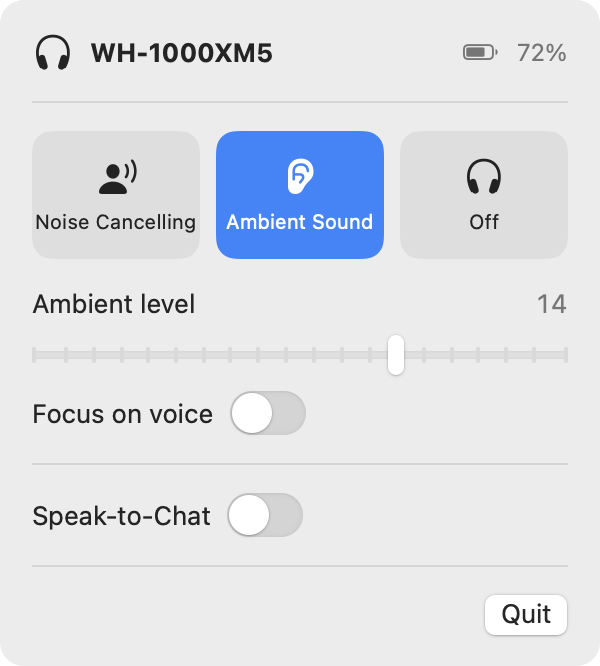
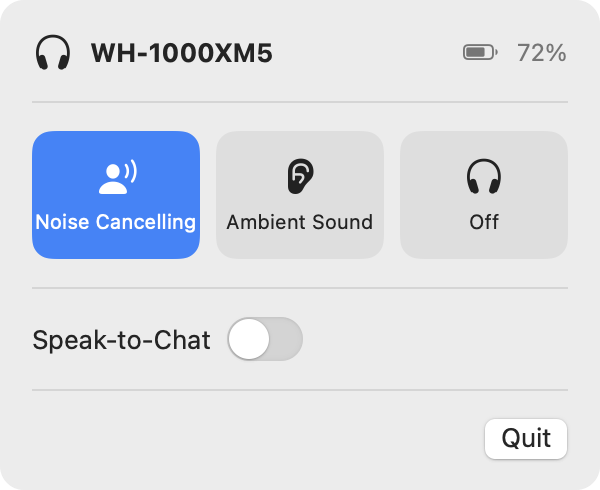
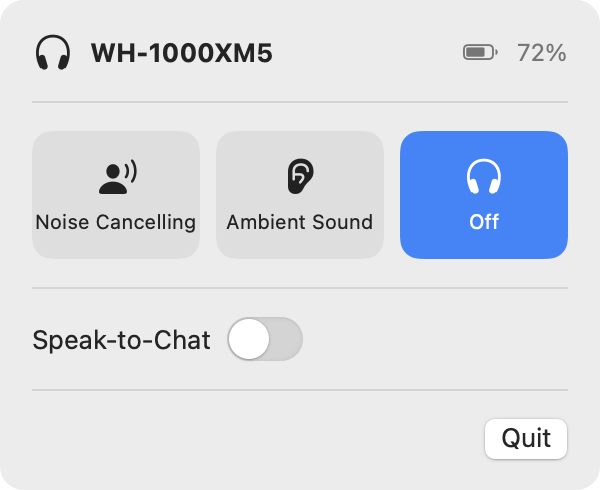
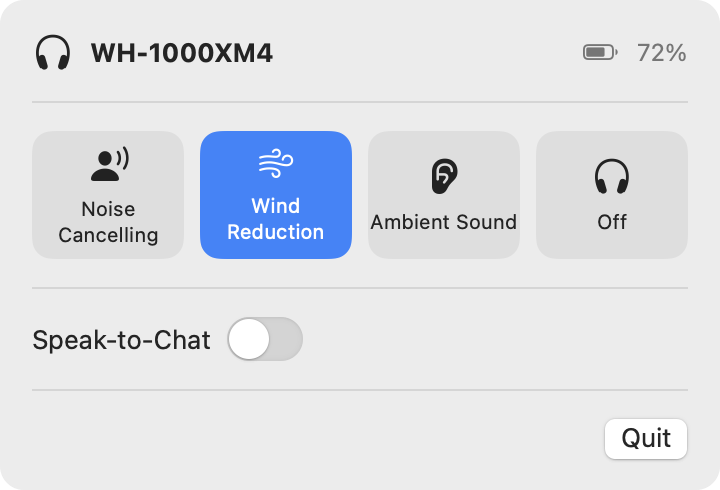
Native macOS menu-bar app for Sony headphones. Switch Noise Cancelling / Ambient Sound, adjust ambient level, toggle Speak-to-Chat and check the battery, no phone needed. Supports WH-1000XM4/XM5/XM6, WF-1000XM4/XM5, LinkBuds S and more.
Screenshots
How to install sbtfix on a Mac
- Get OpenDMG. It is a free app store for open source Mac apps. Download OpenDMG.
- Search for sbtfix and press Get. OpenDMG downloads version 1.0.0 from htsecurity's own GitHub release.
- Open it. The download is checked against its SHA-256 fingerprint and its signature is checked on your Mac before it lands in Applications.
Updates to sbtfix show up in OpenDMG and install with one button. No account is needed.
Prefer to do it by hand? The developer's file is on GitHub: sbtfix.zip (97 KB).
What is new in sbtfix 1.0.0
First public release.

- Menu-bar control of Noise Cancelling, Ambient Sound and Off, plus Wind Noise Reduction on
 models that have it
- Ambient level slider and Focus on Voice
- Speak-to-Chat toggle
- Battery level with charging indicator; left, right and case for earbuds
- Supports the v1 and v2 Sony protocols with automatic detection: WH-1000XM2–XM6,
 WF-1000XM3–XM5, LinkBuds S, WF-C/WH-CH series, ULT WEAR and more
- Shows only the features the connected model supports
- Stays in sync with the buttons on the headphones
- Reconnects automatically, including after Bluetooth is switched back on

## Install

1. Download **sbtfix.zip** below, unzip it, and move `sbtfix.app` to `/Applications`.
2. The app isn't notarized, so the first time you open it, right-click it → **Open** → **Open**. Or run:
 ```sh
 xattr -dr com.apple.quarantine /Applications/sbtfix.app
 ```
3. Click **Allow** when macOS asks for Bluetooth access. The headphones icon appears in your menu bar.

Requires macOS 14 Sonoma or later. See the [compatibility table](https://github.com/htsecurity/sbtfix#compatibility) for supported models.

<img src="https://raw.githubusercontent.com/htsecurity/sbtfix/main/docs/screenshots/ambient-dark.png" alt="sbtfix menu" width="300">
More Audio and Music apps
-
 MonitorControlAdjust external monitor settings
-
 FluidVoiceVoice-to-text app with AI enhancement
-
 eqMacSystem-wide audio equalizer and volume mixer
-
 VoiceInkReal-time speech-to-text app
-
 LyricsXDisplay lyrics for iTunes/Spotify
-
 FreeFlowPush-to-talk speech-to-text tool that inserts polished transcripts into any app