

SaneBar for Mac
Menu Bar Manager — Hide and Organize Icons.
By sane-apps. Free and open source, MIT licence.
SaneBar at a glance
- Version
- 2.1.90
- Released
- 22 August 2026
- Download size
- 8.0 MB
- Works on
- Apple silicon and Intel
- Licence
- MIT
- Category
- Menu Bar and Notch
- Developer
- sane-apps
- GitHub stars
- 323
About SaneBar
The privacy-first menu bar manager for macOS. Now 100% free and open source (MIT) — every feature unlocked. Native, lightweight, and scriptable.
Screenshots
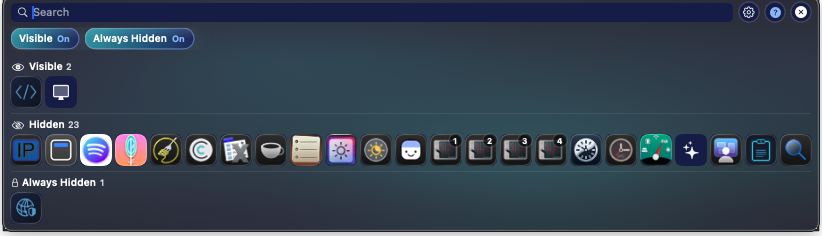
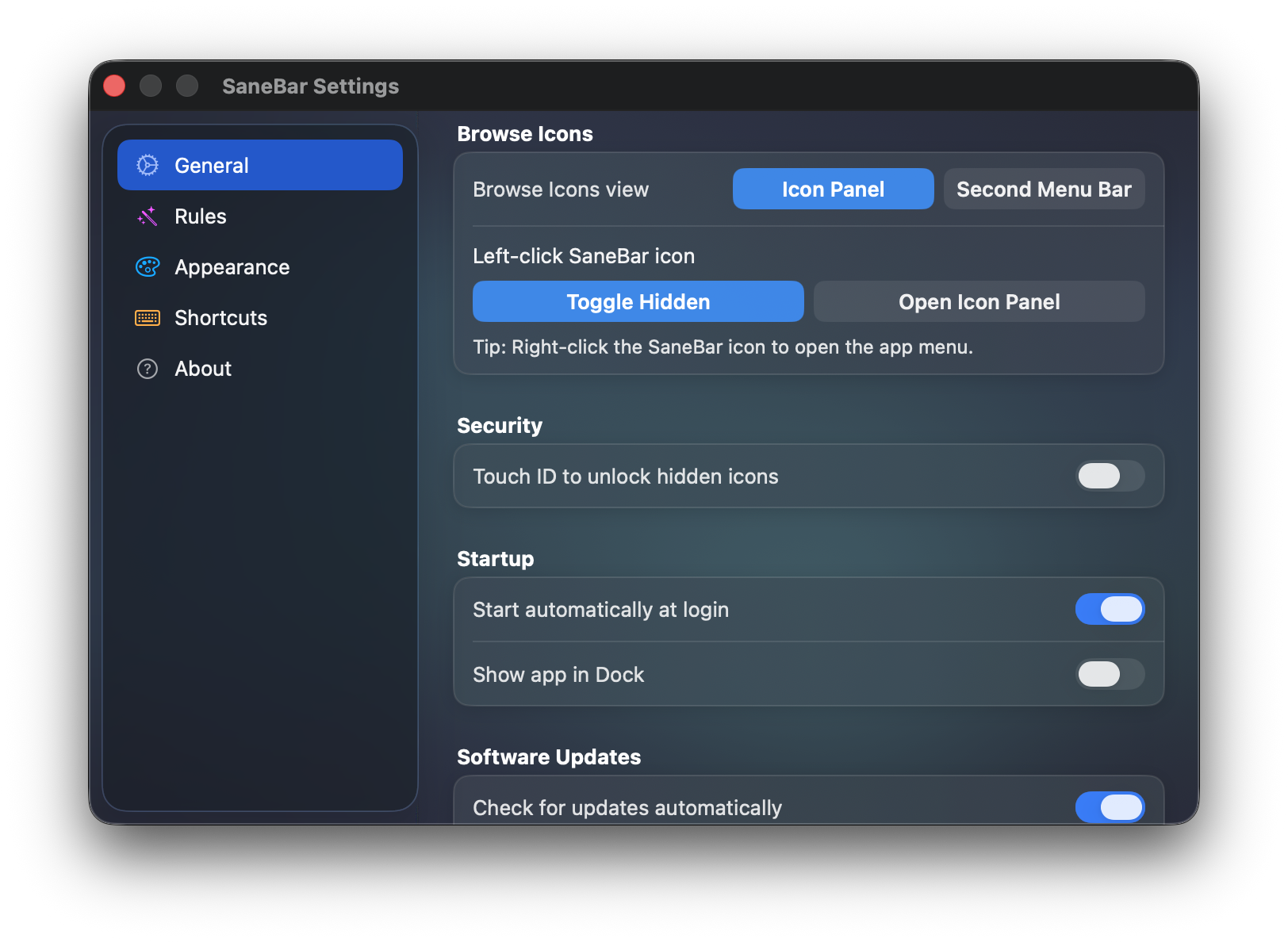

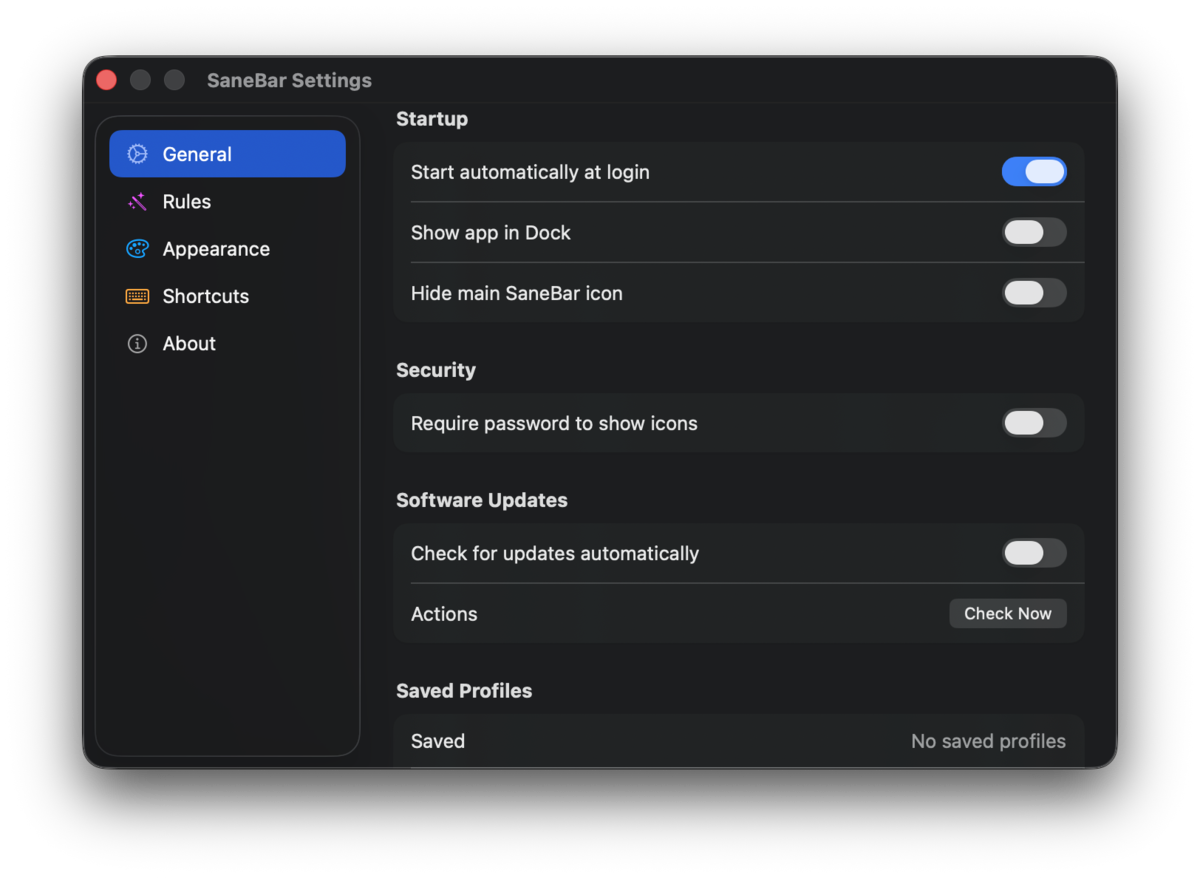
How to install SaneBar on a Mac
- Get OpenDMG. It is a free app store for open source Mac apps. Download OpenDMG.
- Search for SaneBar and press Get. OpenDMG downloads version 2.1.90 from sane-apps's own GitHub release.
- Open it. The download is checked against its SHA-256 fingerprint and its signature is checked on your Mac before it lands in Applications.
Updates to SaneBar show up in OpenDMG and install with one button. No account is needed.
Prefer to do it by hand? The developer's file is on GitHub: SaneBar-2.1.90.zip (8.0 MB).
What is new in SaneBar 2.1.90
## SaneBar 2.1.90

Settings uses the shared SaneUI page on every tab: one gutter, a 720-wide window that can resize without stretching off-screen, and the same label-left / control-right rows. About has More Apps (saneapps.com) and a working Donate button. Shortcuts no longer shifts the left margin. First-run Health no longer crams four buttons off the window, and the check does not auto-open when Accessibility is already granted. Free builds skip the login-keychain prompt at launch.

Distribution:
- Sparkle appcast: https://sanebar.com/appcast.xml
- Direct download: https://dist.sanebar.com/updates/SaneBar-2.1.90.zip
More Menu Bar and Notch apps
-
 StatsmacOS system monitor in your menu bar
-
 IcePowerful menu bar manager for macOS (upstream, temporarily inactive)
-
 Hidden BarAn ultra-light MacOS utility that helps hide menu bar icons
-
 ThawThe open-source menu bar manager: hide, organize, and take control of menu bar icons
-
 Boring NotchTurn your MacBook notch into a music and file control center
-
 eulmacOS status monitoring app written in SwiftUI