
Safe Drive Ejector for Mac
Menu bar utility that safely ejects external disks before sleep and remounts them after wake.
By siraj-bd. Free and open source, MIT licence.
Safe Drive Ejector at a glance
- Version
- 1.2.0
- Released
- 1 October 2026
- Download size
- 20 MB
- Works on
- Apple silicon and Intel
- Licence
- MIT
- Category
- Menu Bar and Notch
- Developer
- siraj-bd
- GitHub stars
- 1
About Safe Drive Ejector
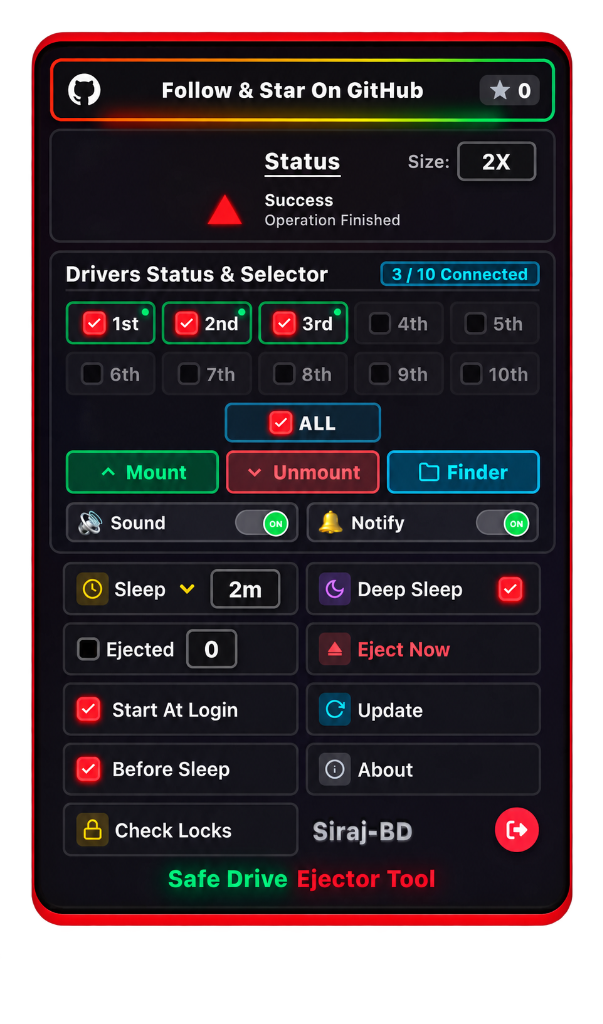
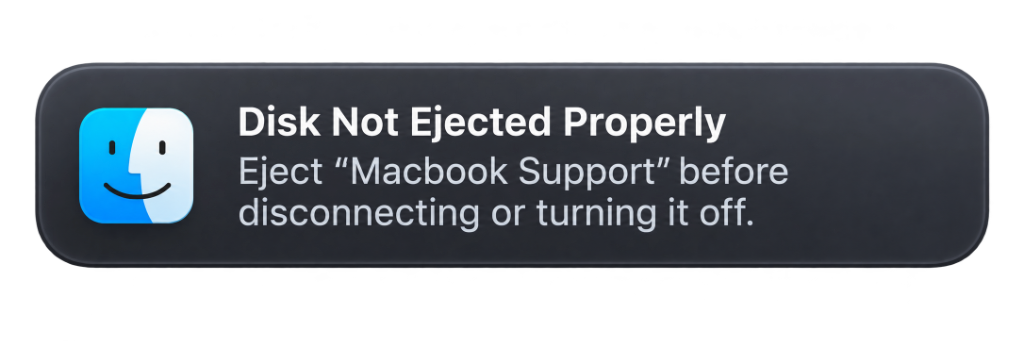
Native macOS Menu Bar app to safely eject, deep sleep & remount external drives. Automatically closes locking apps and processes to eliminate "Disk Not Ejected Properly" warnings.
Screenshots
How to install Safe Drive Ejector on a Mac
- Get OpenDMG. It is a free app store for open source Mac apps. Download OpenDMG.
- Search for Safe Drive Ejector and press Get. OpenDMG downloads version 1.2.0 from siraj-bd's own GitHub release.
- Open it. The download is checked against its SHA-256 fingerprint and its signature is checked on your Mac before it lands in Applications.
Updates to Safe Drive Ejector show up in OpenDMG and install with one button. No account is needed.
Prefer to do it by hand? The developer's file is on GitHub: SafeDriveEjector-1.2.0-macOS-Universal.dmg (20 MB).
What is new in Safe Drive Ejector 1.2.0
## 🚀 Safe Drive Ejector v1.2.0 for macOS (Universal 2)

We are proud to release **v1.2.0** of **Safe Drive Ejector** — a dedicated, high-performance external drive manager engineered specifically for macOS.

### ✨ What's New & Improvements in v1.2.0

- 🛡️ **Touch-Wake Cooldown Protection:** Eliminated accidental re-mounting when unmounting drives manually. A 10-second user cooldown prevents subtle cursor or trackpad motion from re-triggering sleep monitors.
- ⚡ **Multi-Partition & APFS Container Reliability:** Seamless first-click mounting on hybrid multi-partition drives (such as ExFAT + APFS Containers alongside EFI) with partition-level mounting fallbacks and force unmount recovery.
- 🎯 **Optimized Status & Zero Idle Overhead:**
 - CSS loader animations pause completely (`animation-play-state: paused`) when idle, ensuring 0% GPU/CPU background consumption.
 - A clean, static green checkmark confirms completed operations ("Safe to Unplug").
 - Status text cleanly resets upon opening/closing the card.
- 🔄 **In-App GitHub Update Checker:** Users can now click the **Update** button in the Menu Bar Card to automatically verify against GitHub Releases with direct download links.
- 🌟 **AlternativeTo & Community Integration:** Direct directory linking and verified badge integration.

---

### 📦 Download & Verification
…
More Menu Bar and Notch apps
-
 StatsmacOS system monitor in your menu bar
-
 IcePowerful menu bar manager for macOS (upstream, temporarily inactive)
-
 Hidden BarAn ultra-light MacOS utility that helps hide menu bar icons
-
 ThawThe open-source menu bar manager: hide, organize, and take control of menu bar icons
-
 Boring NotchTurn your MacBook notch into a music and file control center
-
 eulmacOS status monitoring app written in SwiftUI