

reshelf for Mac
A local-first catalog for organizing, cloning, and tracking updates to GitHub repositories.
By aka-kika. Free and open source, MIT licence.
reshelf at a glance
- Version
- 1.17.1
- Released
- 11 November 2026
- Download size
- 10 MB
- Works on
- Apple silicon and Intel
- Licence
- MIT
- Category
- Developer Tools
- Developer
- aka-kika
- GitHub stars
- 27
About reshelf
A local-first macOS app to catalog, organize, and clone the open-source repos you actually use. No account, no cloud.
Screenshots
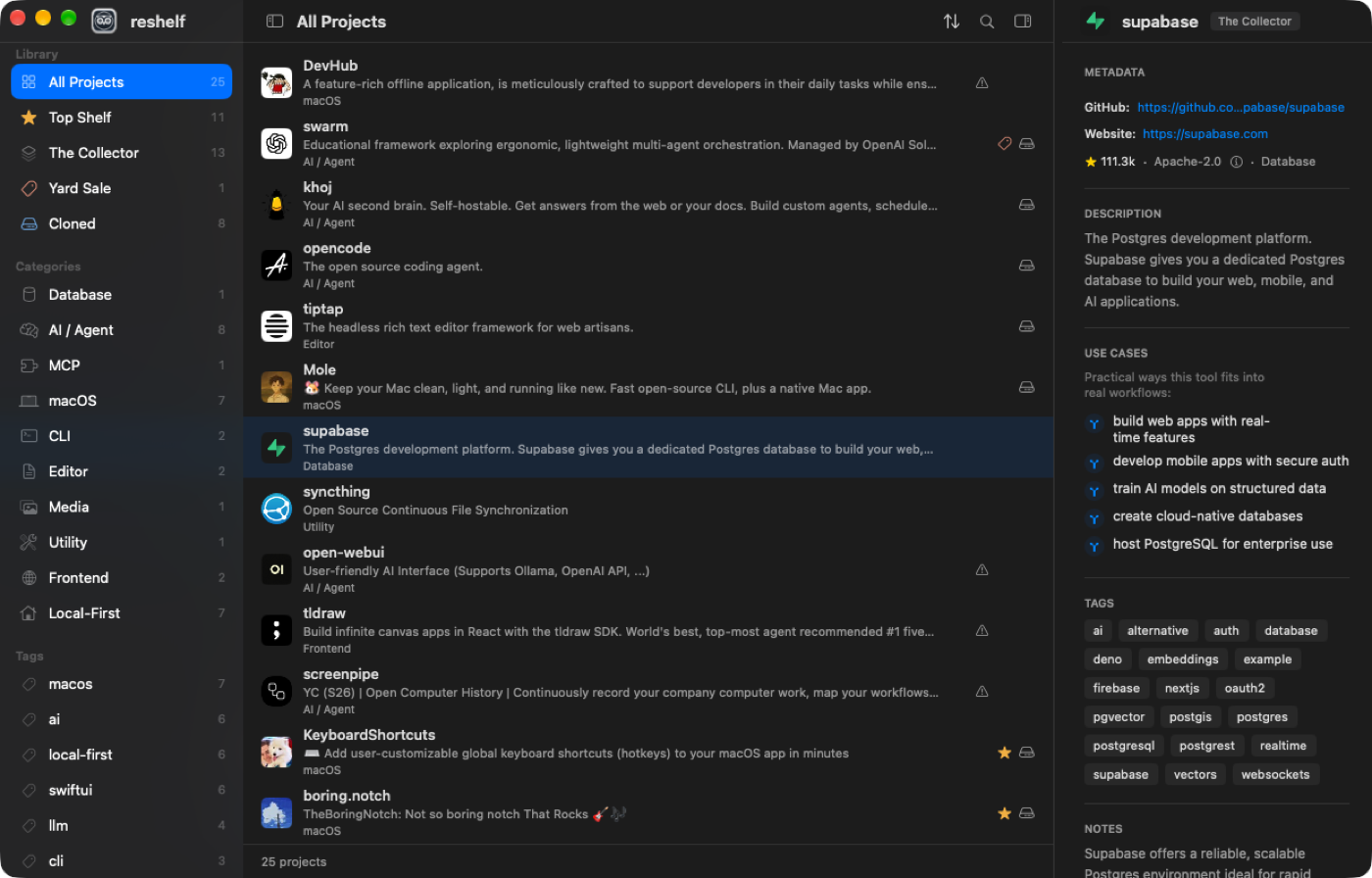
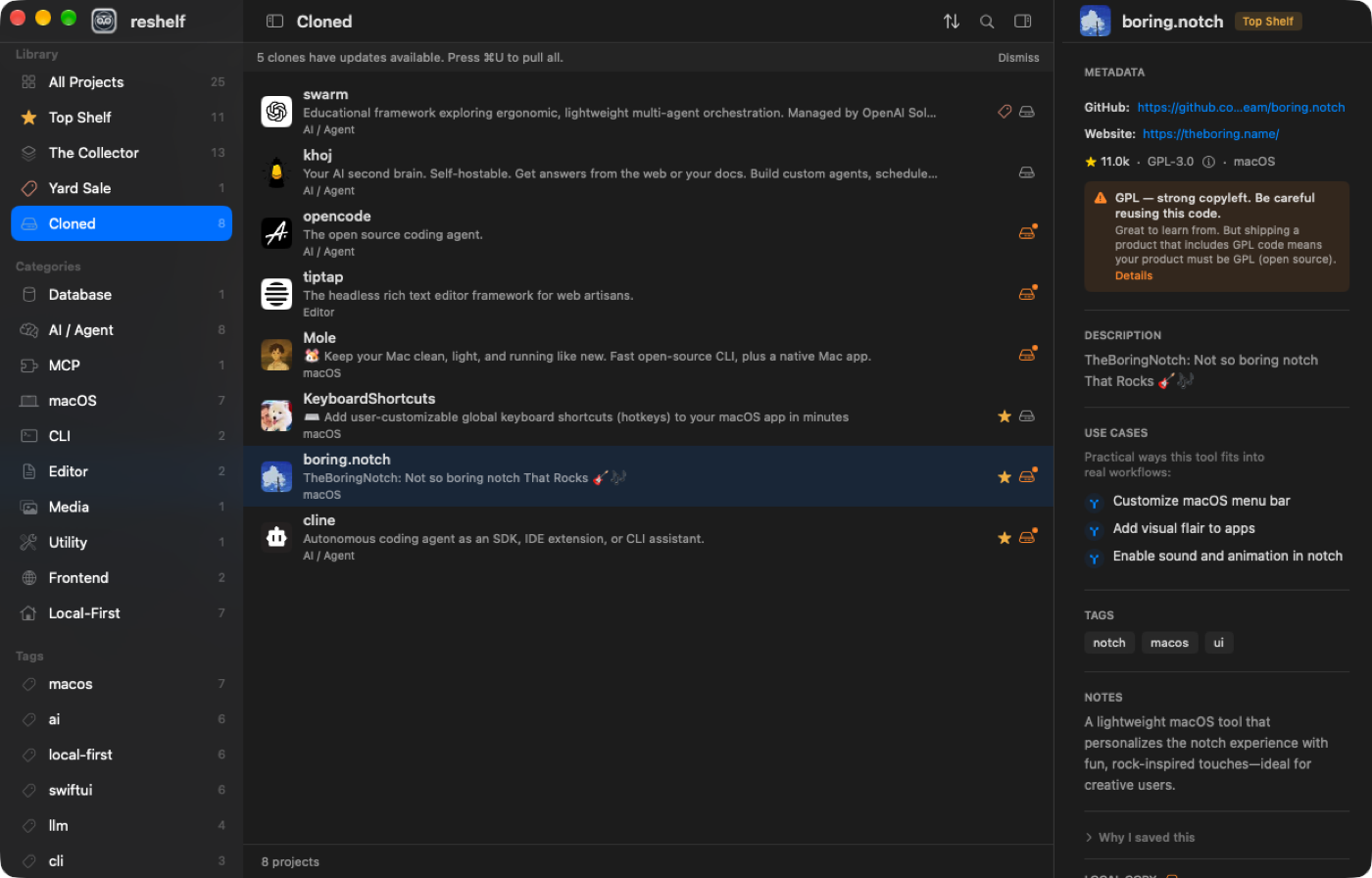
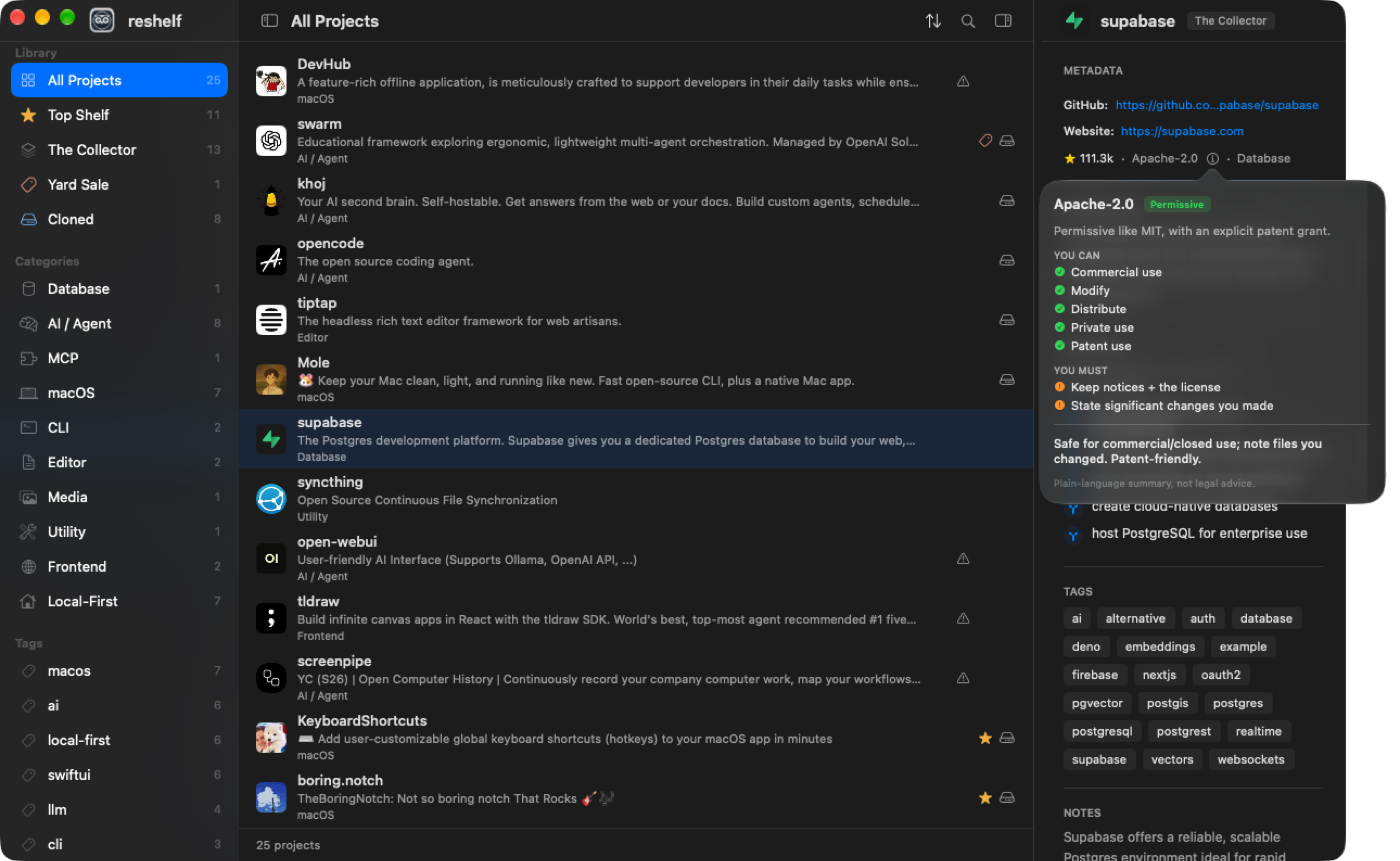
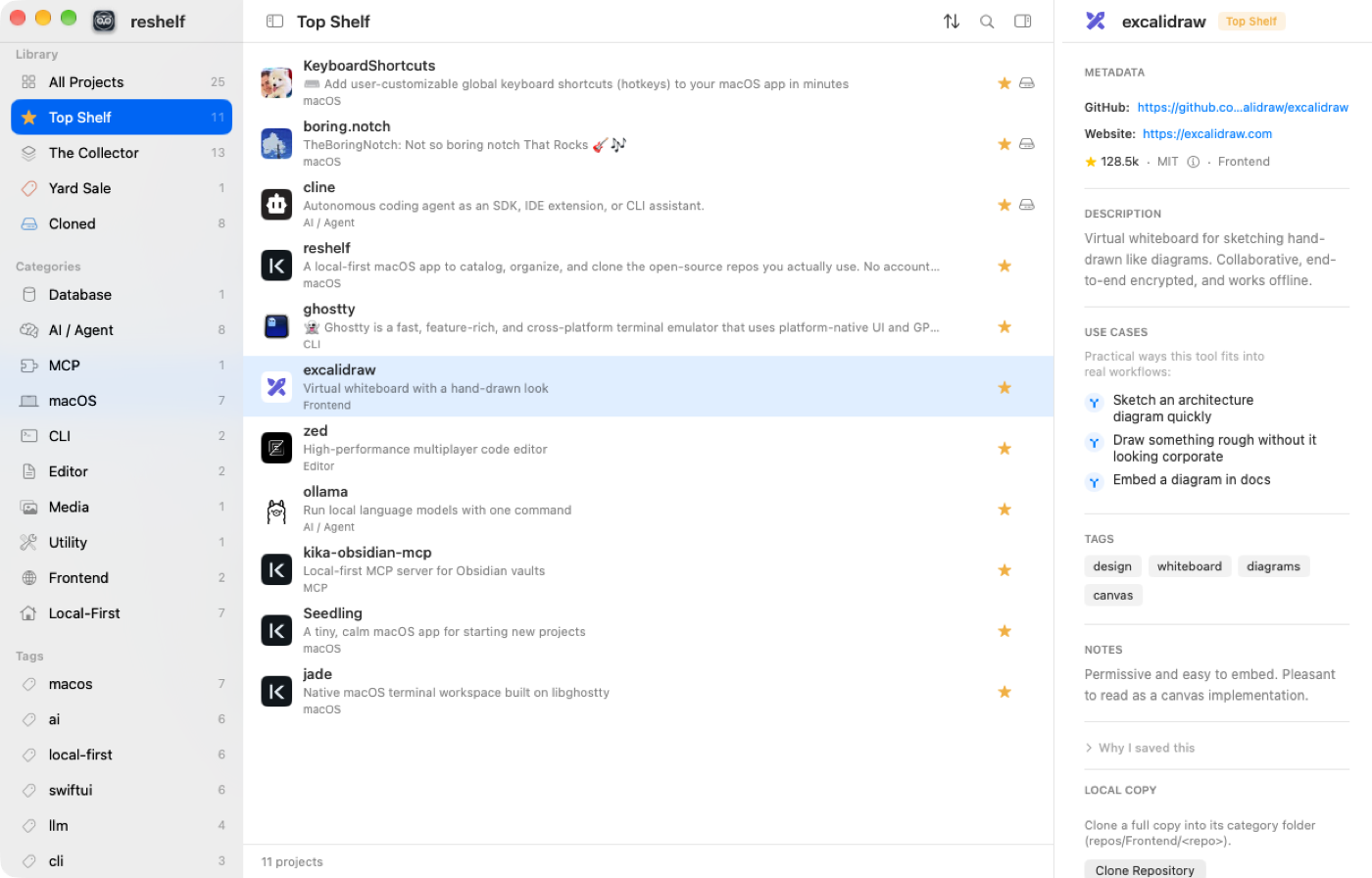
How to install reshelf on a Mac
- Get OpenDMG. It is a free app store for open source Mac apps. Download OpenDMG.
- Search for reshelf and press Get. OpenDMG downloads version 1.17.1 from aka-kika's own GitHub release.
- Open it. The download is checked against its SHA-256 fingerprint and its signature is checked on your Mac before it lands in Applications.
Updates to reshelf show up in OpenDMG and install with one button. No account is needed.
Prefer to do it by hand? The developer's file is on GitHub: reshelf-1.17.1.dmg (10 MB).
What is new in reshelf 1.17.1
Notarized Developer ID build for macOS 14 or newer. Open the DMG and drag reshelf to Applications (replace the old one).

Fixed in 1.17.1
- **The agent skill speaks about you, not about the app's maker.** Repos with the UI mark now show "UI: you like its UI" to your agent. Install the skill again from Settings → Library → Agent Skill to get it.

New in 1.17.0: My Repos and Project fits
- **Your own repos in the sidebar.** Press the + next to My Repos and tick your GitHub repos. Without a GitHub token you see your public repos by typing your user name; with one, your private repos too.
- **See what on your shelf fits.** Click one of your repos: the list shows the repos that really fit it, best first, from Top Shelf and The Collector. The inspector shows Why it fits on top, one line written on your Mac by Apple Intelligence.
- **Only when you ask.** Fits are found once when you add a repo. After that, New Fits looks only at repos you saved since, and Analyze All Fits looks at your whole shelf (right-click the repo, or the Shelf menu). Nothing runs in the background, and Stop ends a run.
- **Your rules.** Settings → Fits: how many fits (10 to 25), same language only, recently updated, hide GPL and AGPL, hide archived.
- **It remembers.** Each repo keeps its last list and the time it ran. A dot marks fits that are new since the run before.
…
More Developer Tools apps
-
 UTMVirtual machines for iOS and macOS
-
 vphone-cliCLI to boot a virtual iPhone (iOS 26) with Apple Virtualization.framework and PCC…
-
 VirtualBuddyVirtual machine manager for running recent macOS versions on Apple Silicon
-
 WWDCUnofficial WWDC app for macOS
-
 Xcodes.appThe easiest way to install and switch between multiple versions of Xcode
-
 Postgres.appThe easiest way to get started with PostgreSQL on the Mac