
Reprise for Mac
Automatic call recorder for Zoom, Meet, Teams, and FaceTime that captures audio and screen.
By nikiomori. Free and open source, MIT licence.
Reprise at a glance
- Version
- 0.4.0
- Released
- 8 October 2026
- Download size
- 2.7 MB
- Works on
- Apple silicon and Intel
- Licence
- MIT
- Category
- Audio and Music
- Developer
- nikiomori
- GitHub stars
- 3
About Reprise
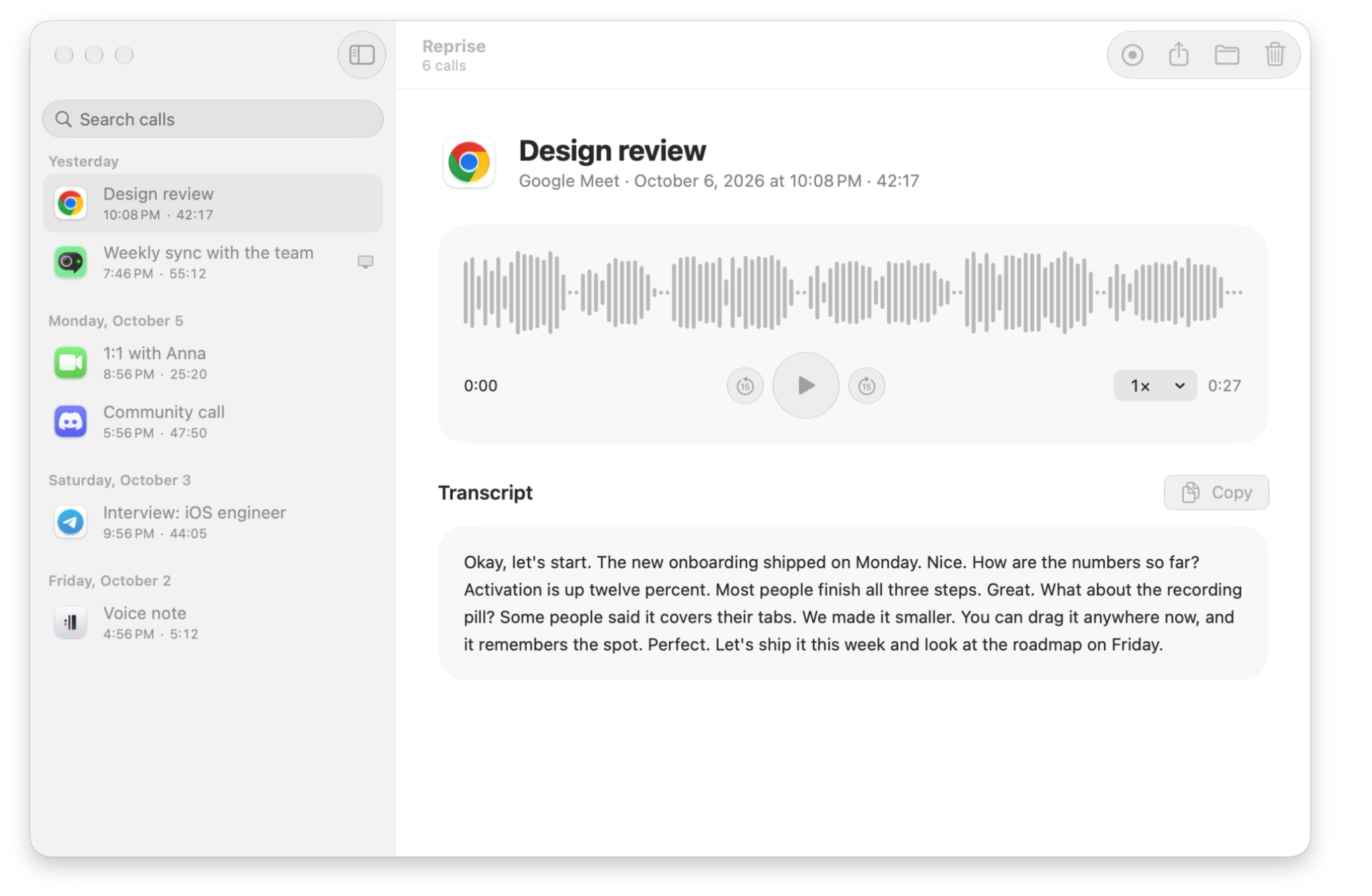
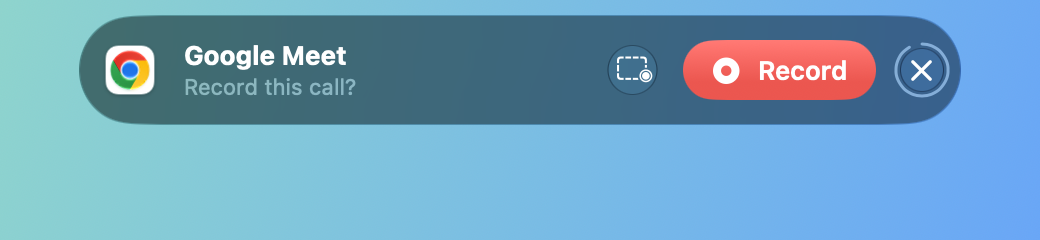
Be present. Reprise remembers. A macOS call recorder that does one job as well as it can: it notices calls in Zoom, Meet, Teams, FaceTime and more, and records both sides and the screen to plain files, at 1.5% CPU. Native Swift, no dependencies, MIT.
Screenshots


How to install Reprise on a Mac
- Get OpenDMG. It is a free app store for open source Mac apps. Download OpenDMG.
- Search for Reprise and press Get. OpenDMG downloads version 0.4.0 from nikiomori's own GitHub release.
- Open it. The download is checked against its SHA-256 fingerprint and its signature is checked on your Mac before it lands in Applications.
Updates to Reprise show up in OpenDMG and install with one button. No account is needed.
Prefer to do it by hand? The developer's file is on GitHub: Reprise-0.4.0.zip (2.7 MB).
What is new in Reprise 0.4.0
Each side in its own file, marks to find a moment later, and Reprise in Russian.

## What is new

- **Each side in its own file.** Turn on **Settings > General > Also save each side in its own file**, and a call also gets `you.m4a` (your microphone) and `them.m4a` (everyone else), on the same clock and the same length as `audio.m4a`. For editing a podcast or an interview. It adds about 0.7% CPU while recording; off, it costs nothing.
- **Marks.** Hover over the pill and click the flag, or use **Mark This Moment** from the menu bar or a shortcut with a hotkey. In the library, flags sit above the wave, and a click plays from 5 seconds before the mark.
- **Calendar titles.** With **Name calls after calendar events** on, a call takes the title of the event going on or about to start.
- **A shortcut after each call.** Pick one in **Settings > General > After Each Call**. It gets the call's folder once it's saved, with the transcript if Reprise transcribes calls automatically.
- **Old screen recordings to the Trash.** **Keep screen recordings** for 3 months, 1 month or 1 week; the calls stay, with their sound. Settings also show the library's size.
- **Russian.** Reprise follows the Mac's language: menus, Settings, the pill, its warnings, and Siri phrases.

## Fixes
…
More Audio and Music apps
-
 MonitorControlAdjust external monitor settings
-
 FluidVoiceVoice-to-text app with AI enhancement
-
 eqMacSystem-wide audio equalizer and volume mixer
-
 VoiceInkReal-time speech-to-text app
-
 LyricsXDisplay lyrics for iTunes/Spotify
-
 FreeFlowPush-to-talk speech-to-text tool that inserts polished transcripts into any app