

Rascal for Mac
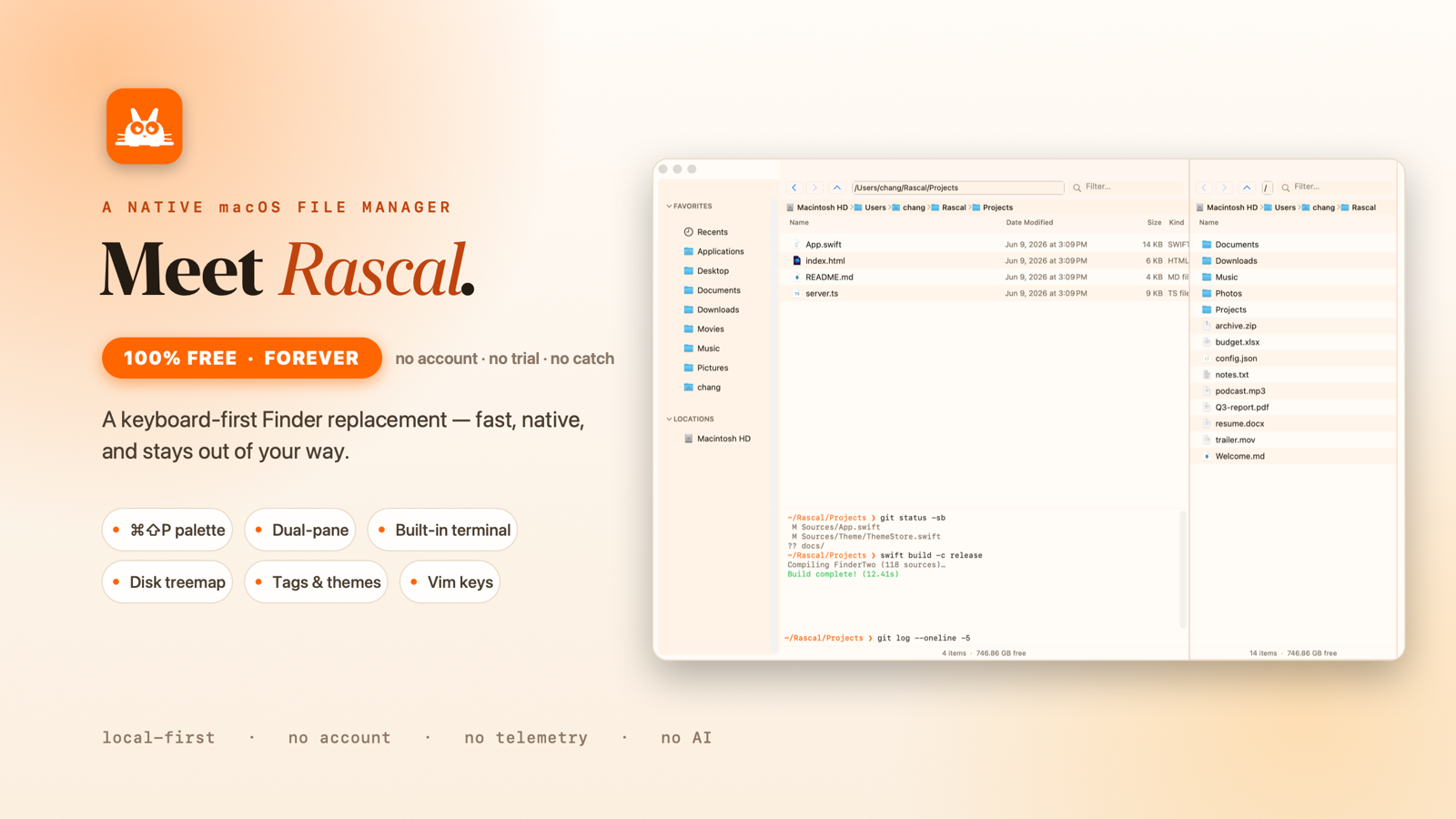
Keyboard-first Finder replacement with dual panes, command palette, vim keys, and inline terminal.
By chang-07. Free and open source, MIT licence.
Rascal at a glance
- Version
- 0.1.6
- Released
- 7 September 2026
- Download size
- 1.6 MB
- Works on
- Apple silicon and Intel
- Licence
- MIT
- Category
- System Tools
- Developer
- chang-07
- GitHub stars
- 162
Screenshots
How to install Rascal on a Mac
- Get OpenDMG. It is a free app store for open source Mac apps. Download OpenDMG.
- Search for Rascal and press Get. OpenDMG downloads version 0.1.6 from chang-07's own GitHub release.
- Open it. The download is checked against its SHA-256 fingerprint and its signature is checked on your Mac before it lands in Applications.
Updates to Rascal show up in OpenDMG and install with one button. No account is needed.
Prefer to do it by hand? The developer's files are on GitHub: Rascal-arm64.dmg (1.6 MB), Rascal-x86_64.dmg (1.8 MB).
What is new in Rascal 0.1.6
Remote browsing lands, multi-pane layouts grow up, and the top reported bugs are fixed — including the drag-and-drop one.

### New
- **SFTP remote browsing** — connect to a server and browse it in the main file list like any folder, with a findable **Connect** command and a redesigned connect sheet.
- **Remote write support** — new folder, rename, delete, and upload/download on remote servers.
- **N-pane layouts** — open as many panes as you need; divider sizes persist and the last layout restores on launch.
- **Sidebar customization and pane workflows** (community contribution).
- **Layout settings pane** — tune spacing and metrics to taste.
- **Path bar position option** — top or bottom, and the path now shows once, not twice.

### Fixed
- **Drag and drop no longer makes files disappear** — dragging files within a folder (or out to another app) left permanent gaps in the list until restart (#27).
- **⌘⌫ delete shortcuts never fired** — forward-delete vs backspace mix-up.
- **Remote transfers failed on OpenSSH 9+** (scp shell quoting), and the default SFTP connection listed nothing.
- **Vim filter accepts Return**, and the native search field controls are preserved.
- **Transfer progress is accurate** — logical bytes for total and progress.
- Multi-pane divider layout re-entrancy guard + deduplicated session save.

### Install
…
More System Tools apps
-
 PearcleanerApp Cleaner and Uninstaller Tool
-
 OpenInTerminalFinder toolbar tool for opening the current folder in a terminal
-
 PureMacFree open-source system cleaner with privacy protection
-
 DockDoorWindow peeking for macOS
-
 LatestApp update checker that notifies you of available updates for installed applications
-
 DorsoPosture reminder that progressively blurs your screen when you slouch