

Radix for Mac
Fast disk space analyzer that scans folders or volumes, visualizes usage with an interactive sunburst chart, and helps clean up storage.
By colinvkim. Free and open source, MIT licence.
Radix at a glance
- Version
- 1.8.0
- Released
- 20 September 2026
- Download size
- 7.3 MB
- Works on
- Apple silicon and Intel
- Licence
- MIT
- Category
- Menu Bar and Notch
- Developer
- colinvkim
- GitHub stars
- 926
About Radix
Modern, extremely fast macOS disk space analyzer.
Screenshots
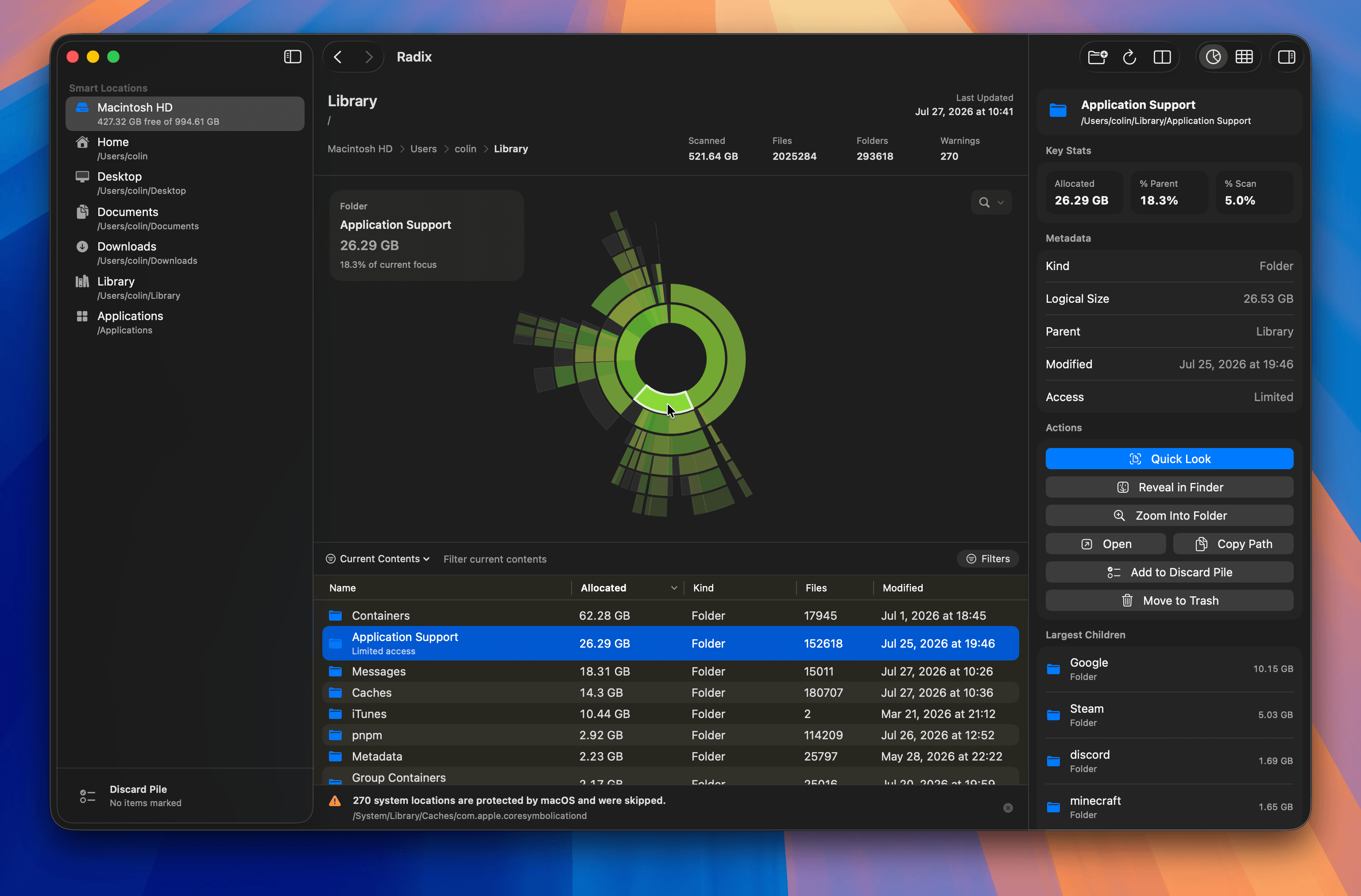
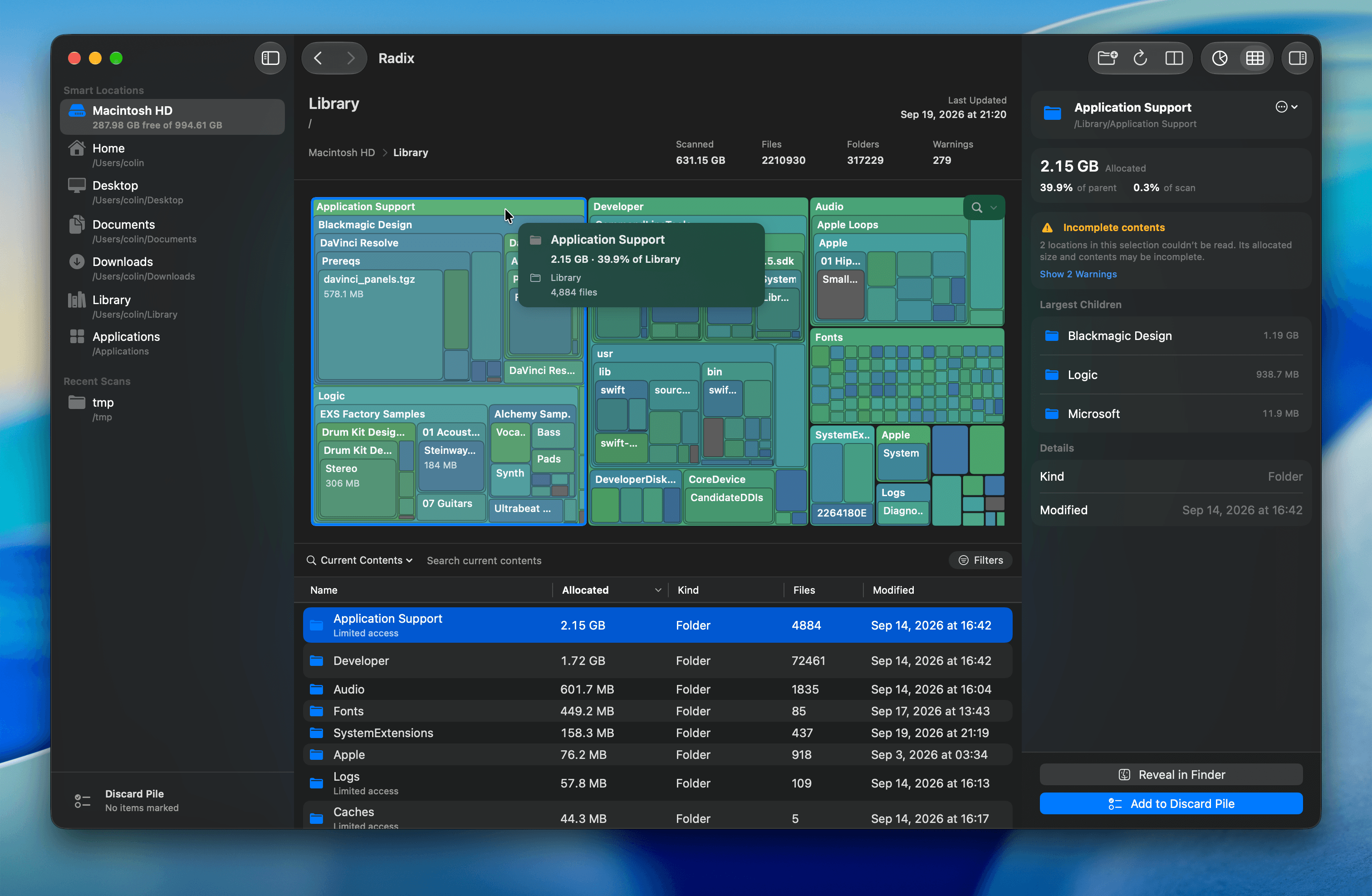
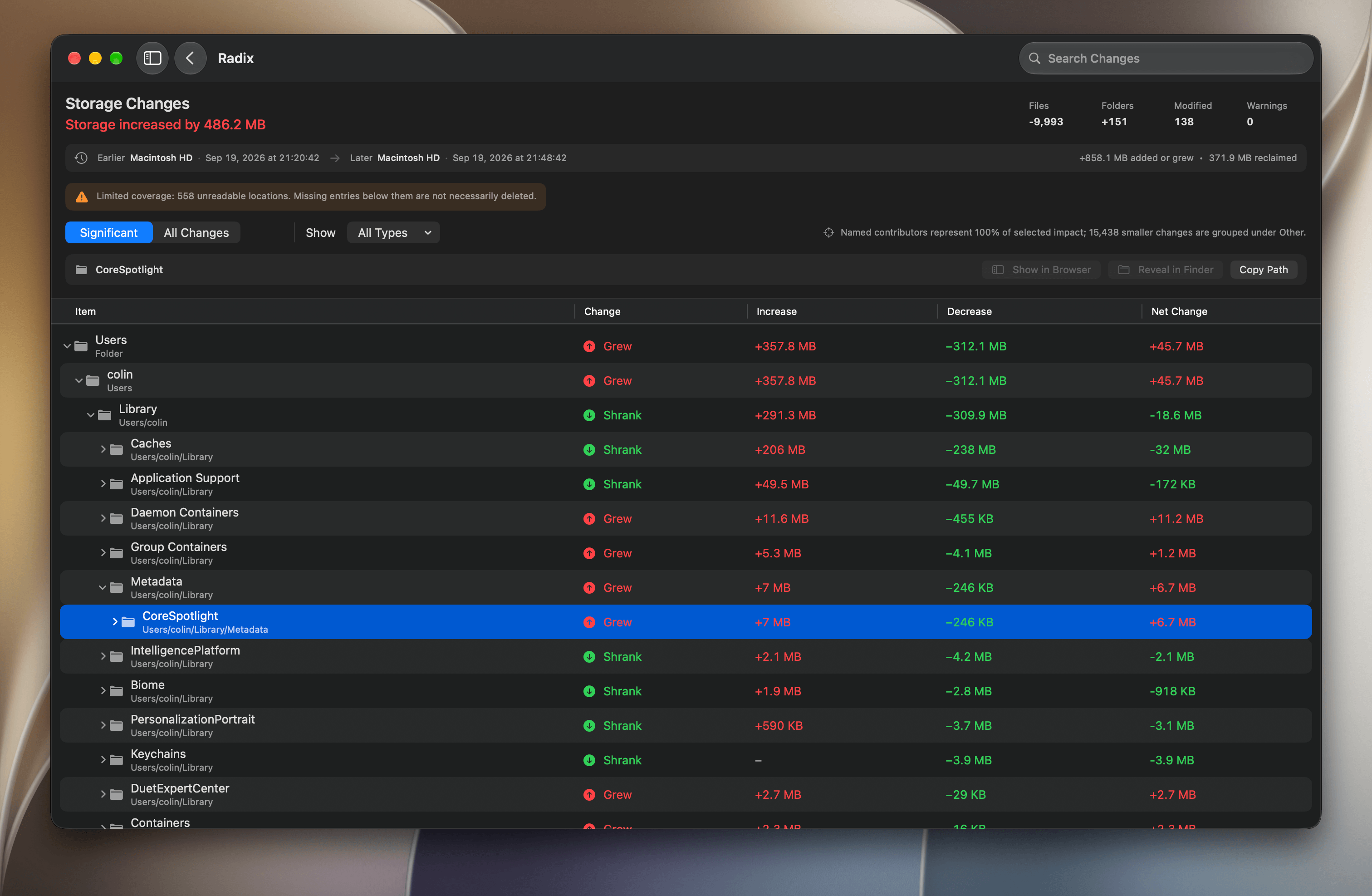
How to install Radix on a Mac
- Get OpenDMG. It is a free app store for open source Mac apps. Download OpenDMG.
- Search for Radix and press Get. OpenDMG downloads version 1.8.0 from colinvkim's own GitHub release.
- Open it. The download is checked against its SHA-256 fingerprint and its signature is checked on your Mac before it lands in Applications.
Updates to Radix show up in OpenDMG and install with one button. No account is needed.
Prefer to do it by hand? The developer's file is on GitHub: Radix.zip (7.3 MB).
What is new in Radix 1.8.0
### Overview

v1.8.0 is the "everything" update! It’s Radix’s biggest update yet, with major improvements to performance, design, and nearly every part of the app. It brings a completely redesigned Inspector and Discard Pile, a new onboarding experience, a refreshed Settings layout, Russian localization, and full support for macOS 27. Beneath the surface, large scans, searches, comparisons, and disk maps are faster and more memory-efficient, with improvements to reliability throughout the app. This release is the result of 248 commits and nearly two months of work; see the [full commit history between v1.7.0 and v1.8.0](https://github.com/colinvkim/Radix/compare/v1.7.0...v1.8.0) for a detailed development log.

**Thanks for the continued support!** I’m always open to feedback, bug reports, and feature requests, so please keep sharing what would make Radix more useful for you. I'm really excited to finally share this update, and I hope you all enjoy it.

**Download [Radix v1.8.0 for macOS 14.0+ (universal binary for Intel and Apple silicon systems)](https://github.com/colinvkim/Radix/releases/download/v1.8.0/Radix.zip).** If you already have Radix installed, use **Radix > Check for Updates…** to update in the app. Alternatively, **install via Homebrew**:

```sh
brew install --cask radix
```

### Highlights
…
More Menu Bar and Notch apps
-
 StatsmacOS system monitor in your menu bar
-
 IcePowerful menu bar manager for macOS (upstream, temporarily inactive)
-
 Hidden BarAn ultra-light MacOS utility that helps hide menu bar icons
-
 ThawThe open-source menu bar manager: hide, organize, and take control of menu bar icons
-
 Boring NotchTurn your MacBook notch into a music and file control center
-
 eulmacOS status monitoring app written in SwiftUI