
QuickTranslateMac for Mac
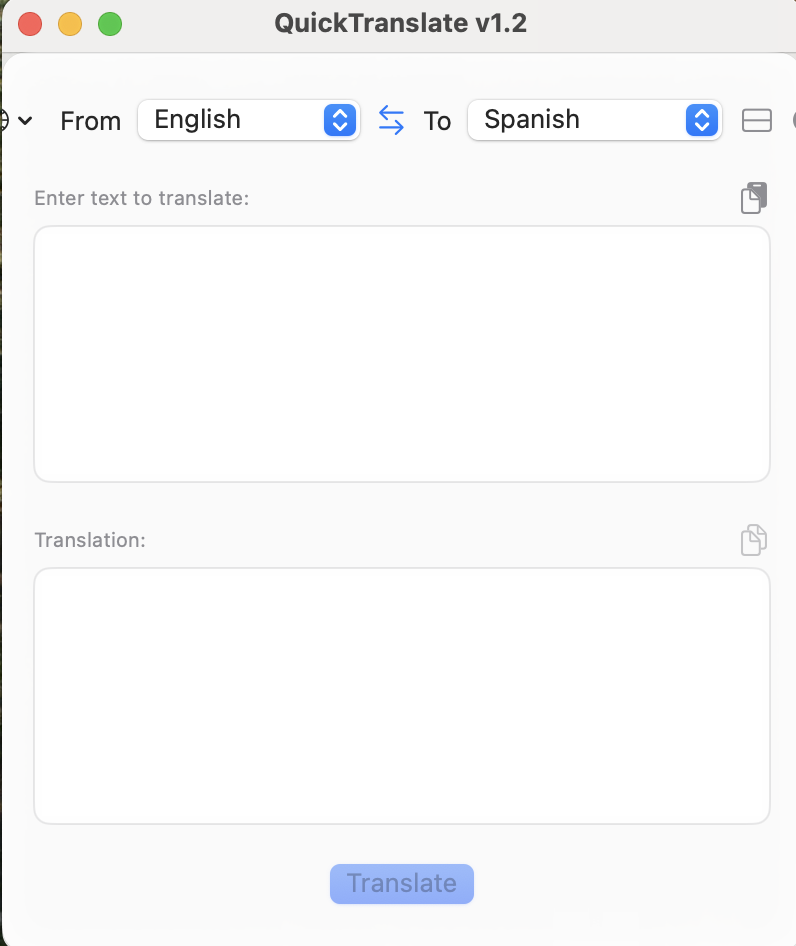
Provides quick language translation, directly from the menu bar.
By nikevdok. Free and open source.
QuickTranslateMac at a glance
- Version
- 1.3
- Released
- 2 May 2025
- Download size
- 647 KB
- Works on
- Apple silicon and Intel
- Category
- Developer Tools
- Developer
- nikevdok
- GitHub stars
- 23
About QuickTranslateMac
MacOs
Screenshots
How to install QuickTranslateMac on a Mac
- Get OpenDMG. It is a free app store for open source Mac apps. Download OpenDMG.
- Search for QuickTranslateMac and press Get. OpenDMG downloads version 1.3 from nikevdok's own GitHub release.
- Open it. The download is checked against its SHA-256 fingerprint and its signature is checked on your Mac before it lands in Applications.
Updates to QuickTranslateMac show up in OpenDMG and install with one button. No account is needed.
Prefer to do it by hand? The developer's file is on GitHub: v1.3.zip (647 KB).
What is new in QuickTranslateMac 1.3
# QuickTranslate v1.3 Release Notes

## 🎉 What's New

### ✨ Major UI Improvements
- Completely redesigned interface with modern macOS aesthetics
- Support for both horizontal and vertical layouts
- Enhanced dark/light mode support with improved contrast
- Rounded corners and refined window appearance
- Improved status bar icon integration

### 🌍 Enhanced Language Support
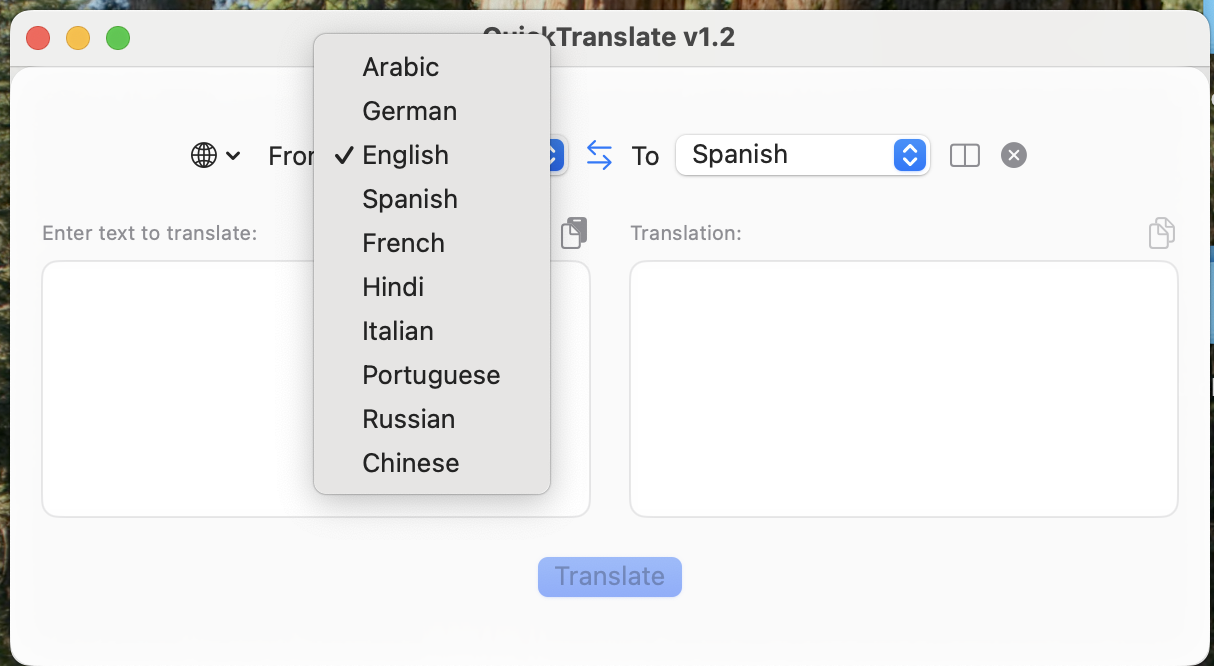
- Full localization for 10 languages:
 - English
 - Spanish
 - French
 - German
 - Italian
 - Portuguese
 - Russian
 - Chinese
 - Arabic
 - Hindi
- RTL (Right-to-Left) support for Arabic language
- Improved language switching with intuitive interface
- Better language name localization

### 🚀 Performance & Stability
- Optimized translation process
- Reduced memory usage
- Improved application responsiveness
- Better error handling and user feedback

### 🛠️ Technical Improvements
- Updated to latest SwiftUI best practices
- Enhanced code structure and organization
- Improved build process
- Better compatibility with latest macOS versions

## 🐛 Bug Fixes
- Fixed window positioning issues
- Resolved memory leaks in translation process
- Corrected RTL layout issues
- Fixed status bar icon display problems
- Addressed various UI glitches

## 📋 System Requirements
- macOS 11.0 or later
- 64-bit processor
- 50MB of free disk space

## 🔄 How to Update
1. Download the latest version from the releases page
…
More Developer Tools apps
-
 UTMVirtual machines for iOS and macOS
-
 vphone-cliCLI to boot a virtual iPhone (iOS 26) with Apple Virtualization.framework and PCC…
-
 VirtualBuddyVirtual machine manager for running recent macOS versions on Apple Silicon
-
 WWDCUnofficial WWDC app for macOS
-
 Xcodes.appThe easiest way to install and switch between multiple versions of Xcode
-
 Postgres.appThe easiest way to get started with PostgreSQL on the Mac