

Quant Voice for Mac
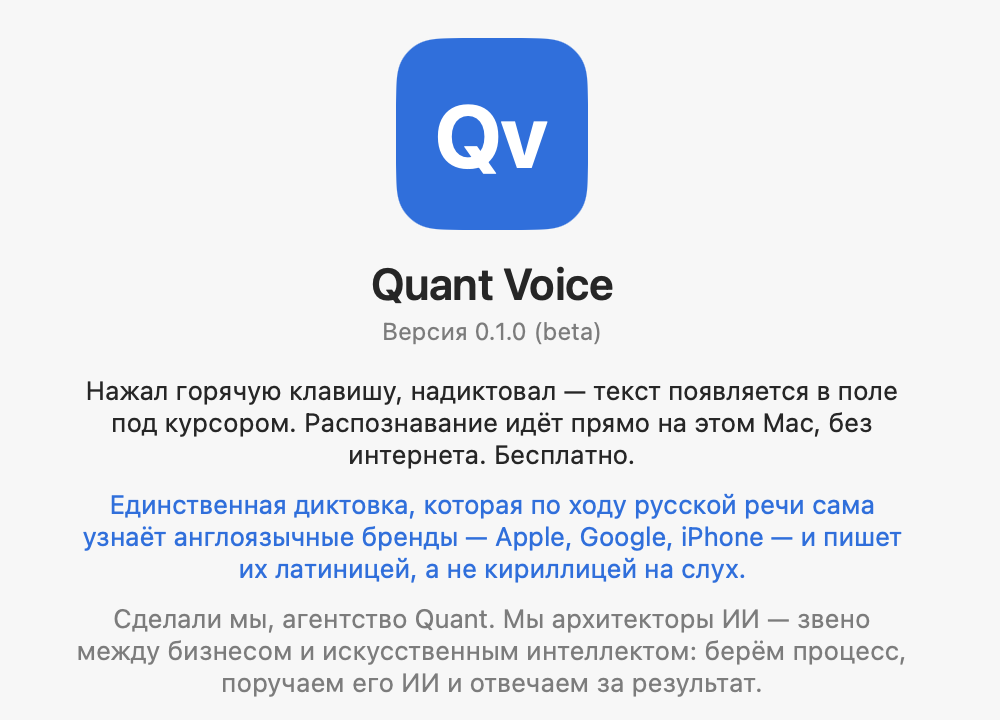
Fully offline, on-device voice dictation — press a hotkey, speak, and text appears under the cursor with no audio leaving the device.
By avklyuev79-hash. Free and open source.
Quant Voice at a glance
- Version
- 0.1.1
- Released
- 26 July 2026
- Download size
- 1.5 MB
- Works on
- Apple silicon and Intel
- Category
- Audio and Music
- Developer
- avklyuev79-hash
- GitHub stars
- 0
About Quant Voice
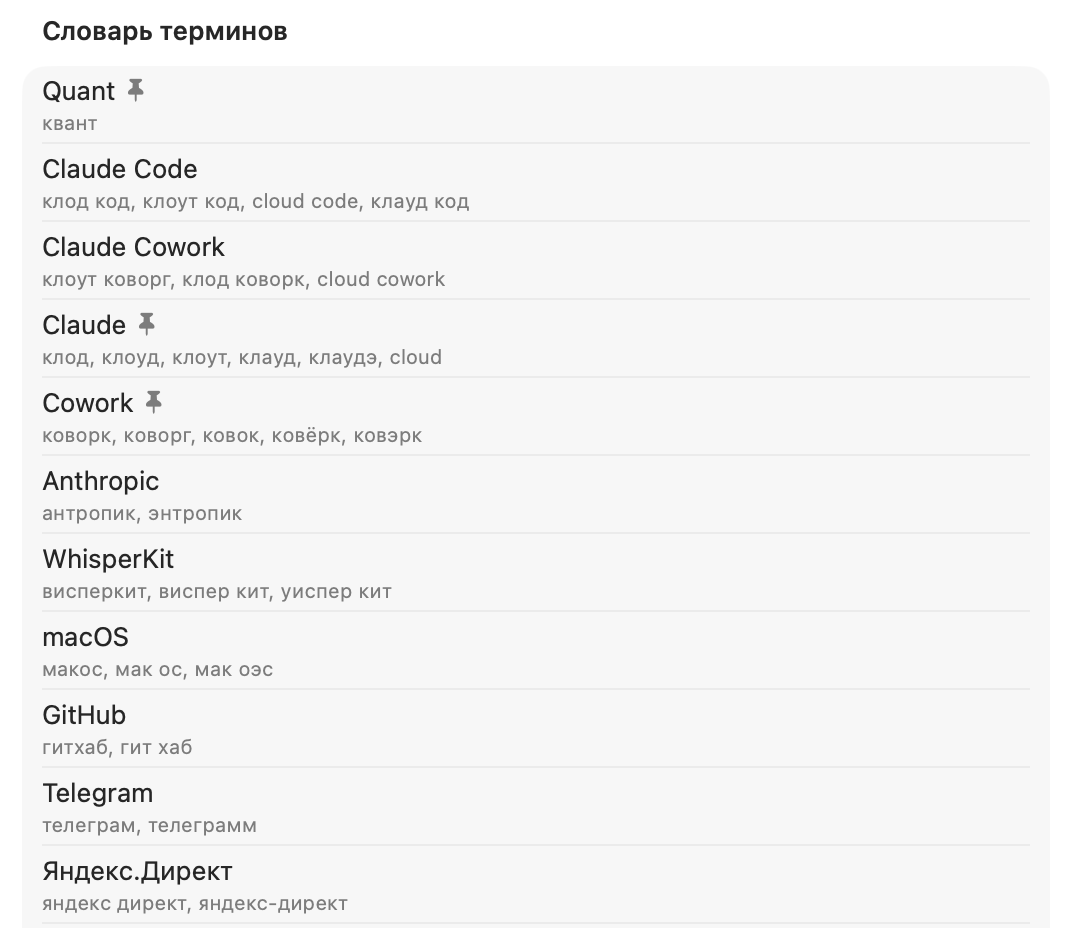
Голосовой ввод для macOS с распознаванием на устройстве. Офлайн, бесплатно, MIT. Сам определяет англоязычные бренды и пишет их латиницей.
Screenshots
How to install Quant Voice on a Mac
- Get OpenDMG. It is a free app store for open source Mac apps. Download OpenDMG.
- Search for Quant Voice and press Get. OpenDMG downloads version 0.1.1 from avklyuev79-hash's own GitHub release.
- Open it. The download is checked against its SHA-256 fingerprint and its signature is checked on your Mac before it lands in Applications.
Updates to Quant Voice show up in OpenDMG and install with one button. No account is needed.
Prefer to do it by hand? The developer's file is on GitHub: QuantVoice-0.1.1.dmg (1.5 MB).
What is new in Quant Voice 0.1.1
## Что нового в 0.1.1

**Исправлено**

- Первый запуск больше не выглядит как зависание. Модель один раз готовится под конкретный Mac (пара минут) — теперь это видно на экране («Готовлю модель…») и проходит в мастере первого запуска с подсказкой не закрывать окно. Дальше диктовка идёт за секунды.

**Изменено**

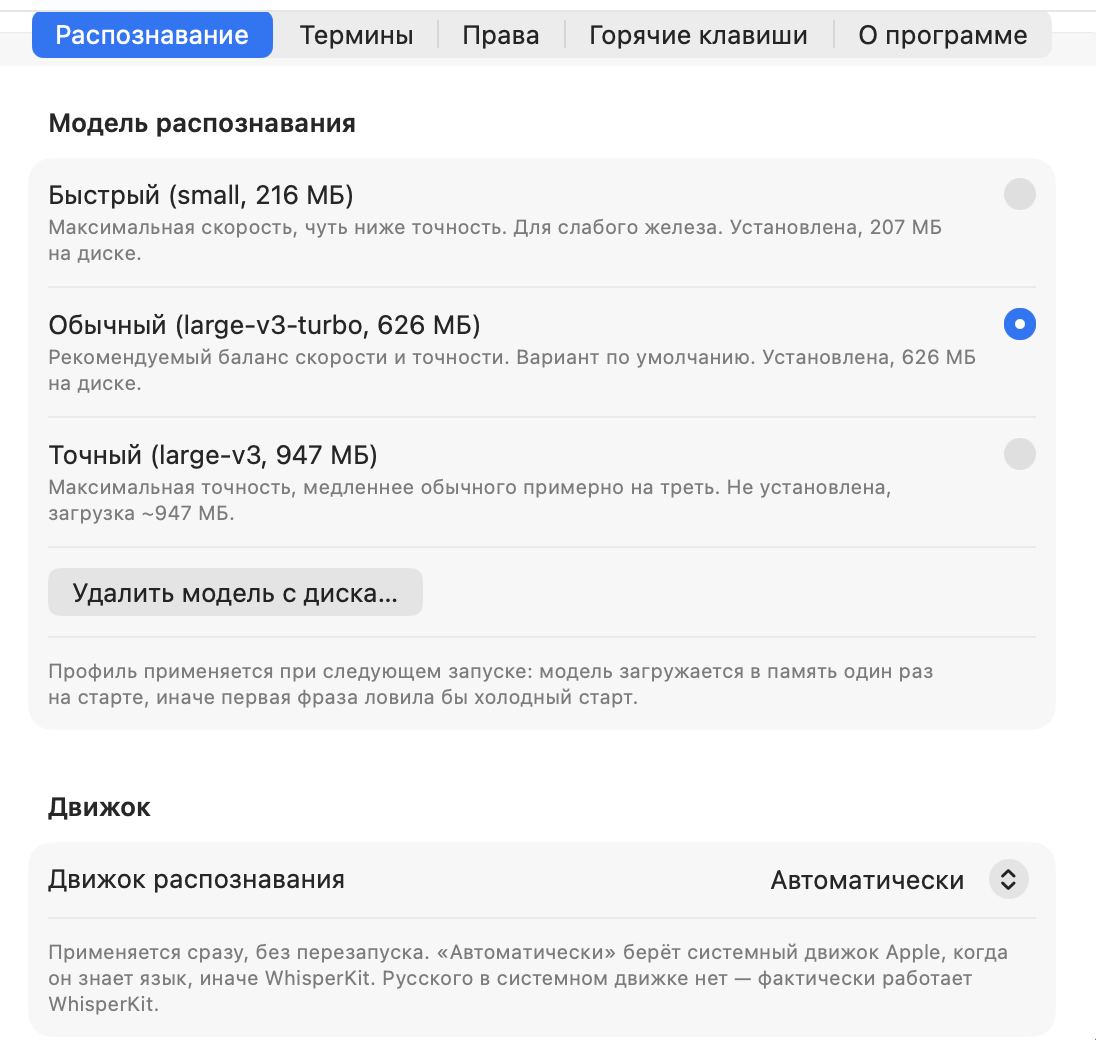
- Модель по умолчанию подбирается под объём памяти Mac: на 8 ГБ сразу выбирается быстрая модель, на машинах помощнее — более точная. Вручную — в настройках.
More Audio and Music apps
-
 MonitorControlAdjust external monitor settings
-
 FluidVoiceVoice-to-text app with AI enhancement
-
 eqMacSystem-wide audio equalizer and volume mixer
-
 VoiceInkReal-time speech-to-text app
-
 LyricsXDisplay lyrics for iTunes/Spotify
-
 FreeFlowPush-to-talk speech-to-text tool that inserts polished transcripts into any app