

Pulse for Mac
Native menu bar market tracker for stocks, ETFs, crypto, and portfolio P&L.
By fatwang2. Free and open source, MIT licence.
Pulse at a glance
- Version
- 0.15.13
- Released
- 10 October 2026
- Download size
- 9.6 MB
- Works on
- Apple silicon and Intel
- Licence
- MIT
- Category
- Menu Bar and Notch
- Developer
- fatwang2
- GitHub stars
- 113
About Pulse
Glanceable market data for you
Screenshots
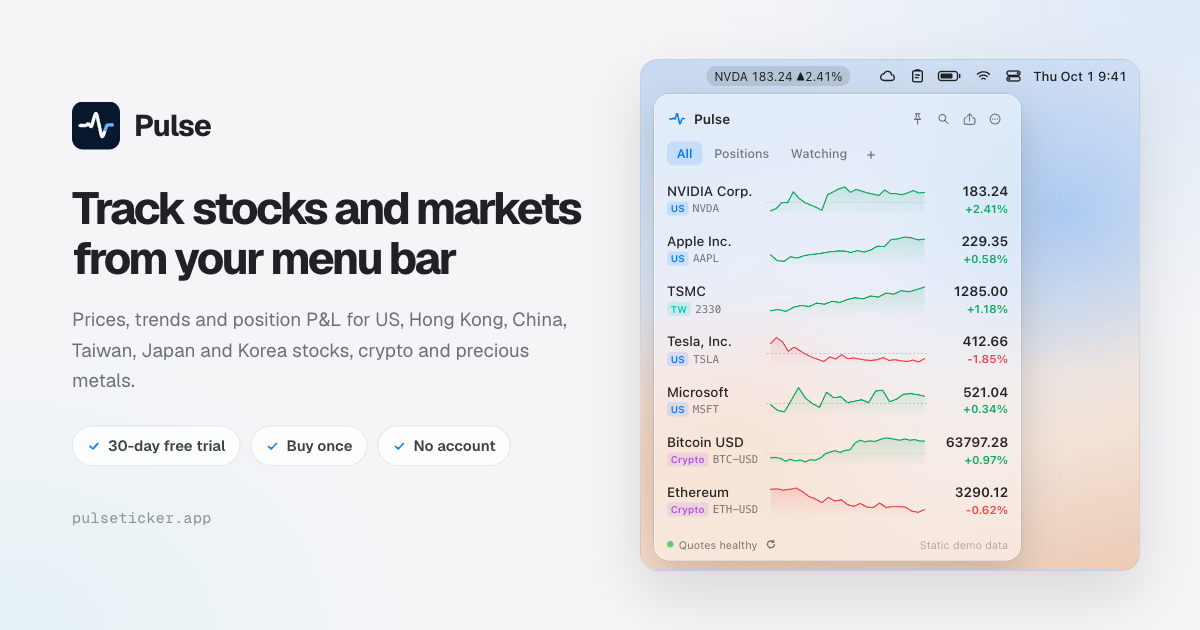
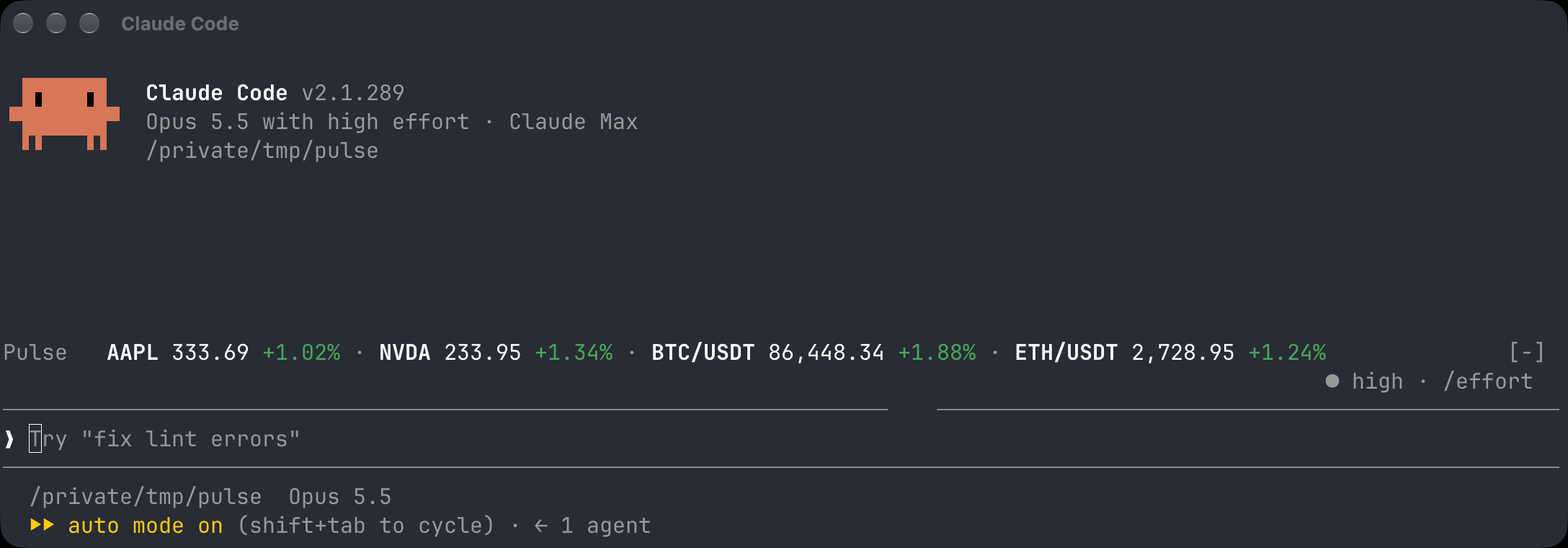
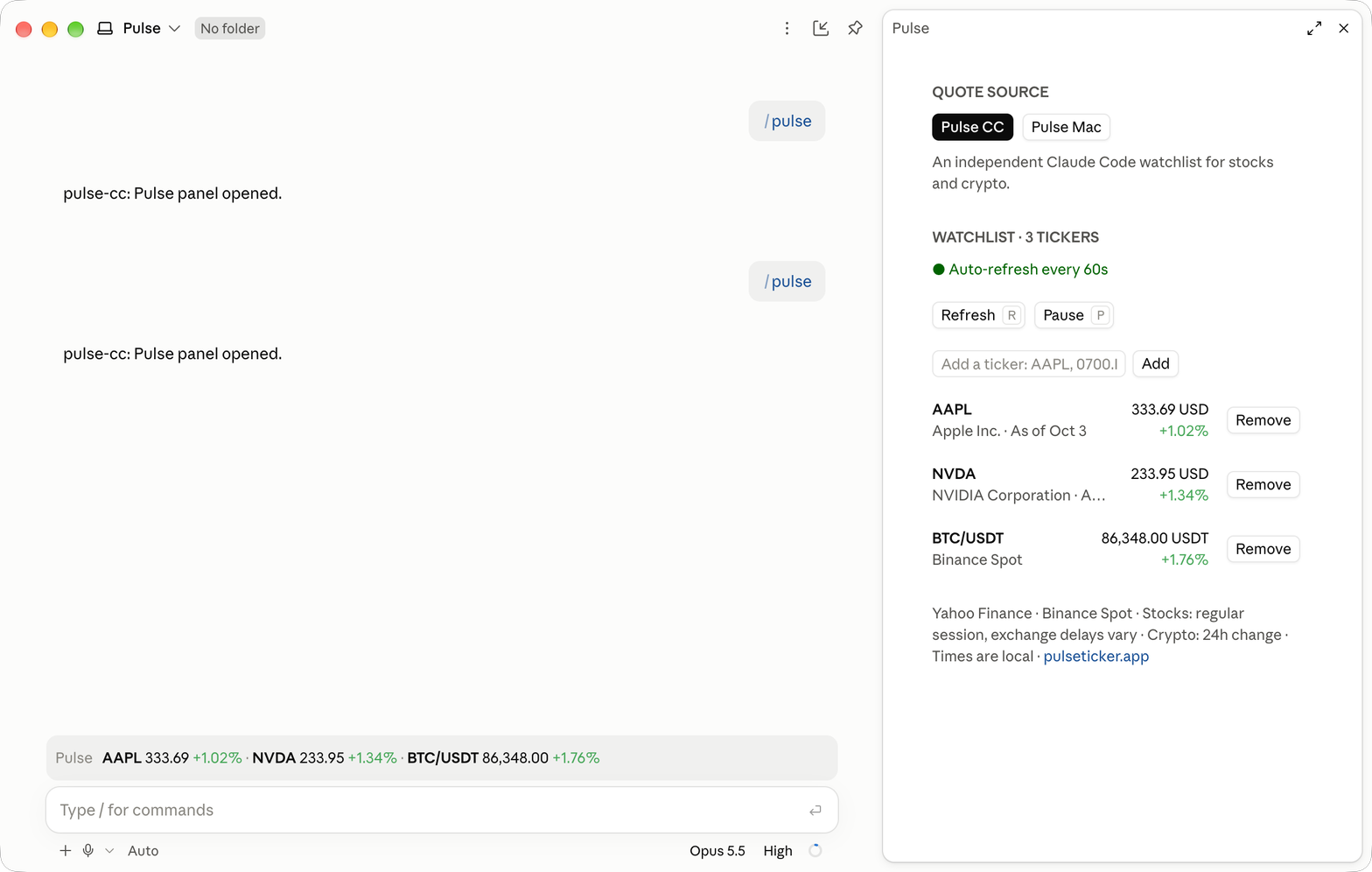
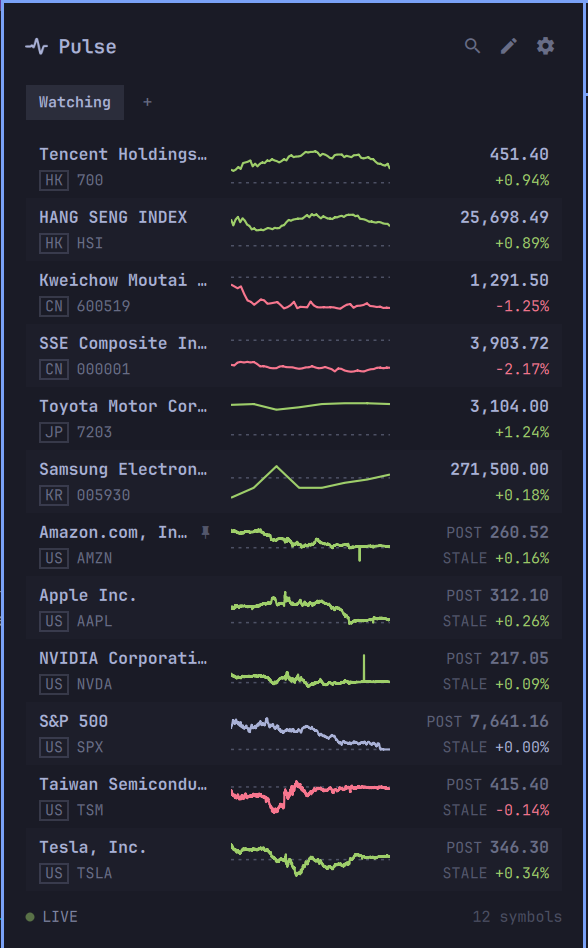
How to install Pulse on a Mac
- Get OpenDMG. It is a free app store for open source Mac apps. Download OpenDMG.
- Search for Pulse and press Get. OpenDMG downloads version 0.15.13 from fatwang2's own GitHub release.
- Open it. The download is checked against its SHA-256 fingerprint and its signature is checked on your Mac before it lands in Applications.
Updates to Pulse show up in OpenDMG and install with one button. No account is needed.
Prefer to do it by hand? The developer's file is on GitHub: Pulse-0.15.13.dmg (9.6 MB).
What is new in Pulse 0.15.13
Pulse 0.15.13

What's new:
- Pulse offers a 30-day full-feature trial from the first launch of a commercial version; updating does not restart it. Afterward, unlock with a one-time purchase. Early bird: $9.99 instead of $19.99 through October 31. App Store purchases and direct license keys are separate.
- The P&L card now pages by market instead of by currency, labels the market it shows, and switches to whichever market is trading. P&L Details lists only the market you opened.
- Positions sold out today still count toward Day P&L until their market's next session. With nothing held, the Holdings list and its card stay while you have trade history and show realized P&L.
- Deleting a list now removes only the list; trade history is kept. Symbols you cleared earlier no longer reappear in your lists after an update.
- The refresh button at the bottom left appears only when quotes fail to update. Clicking it retries every data source and spins until the retry finishes.
- Crypto amounts in USDT or a coin show the code after the number, such as 12.34 USDT; BTC, ETH and BNB amounts show six decimals. MCP list_positions now returns every symbol with trade history.

No setup is required after updating. Existing watchlists, positions, and trade history are untouched.
…
More Menu Bar and Notch apps
-
 StatsmacOS system monitor in your menu bar
-
 IcePowerful menu bar manager for macOS (upstream, temporarily inactive)
-
 Hidden BarAn ultra-light MacOS utility that helps hide menu bar icons
-
 ThawThe open-source menu bar manager: hide, organize, and take control of menu bar icons
-
 Boring NotchTurn your MacBook notch into a music and file control center
-
 eulmacOS status monitoring app written in SwiftUI