

Pinster for Mac
A menu bar app for quick access to pinned websites.
By nickustinov. Free and open source, MIT licence.
Pinster at a glance
- Version
- 2.0.0
- Released
- 2 July 2026
- Download size
- 1.4 MB
- Works on
- Apple silicon and Intel
- Licence
- MIT
- Category
- Menu Bar and Notch
- Developer
- nickustinov
- GitHub stars
- 90
About Pinster
A lightweight macOS menu bar application for quick access to pinned websites
Screenshots
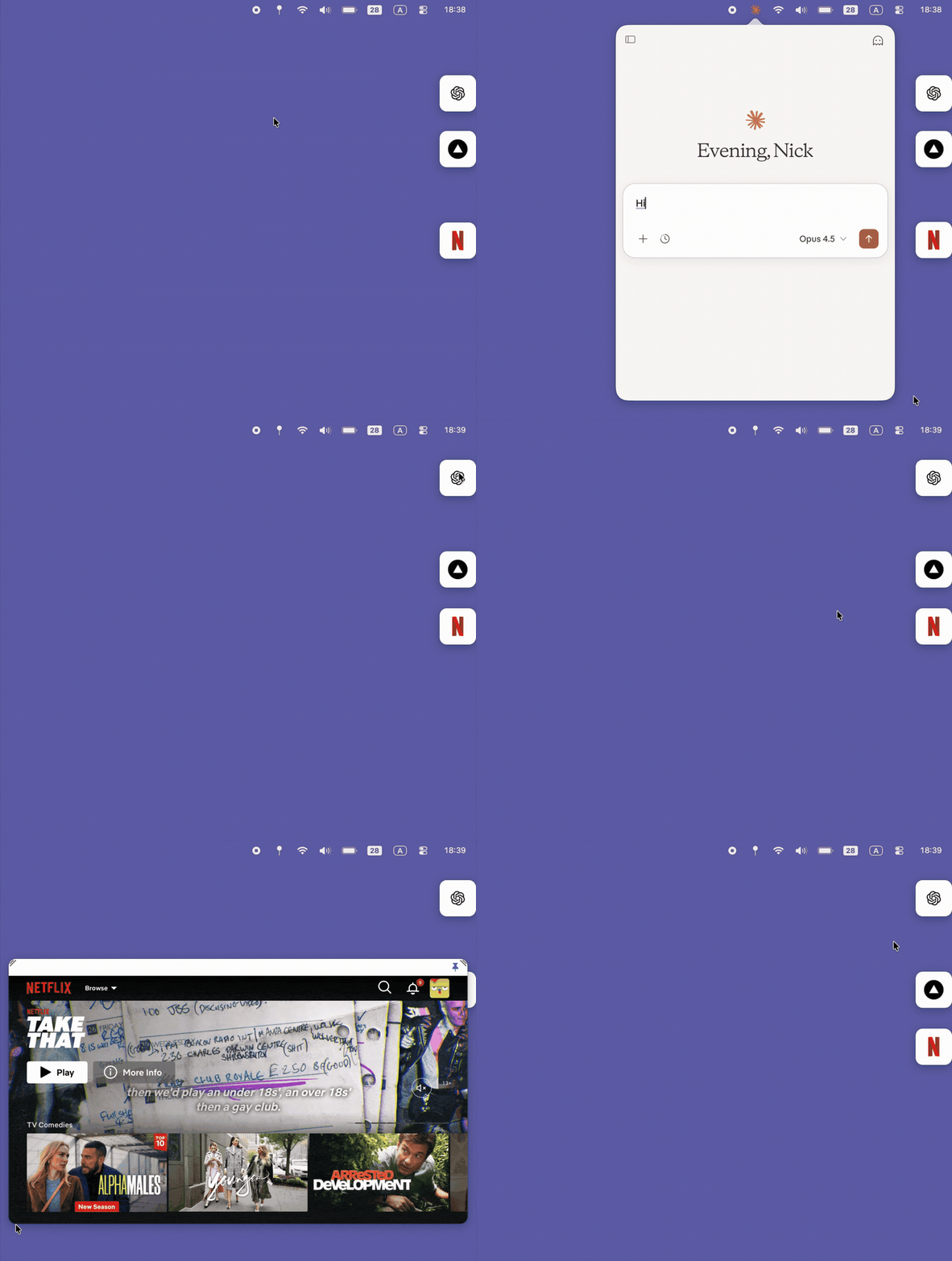
How to install Pinster on a Mac
- Get OpenDMG. It is a free app store for open source Mac apps. Download OpenDMG.
- Search for Pinster and press Get. OpenDMG downloads version 2.0.0 from nickustinov's own GitHub release.
- Open it. The download is checked against its SHA-256 fingerprint and its signature is checked on your Mac before it lands in Applications.
Updates to Pinster show up in OpenDMG and install with one button. No account is needed.
Prefer to do it by hand? The developer's file is on GitHub: Itsypin-2.0.0.dmg (1.4 MB).
What is new in Pinster 2.0.0
Pinster is now **Itsypin** — new name, same app, big update. Settings from previous Pinster installs migrate automatically.

## New
- Pages keep their state between opens (per-site webviews)
- Native file uploads and alert/confirm/prompt dialogs
- Hot corner reveal for floating bubbles
- Auto-unload collapsed bubble pages after configurable inactivity
- Bubble size slider and optional bubble background (icon-only by default, flush to the screen edge)
- Per-site custom icons
- Mobile/desktop toggle in the bubble title bar
- Right-click: back/forward, open link or page in browser

## Fixed
- Bubble favicons: uses the page's real favicon after first expand, letter fallback so bubbles are never blank
- Switching between two sites on the same host now loads the right page
- Sign-in popups activate the app so password managers can autofill
- Sign-in popups close automatically when returning to any site's domain (was Claude-specific)
- No more menu/hotkey rebuild storms while resizing or dragging

SHA256: `cbb5f8d4a2f799205431e9a3dc89ab593066e71acab51cb2ae3a77da7ce53b04`
More Menu Bar and Notch apps
-
 StatsmacOS system monitor in your menu bar
-
 IcePowerful menu bar manager for macOS (upstream, temporarily inactive)
-
 Hidden BarAn ultra-light MacOS utility that helps hide menu bar icons
-
 ThawThe open-source menu bar manager: hide, organize, and take control of menu bar icons
-
 Boring NotchTurn your MacBook notch into a music and file control center
-
 eulmacOS status monitoring app written in SwiftUI