

Phosphor for Mac
SSH terminal and server manager with Docker, metrics, SFTP, and key management.
By Kirusshenkin. Free and open source, MIT licence.
Phosphor at a glance
- Version
- 0.3.0
- Released
- 7 October 2026
- Download size
- 7.7 MB
- Works on
- Apple silicon and Intel
- Licence
- MIT
- Category
- Developer Tools
- Developer
- Kirusshenkin
- GitHub stars
- 0
About Phosphor
macOS terminal that runs your servers — SSH, Docker, live metrics, SFTP and keys over one connection per host, unlocked by Touch ID, with an MCP server so Claude Code and Claude Desktop can operate them under a per-host policy and an audit log.
Screenshots
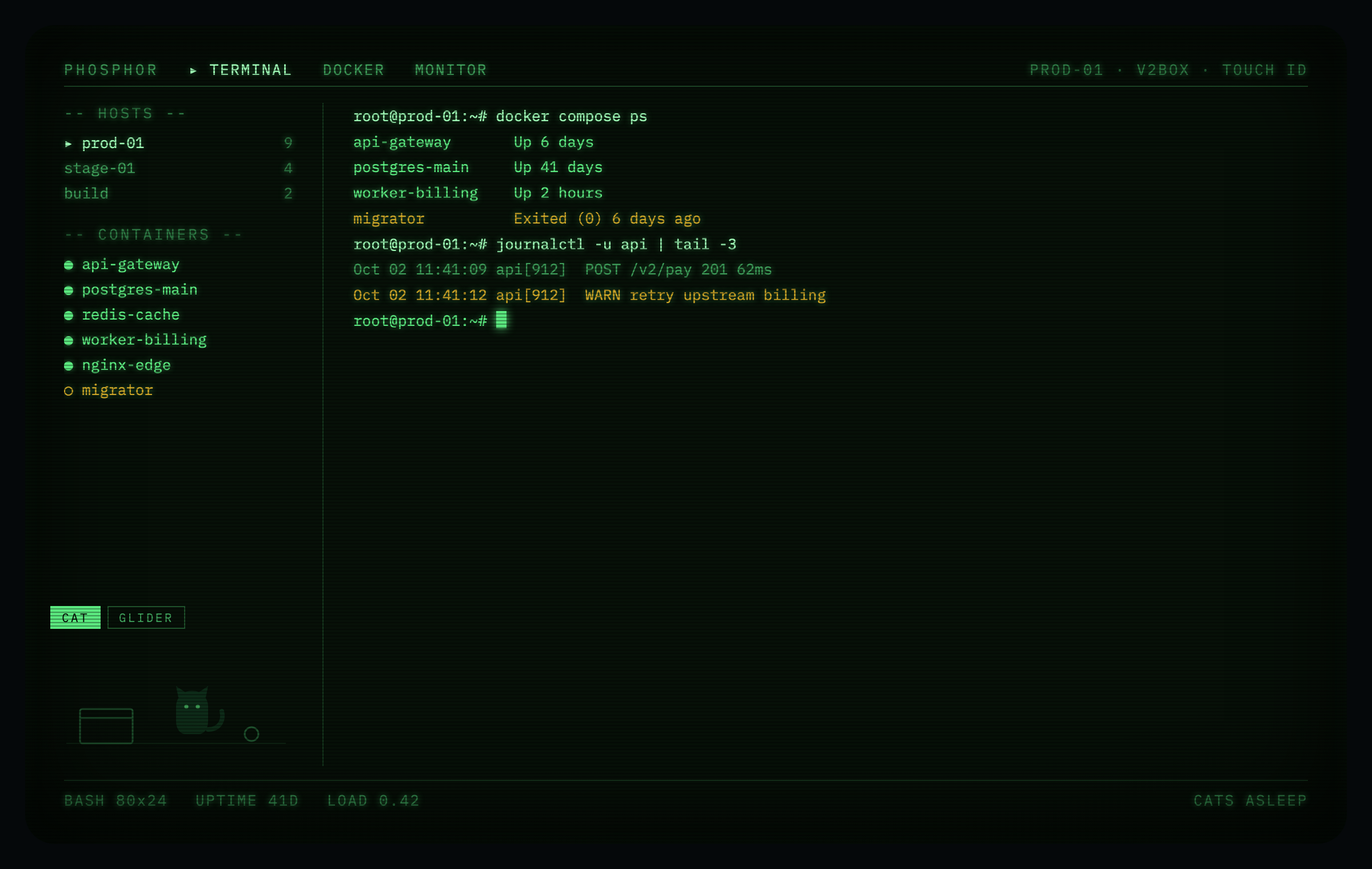
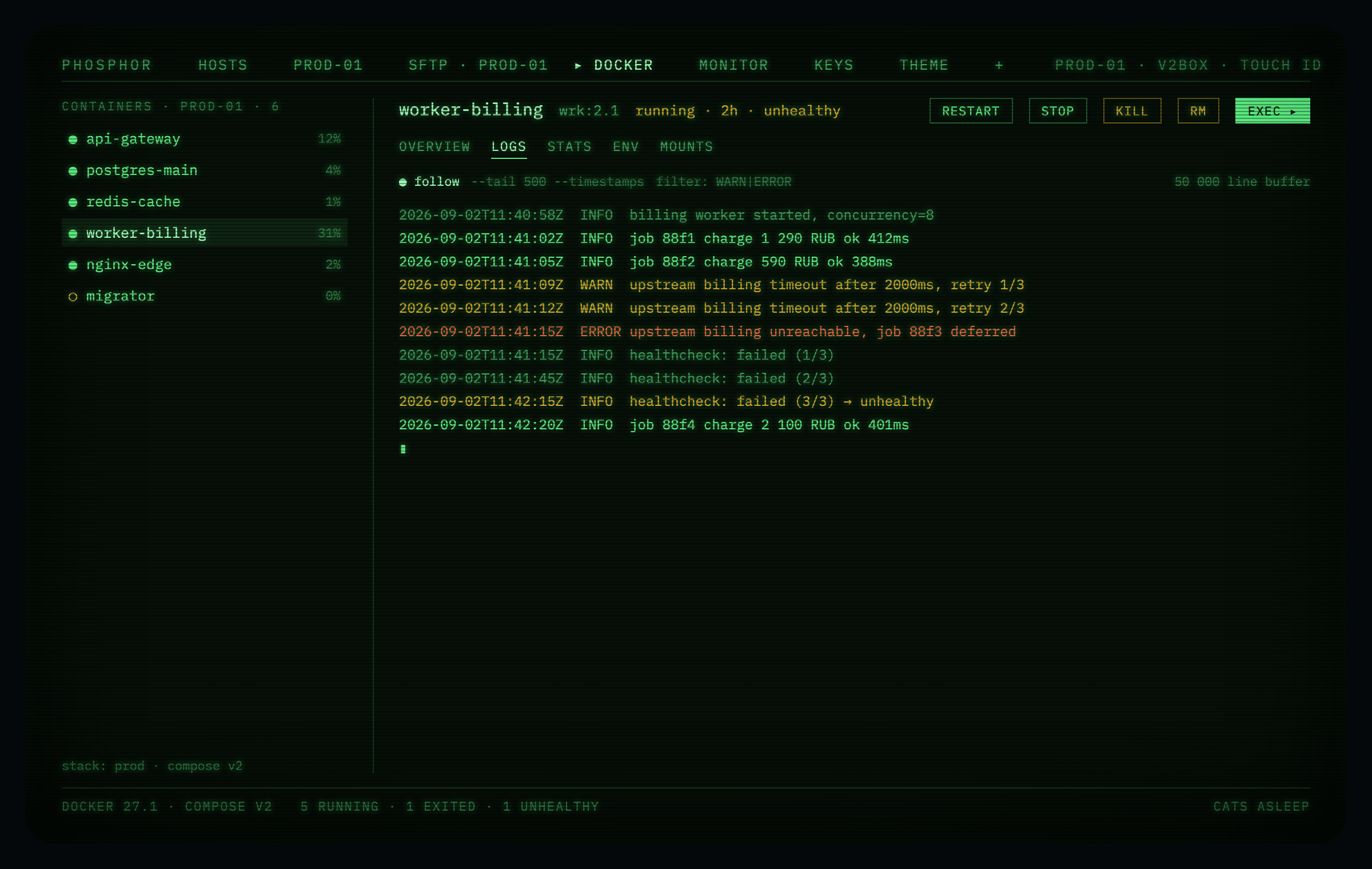
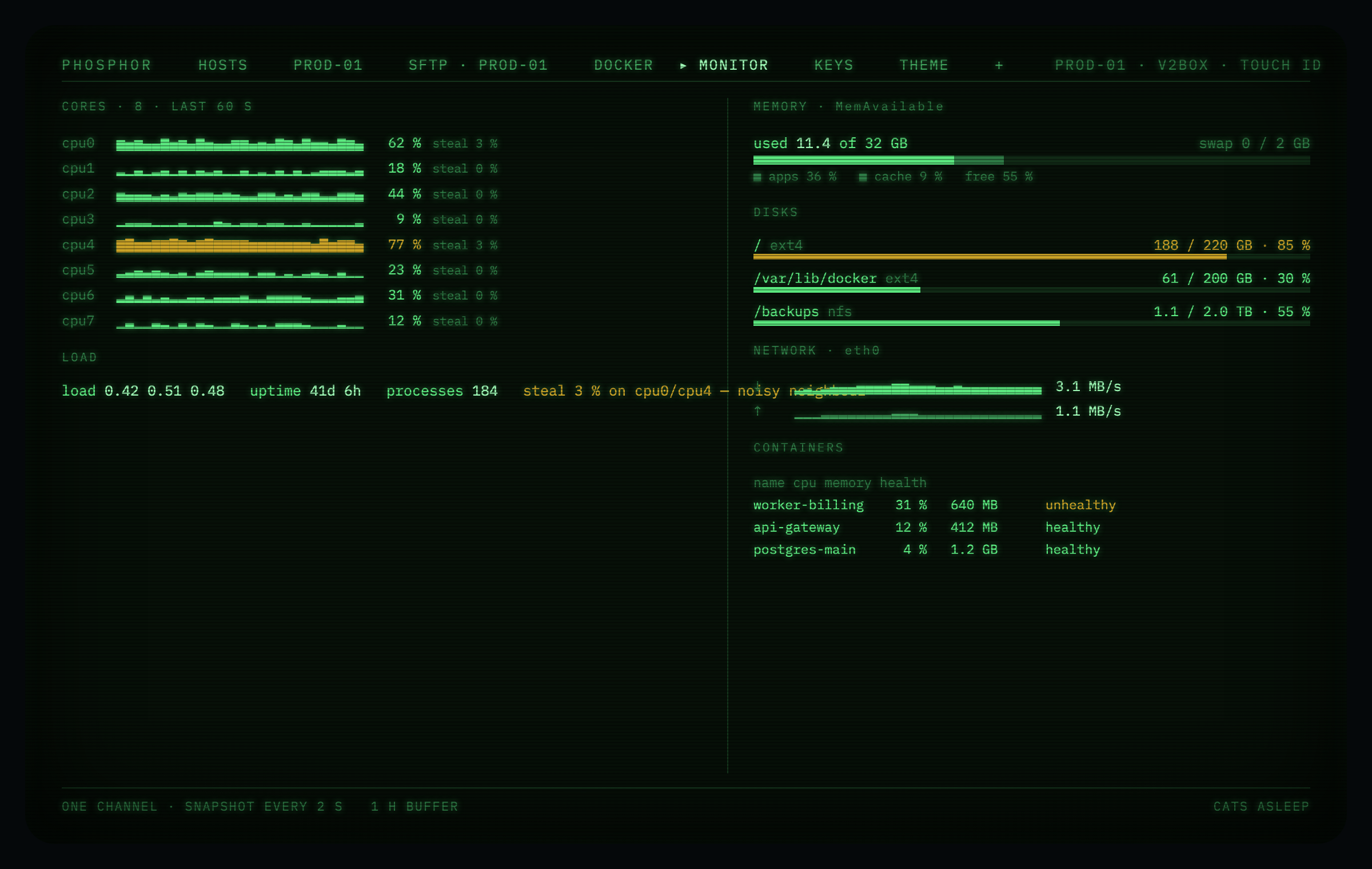
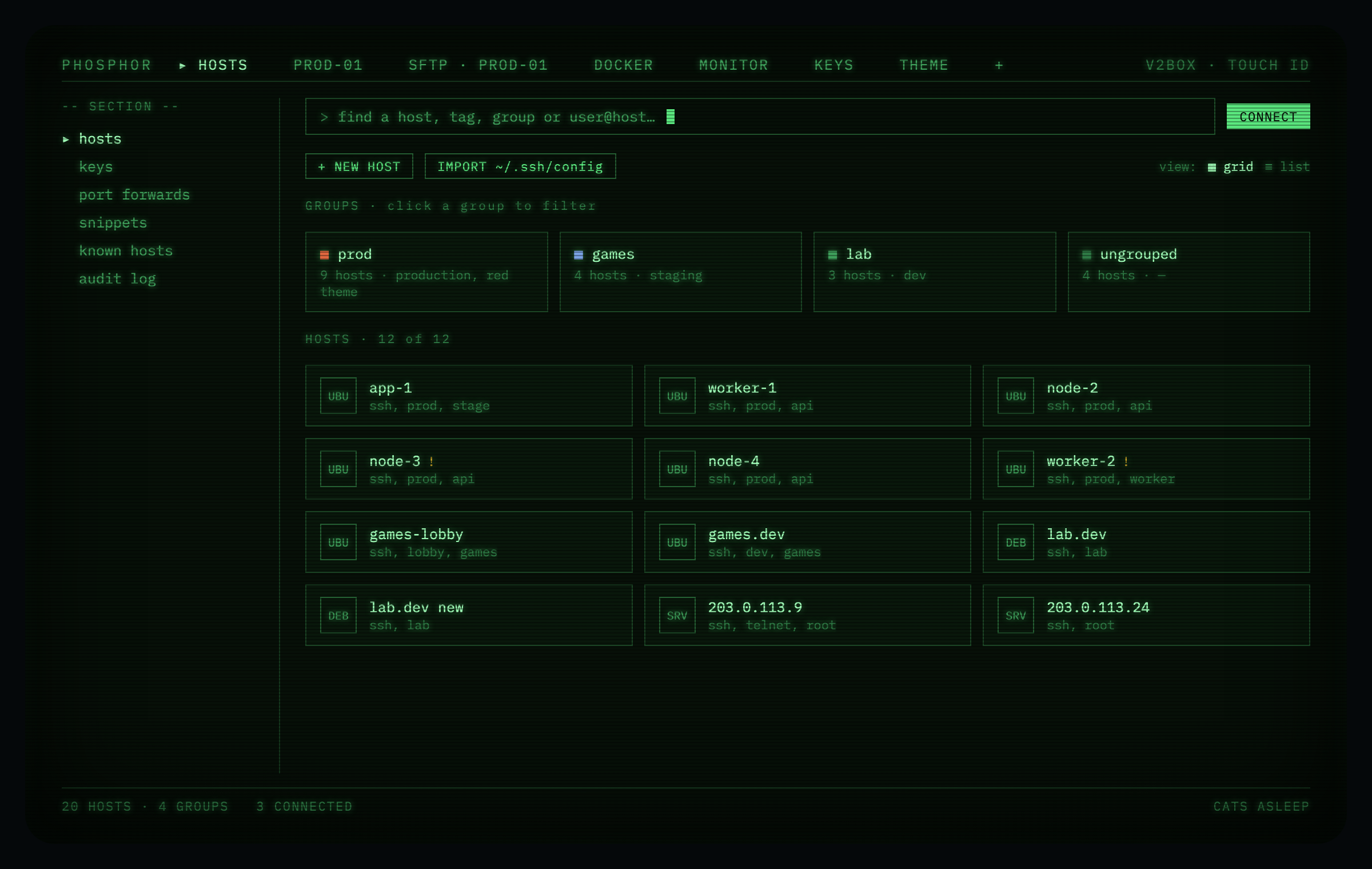
How to install Phosphor on a Mac
- Get OpenDMG. It is a free app store for open source Mac apps. Download OpenDMG.
- Search for Phosphor and press Get. OpenDMG downloads version 0.3.0 from Kirusshenkin's own GitHub release.
- Open it. The download is checked against its SHA-256 fingerprint and its signature is checked on your Mac before it lands in Applications.
Updates to Phosphor show up in OpenDMG and install with one button. No account is needed.
Prefer to do it by hand? The developer's file is on GitHub: Phosphor.zip (7.7 MB).
What is new in Phosphor 0.3.0
> [!WARNING]
> **Альфа.** Интерфейс и форматы ещё меняются, приложение не подписано сертификатом Apple.
> Ошибки — в [issues](https://github.com/Kirusshenkin/terminalOs/issues).
> **Alpha.** The interface and formats still change; the app is not signed with an Apple certificate.

**Phosphor 0.3.0** · сборка 185 · macOS 26+ · Apple Silicon

Уже стоит Phosphor? Обновление появится в шапке приложения — щёлкни по нему.
Already have Phosphor? The update shows up in the app header — click it.

## Что нового · What's new

### По-русски

Phosphor 0.3 — про то, чтобы держать в одном окне и серверы, и своих
ИИ-агентов, и все свои Маки.

#### Нейронки прямо в терминале — без API-ключей

- **Выбор агента в новой панели.** Раздели экран (⌘D) — новая панель спросит,
 что в ней запустить: шелл, Codex, Gemini CLI, Cursor, opencode и других.
 Tab и стрелки выбирают, Enter запускает, Esc оставляет обычный шелл.
 Агенты работают как свои программы под твоей подпиской: Phosphor не
 спрашивает и не хранит ни одного ключа API.
- **Нет агента — подскажет, как поставить.** Если его нет на машине, Enter
 вставит команду установки, а запустить её решаешь ты.
- **Своя копия проекта для каждого агента.** Агент, запущенный в
 git-репозитории, садится в отдельный `git worktree` на новой ветке — два
 агента больше не ломают друг другу сборку. Убрать копию можно из рейла;
…
More Developer Tools apps
-
 UTMVirtual machines for iOS and macOS
-
 vphone-cliCLI to boot a virtual iPhone (iOS 26) with Apple Virtualization.framework and PCC…
-
 VirtualBuddyVirtual machine manager for running recent macOS versions on Apple Silicon
-
 WWDCUnofficial WWDC app for macOS
-
 Xcodes.appThe easiest way to install and switch between multiple versions of Xcode
-
 Postgres.appThe easiest way to get started with PostgreSQL on the Mac