
orchard for Mac
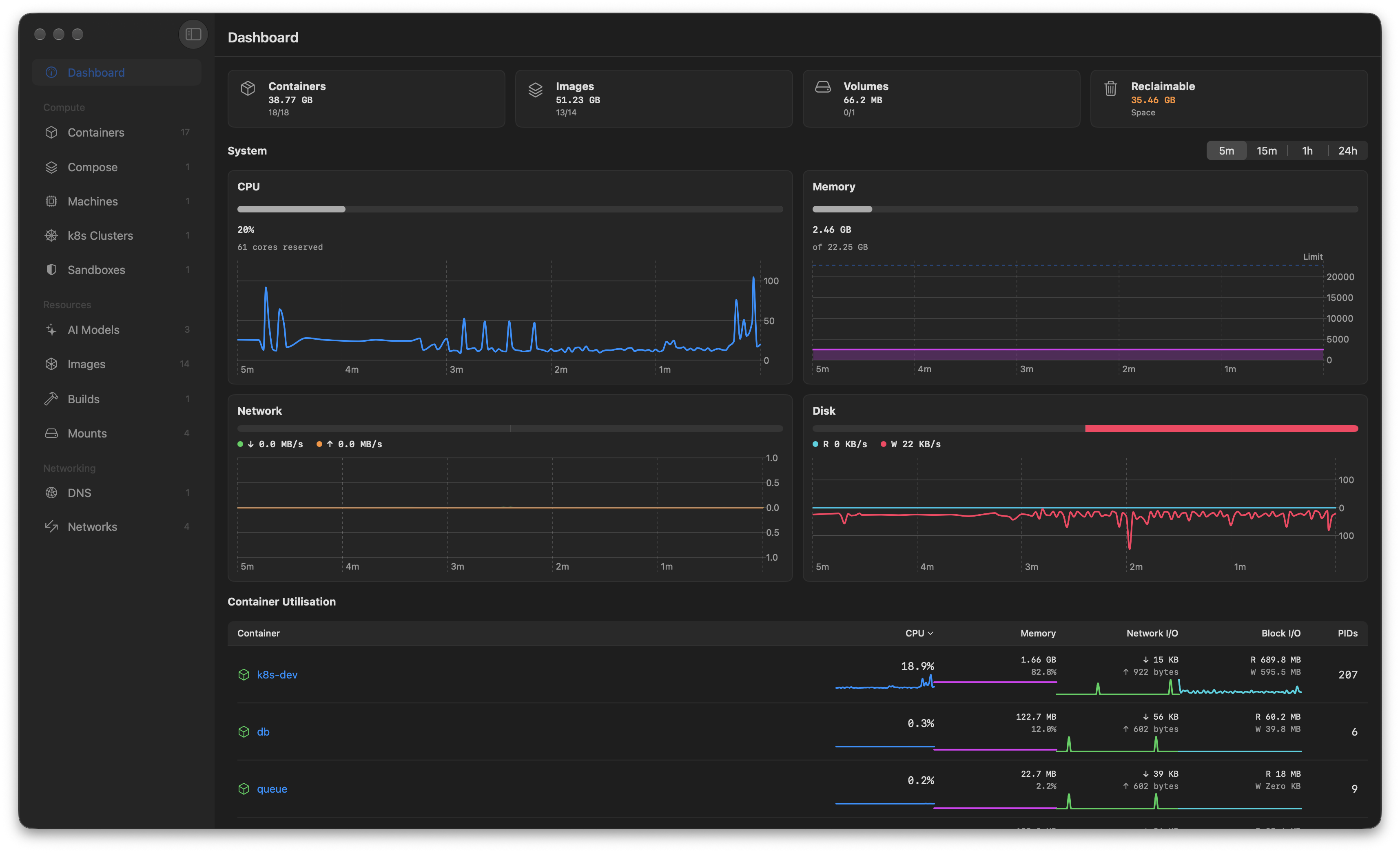
UI for Apple Containers, MLX, and k8s — a Docker Desktop replacement for managing containers, local models, and Kubernetes clusters.
By andrew-waters. Free and open source, MIT licence.
orchard at a glance
- Version
- 2.5.1
- Released
- 5 October 2026
- Download size
- 30 MB
- Works on
- Apple silicon and Intel
- Licence
- MIT
- Category
- Developer Tools
- Developer
- andrew-waters
- GitHub stars
- 1.6K
About orchard
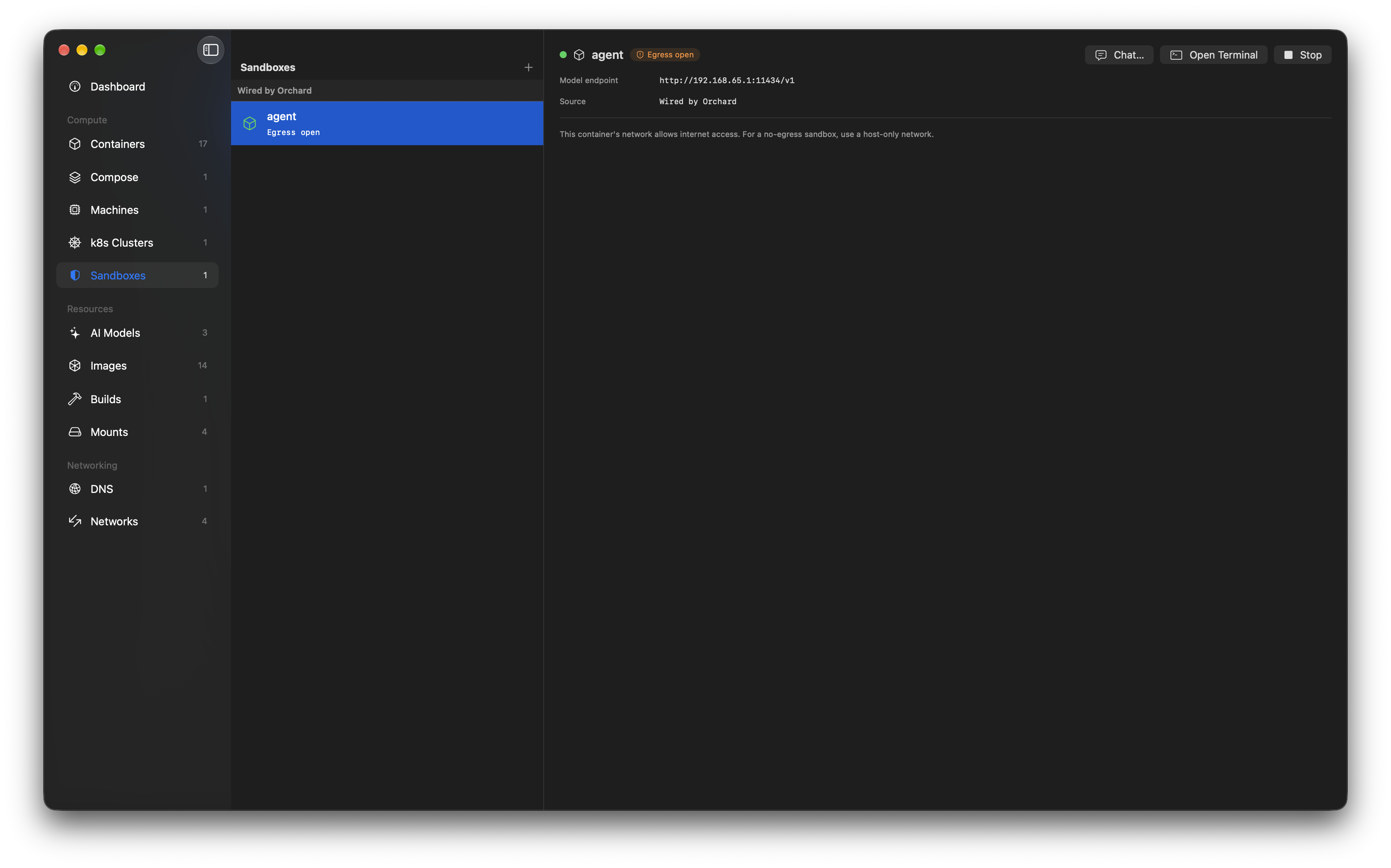
The native UI for Apple Containers and (o)MLX sandboxes, written in swift as a replacement for docker desktop
Screenshots
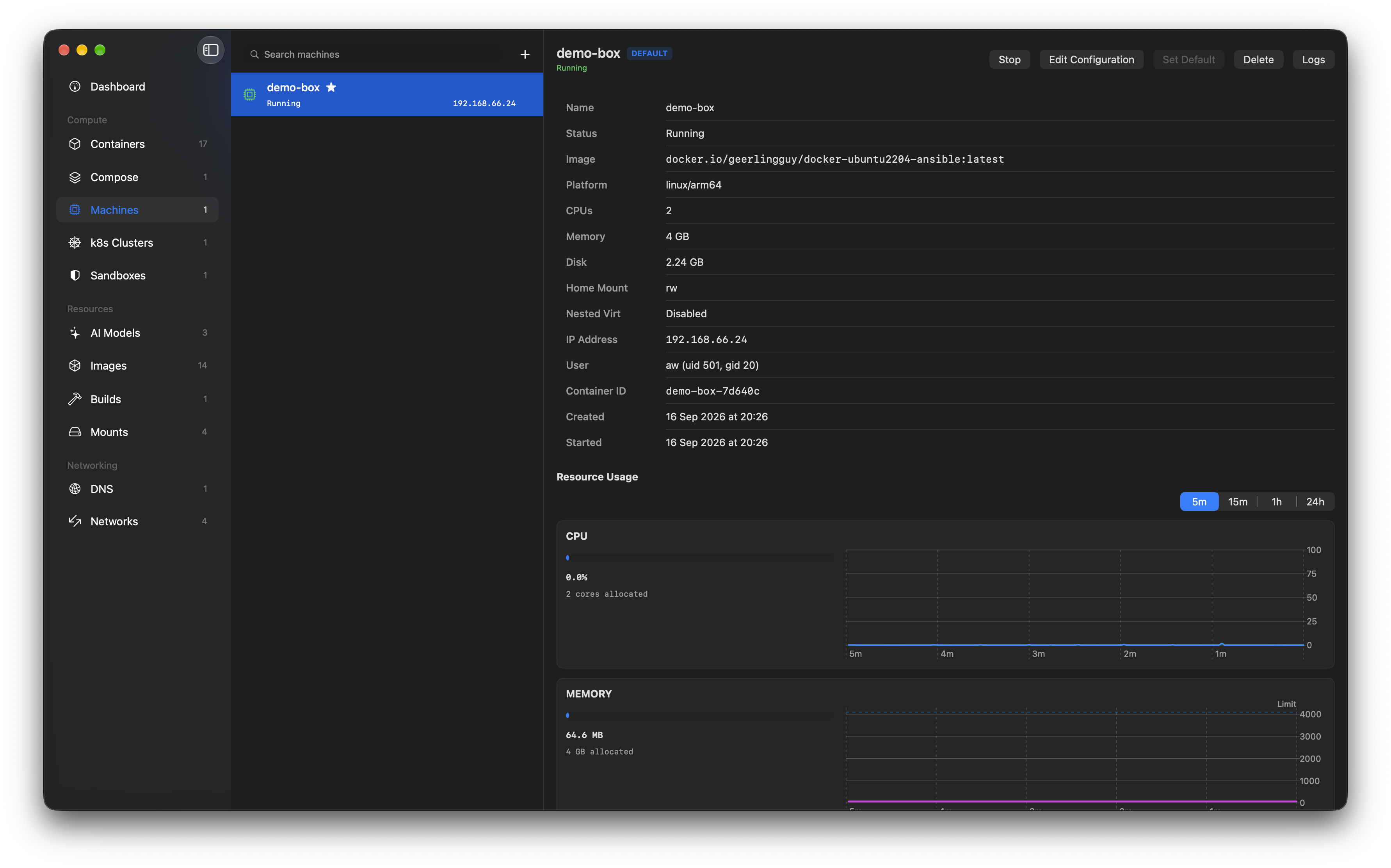
How to install orchard on a Mac
- Get OpenDMG. It is a free app store for open source Mac apps. Download OpenDMG.
- Search for orchard and press Get. OpenDMG downloads version 2.5.1 from andrew-waters's own GitHub release.
- Open it. The download is checked against its SHA-256 fingerprint and its signature is checked on your Mac before it lands in Applications.
Updates to orchard show up in OpenDMG and install with one button. No account is needed.
Prefer to do it by hand? The developer's file is on GitHub: Orchard.dmg (30 MB).
What is new in orchard 2.5.1
# Orchard v2.5.1

Thank you for using Orchard, and for the bug reports, ideas and pull requests that keep making it better. If it's useful to you, please consider [starring Orchard on GitHub](https://github.com/andrew-waters/orchard). It takes a second and helps other people find it.

## Changes
### Fixed
- Open Orchard in the menu bar brings the Orchard window to the front instead of opening a second one ([#118](https://github.com/andrew-waters/orchard/issues/118)). A minimised window is restored, and a new window opens only if none is open.
- Making a DNS domain the default works again on container 1.4.1 and later ([#116](https://github.com/andrew-waters/orchard/issues/116)). Orchard set it with `container system property set dns.domain`, which those releases no longer have, so Make Default and the DNS Domain picker in Settings failed with "3 unexpected arguments". The default is now an Orchard setting, used for containers you create in Orchard, so changing it needs no administrator password and no restart of the container system. If you haven't chosen one, Orchard uses the `[dns] domain` from your `~/.config/container/config.toml`, and Settings > General shows that value as the container default.
…
More Developer Tools apps
-
 UTMVirtual machines for iOS and macOS
-
 vphone-cliCLI to boot a virtual iPhone (iOS 26) with Apple Virtualization.framework and PCC…
-
 VirtualBuddyVirtual machine manager for running recent macOS versions on Apple Silicon
-
 WWDCUnofficial WWDC app for macOS
-
 Xcodes.appThe easiest way to install and switch between multiple versions of Xcode
-
 Postgres.appThe easiest way to get started with PostgreSQL on the Mac