
OpenQuack for Mac
Transcribes a 5-minute clip in 2.8 s — local WhisperKit dictation, noise-robust, lives in your menu bar.
By larryxiao. Free and open source, MIT licence.
OpenQuack at a glance
- Version
- 2.0.0-alpha.22 (pre-release)
- Released
- 22 July 2026
- Download size
- 9.1 MB
- Works on
- Apple silicon and Intel
- Licence
- MIT
- Category
- Audio and Music
- Developer
- larryxiao
- GitHub stars
- 52
About OpenQuack
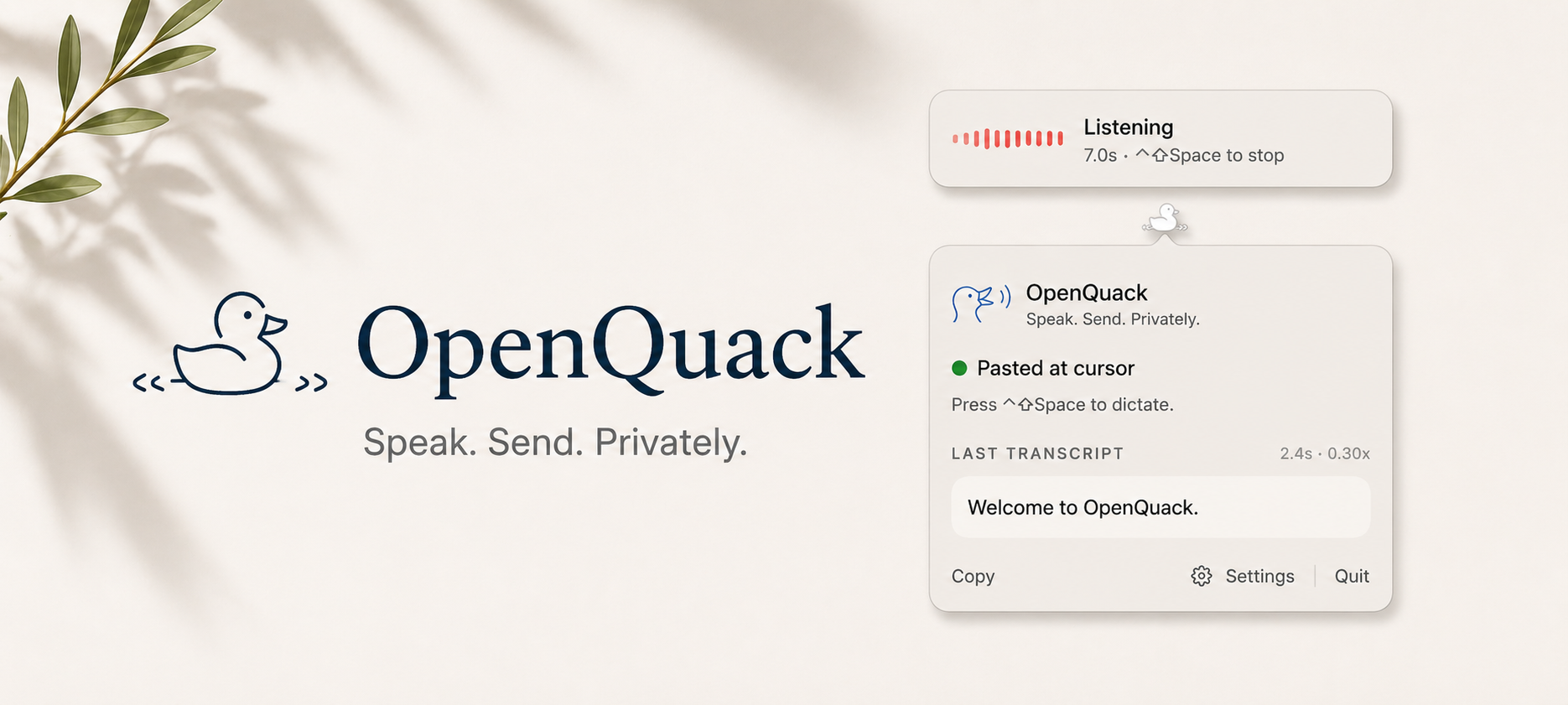
Voice dictation menu-bar app for macOS. Press a hotkey, speak, transcript appears at the cursor. Whisper runs locally via WhisperKit on Apple Silicon — no audio, text, or telemetry leaves your Mac. MIT, Swift.
Screenshots
How to install OpenQuack on a Mac
- Get OpenDMG. It is a free app store for open source Mac apps. Download OpenDMG.
- Search for OpenQuack and press Get. OpenDMG downloads version 2.0.0-alpha.22 from larryxiao's own GitHub release.
- Open it. The download is checked against its SHA-256 fingerprint and its signature is checked on your Mac before it lands in Applications.
Updates to OpenQuack show up in OpenDMG and install with one button. No account is needed.
Prefer to do it by hand? The developer's file is on GitHub: OpenQuack-2.0.0-alpha.22.dmg (9.1 MB).
What is new in OpenQuack 2.0.0-alpha.22
## What's new

- 🎛️ **Editable polish system prompt** (#108, SPEC-007) — tune how the on-device LLM cleans up your dictation (CJK/Latin spacing, ASR mishears) right from Settings, with a reset-to-default button. Also fixes a crash the feature exposed: long custom prompts no longer abort the llama.cpp prefill.
- 🪟 **Recording overlay follows you** (#102, SPEC-004) — the overlay now surfaces onto whichever Space/desktop you're actually on, instead of staying behind.
- 📋 **History cap applies at launch** (#106, SPEC-014) — your saved history entry limit now takes effect immediately on app start, not just after it's re-saved.

Full diff: https://github.com/larryxiao/openquack/compare/v2.0.0-alpha.21...v2.0.0-alpha.22

## Install

```
brew tap larryxiao/openquack https://github.com/larryxiao/openquack
brew install --cask openquack
```

Existing users: `brew upgrade --cask openquack`

Unsigned/ad-hoc-signed build — first launch needs right-click → Open (SPEC-025 notarisation still pending an Apple Developer ID decision).
More Audio and Music apps
-
 MonitorControlAdjust external monitor settings
-
 FluidVoiceVoice-to-text app with AI enhancement
-
 eqMacSystem-wide audio equalizer and volume mixer
-
 VoiceInkReal-time speech-to-text app
-
 LyricsXDisplay lyrics for iTunes/Spotify
-
 FreeFlowPush-to-talk speech-to-text tool that inserts polished transcripts into any app