
NotchMuse for Mac
Synced lyrics for popular music services, shown in the menu bar, notch, side panel, or Dock.
By Xiye88. Free and open source, MIT licence.
NotchMuse at a glance
- Version
- 0.8.2
- Released
- 10 November 2026
- Download size
- 6.9 MB
- Works on
- Apple silicon and Intel
- Licence
- MIT
- Category
- Audio and Music
- Developer
- Xiye88
- GitHub stars
- 9
About NotchMuse
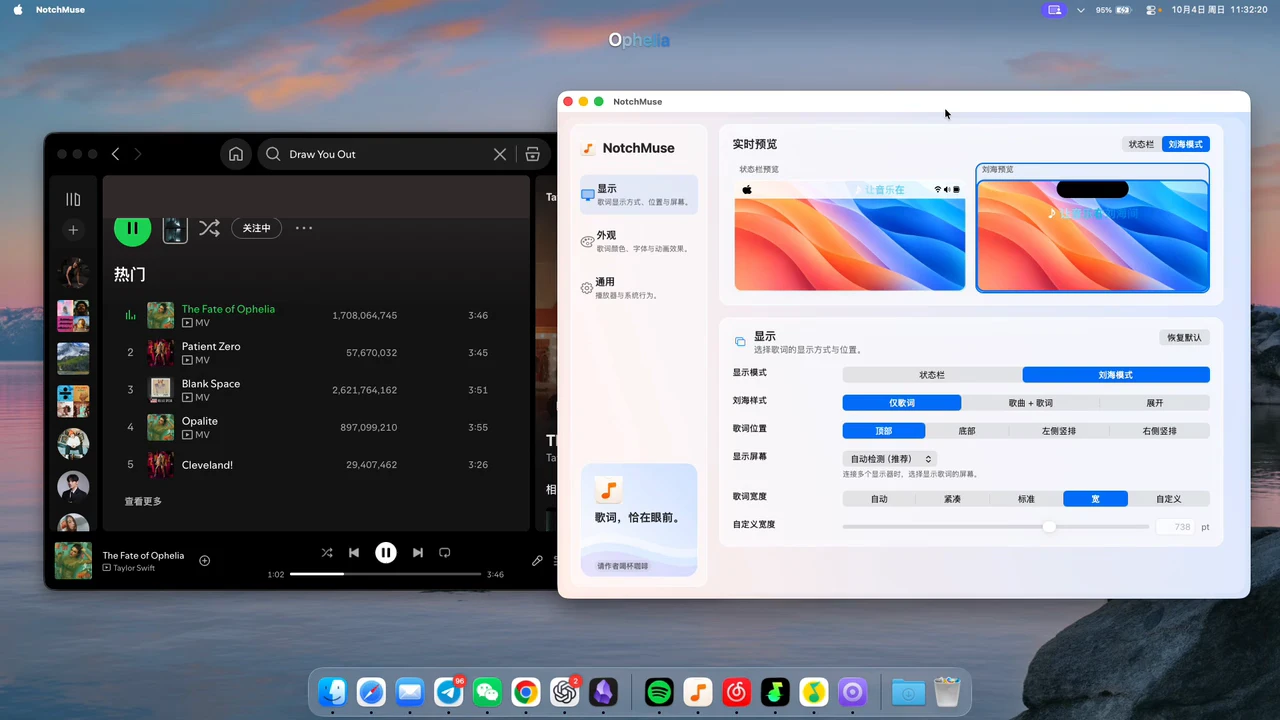
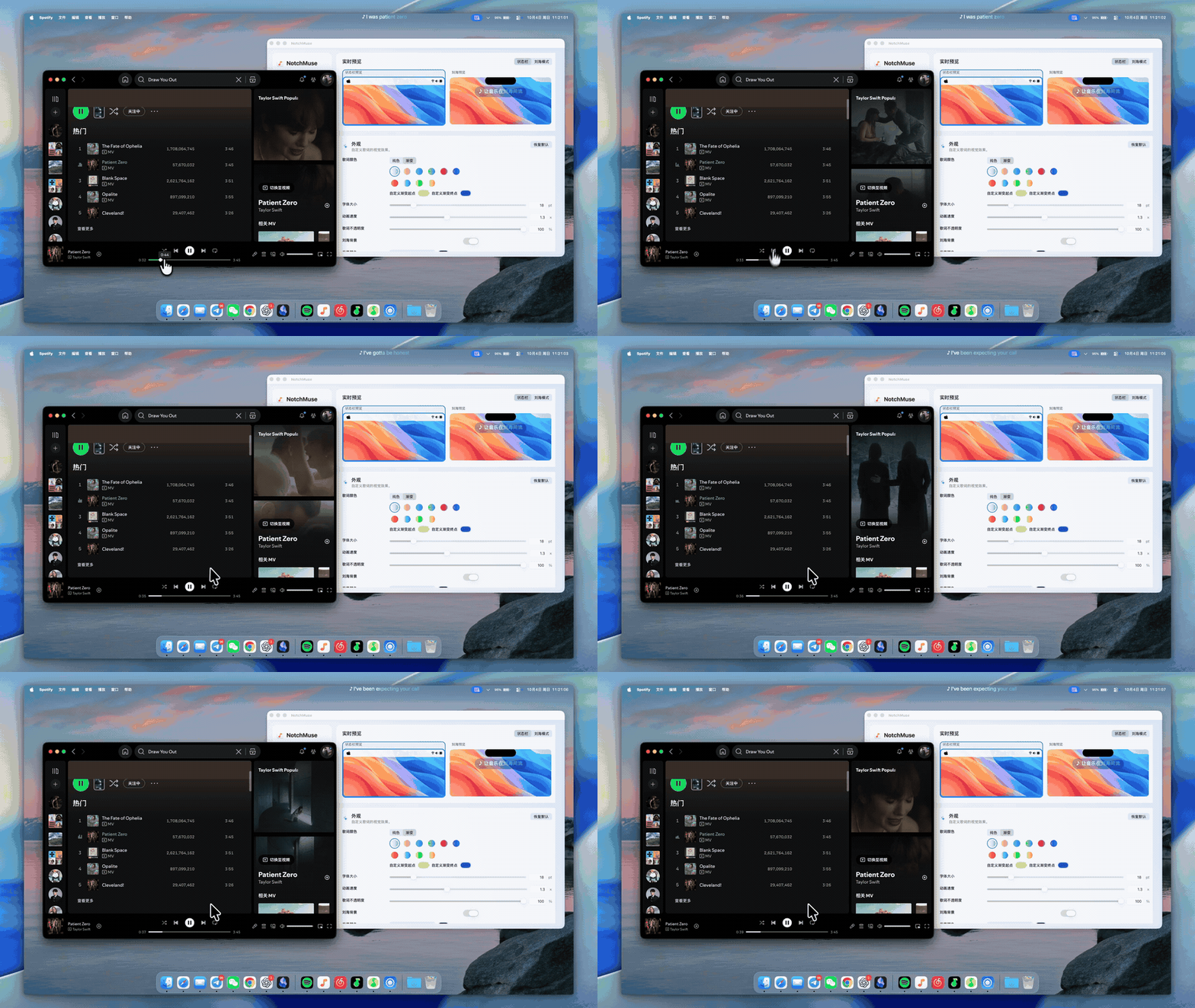
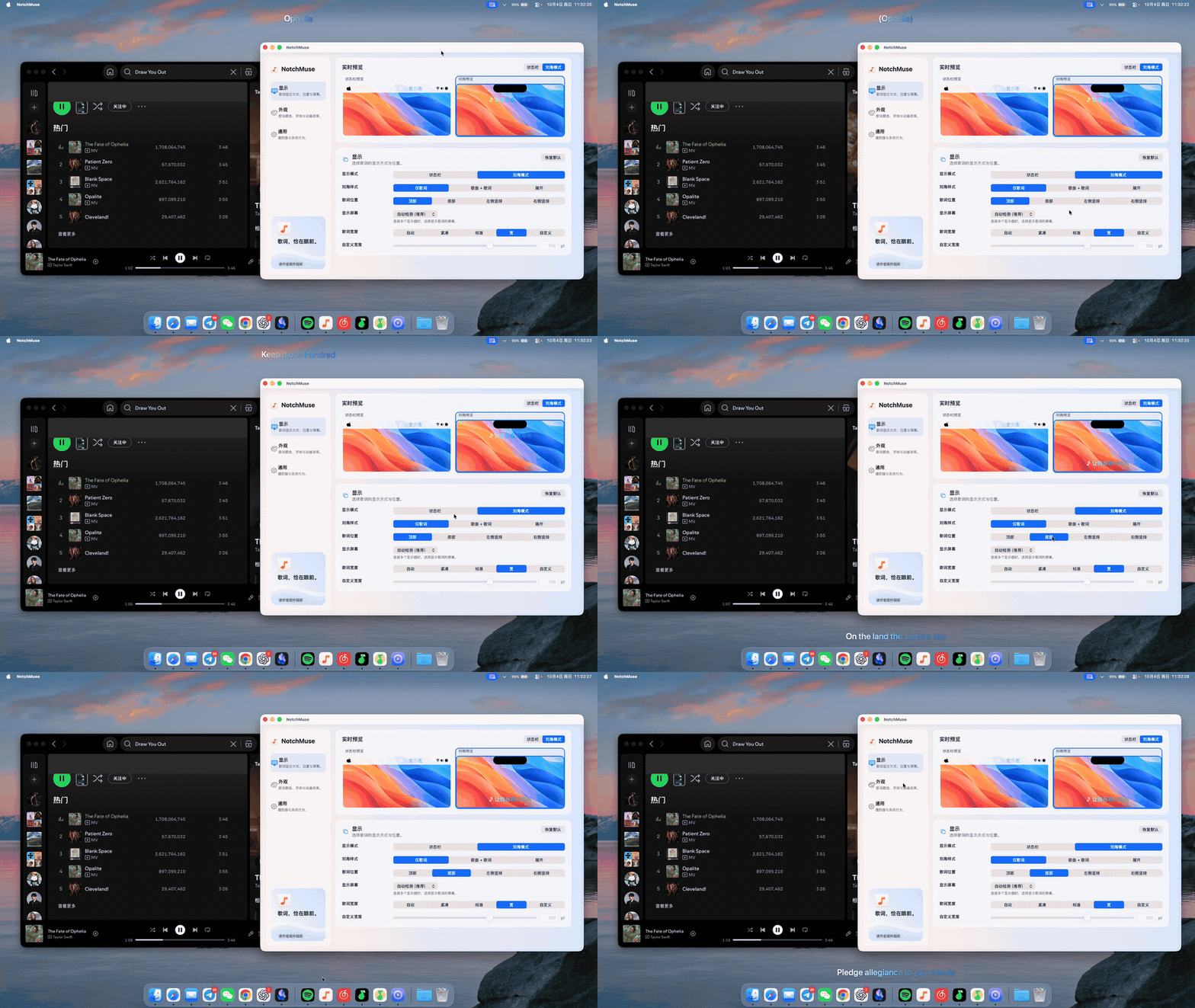
Synced macOS lyrics for Spotify, Apple Music, NetEase, QQ Music and Soda Music. Menu bar, notch and draggable lyric overlays with in-app updates.
Screenshots
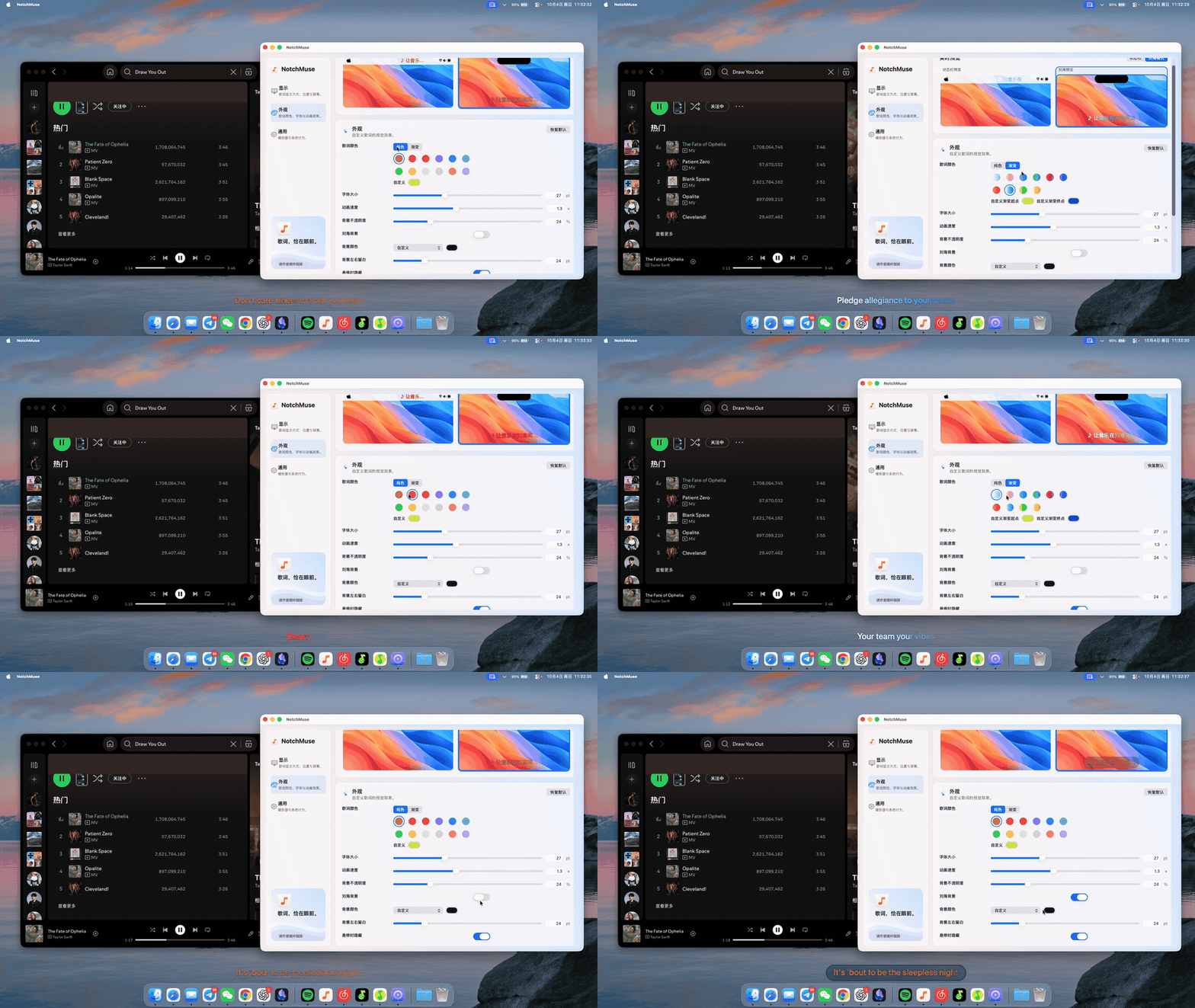
How to install NotchMuse on a Mac
- Get OpenDMG. It is a free app store for open source Mac apps. Download OpenDMG.
- Search for NotchMuse and press Get. OpenDMG downloads version 0.8.2 from Xiye88's own GitHub release.
- Open it. The download is checked against its SHA-256 fingerprint and its signature is checked on your Mac before it lands in Applications.
Updates to NotchMuse show up in OpenDMG and install with one button. No account is needed.
Prefer to do it by hand? The developer's file is on GitHub: NotchMuse.dmg (6.9 MB).
What is new in NotchMuse 0.8.2
# NotchMuse v0.8.2

Build70 · Stable release · In-app update available

macOS 14+ · Apple Silicon · [简体中文](https://notchmuse.com/releases/v0.8.2/RELEASE_NOTES.zh-CN.md)

## Changes since v0.8.1 Build61

- **Place lyrics where you want.** Drag the free-position lyric frame, switch between horizontal and vertical layouts, and keep saved positions. When display arrangements change, the frame returns within the visible screen.
- **Lock without blocking your desktop.** Locked lyrics let clicks reach the app underneath. A small unlock control stays accessible; the expanded toolbar provides move, color, lock, orientation, settings and close controls. Reselecting the display mode restores a closed lyric frame.
- **Highlighting follows available timing.** Genuine word timing takes priority, followed by genuine line endings. A completed line stays highlighted until the next line starts. When neither is available, the whole line stays lit instead of guessing a singing duration from the gap. Static vertical lyrics keep their opening text visible.
- **Preserve usable NetEase timing.** A malformed line no longer discards valid word timing elsewhere in the response. Mixed-quality lyrics retain usable timing without relaxing recording identity checks.
…
More Audio and Music apps
-
 MonitorControlAdjust external monitor settings
-
 FluidVoiceVoice-to-text app with AI enhancement
-
 VoiceInkReal-time speech-to-text app
-
 eqMacSystem-wide audio equalizer and volume mixer
-
 LyricsXDisplay lyrics for iTunes/Spotify
-
 FreeFlowPush-to-talk speech-to-text tool that inserts polished transcripts into any app