
NotchDial for Mac
Playful notch-based switcher for AI coding agents — hover the notch to switch between Codex / Cursor / Claude.
By kkssoswag. Free and open source, MIT licence.
NotchDial at a glance
- Version
- 1.0.0
- Released
- 25 August 2026
- Download size
- 199 KB
- Works on
- Apple silicon and Intel
- Licence
- MIT
- Category
- Menu Bar and Notch
- Developer
- kkssoswag
- GitHub stars
- 3
About NotchDial
Turn your MacBook notch into a switcher for your AI coding agents — three hand-crafted modes, one-prompt install via Claude Code / Codex / Cursor
Screenshots
How to install NotchDial on a Mac
- Get OpenDMG. It is a free app store for open source Mac apps. Download OpenDMG.
- Search for NotchDial and press Get. OpenDMG downloads version 1.0.0 from kkssoswag's own GitHub release.
- Open it. The download is checked against its SHA-256 fingerprint and its signature is checked on your Mac before it lands in Applications.
Updates to NotchDial show up in OpenDMG and install with one button. No account is needed.
Prefer to do it by hand? The developer's file is on GitHub: NotchDial-1.0.0.zip (199 KB).
What is new in NotchDial 1.0.0
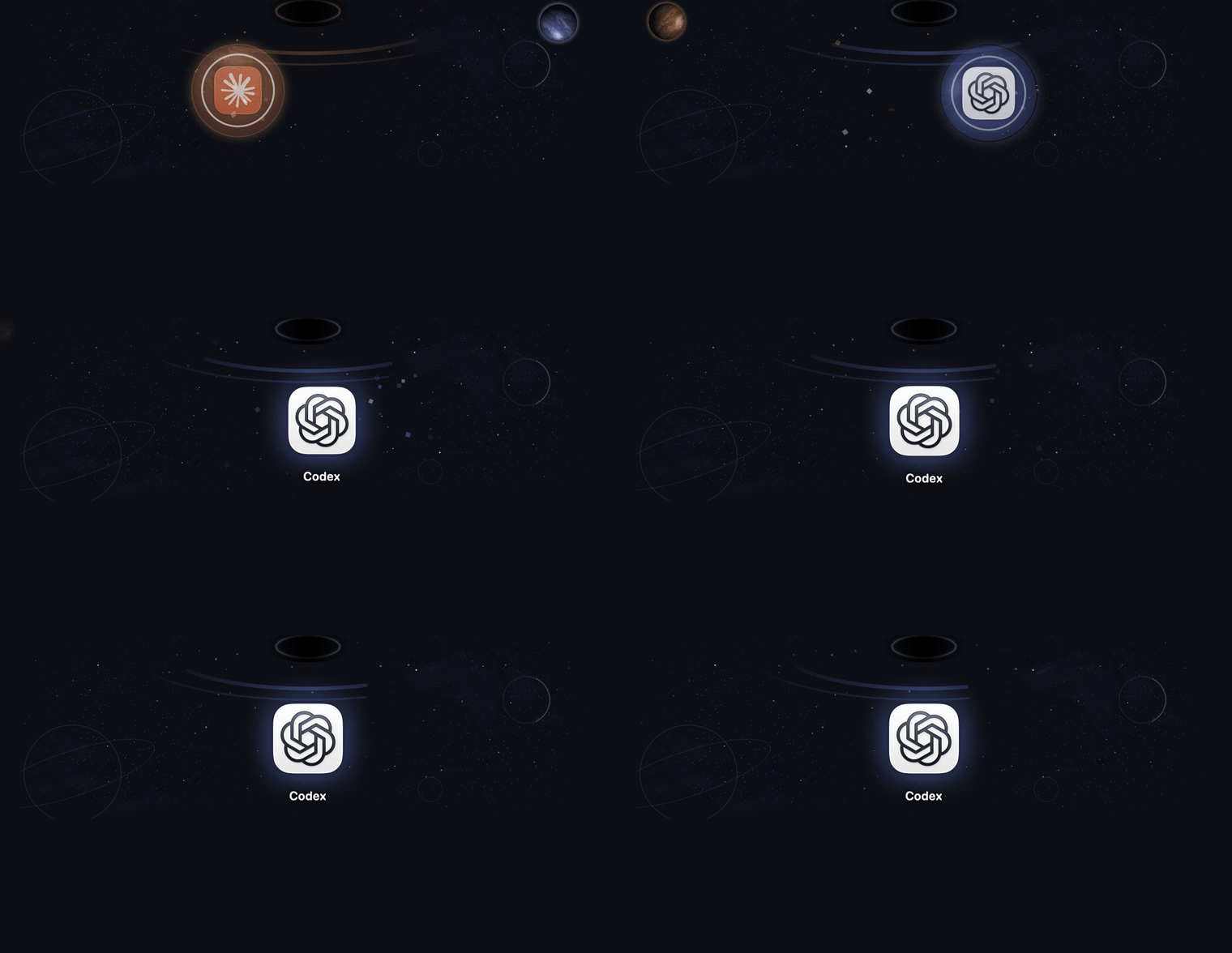
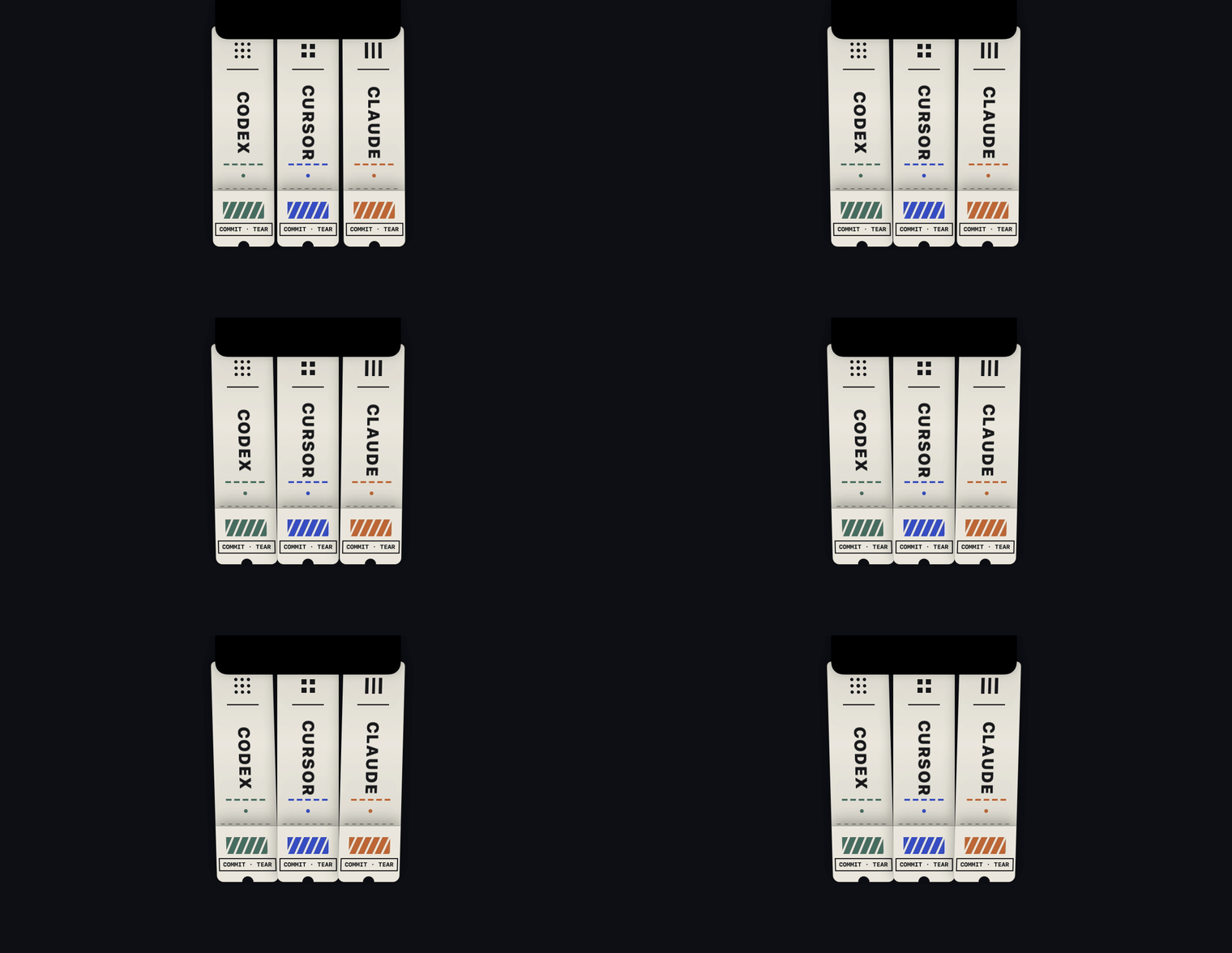
Turn your MacBook notch into a switcher for your AI coding agents — three hand-crafted modes: tear-off paper tickets, a black-hole orbit, a neon sign. Click → app frontmost in ~12 ms.

## Install (the fun way)

Paste into Claude Code / Codex / Cursor:

> Clone https://github.com/kkssoswag/NotchDial and set it up for me. Follow the "Instructions for AI agents" section in its README: replace the three targets with **App 1**, **App 2** and **App 3**, then build, verify and install it.

## Install (this zip)

1. Unzip and move **NotchDial.app** into /Applications
2. First launch: **right-click → Open** — the build is ad-hoc signed, so Gatekeeper warns once
3. Hover the notch. The menu-bar capsule icon switches modes (⌘1 orbit · ⌘2 neon · ⌘3 tickets)

Requires a notched MacBook (Apple Silicon), macOS 13+. The zip ships configured for ChatGPT (Codex) / Cursor / Claude — for your own three apps, use the agent prompt above or edit Sources/Targets.swift and rebuild.
More Menu Bar and Notch apps
-
 StatsmacOS system monitor in your menu bar
-
 IcePowerful menu bar manager for macOS (upstream, temporarily inactive)
-
 Hidden BarAn ultra-light MacOS utility that helps hide menu bar icons
-
 ThawThe open-source menu bar manager: hide, organize, and take control of menu bar icons
-
 Boring NotchTurn your MacBook notch into a music and file control center
-
 eulmacOS status monitoring app written in SwiftUI