
Nimbus for Mac
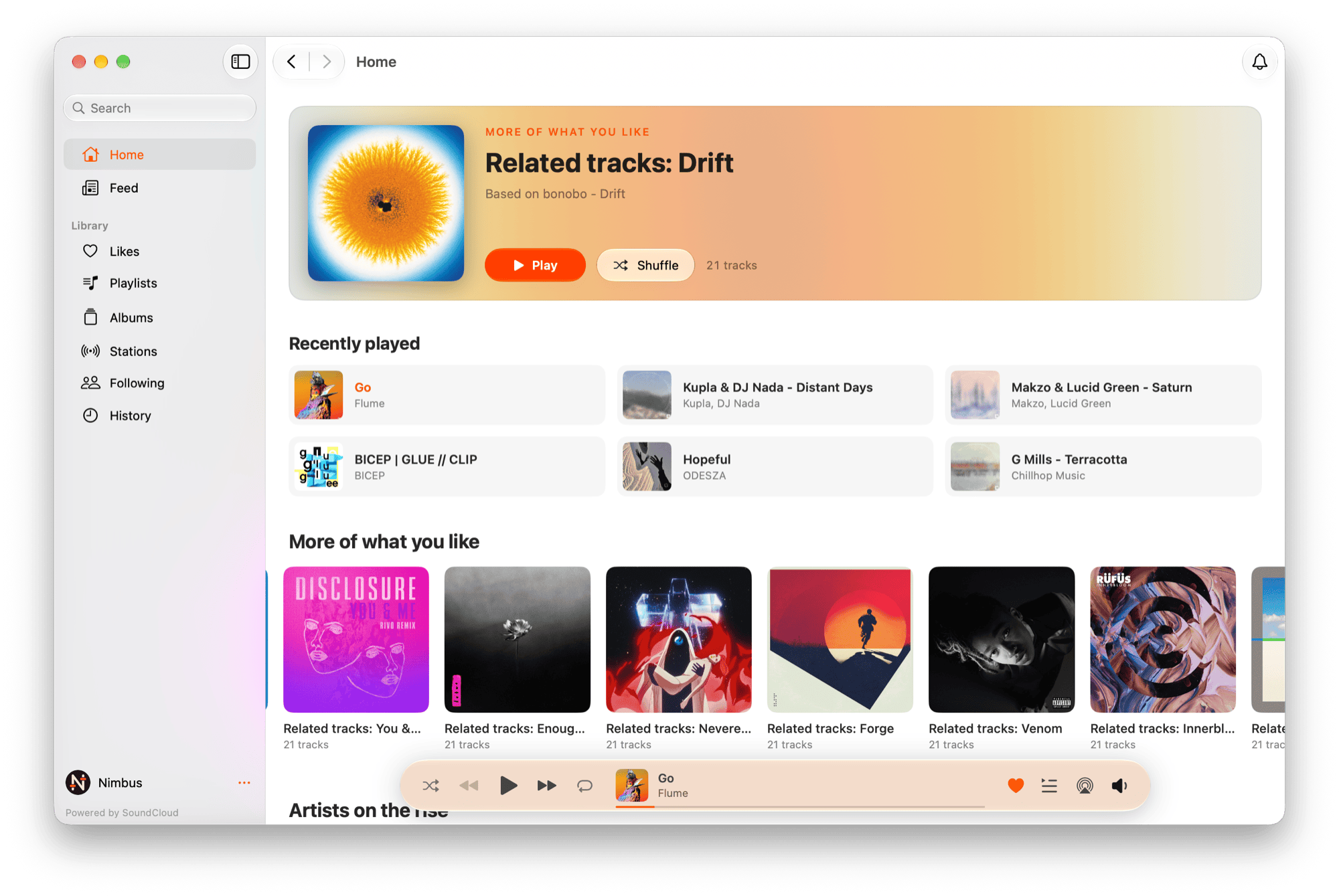
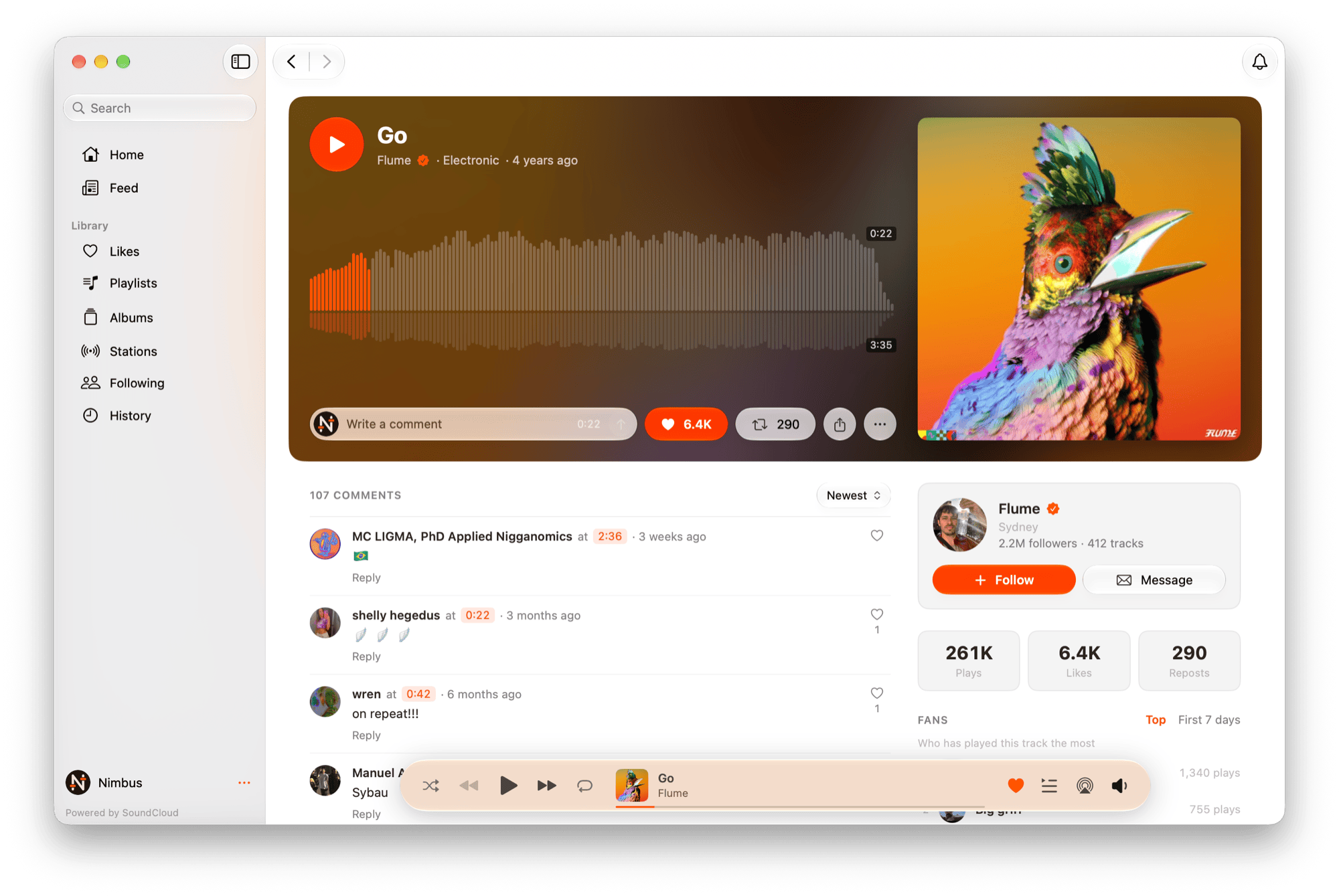
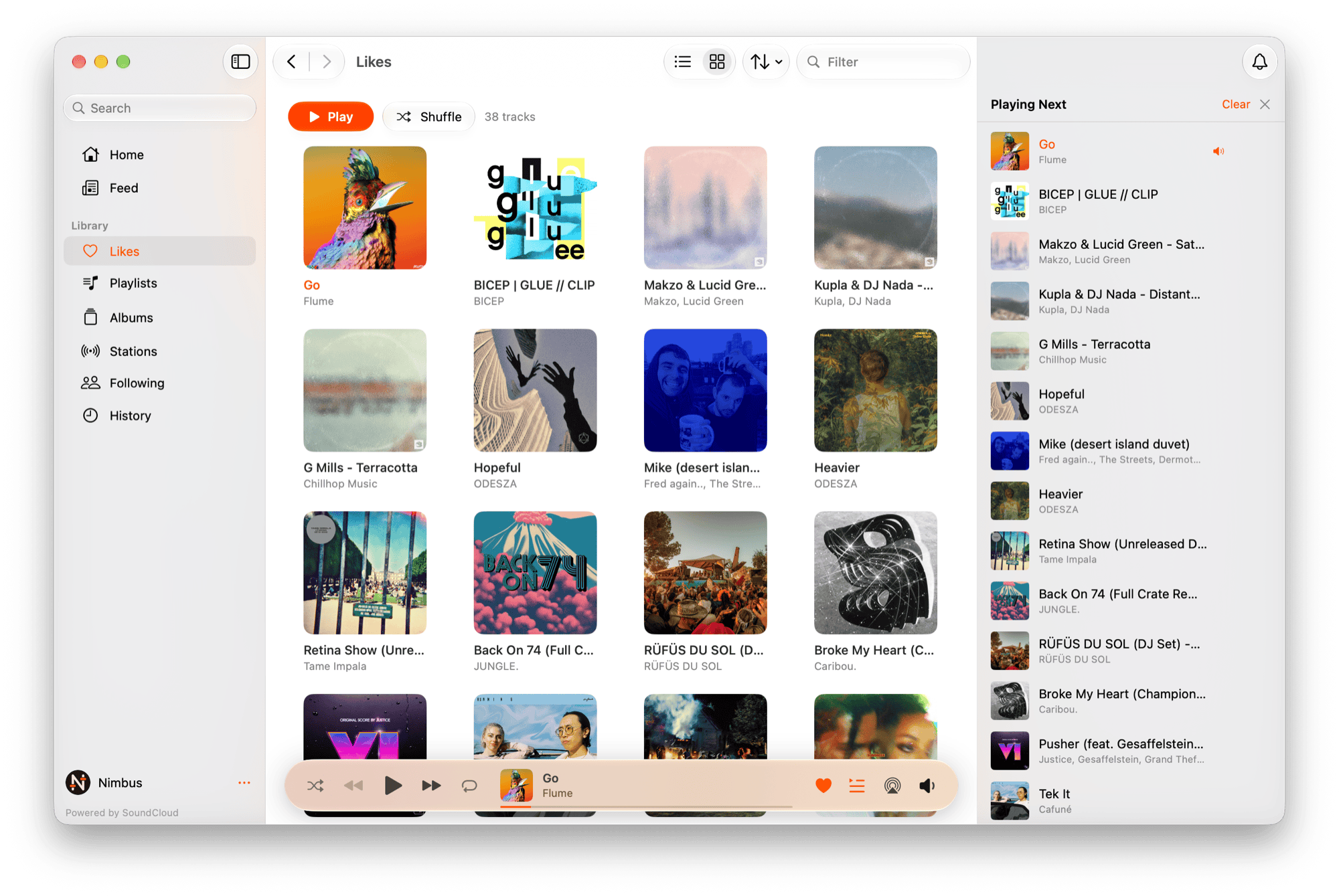
Native SoundCloud client with gapless playback, a drag-and-drop queue, and the waveform with its timed comments.
By Dearonski. Free and open source, MIT licence.
Nimbus at a glance
- Version
- 1.3.0
- Released
- 7 November 2026
- Download size
- 7.7 MB
- Works on
- Apple silicon and Intel
- Licence
- MIT
- Category
- Audio and Music
- Developer
- Dearonski
- GitHub stars
- 7
About Nimbus
A native SoundCloud client for macOS — gapless playback, a real queue and the waveform with its comments.
Screenshots
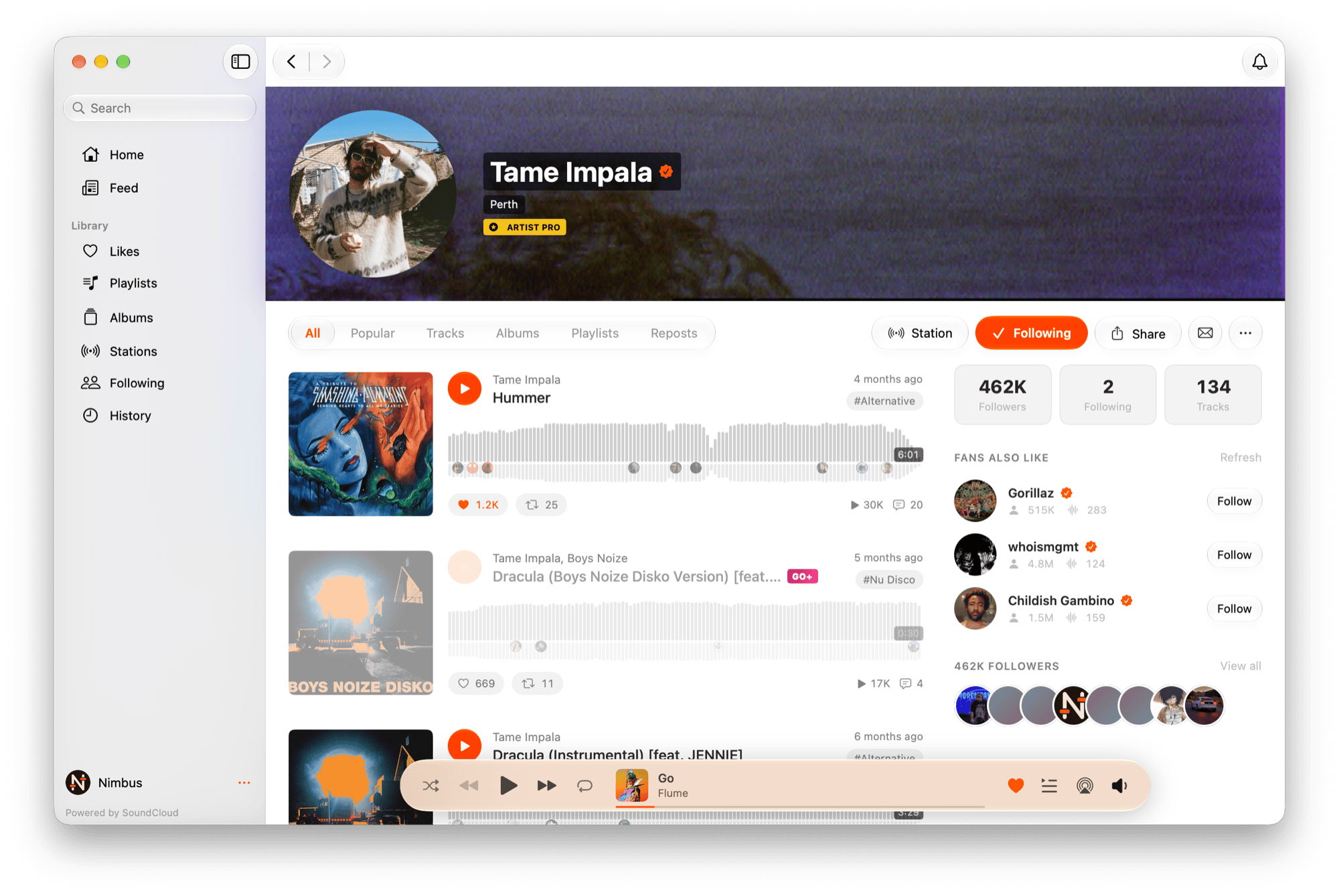
How to install Nimbus on a Mac
- Get OpenDMG. It is a free app store for open source Mac apps. Download OpenDMG.
- Search for Nimbus and press Get. OpenDMG downloads version 1.3.0 from Dearonski's own GitHub release.
- Open it. The download is checked against its SHA-256 fingerprint and its signature is checked on your Mac before it lands in Applications.
Updates to Nimbus show up in OpenDMG and install with one button. No account is needed.
Prefer to do it by hand? The developer's file is on GitHub: Nimbus-1.3.0.dmg (7.7 MB).
What is new in Nimbus 1.3.0
## Features

- **Your own playlists** — create, edit and delete playlists without leaving Nimbus. Every track menu gains "Add to Playlist" (to a new playlist or one of yours) and, on your own pages, "Remove from This Playlist"; ⌘N, the Playlists toolbar "+" and track menus open a New Playlist sheet, and Edit… changes the title, description, privacy and track order by drag. SoundCloud's own reads lag behind a change for a while, so Nimbus shows what you wrote straight away instead of the stale copy
- **Play on Chromecast and AirPlay** — a Play On popover in the player pill and the full screen player lists your Chromecasts and AirPlay devices. Casting goes through SoundCloud's own receiver, so the device streams the track itself, your plays still reach your history, and Nimbus keeps the queue: volume and playback speed control the device, which is named in the volume control while it plays
- **Activity** — a bell at the right of the toolbar opens who followed you and who liked, reposted or commented on your uploads, with Follow Back on a new follower. A dot marks anything new since you last looked, and Settings can show a banner for new activity (off by default)
…
More Audio and Music apps
-
 MonitorControlAdjust external monitor settings
-
 FluidVoiceVoice-to-text app with AI enhancement
-
 VoiceInkReal-time speech-to-text app
-
 eqMacSystem-wide audio equalizer and volume mixer
-
 LyricsXDisplay lyrics for iTunes/Spotify
-
 FreeFlowPush-to-talk speech-to-text tool that inserts polished transcripts into any app