

Netfluss for Mac
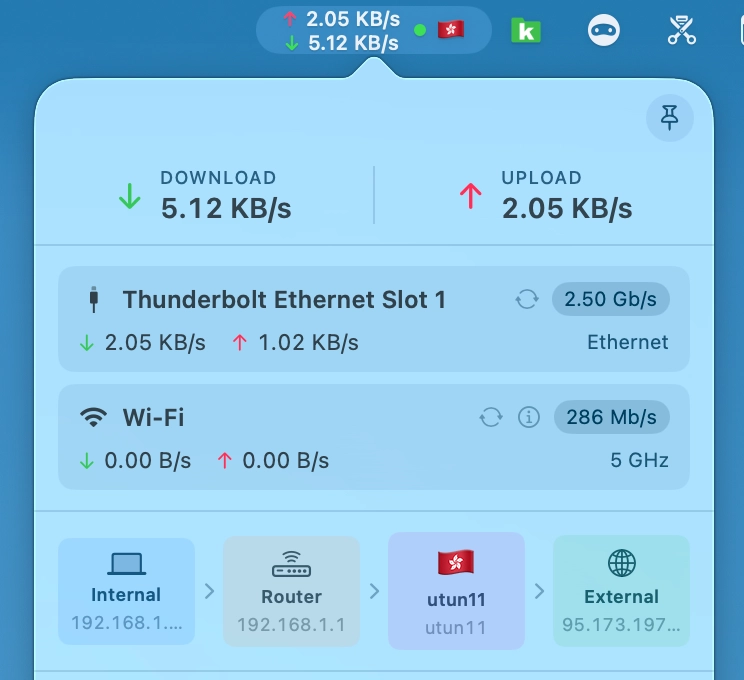
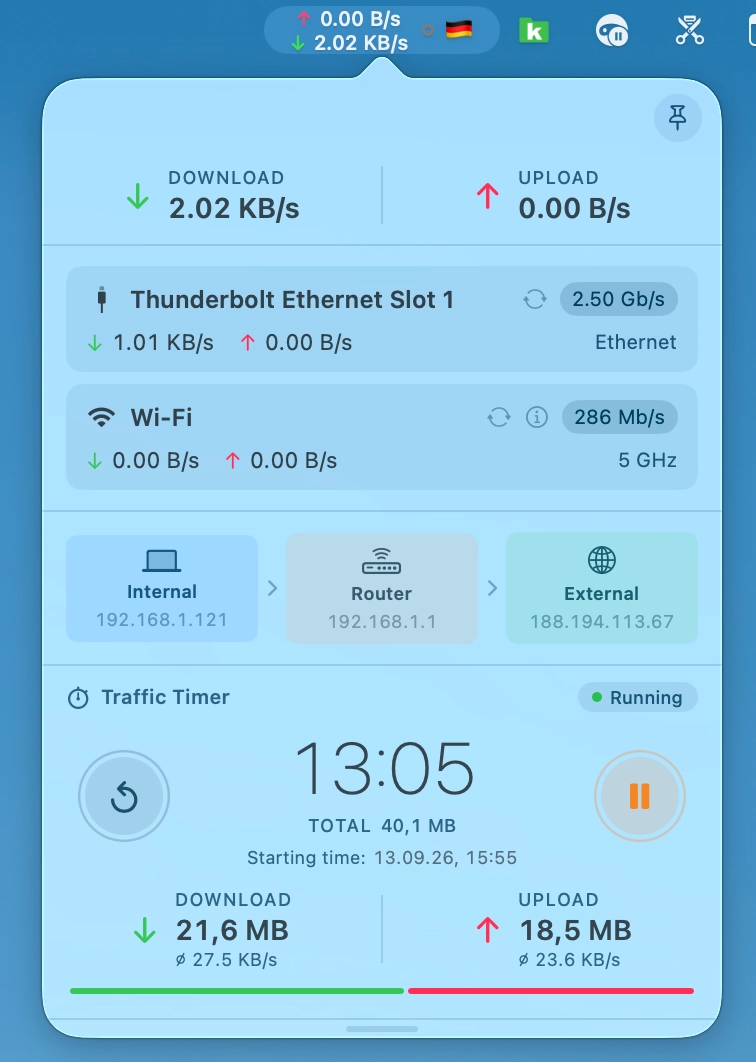
Menu bar network monitor showing real-time upload and download rates.
By rana-gmbh. Free and open source, GPL-3.0 licence.
Netfluss at a glance
- Version
- 2.6
- Released
- 13 September 2026
- Download size
- 16 MB
- Works on
- Apple silicon and Intel
- Licence
- GPL-3.0
- Category
- Menu Bar and Notch
- Developer
- rana-gmbh
- GitHub stars
- 636
About Netfluss
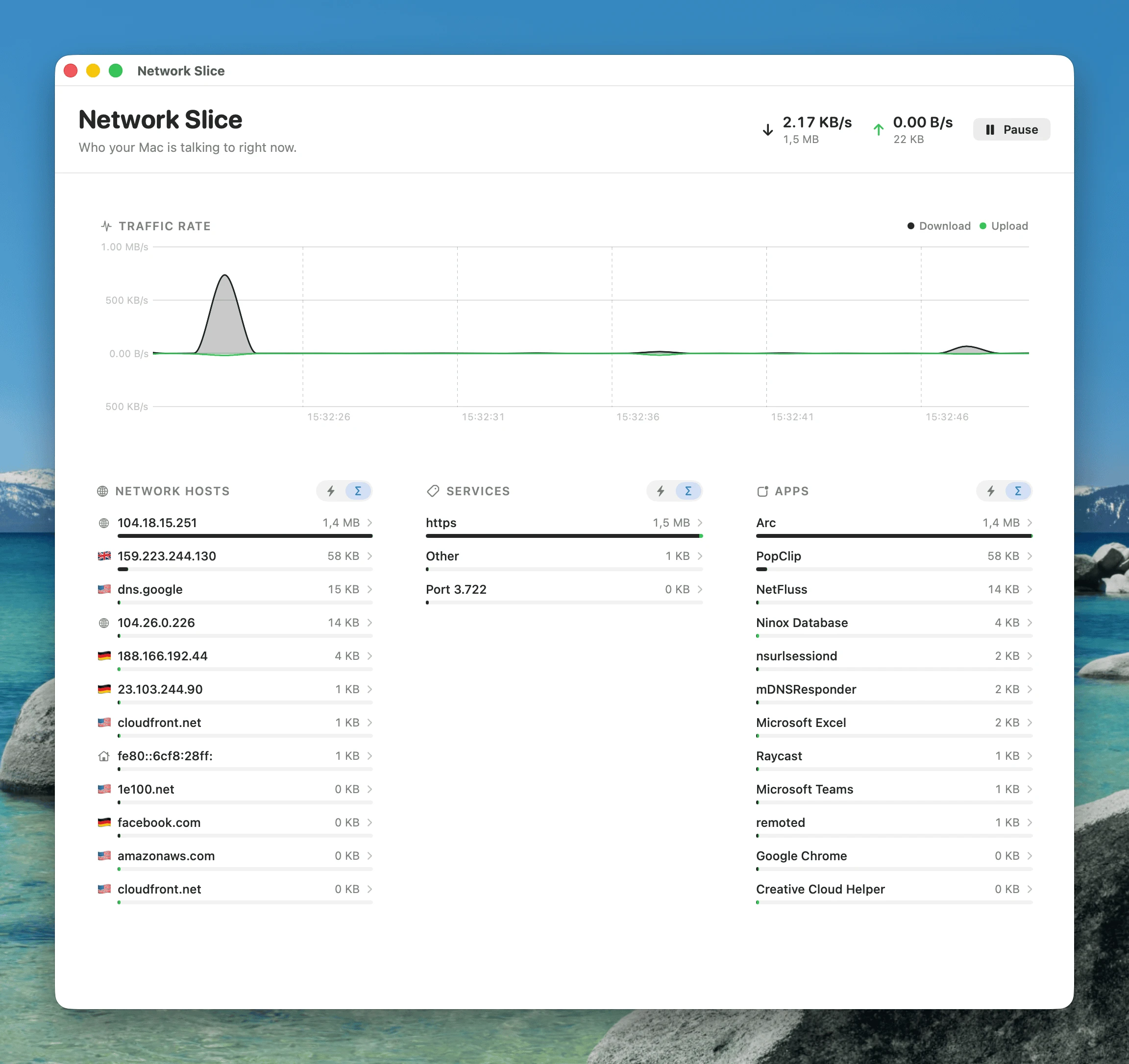
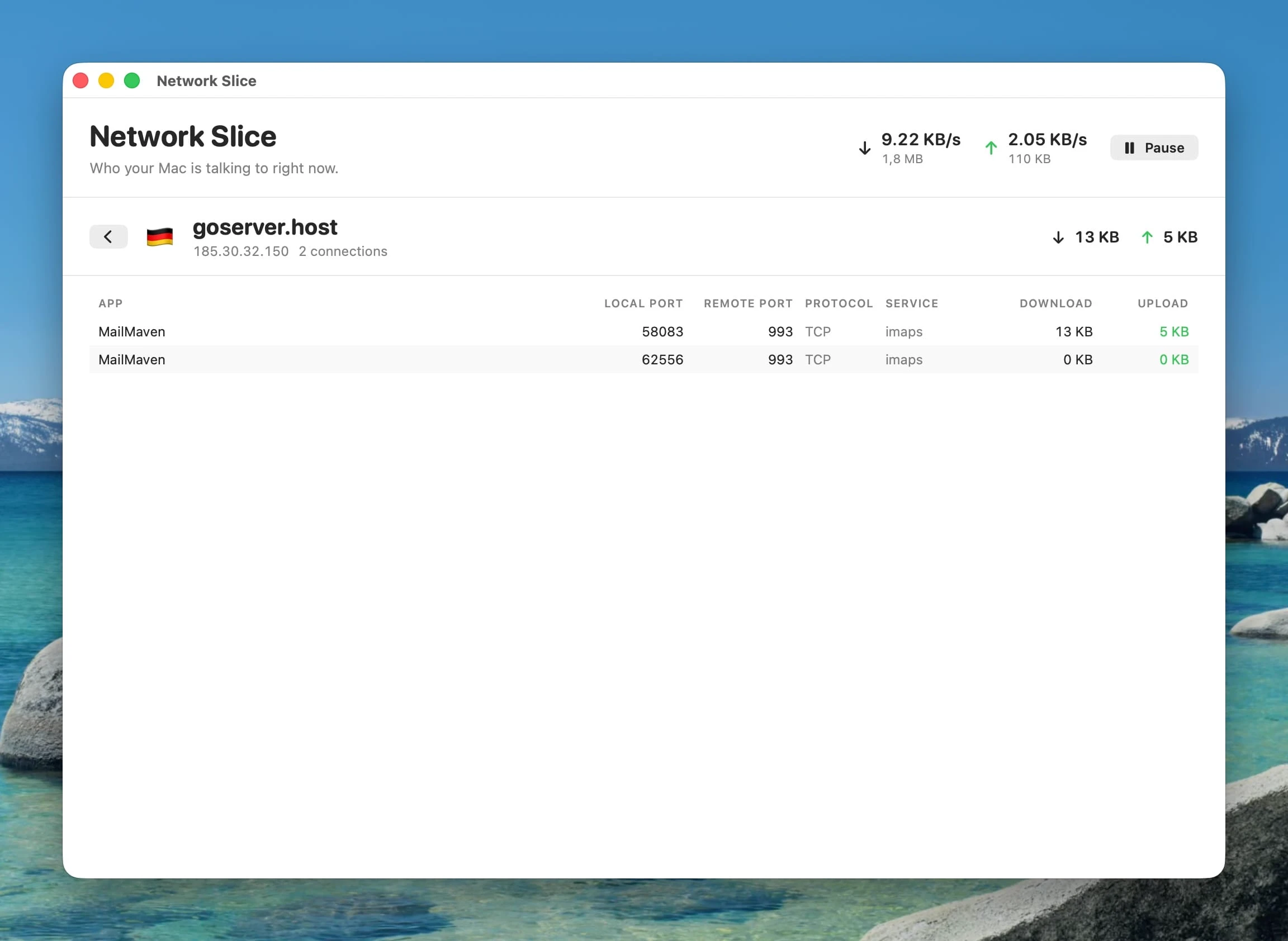
A light-weight & open-source menubar app that shows current upload & download speed plus the top apps using bandwidth
Screenshots
How to install Netfluss on a Mac
- Get OpenDMG. It is a free app store for open source Mac apps. Download OpenDMG.
- Search for Netfluss and press Get. OpenDMG downloads version 2.6 from rana-gmbh's own GitHub release.
- Open it. The download is checked against its SHA-256 fingerprint and its signature is checked on your Mac before it lands in Applications.
Updates to Netfluss show up in OpenDMG and install with one button. No account is needed.
Prefer to do it by hand? The developer's file is on GitHub: NetFluss-2.6.zip (16 MB).
What is new in Netfluss 2.6
## VPN indicator — protected at a glance

NetFluss 2.6 shows whether a VPN is active right in the menu bar, next to your upload and download rates. It works with the **VPN connections built into NetFluss** *and* with **external VPN clients** — Tunnelblick, the WireGuard app, Mullvad, Tailscale, the macOS VPN settings and others. NetFluss detects any active tunnel, no matter which app started it.

<img src="https://raw.githubusercontent.com/rana-gmbh/NetFluss/v2.6/Screenshots/NetFluss%20VPN%20indicator.webp" width="560" alt="NetFluss VPN indicator and country flag in the menu bar">

- **Dot or shield**, in a colour of your choice — and you decide whether it stays visible (dimmed) while no VPN is connected.
- **Country flag** — optionally show the flag of the country your public IP is in, so you see your exit location without opening the popover. It updates within seconds when a VPN connects or disconnects.
- **Lightweight** — detection only runs while one of the options is on, and needs no extra permissions.

Enable it under **Preferences → Appearance**.

---

## Traffic Timer — measure traffic from start to stop

A new optional popover section that works like the stopwatch on your phone. Press start and NetFluss adds up everything you download and upload from that moment on — handy for checking how much a download, a backup or a video call really moves.
…
More Menu Bar and Notch apps
-
 StatsmacOS system monitor in your menu bar
-
 IcePowerful menu bar manager for macOS (upstream, temporarily inactive)
-
 Hidden BarAn ultra-light MacOS utility that helps hide menu bar icons
-
 ThawThe open-source menu bar manager: hide, organize, and take control of menu bar icons
-
 Boring NotchTurn your MacBook notch into a music and file control center
-
 eulmacOS status monitoring app written in SwiftUI