
Needle for Mac
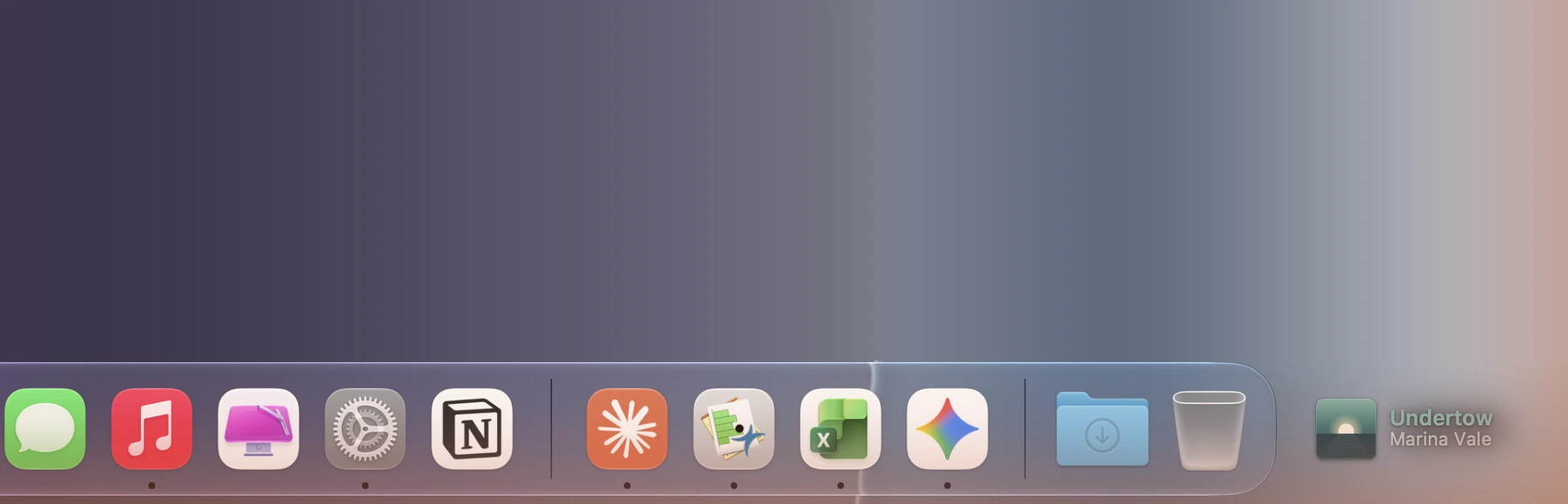
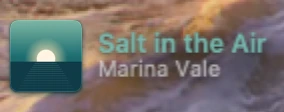
What's playing on your Mac in the empty corner beside the Dock: the album cover and title in its color.
By Yvsleyen00941. Free and open source, MIT licence.
Needle at a glance
- Version
- 1.0.0
- Released
- 9 November 2026
- Download size
- 2.1 MB
- Works on
- Apple silicon and Intel
- Licence
- MIT
- Category
- Audio and Music
- Developer
- Yvsleyen00941
- GitHub stars
- 2
About Needle
What's playing on your Mac, in the empty corner beside the Dock: the cover, and the title in its colour.
Screenshots
How to install Needle on a Mac
- Get OpenDMG. It is a free app store for open source Mac apps. Download OpenDMG.
- Search for Needle and press Get. OpenDMG downloads version 1.0.0 from Yvsleyen00941's own GitHub release.
- Open it. The download is checked against its SHA-256 fingerprint and its signature is checked on your Mac before it lands in Applications.
Updates to Needle show up in OpenDMG and install with one button. No account is needed.
Prefer to do it by hand? The developer's file is on GitHub: Needle-macOS-v1.0.0.zip (2.1 MB).
What is new in Needle 1.0.0
First release of Needle: what's playing on your Mac, in the empty corner beside the Dock. It's Tape's other side.

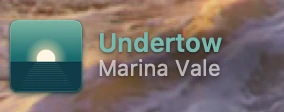
- **The cover in the corner**: the album art beside the Dock's glass, with a soft shadow in its own colours. The title is in the cover's colour and the artist sits under it, with the album when there's room.
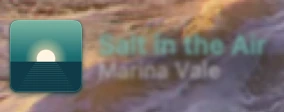
- **Focus, from Tape**: a new track drifts into focus the way a new listing does in Tape. When the next track is from the same album, the cover stays still and only the words change. Tape's clock face by the Dock sweeps round to the next track.
- **Hands on**: click the cover to play or pause, click the title for the cover card (scrubber, previous, play, next), swipe to skip, or right-click for the menu.
- **Fits any Dock**: everything on a wide monitor, a compact card on a laptop, and the cover with the clock when only 74 points are left.
- **Works with any player** that shows in Control Center's Now Playing: Music, Spotify, Podcasts, browsers. Nothing leaves your Mac.

Requires macOS 26. Needle isn't notarized, so macOS won't open it the first time. Go to System Settings → Privacy & Security and click Open Anyway.

Homebrew: `brew install --cask Yvsleyen00941/tap/needle`

Website: https://yorben.me/#needle
More Audio and Music apps
-
 MonitorControlAdjust external monitor settings
-
 FluidVoiceVoice-to-text app with AI enhancement
-
 VoiceInkReal-time speech-to-text app
-
 eqMacSystem-wide audio equalizer and volume mixer
-
 LyricsXDisplay lyrics for iTunes/Spotify
-
 FreeFlowPush-to-talk speech-to-text tool that inserts polished transcripts into any app