
nCompHunt for Mac
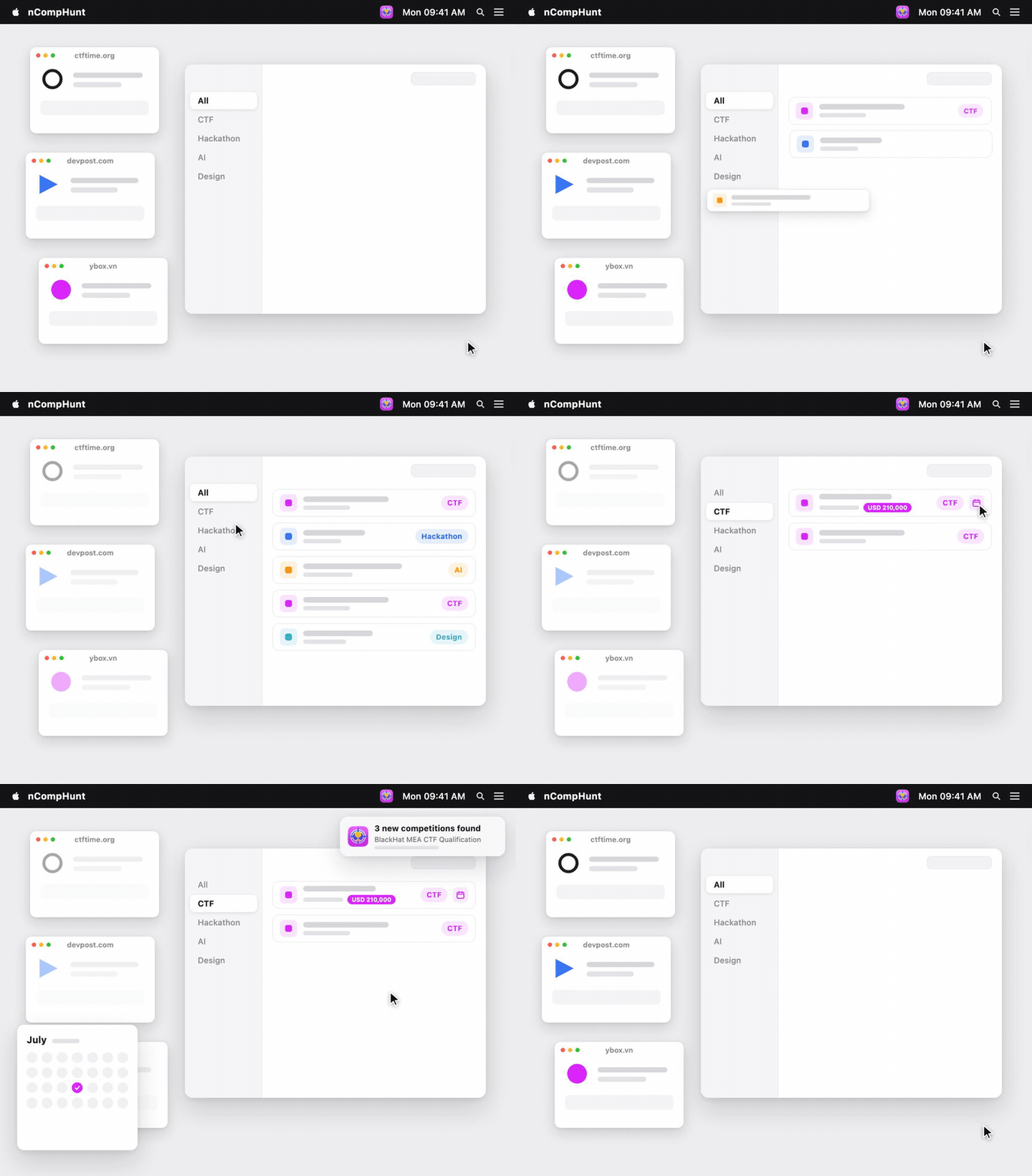
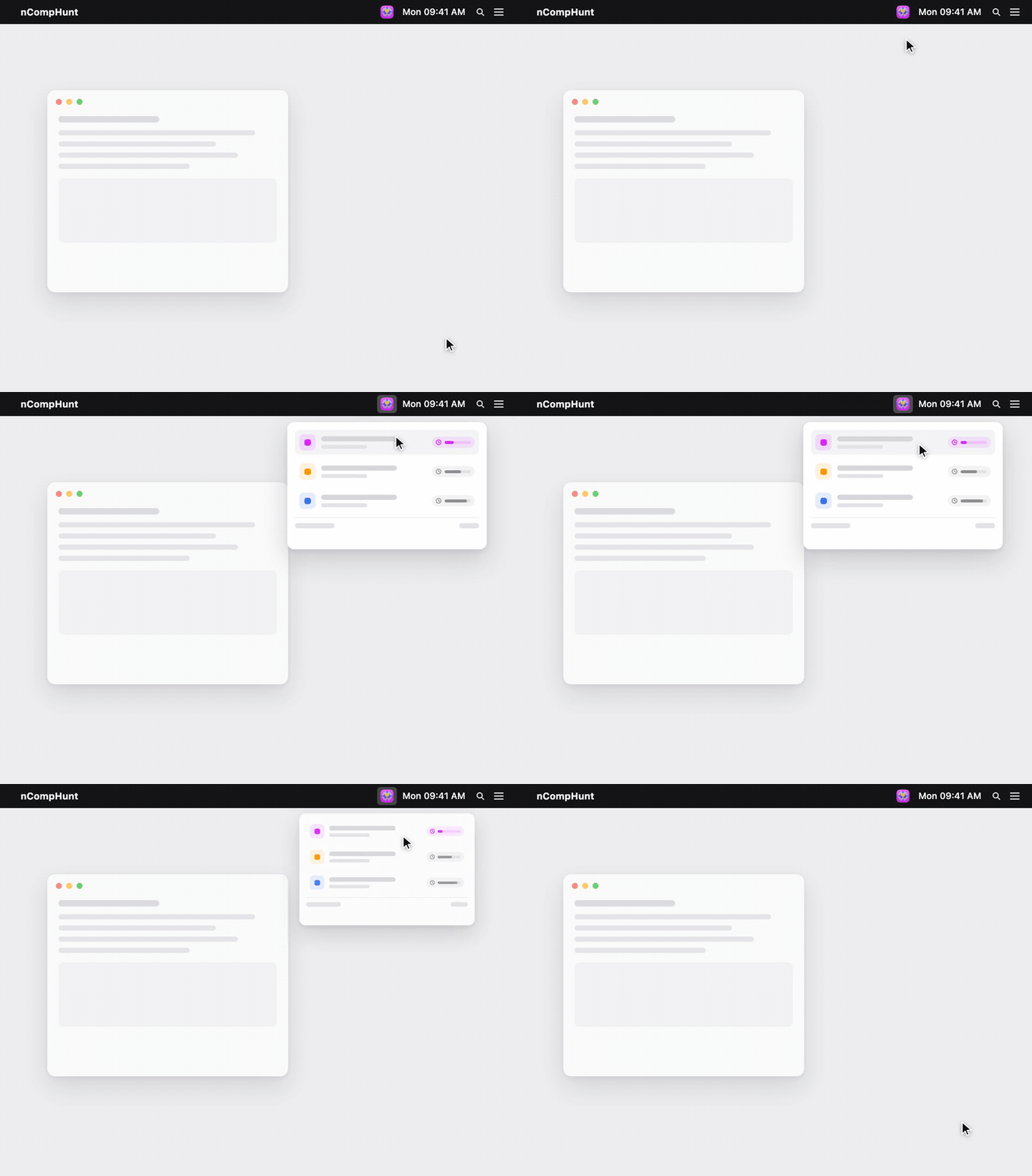
Finds and tracks coding competitions, AI challenges, CTFs, hackathons, and design contests, with filters, notifications, and Apple Calendar sync.
By nhannht. Free and open source, MIT licence.
nCompHunt at a glance
- Version
- 1.2.0
- Released
- 6 August 2026
- Download size
- 5.4 MB
- Works on
- Apple silicon and Intel
- Licence
- MIT
- Category
- Developer Tools
- Developer
- nhannht
- GitHub stars
- 2
About nCompHunt
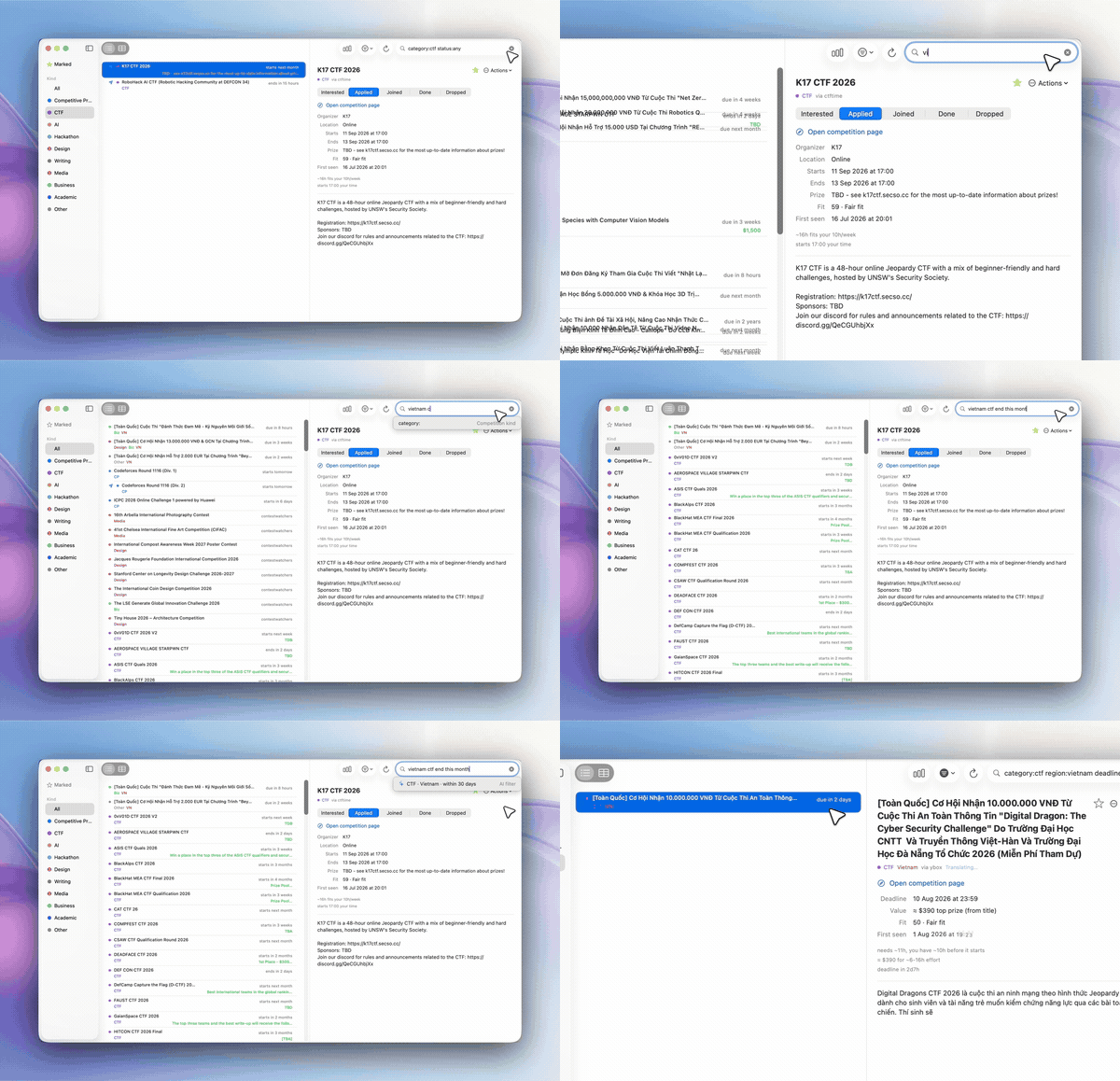
Native macOS competition tracker: CP contests, CTFs, AI challenges, hackathons, and design contests - Vietnam-first and global
Screenshots
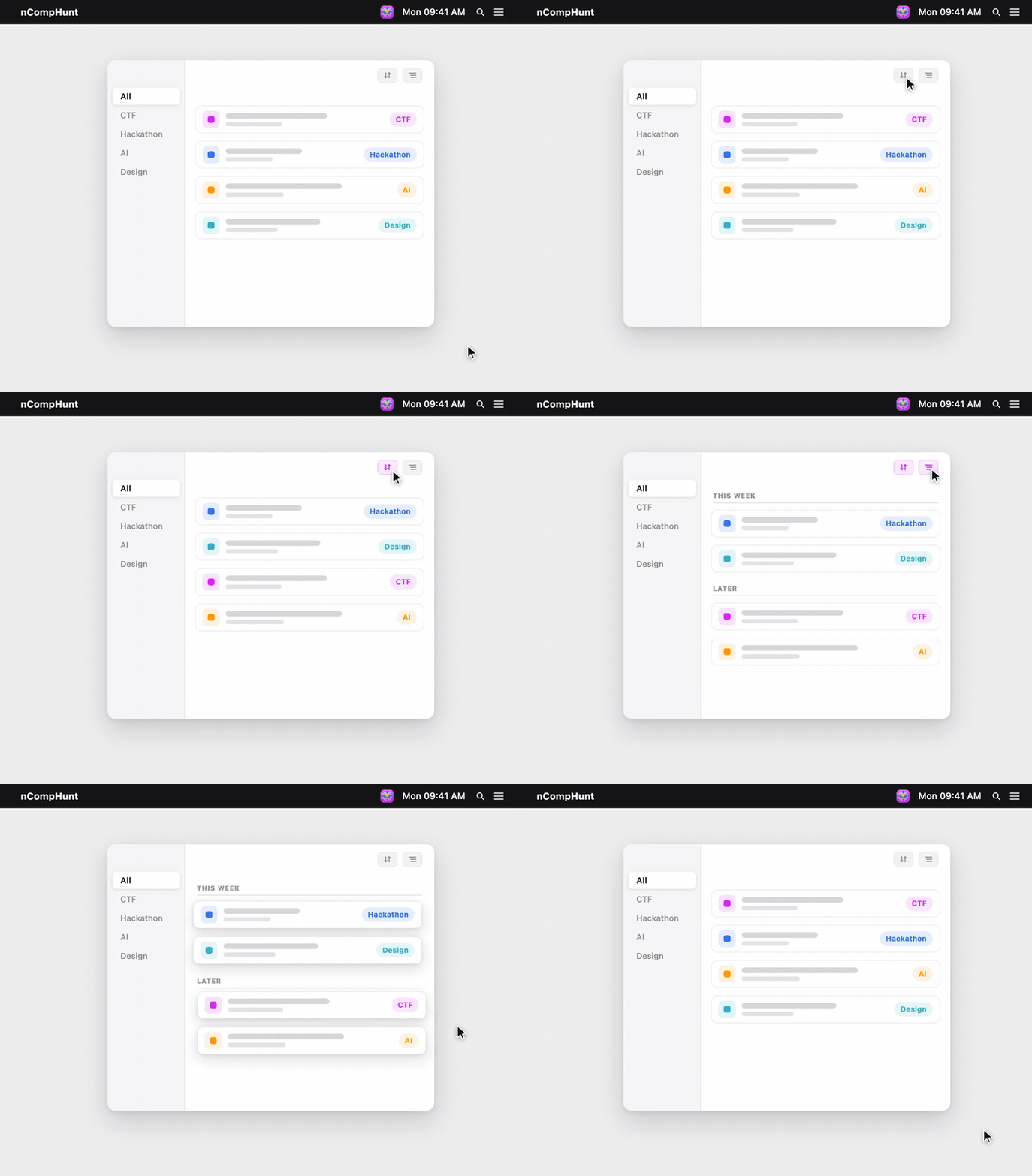
How to install nCompHunt on a Mac
- Get OpenDMG. It is a free app store for open source Mac apps. Download OpenDMG.
- Search for nCompHunt and press Get. OpenDMG downloads version 1.2.0 from nhannht's own GitHub release.
- Open it. The download is checked against its SHA-256 fingerprint and its signature is checked on your Mac before it lands in Applications.
Updates to nCompHunt show up in OpenDMG and install with one button. No account is needed.
Prefer to do it by hand? The developer's file is on GitHub: ncomphunt.dmg (5.4 MB).
What is new in nCompHunt 1.2.0
## What's new in 1.2.0

- The daily summary now arrives when you come back to your Mac after a few hours away, instead of firing at a fixed hour a sleeping Mac can miss. The timing is learned from your own rhythm; nothing to configure.
- Settings > Notifications now shows the digest timing read-only: last summary posted and reminders scheduled.
- When Apple Intelligence is off, typing a sentence into search shows a plain explanation row instead of failing silently. Settings > Language carries the status with a one-click path to System Settings.

Install: download ncomphunt-1.2.0.dmg below, or `brew install nhannht/tap/ncomphunt`.
More Developer Tools apps
-
 UTMVirtual machines for iOS and macOS
-
 vphone-cliCLI to boot a virtual iPhone (iOS 26) with Apple Virtualization.framework and PCC…
-
 VirtualBuddyVirtual machine manager for running recent macOS versions on Apple Silicon
-
 WWDCUnofficial WWDC app for macOS
-
 Xcodes.appThe easiest way to install and switch between multiple versions of Xcode
-
 Postgres.appThe easiest way to get started with PostgreSQL on the Mac