

muty for Mac
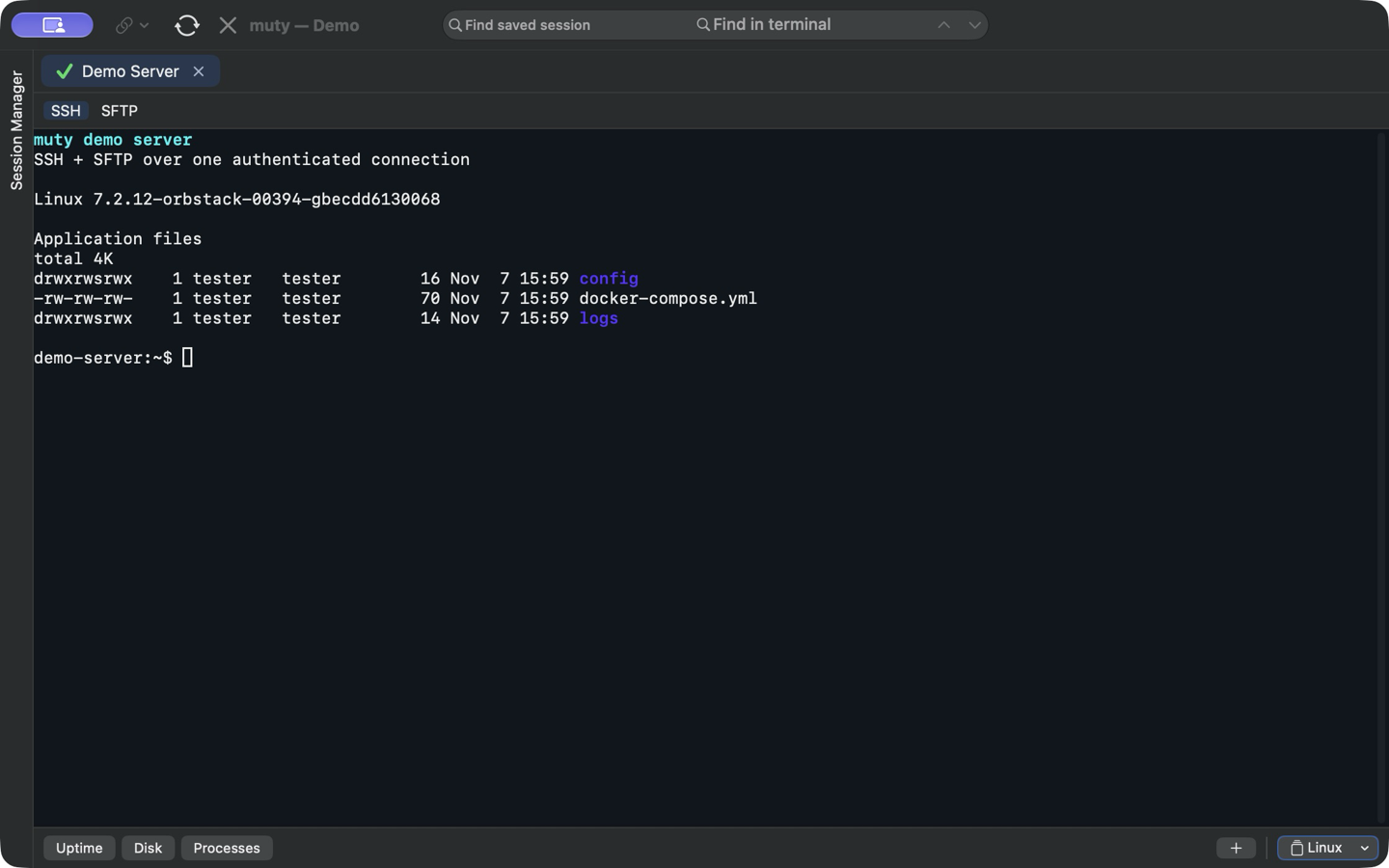
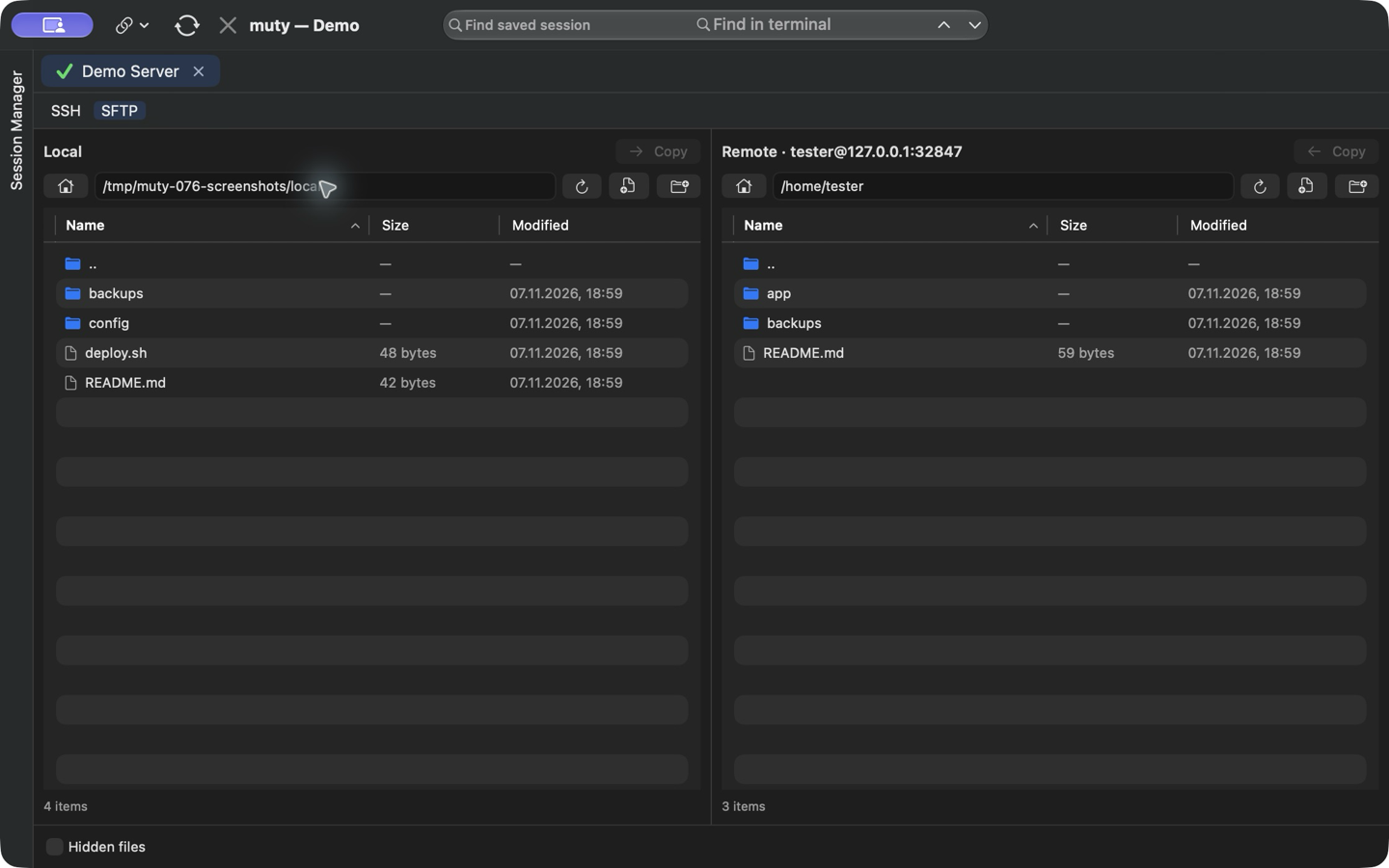
Native SSH client with saved sessions and a two-pane SFTP browser over the same connection.
By degritsenko. Free and open source, Apache-2.0 licence.
muty at a glance
- Version
- 0.8.1
- Released
- 13 November 2026
- Download size
- 4.3 MB
- Works on
- Apple silicon and Intel
- Licence
- Apache-2.0
- Category
- Developer Tools
- Developer
- degritsenko
- GitHub stars
- 36
About muty
Native SSH and SFTP client for macOS
Screenshots

How to install muty on a Mac
- Get OpenDMG. It is a free app store for open source Mac apps. Download OpenDMG.
- Search for muty and press Get. OpenDMG downloads version 0.8.1 from degritsenko's own GitHub release.
- Open it. The download is checked against its SHA-256 fingerprint and its signature is checked on your Mac before it lands in Applications.
Updates to muty show up in OpenDMG and install with one button. No account is needed.
Prefer to do it by hand? The developer's file is on GitHub: muty-0.8.1.zip (4.3 MB).
What is new in muty 0.8.1
### Fixed

- Open the private-key file chooser from Quick Connect.
- Send Button Bar commands only to a ready terminal and show the active target. Stop queued commands if their terminal is no longer active when a pause ends.
- Restore folder-based button set selection and confirm button deletion.
More Developer Tools apps
-
 UTMVirtual machines for iOS and macOS
-
 vphone-cliCLI to boot a virtual iPhone (iOS 26) with Apple Virtualization.framework and PCC…
-
 VirtualBuddyVirtual machine manager for running recent macOS versions on Apple Silicon
-
 WWDCUnofficial WWDC app for macOS
-
 Xcodes.appThe easiest way to install and switch between multiple versions of Xcode
-
 Postgres.appThe easiest way to get started with PostgreSQL on the Mac