

MP4Flow for Mac
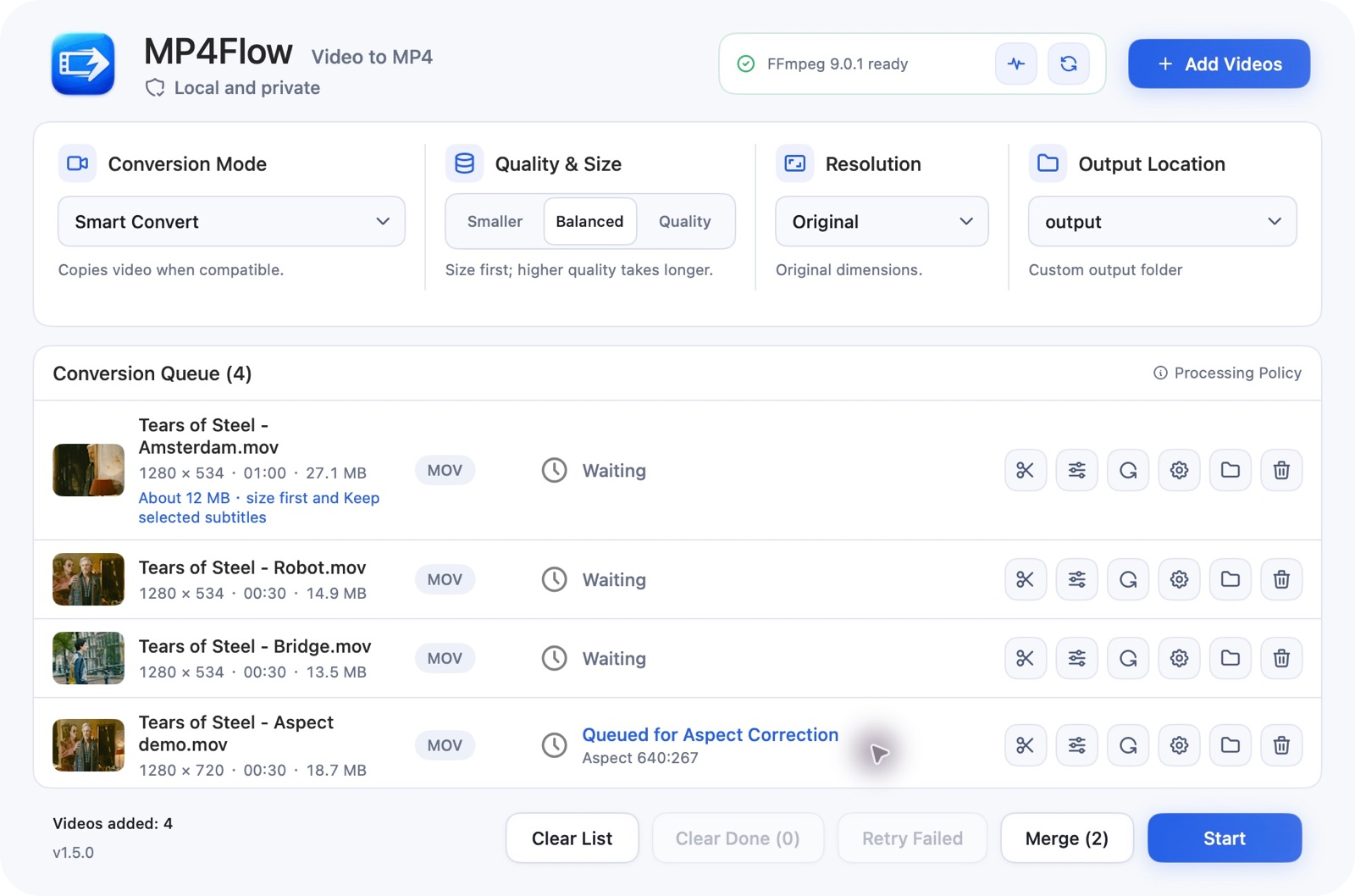
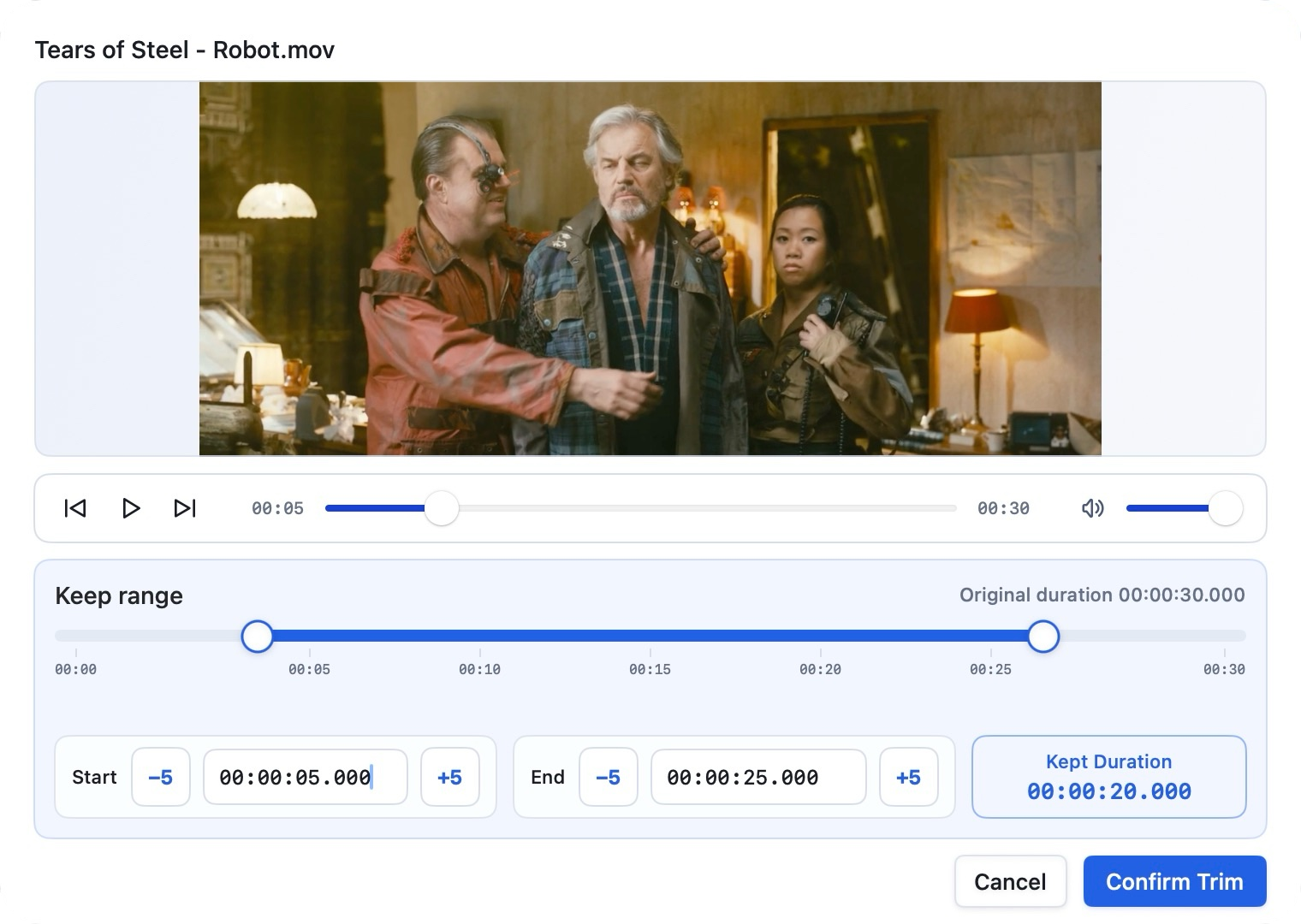
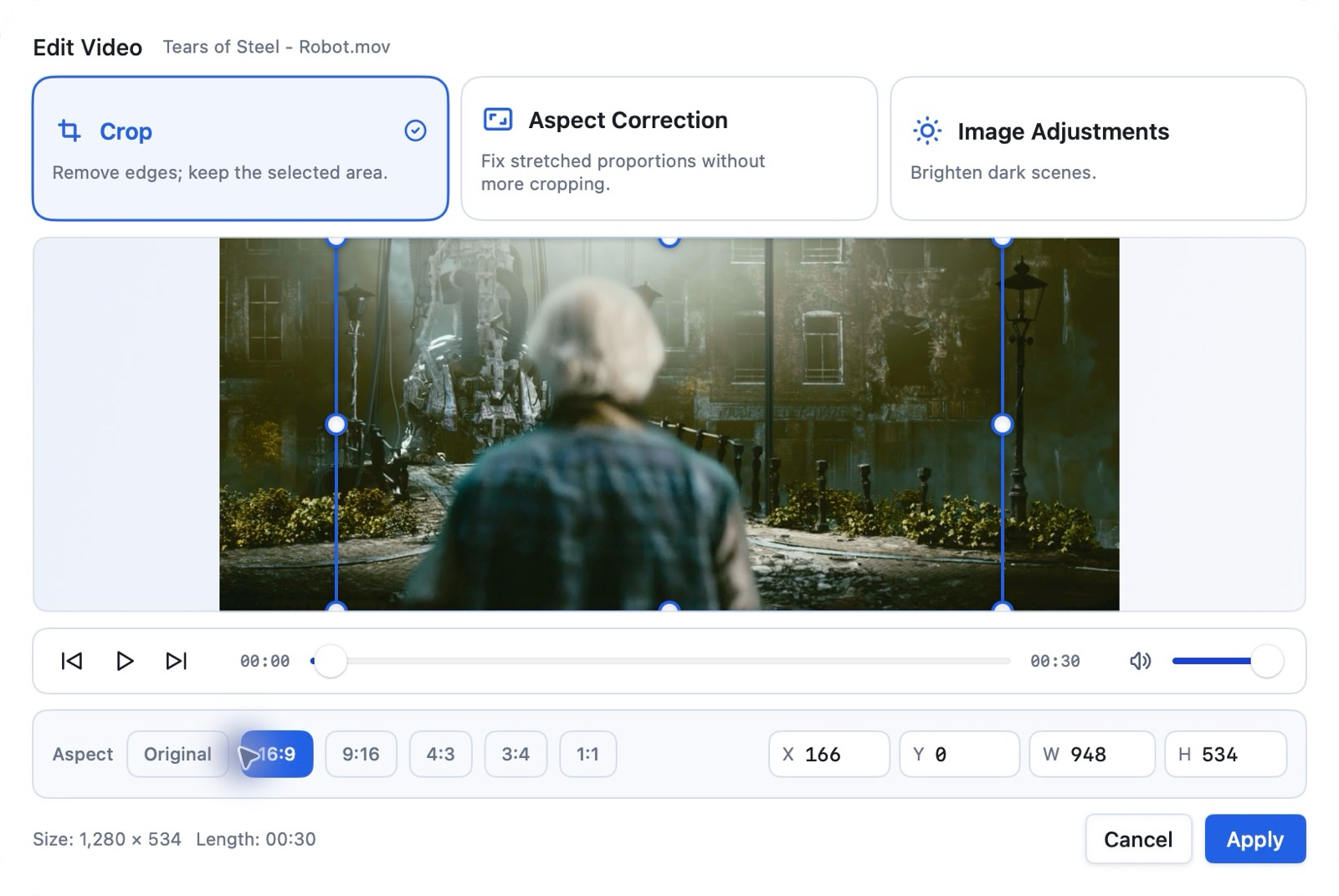
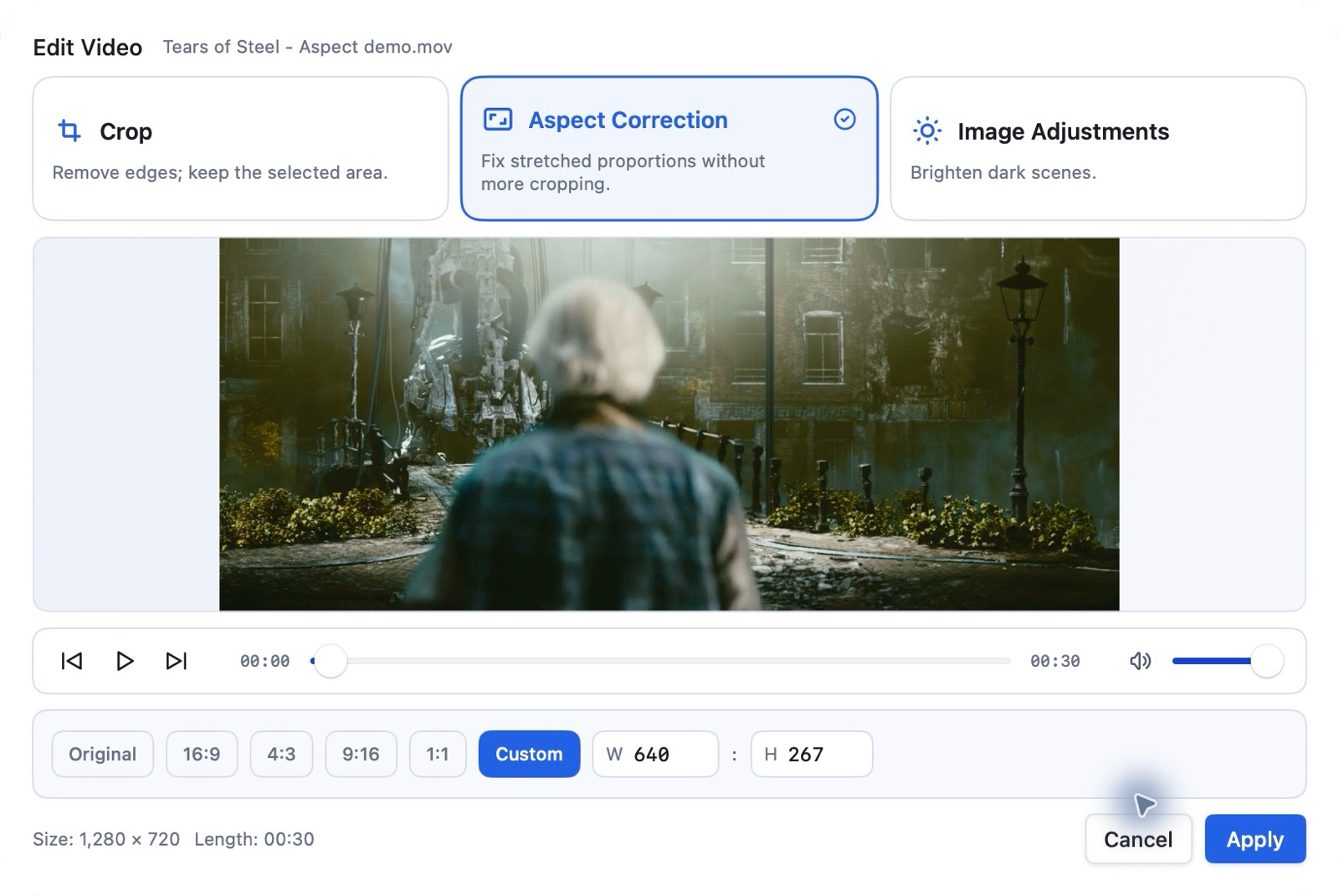
Native FFmpeg front end for batch video-to-MP4 conversion, trimming, cropping, rotating, and merging.
By ixiehao. Free and open source, MIT licence.
MP4Flow at a glance
- Version
- 1.5.1
- Released
- 6 November 2026
- Download size
- 2.8 MB
- Works on
- Apple silicon and Intel
- Licence
- MIT
- Category
- Video and Screen Capture
- Developer
- ixiehao
- GitHub stars
- 16
About MP4Flow
MP4Flow — Free, local macOS video-to-MP4 converter: convert, trim, crop, rotate & merge. 免费开源将视频转MP4,剪切、旋转、剪裁、调亮。動画を MP4 に。無料・オープンソース。
Screenshots
How to install MP4Flow on a Mac
- Get OpenDMG. It is a free app store for open source Mac apps. Download OpenDMG.
- Search for MP4Flow and press Get. OpenDMG downloads version 1.5.1 from ixiehao's own GitHub release.
- Open it. The download is checked against its SHA-256 fingerprint and its signature is checked on your Mac before it lands in Applications.
Updates to MP4Flow show up in OpenDMG and install with one button. No account is needed.
Prefer to do it by hand? The developer's files are on GitHub: MP4Flow-1.5.1-arm64.dmg (2.8 MB), MP4Flow-1.5.1-x86_64.dmg (2.9 MB).
What is new in MP4Flow 1.5.1
### English
- Lightweight, native macOS app: separate Apple Silicon and Intel installers, about 3 MB each.
- Improved conversion, preview and update-check reliability; fixed HEVC fallback, odd dimensions and long filenames.

### 中文
- 轻量原生 macOS 应用:Apple 芯片与 Intel 独立安装包,每包约 3 MB。
- 提升转换、预览与更新检查稳定性,修复 HEVC 回退、奇数尺寸及超长文件名问题。

### 日本語
- 軽量なmacOSネイティブアプリ。Apple Silicon・Intel別のインストーラで、各約3 MB。
- 変換・プレビュー・更新確認を改善。HEVCの代替処理、奇数サイズ、長いファイル名の不具合を修正。

### 한국어
- 가벼운 macOS 네이티브 앱. Apple Silicon·Intel 전용 설치 파일은 각각 약 3 MB입니다.
- 변환·미리보기·업데이트 확인을 개선하고 HEVC 대체 인코딩, 홀수 크기, 긴 파일명 문제를 수정했습니다.

macOS 13+ · FFmpeg/ffprobe installed separately (`brew install ffmpeg`). Text-subtitle burning: `brew install ffmpeg-full`. Ad-hoc signed, not notarized. Apple Silicon and Intel via Rosetta tested; physical Intel/macOS 13/macOS 28 testing pending.
More Video and Screen Capture apps
-
 IINAThe modern video player for macOS
-
 Palmier ProOpen source video editor where you and AI agents generate and edit videos together in the…
-
 Quick RecorderA lightweight and high-performance screen recorder for macOS
-
 macshotScreenshot and screen recording tool with annotation, OCR, and scroll capture
-
 SnapzyOpen-source tool for screenshots, screen recording, annotation, and editing
-
 ScreendropBeautiful screenshot and screen recording tool — a native, self-hostable, and free Loom…